Read the statement by Michael Teeuw here.
Calendar FontAwesome Icon not displayed
-
Hi all,
for some icons in the Calendar Module I just get a blank box and the icon itself is not displayed correctly. I checked the icon I would like to use on FontAwesome.com and it is supported and not within the pro-version.
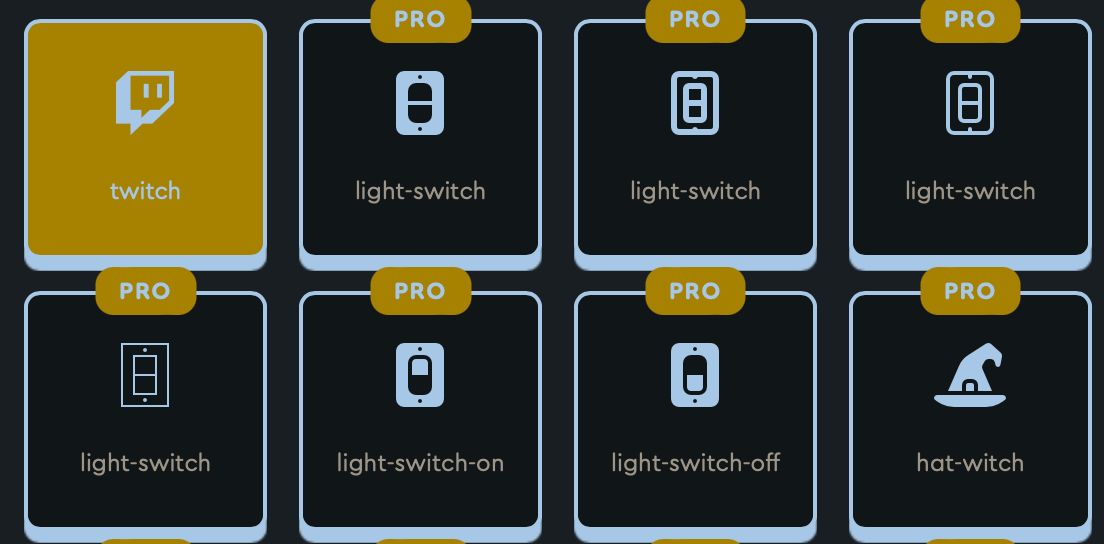
I would like to use the twitch icon. In my MM it looks like this:
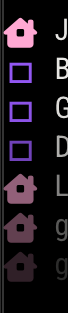
What can I do to display the twitch icon?
-
@Rene1695 How have you got it set up in your config.js? Mine looks like this, and works with my icons:
coloredText: true, customEvents: [ {keyword: 'Birthday', symbol: 'fa-birthday-cake', color: 'Gold'}, {keyword: 'Clinic', symbol: 'biohazard', color: 'Silver'}, {keyword: 'injection', symbol: 'syringe', color: 'Silver'}, {keyword: 'meds', symbol: 'pills', color: 'Silver'}, {keyword: 'Scales', symbol: 'weight', color: 'Pink'}, {keyword: 'pictures', symbol: 'camera', color: 'Pink'}, {keyword: 'recycling', symbol: 'recycle', color: 'Red'}, {keyword: 'rubbish', symbol: 'trash-alt', color: 'Red'}, {keyword: 'live ', symbol: 'music', color: 'Aqua'}, {keyword: 'gig', symbol: 'music', color: 'Aqua'}, {keyword: 'delivery', symbol: 'truck', color: 'GreenYellow'}, {keyword: 'leave', symbol: 'beer', color: 'yellow'}, {keyword: 'anniversary', symbol: 'beer', color: 'yellow'}, {keyword: 'a/l', symbol: 'bed', color: 'aqua'} ], -
@Tippon Hi thanks for the reply and sorry for the late answer (I was on holiday a couple of days…)
My config.js looks like this:
// Google Calender
		{
			module: "calendar",
			position: "top_left", // This can be any of the regions. Best results in left or right regions.
			header: "Termine",
			config: {
				colored: true,
				coloredSymbolOnly: true,
				maximumEntries: 7,
				timeFormat: "relative",
				excludedEvents: [],
				calendars: [
					{
						url: "**deleted_url**",
						symbol: 'house-chimney-window',
						color: "rgb(255,204,229)",

					},

					{
						url: "**deleted_url**",
						symbol: 'birthday-cake',
						color: "rgb(158,60,23)",

					},

					{
						url: "**deleted_url**",
						symbol: 'building',
						color: "rgb(166,133,34)",

					},

					{
						url: "**deleted_url**",
						symbol: 'people-roof',
						color: "rgb(68,118,109)",

					},

					{
						url: "**deleted_url**",
						symbol: 'twitch',
						color: "rgb(143,83,242)",

					},


						],
					},
Could you try in your setup to use ether the “twitch” or the “YouTube” icon? All other icons are working fine.
-
@Rene1695 are those icons in the free list or the purchase list?
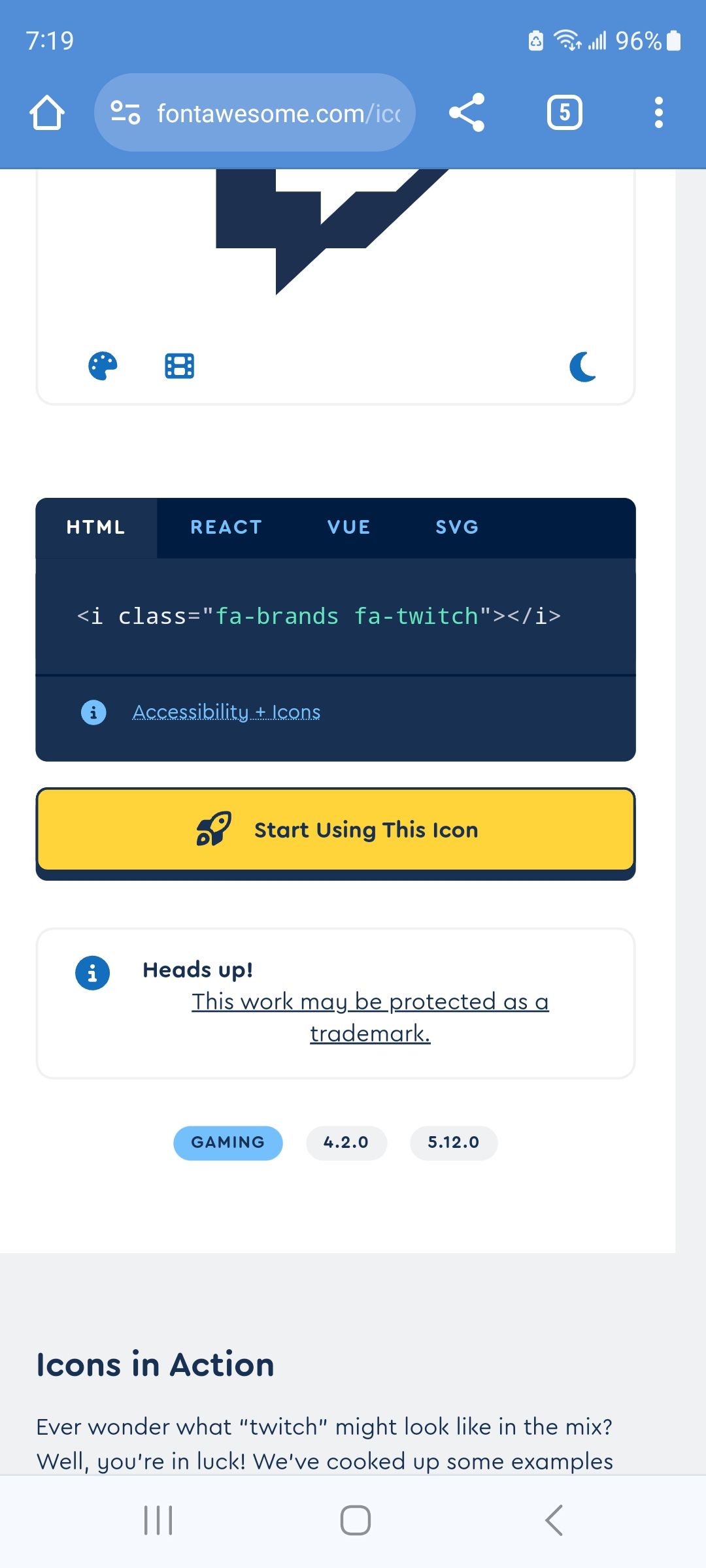
I think you have to change the class prefix cause it is in the brands section
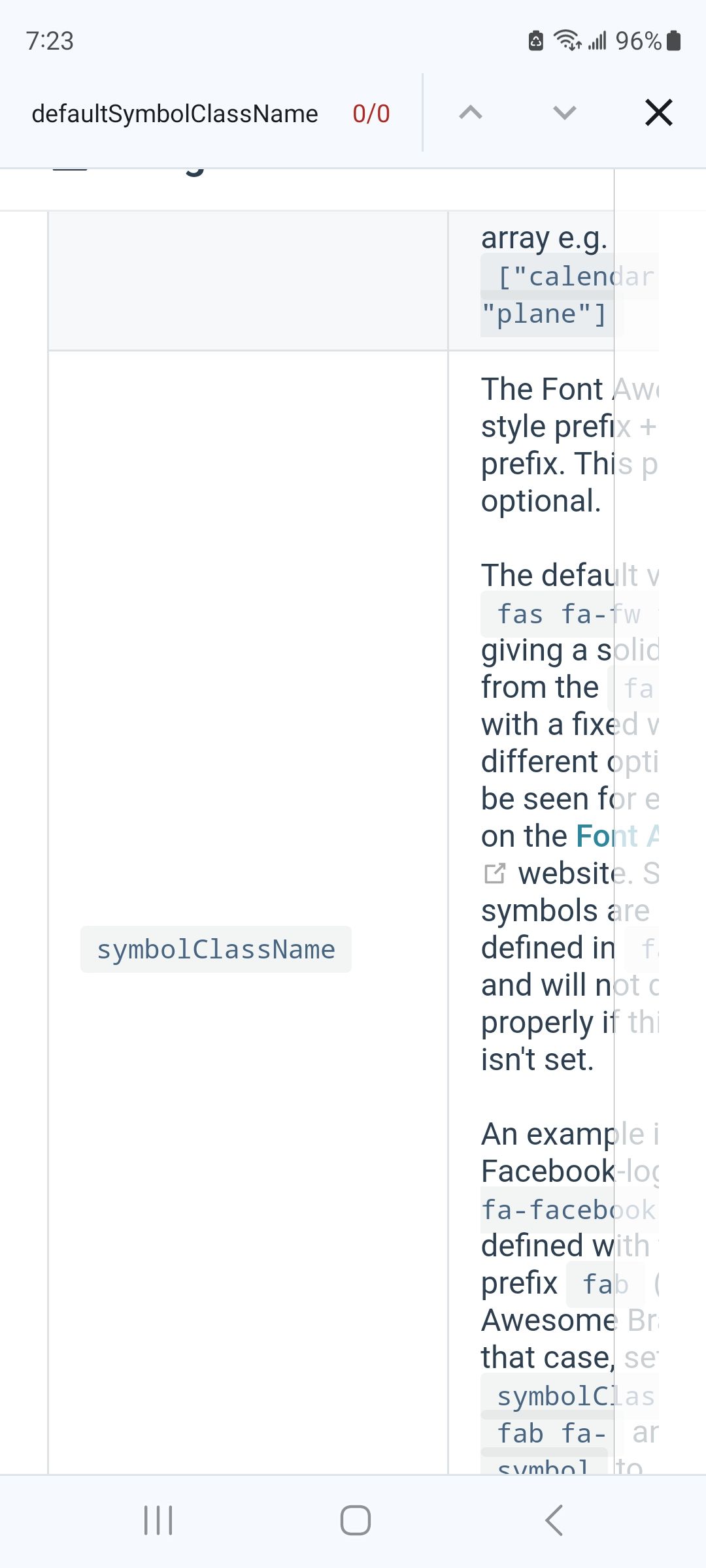
from the doc
-
@sdetweil Hey thanks! I think we are on the right track! Is it possible that the description of the symbolClass is out of date?
I tired adding the Facebook logo (as described in the the example) to get a feeling about it. But it is not working.
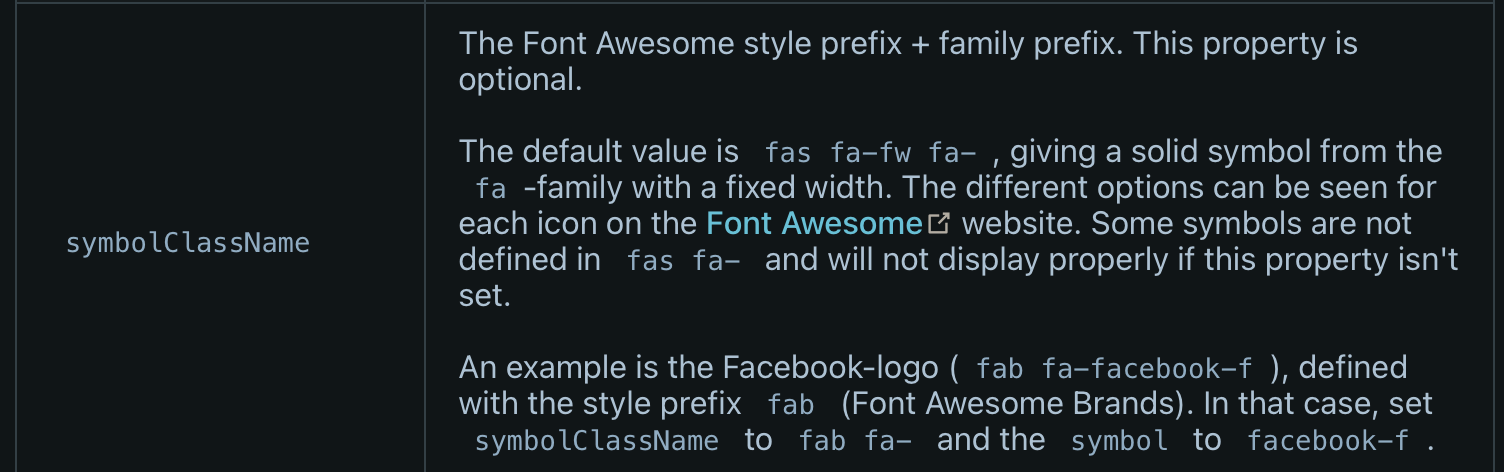
For the Facebook logo the description says
fab fa-facebook-fBut when I check this with FontAwesome website it says this for the Facebook logo:
<i class="fa-brands fa-facebook"></i>So it seems like that something (maybe at FontAwesome) has changed? I am not sure how to set
SymbolClassNamecorrectly.
I tried:
SymbolClassName = “fab fa-”
SymbolClassName = “fa-brands”And then for the symbol:
symbol = “twitch”
symbol = “fa-twitch”
symbol = “twitch-f”None of them are working. Sometimes there is a square. Sometimes the symbol is completely invisible.
-
@Rene1695 This is currently working for me:
						{keyword: 'leave', symbol: 'beer', color: 'yellow'},
						{keyword: 'anniversary', symbol: 'beer', color: 'yellow'},
						{keyword: 'a/l', symbol: 'brands fa-twitch', color: 'aqua'}
						],
        calendars: [
          {
            symbol: 'brands fa-twitch',
            url: 'https://my calendar link.ics'
          },
Notice the ‘brands fa-twitch’ in the last keyword field, and in the symbols field under calendars. You don’t need them in both places, just whichever one you choose. They work for both options individually :)

Hello! It looks like you're interested in this conversation, but you don't have an account yet.
Getting fed up of having to scroll through the same posts each visit? When you register for an account, you'll always come back to exactly where you were before, and choose to be notified of new replies (either via email, or push notification). You'll also be able to save bookmarks and upvote posts to show your appreciation to other community members.
With your input, this post could be even better 💗
Register Login