Read the statement by Michael Teeuw here.
Allocation of display sections (e.g. 'lower third' and so on) gives strange results after upgrade to 2.11.0
-
Hi there!
I need help with the configuration of my display after the upgrade to version 2.11.0
I’m using a Pi 3 Model B+ with an old laptop screen in portrait orientation. As far as I remember there were no problems with the default display sections during the setup of my MagicMirror. Everything ended up where I wanted it to be.
But since the upgrade the different modules are shifted all together and are overlapping. I did a
git pullandnpm install, run also thenpm audit fixand installed the latest Node.js version as described in the Manual Installation guide. I also moved to the standard config.js and made a screenshot to show the issue: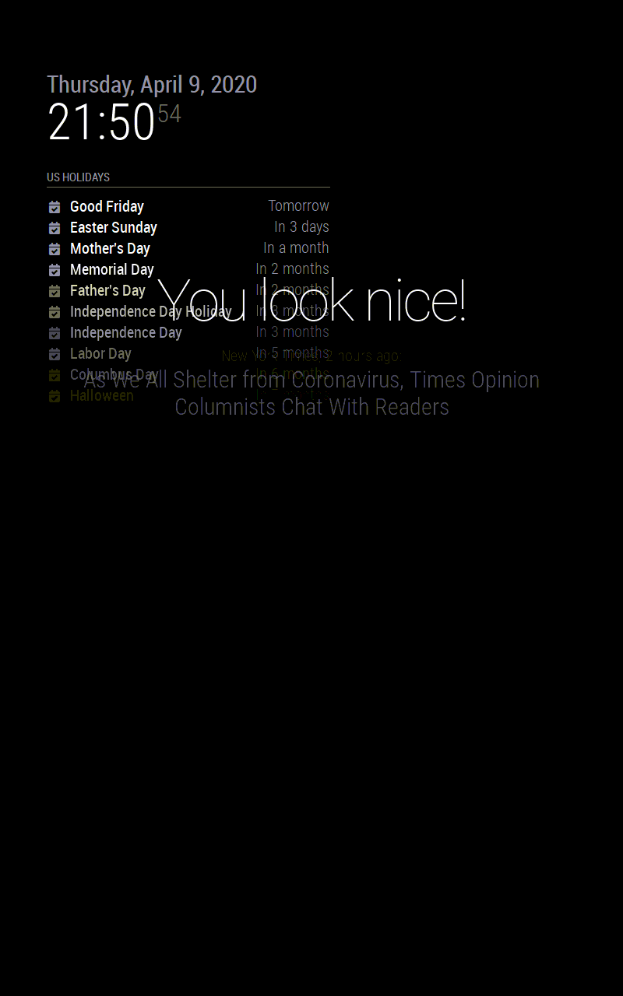
It seems like the lower part of the display is no longer taken into account for the calculation of the display sections.
Has anybody an idea where this could come from and how this could be solved?I’m happy to provide more information, but at the moment I have no clue where to look for the problem.
uname -a
Linux raspberrypi 4.19.66-v7+ #1253 SMP Thu Aug 15 11:49:46 BST 2019 armv7l GNU/LinuxThanks for your help!
-
@phil I suspect u had a custom cs file… which got overlayed during the update.
do you have a backup? if so, you are looking for MagicMirror/css/main.css and custom.css -
Wow, this was a fast reply. Thanks @sdetweil !
Yes, I have a backup from before the upgrade. But the main.css and custom.css are identical to the current version.
There was also no change in my repo which prevented me from a fast forward pull. So I guess there was no change from me which was overwritten by the upgrade.
I’m not familiar with the functionality of
npm. Was there maybe some update of another software package? -
@phil npm is the node package manager
if you project requires a node library/package, u add it to you projects package.json file and then npm install will read the package.json list and install them (and their dependencies)
like apt-get for the OS, but just for node apps like MM
no idea the problem tho… but don’t have any portrait layout systems
you did the portrait thing as part of the pi setup, right… desktop is vertical after logon… -
This post is deleted! -
Yes, I have a
display_rotate=1in my /boot/config.txtBut even when I turn it back to 0 and restart the raspberry the issue seems to stay the same.
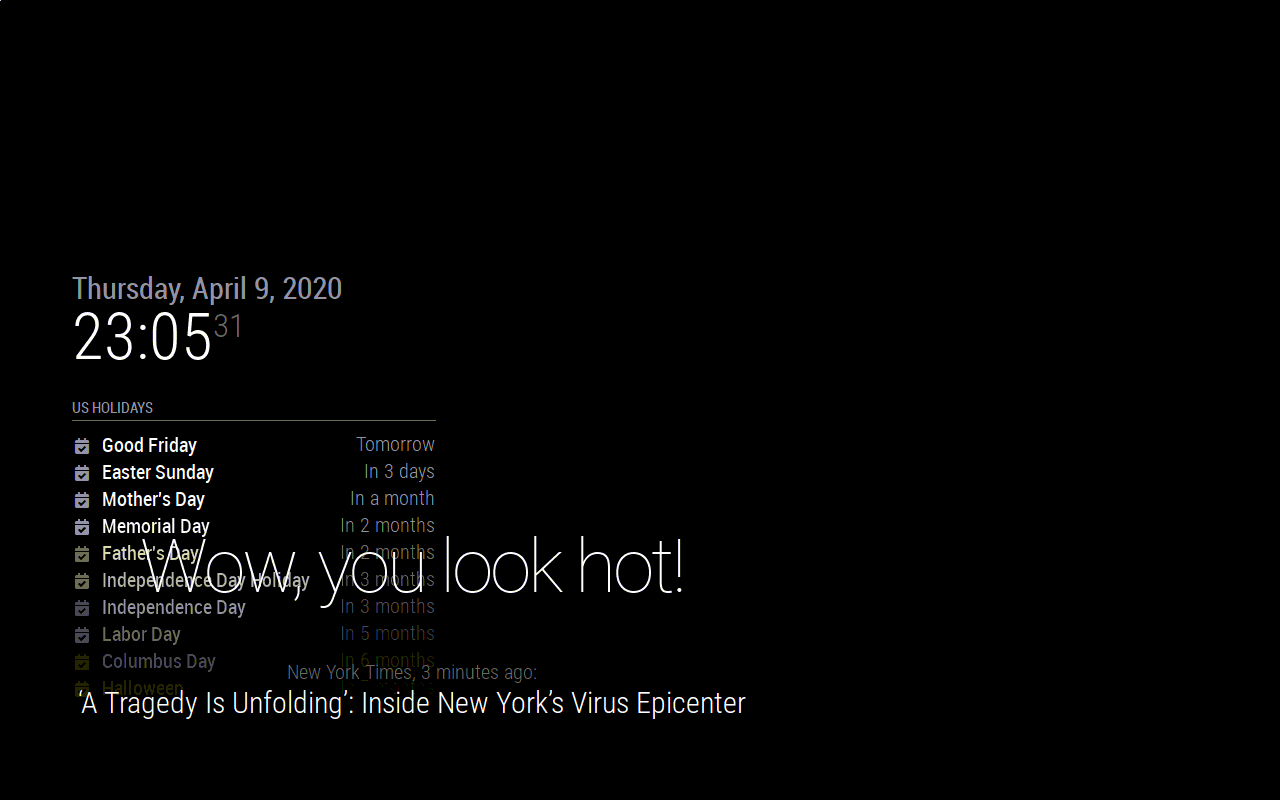
I’ll try to go back to the previous commit and my backup folder and have a look if the issue vanish or persist. Maybe it’s a driver problem…
-
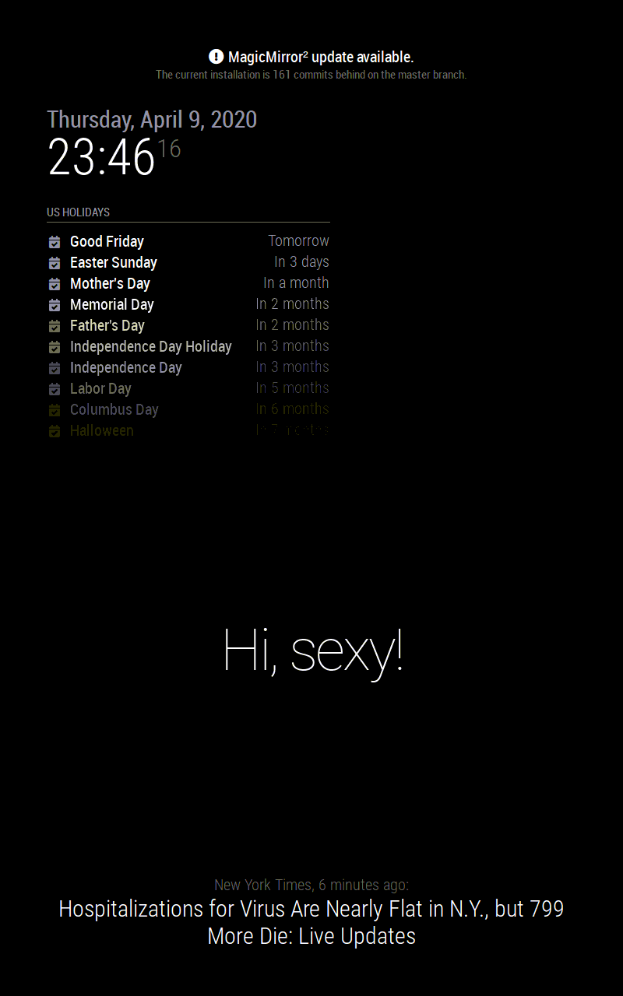
Well, the backup is still working as before. So it is somehow related to the new version 2.11.0
-
@phil very interesting…
this version does update electron to v6.1.7
-
I’m not sure if electron is the issue. I tried with several commits and figured out
7b3a594is still working fine for me, but6e7edd9(the one before the “Upgrade to Electron 6”) already causes this problem for me.Oh, I just realized there is an electron upgrade already in this commit (although it is not stated in the commit message):
> electron-chromedriver@6.0.0 install /home/pi/MagicMirror/node_modules/electron-chromedriver
> node ./download-chromedriver.js


> electron@6.1.7 postinstall /home/pi/MagicMirror/node_modules/electron
> node install.js
So might well be an electron issue. Can you give me some advice how I can try different versions to see which one is working for my setup?
-
@phil erase the node_modules/electron folder
Then donpm install electron@version --only=prodThe --only keeps from loading the stuff used by testing… like the chromedriver
I last tested 6.0.12, but don’t know if it was ok for portrait mode use
U may have to redo npm install in module folders. As many modules depend on electron levels
All this from the MagicMirror folder
-
“I last tested 6.0.12, but don’t know if it was ok for profile use”
Did you mean ‘portrait’ use? But I have this problem also in landscape mode without rotated screen.I removed the electron folders in
node_modulesand didnpm install electron@3.0.6 --only=prodWith this version everything is fine again. I try to figure out for which version of electron it breaks…
-
@phil yes, meant portrait
-
@phil the last version of MM 2.10 was using electron 3.0.13
-
I have the following results now:
electron 3.x.x: working as expected
electron 4.x.x: not working at all, the screen stays black
fromelectron 5up to latest version (8.2.2) : The text of the different modules gets overlaid as shown in the screenshots.For the moment I stay at version 3.0.13 as all the modules I’m using are working fine.
(alert, updatenotification, clock, calendar, compliments, newsfeed, helloworls, MMM-ImageSlideshow)But I fear at some point I’ll have to update to be able to use the latest MagicMirror commit…
Can I somehow set this topic to “Closed” or “Solved” (at least for now ;-) )?
And, thank you very much for your help, @sdetweil !
-
@phil you will probably need to do npm install in some of the module folders when u change electron versions…
I would do the test with the sample config…
anyhow… u didn’t open this as a problem, so it can’t be closed…
Hello! It looks like you're interested in this conversation, but you don't have an account yet.
Getting fed up of having to scroll through the same posts each visit? When you register for an account, you'll always come back to exactly where you were before, and choose to be notified of new replies (either via email, or push notification). You'll also be able to save bookmarks and upvote posts to show your appreciation to other community members.
With your input, this post could be even better 💗
Register Login