Read the statement by Michael Teeuw here.
Default weather module - only showing one location
-
Ok - so I tried the following - still said “Loading…”
Replaced it with the same location as my local area and it came up.
Restored it to the Australian location and now it’s working :/
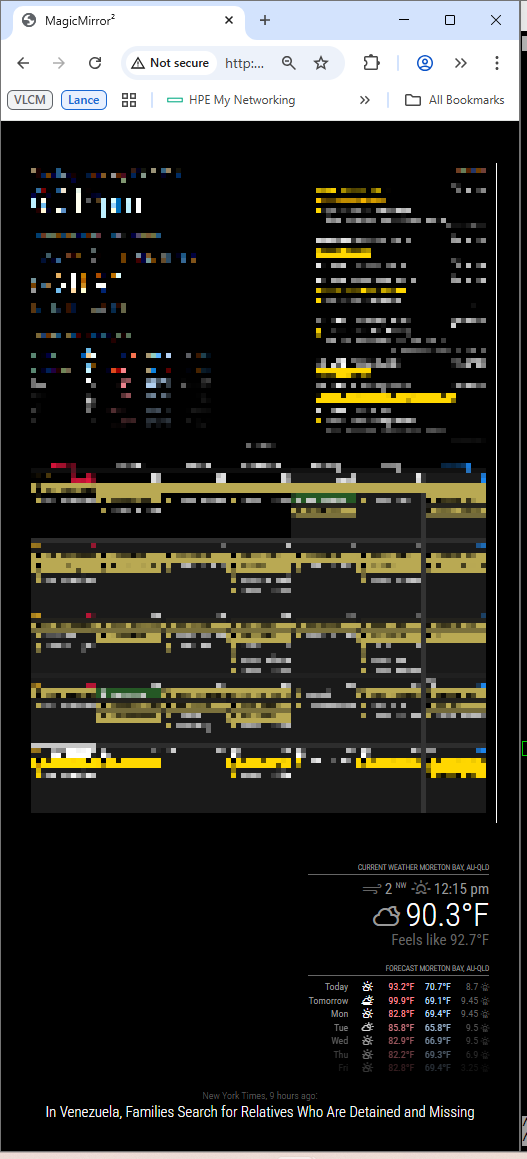
The only thing left is that it’s still displaying in Fahrenheit for Australia even though units are set to metric for those modules.
                {
                        module: "weather",
                        position: "bottom_right",
                        header: "Current Weather",
                        config: {
                                weatherProvider: "openmeteo",
                                type: "current",
                                lat: -27.24796,
                                lon: 153.00886,
                                showPrecipitationAmount: true,
                                showPreciptitationProbability: true,
                                degreeLabel: true,
                                colored: true,
                                units: "metric",
                        }
                },
                {
                        module: "weather",
                        position: "bottom_right",
                        header: "Forecast",
                        config: {
                                weatherProvider: "openmeteo",
                                type: "forecast",
                                lat: -27.24796,
                                lon: 153.00886,
                                showUVIndex: true,
                                fadePoint: 0.33,
                                maxNumberOfDays: 7,
                                degreeLabel: true,
                                colored: true,
                                units: "metric",
                        }
                },
-
@Ausnet what is units: above the module list set to?
-
@sdetweil before the modules it’s set to imperial. Do the settings in the inner modules not override the outer setting?
timeFormat: 12, showperiod: true, units: "imperial", modules: [ -
@Ausnet I thought so, but this module looks at the global value for some reason
-
@Ausnet can you tell me what version of MM you are running
grep version ~/MagicMirror/package.json -
also set tempUnits:“metric”
from the doc
tempUnits
What units to use for temperature.
If not specified, the module uses the units value from config.js. <-----
Possible values: config.units = Specified by config.js, metric = Celsius, imperial = Fahrenheit
Default value: config.units <-----
-
@sdetweil said in Default weather module - only showing one location:
grep version ~/MagicMirror/package.json
It’s showing 2.34.0
-
@sdetweil That did it. Thanks!
