Read the statement by Michael Teeuw here.
Modify the font of the compliment module
-
Hi all !
I browsed every post regarding this topic and tried to follow the instructions, but nothing seems to work for me so far.
I want to use a specific font for the compliments module on my MM.
I tried to set up my custom.css as follows (to no avail):body { } :root { --color-text: #999; --color-text-dimmed: #666; --color-text-bright: #fff; --color-background: black; --font-primary: "Roboto Condensed"; --font-secondary: "Roboto"; --font-size: 30px; --font-size-small: 0.75rem; --gap-body-top: 60px; --gap-body-right: 60px; --gap-body-bottom: 60px; --gap-body-left: 60px; --gap-modules: 30px; } @font-face { font-family: "DS"; font-style: normal; font-weight: normal; src: locale("Dancing Script Regular"), url('fonts/DancingScript-Bold.woff') format('woff');; } .compliments { font-family: "DS"; font-weight: 600; }Any pointers as to how I could make it work ?
Thanks a lot ! -
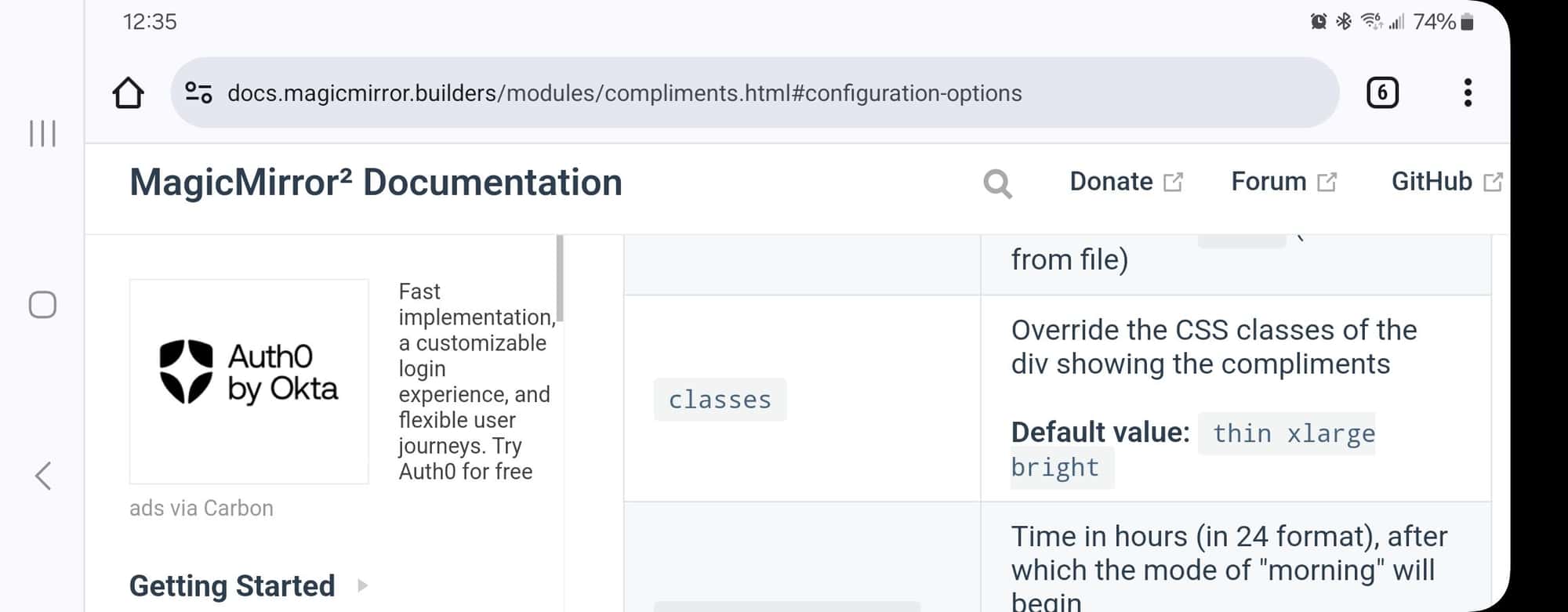
@Horyzon the compliments module provides a config option to set the classs or classes for the content
then you can style it/them in custom.css
classes:'foo'

.foo {
  color:......
}
Hello! It looks like you're interested in this conversation, but you don't have an account yet.
Getting fed up of having to scroll through the same posts each visit? When you register for an account, you'll always come back to exactly where you were before, and choose to be notified of new replies (either via email, or push notification). You'll also be able to save bookmarks and upvote posts to show your appreciation to other community members.
With your input, this post could be even better 💗
Register Login