Read the statement by Michael Teeuw here.
Custom CSS for weather when I have 2
-
Hi mates, I’m using 2 modules of .weather at the same time ( current and daily) but I only can manage the ccs of the Daily one):
.weather {
font-size: 30px;
}
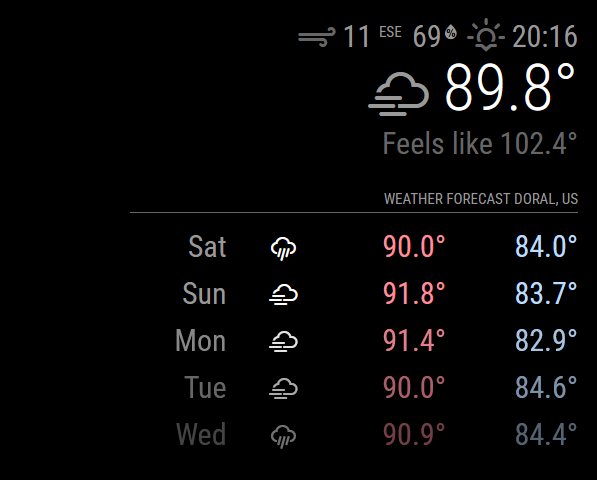
I tried to put a “classes: name” but didnt work. Looking on Browser Inspector the module es the number 6 but I can’t find any way to put that on the custom.css successfully.
Y only want this two moudles with the same font-size gf 30px . Any one can help me?
-
@pritikin71 classes goes after module:
right?
{
module : " calendar",
classes:"foo",
config: {
.
.
.
}
}
css
.foo .....   {   (NOT .weather)
...
}
you can ALSO use the ID value assigned to the module
the selector for id is#id ... { ... }I use this cheatsheet to help me remember
https://www.w3schools.com/cssref/css_selectors.phpeverthing before the {
is called the selector clause… because is ‘selects’ the elements of the page doc, that the stuff INSIDE the {} will be applied to. = class # = id : is the prefix for special elements [ x ] means element with an attribute of x <div x="foo"/> nothing = tag name (table, ul, li, p, ....div)
Hello! It looks like you're interested in this conversation, but you don't have an account yet.
Getting fed up of having to scroll through the same posts each visit? When you register for an account, you'll always come back to exactly where you were before, and choose to be notified of new replies (either via email, or push notification). You'll also be able to save bookmarks and upvote posts to show your appreciation to other community members.
With your input, this post could be even better 💗
Register Login