Read the statement by Michael Teeuw here.
MMM-IMagesPhotos - setting up caching
-
Hi all,
I’m a noob, but love a challenge. I’m looking to cache my images for MMM_IMAGESPHOTOS for smoother loading. The DevTool network tab is showing that roughly half of the images are caching at first. Then after some time passes, is appears that the images aren’t caching at all. I’m not sure how to troubleshoot. All of the images are jpg and coming from the same folder.
Happy to provide any other information to sort this out. Looking forward to figuring this out.
Thanks so much.-Nick
-
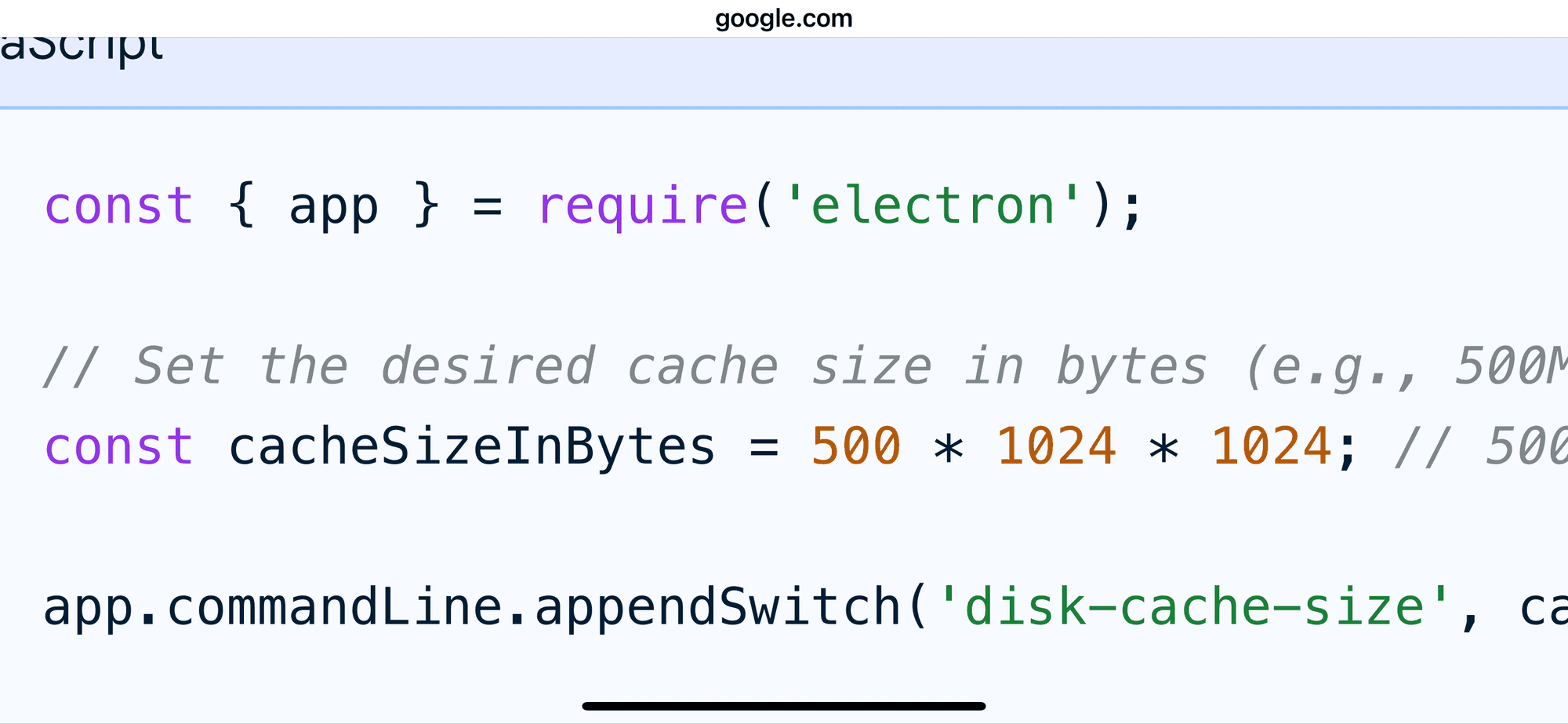
You can increase the cache size
In config.js
I am in car, will find in codeAbove the modukes:[] list
electronSwitches : {. Switch_name:value, … },
-
@Nneuland note I updated the prior post
-
@sdetweil Thank you for the reply Sam.
This change is happening in MagicMirror/js/electron.js, or config.js?
I appreciate your time.
-Nick
-
@Nneuland config.js,
ALL config goes in config.js
Always -
Would you be able to share the full code? Even a snippet of config so it’s more clear where the full cache code is? I don’t see any documentation on this.
-N
-
@Nneuland I posted the property model and the switch name
I think you can cut/pasteI don’t know what cache value is helpful
Hello! It looks like you're interested in this conversation, but you don't have an account yet.
Getting fed up of having to scroll through the same posts each visit? When you register for an account, you'll always come back to exactly where you were before, and choose to be notified of new replies (either via email, or push notification). You'll also be able to save bookmarks and upvote posts to show your appreciation to other community members.
With your input, this post could be even better 💗
Register Login