Read the statement by Michael Teeuw here.
Calendar Fetch Error
-
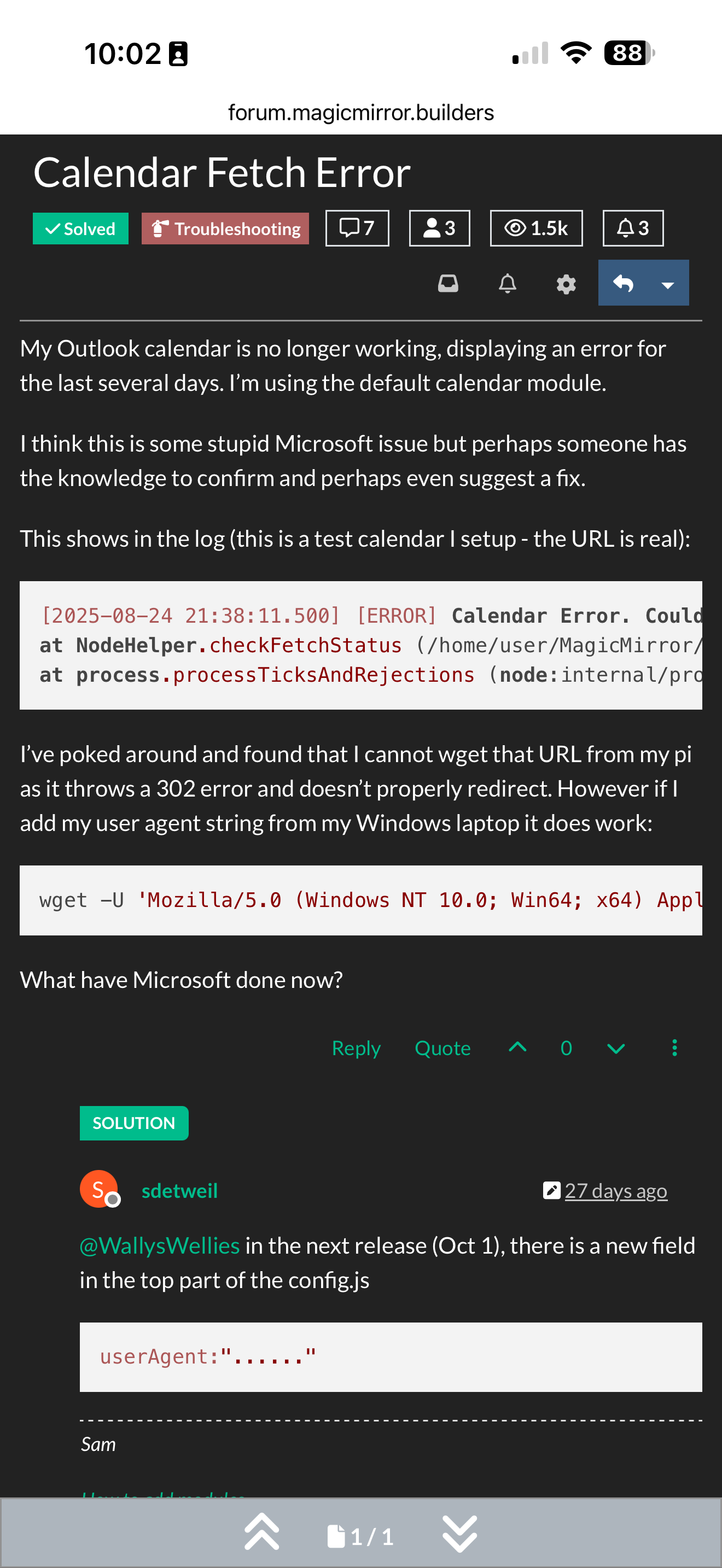
My Outlook calendar is no longer working, displaying an error for the last several days. I’m using the default calendar module.
I think this is some stupid Microsoft issue but perhaps someone has the knowledge to confirm and perhaps even suggest a fix.
This shows in the log (this is a test calendar I setup - the URL is real):
[2025-08-24 21:38:11.500] [ERROR] Calendar Error. Could not fetch calendar:  https://outlook.live.com/owa/calendar/00000000-0000-0000-0000-000000000000/8e3c6cdd-2ee7-43e3-b963-6b7e3efa6d3e/cid-5751C32C44CE49E6/calendar.ics Error: Internal Server Error
at NodeHelper.checkFetchStatus (/home/user/MagicMirror/js/node_helper.js:102:9)
at process.processTicksAndRejections (node:internal/process/task_queues:105:5)
I’ve poked around and found that I cannot wget that URL from my pi as it throws a 302 error and doesn’t properly redirect. However if I add my user agent string from my Windows laptop it does work:
wget -U 'Mozilla/5.0 (Windows NT 10.0; Win64; x64) AppleWebKit/537.36 (KHTML, like Gecko) Chrome/139.0.0.0 Safari/537.36 Edg/139.0.0.0' https://outlook.live.com/owa/calendar/00000000-0000-0000-0000-000000000000/8e3c6cdd-2ee7-43e3-b963-6b7e3efa6d3e/cid-5751C32C44CE49E6/calendar.icsWhat have Microsoft done now?
-
@WallysWellies in the next release (Oct 1), there is a new field in the top part of the config.js
userAgent:"......" -
@WallysWellies they might be rejecting our user agent string
you could try to put your instead
edit
modules/default/calendar/calendarfecher.js
we have an issue on being able to configure the useragent string
-
@sdetweil Replacing the user agent string resolved the issue immediately - thank you.
-
@WallysWellies thanks for the feedback
I reopened the issue -
@WallysWellies in the next release (Oct 1), there is a new field in the top part of the config.js
userAgent:"......" -
@sdetweil thanks for the heads up. I’ll make sure to use the new supported method next release.
Awesome support as always!
-
S sdetweil has marked this topic as solved on
-
What string did you use as a replacement? I tried replacing the header directly in calendarfetcher but same error.
-
@mdbyers he used this value from post before, -U parm
Hello! It looks like you're interested in this conversation, but you don't have an account yet.
Getting fed up of having to scroll through the same posts each visit? When you register for an account, you'll always come back to exactly where you were before, and choose to be notified of new replies (either via email, or push notification). You'll also be able to save bookmarks and upvote posts to show your appreciation to other community members.
With your input, this post could be even better 💗
Register Login