Read the statement by Michael Teeuw here.
My Mirror
-
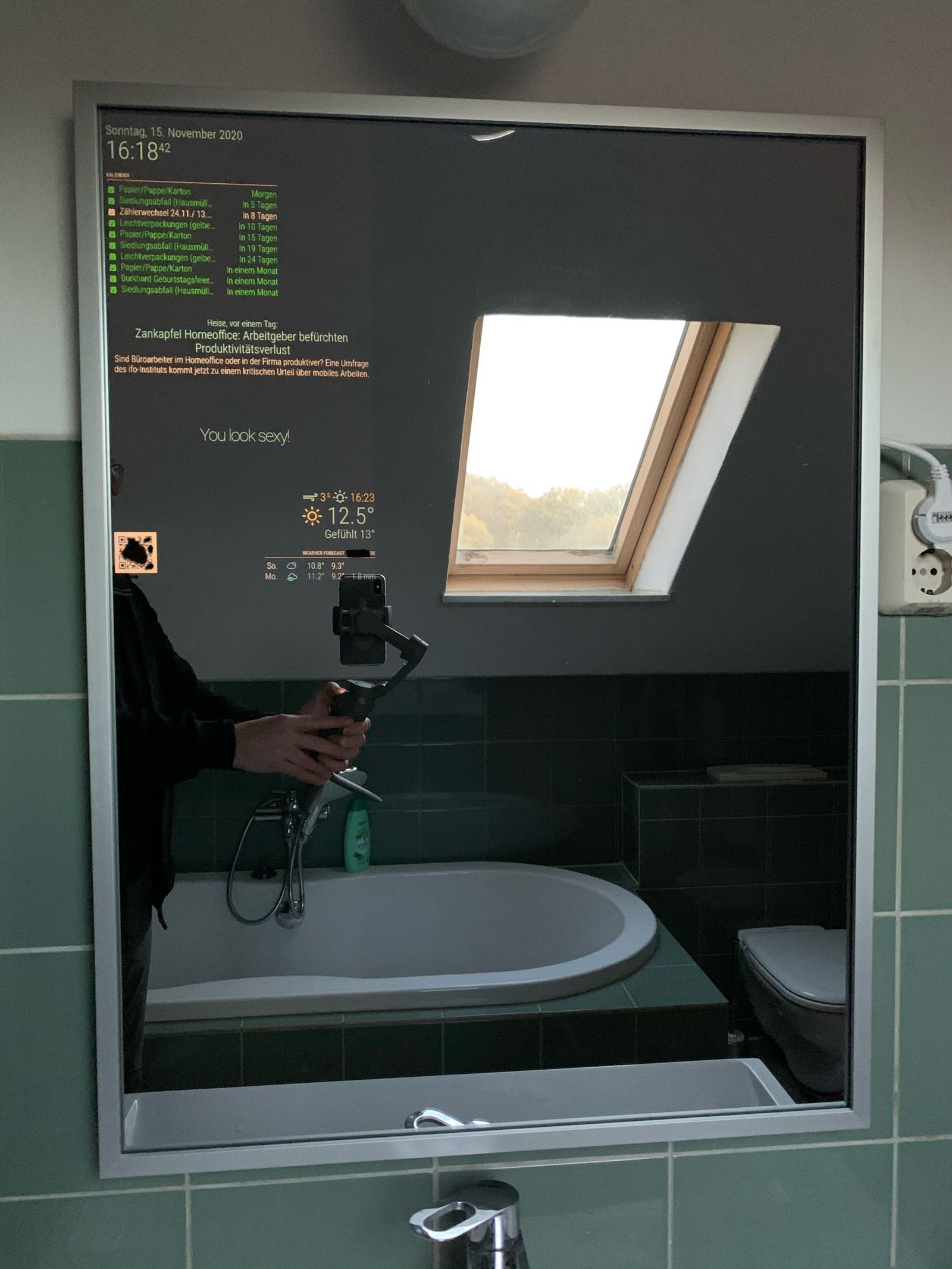
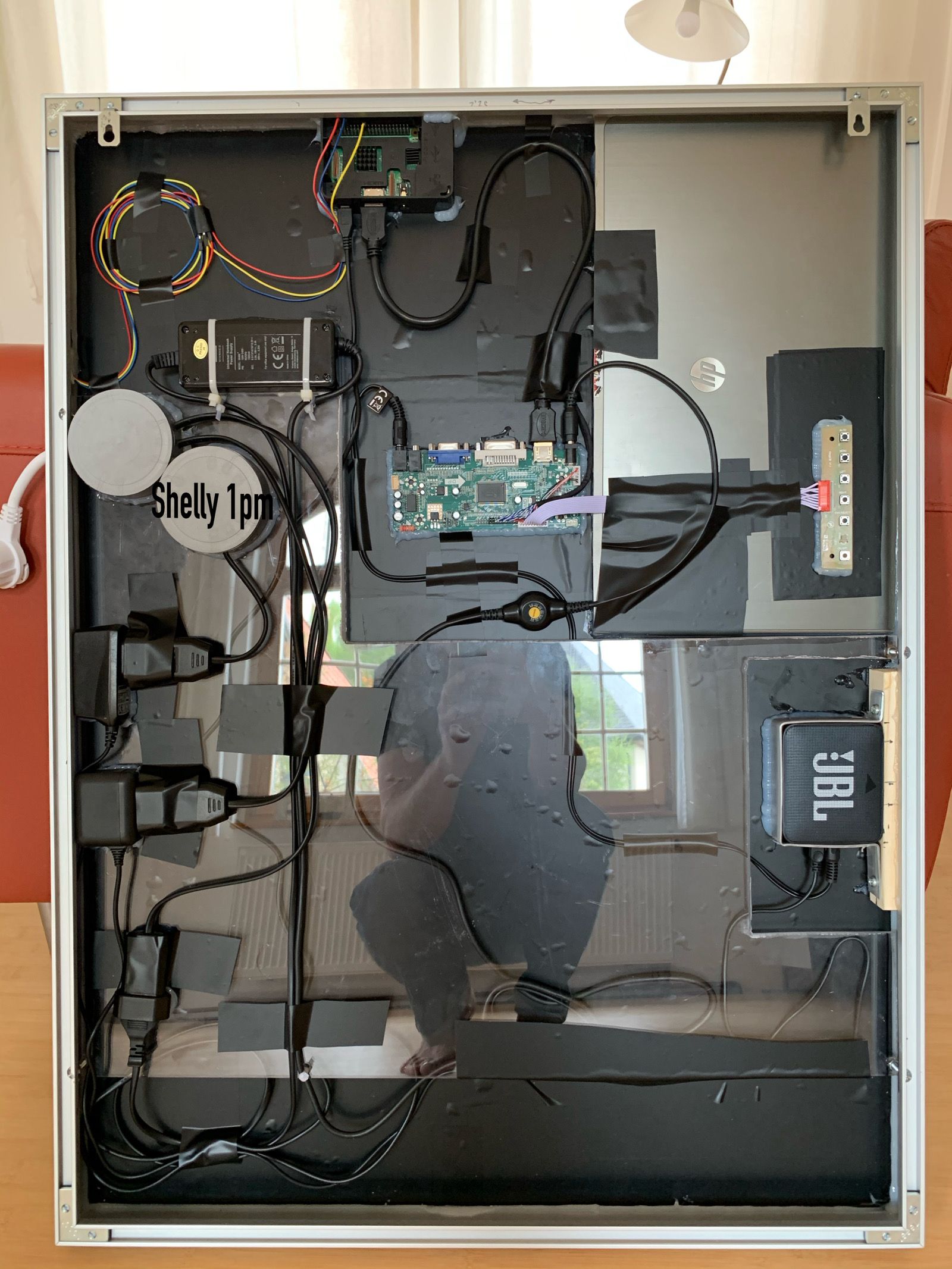
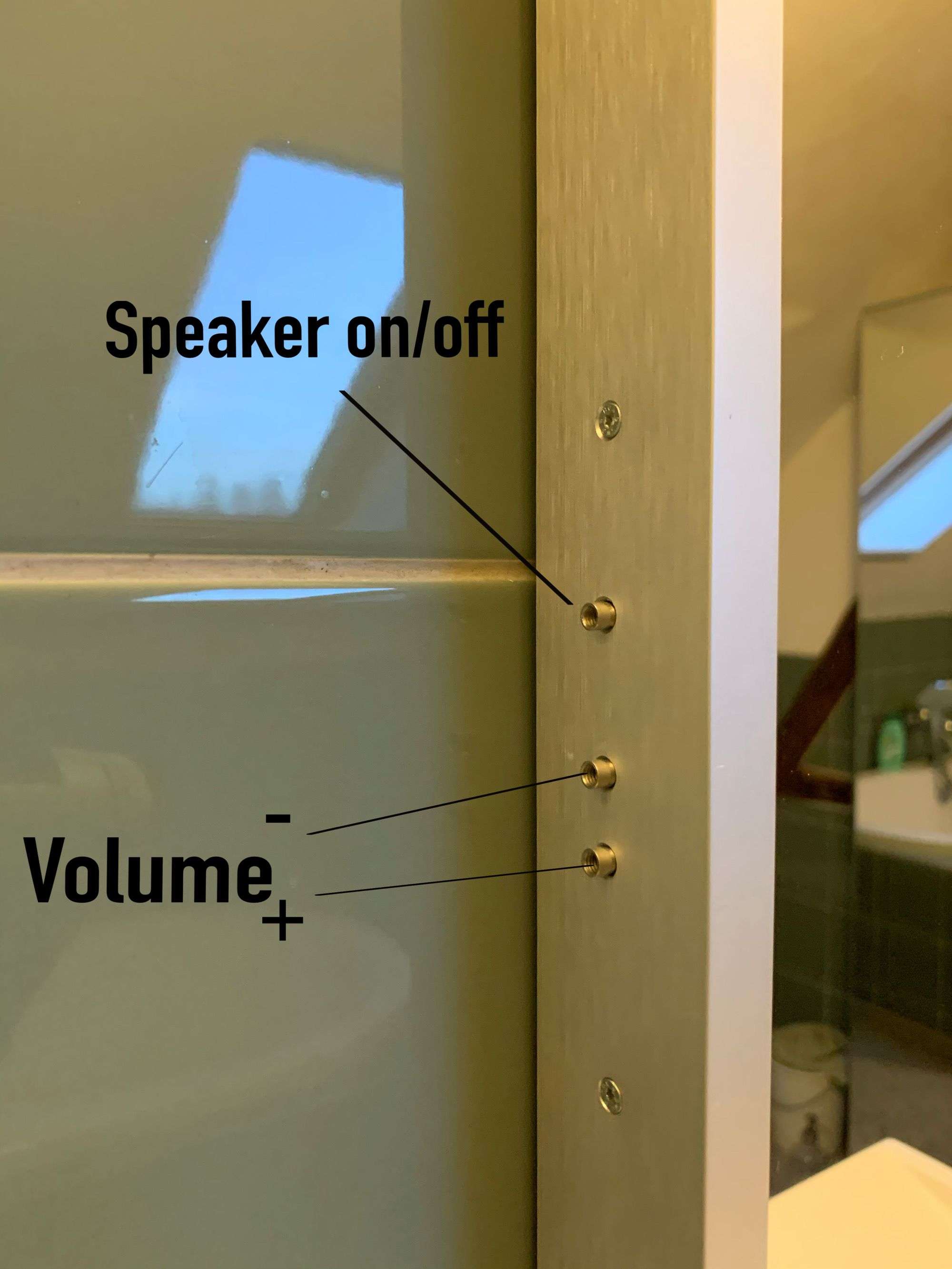
Hello everyone. Frist, sorry for my terrible english. Here are some pictures and a lot about the hardware.
- mirrorglass: Mirastar Spionspiegel 4 mm, brigla-shop.de
- frame: Nielsen - Alurahmen Profil 224 60x80 cm, Silber matt, AllesRahmen.de (depth= 4cm)
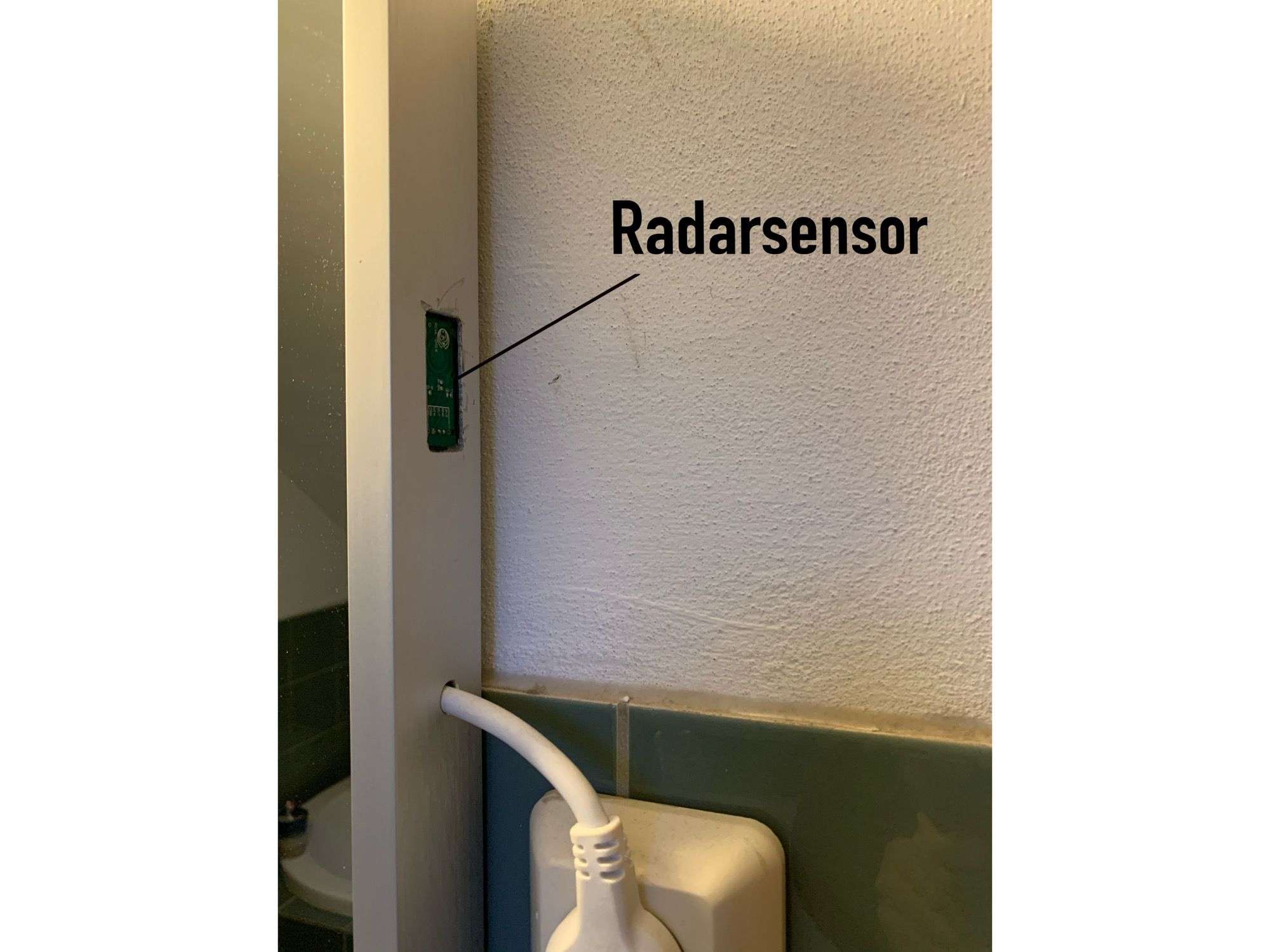
- Radarsensor: RCWL-0516
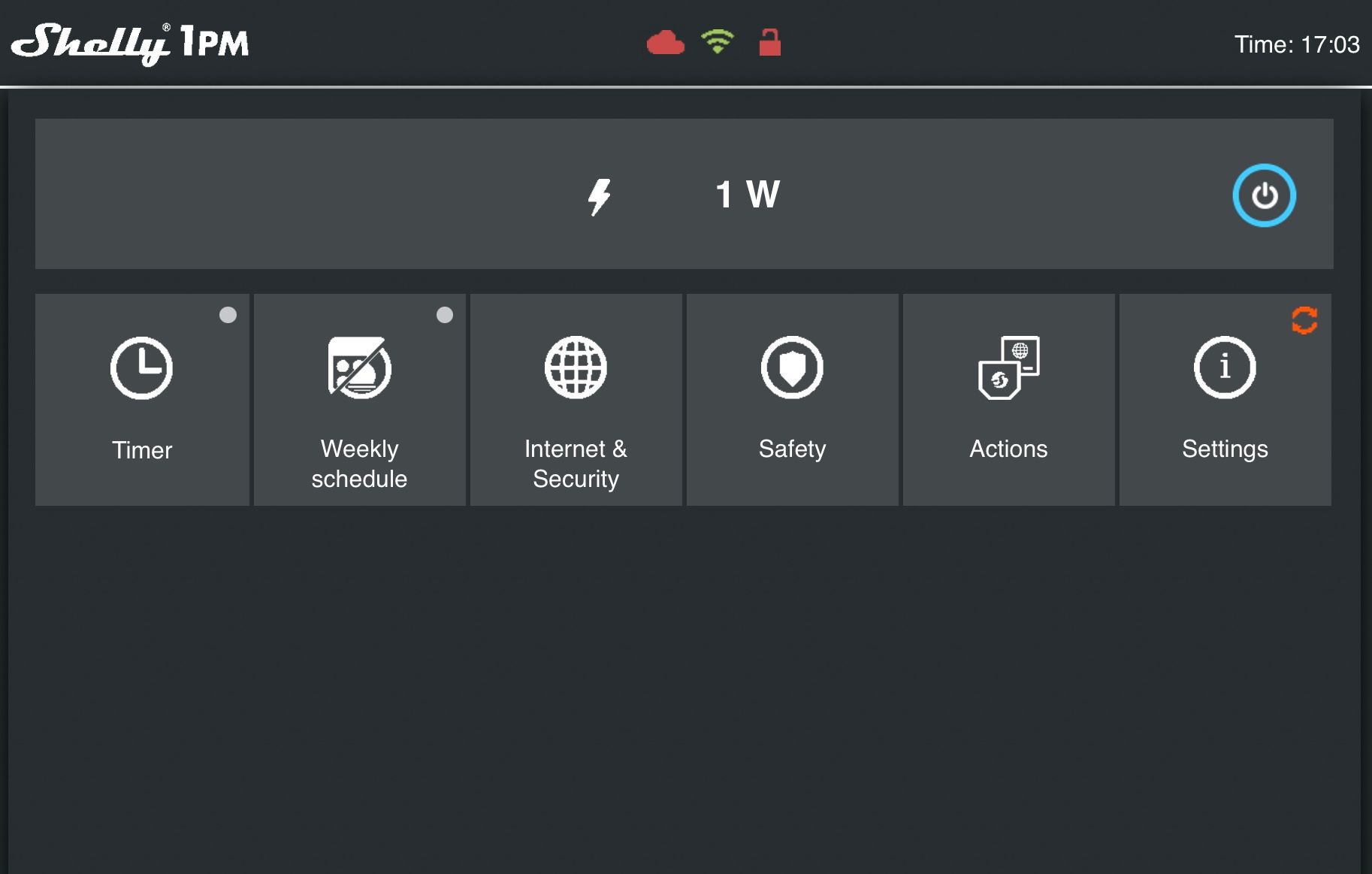
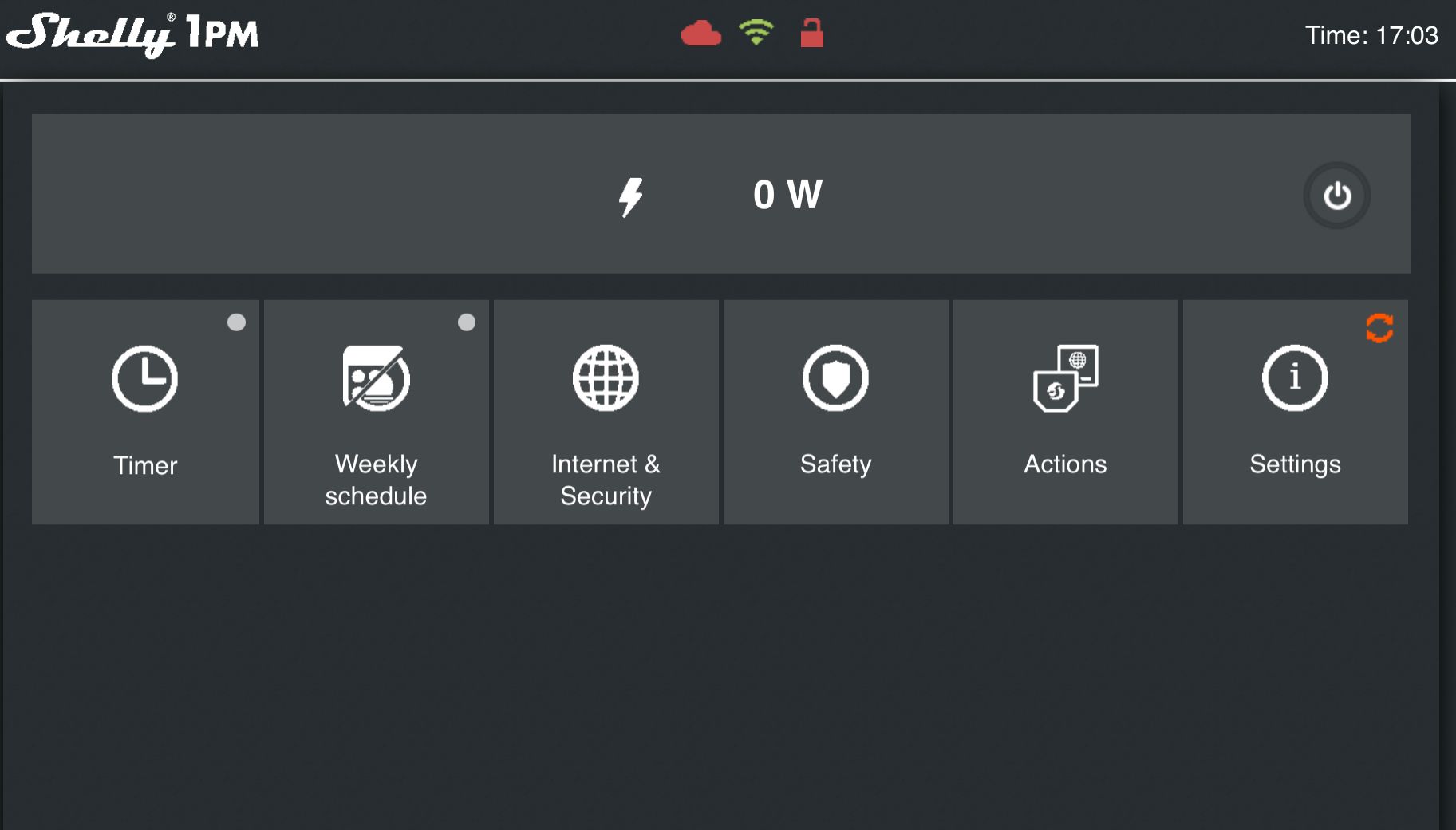
- shelly 1pm: is for charging the JBL- speaker, because I can see the amperage in the web interface
-
@radiv nice!
-
@sdetweil thanks
-
Tomorrow I tell you something about my problems with the modules.
Radar and mpv are out of MM. There are Python and Bash- Script’s to solve the problems with mmm-thirdparty-modules. -
So, ich mache mal auf deutsch weiter.
Im Probeaufbau hatte ich den üblichen PIR-Sensor verbaut. Dazu das Modul: MMM-PIR-Sensor.
Weitere Module: MMM-Notification-Trigger und MMM-MplayerRadio.
Hat auch funktioniert, nur daß bei jedem Bewegungsimpuls eine Unterbrechung des Radios auftrat.
Also ein BashScript mit ‘mpv https://sender-url &’ erstellt, in MMM-NotificationTrigger eingetragen und in monitor_off.sh ‘killall mpv’ geschrieben und probiert.
Resultat war, dass bei jedem Auslösen des Pir-Sensors mpv erneut gestartet wurde und es zu einem amüsanten Echo kam.
Gleiche Resultate mit dem Rada_Sensor, der, wie der Pir-Sensor, ebenso gut mit MMM-PIR-Sensor funktioniert.
Zum Modul MMM-PIR-Sensor ist noch zu sagen, dass trotz hoher Delay-Zeit (20min) das Display nach ca.8-10min ausschaltete. Damit auch das Radio.
Also habe ich nach einem externen Python-Script gesucht, auch gefunden, monitor_on/_off.sh modifiziert, die drei obenstehenden Module deinstalliert und es funktioniert.#!/usr/bin/env python import sys import time import RPi.GPIO as io import subprocess io.setmode(io.BCM) SHUTOFF_DELAY = 900 # seconds PIR_PIN=22 def main(): io.setup(PIR_PIN, io.IN) turned_off = False last_motion_time = time.time() while True: if io.input(PIR_PIN): last_motion_time = time.time() sys.stdout.flush() if turned_off: turned_off = False turn_on() else: if not turned_off and time.time() > (last_motion_time + SHUTOFF_DELAY): turned_off = True turn_off() if not turned_off and time.time() > (last_motion_time + 1): time.sleep(.1) def turn_on(): subprocess.call("sh /home/pi/monitor_on.sh", shell=True) def turn_off(): subprocess.call("sh /home/pi/monitor_off.sh", shell=True) if __name__ == '__main__': try: main() except KeyboardInterrupt: io.cleanup()#!/bin/bash mpv https://www.radioeins.de/live.m3u & vcgencmd display_power 1#!/bin/bash vcgencmd display_power 0 killall mpv -
Hi, wie dunkelst Du das Display am Rand ab wenn der Rand des Displays silber ist?
Gruss
-
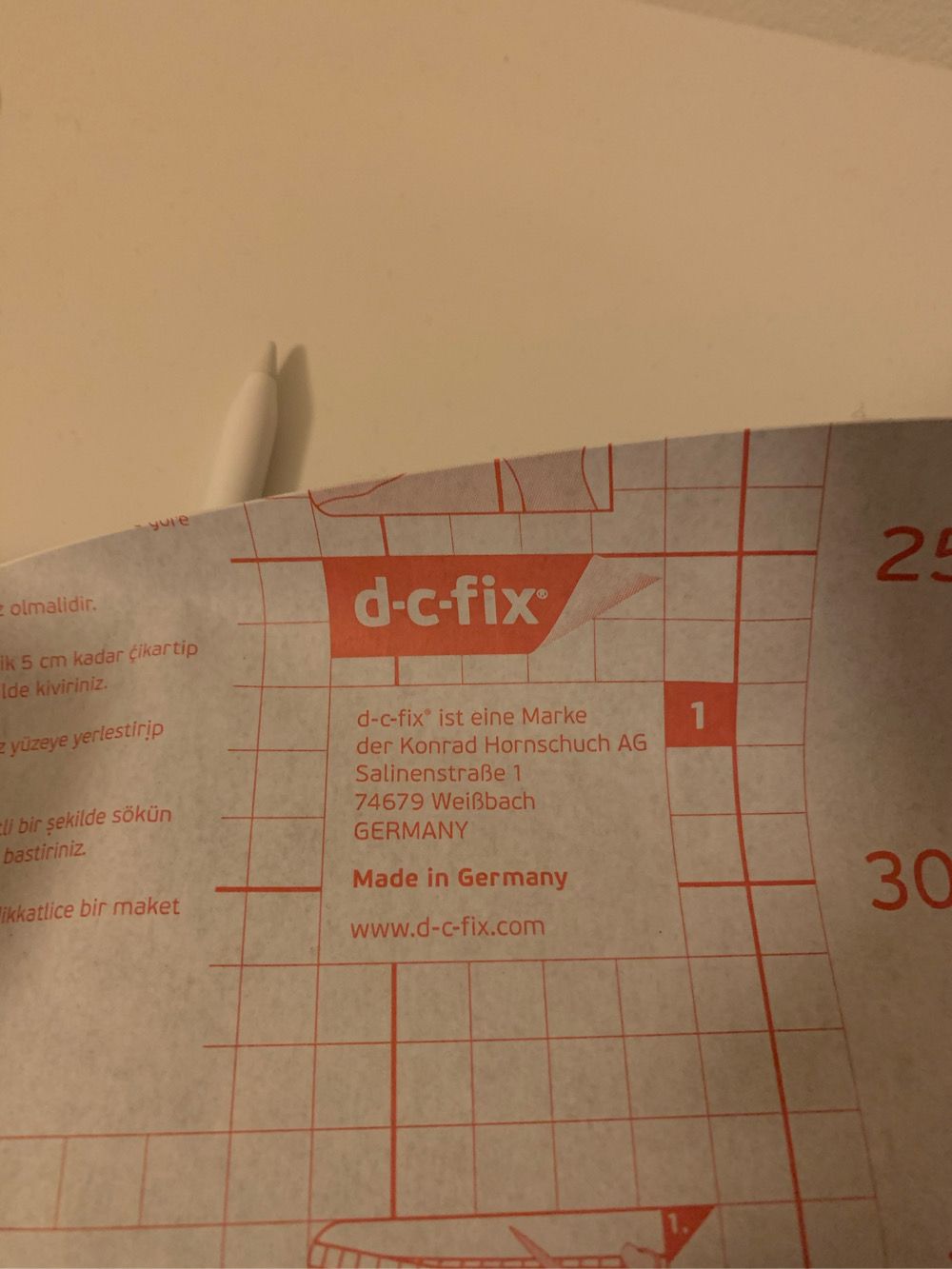
@kusselin , habe auf die beschichtete Seite des Spiegels schwarze Folie geklebt ( nicht unbedingt blasenfrei, was aber nicht stört ) und vorher passgenau die Innenmaße zwischen der Metallfassung des Displays ausgeschnitten. Die Metallfassung wird also von der schwarzen Folie verdeckt.
-
ahh o.k danke für die Info…welche Folie kann ich da nehmen ? Hast du einen Link eventuell?
Danke und Gruss
-
@kusselin Hab´s in einem Baumarkt gekauft.
-
o.k. danke dir…
und das ist SCHWARZFOLIE keine Spiegelfolie???

Hello! It looks like you're interested in this conversation, but you don't have an account yet.
Getting fed up of having to scroll through the same posts each visit? When you register for an account, you'll always come back to exactly where you were before, and choose to be notified of new replies (either via email, or push notification). You'll also be able to save bookmarks and upvote posts to show your appreciation to other community members.
With your input, this post could be even better 💗
Register Login