MagicMirror Forum
    • Recent
    • Tags
    • Unsolved
    • Solved
    • MagicMirror² Repository
    • Documentation
    • 3rd-Party-Modules
    • Donate
    • Discord
    • Register
    • Login
    A New Chapter for MagicMirror: The Community Takes the Lead
    Read the statement by Michael Teeuw here.

    MMM-WeatherOrNot custom.css

    Scheduled Pinned Locked Moved Unsolved Troubleshooting
    6 Posts 2 Posters 1.3k Views 2 Watching
    Loading More Posts
    • Oldest to Newest
    • Newest to Oldest
    • Most Votes
    Reply
    • Reply as topic
    Log in to reply
    This topic has been deleted. Only users with topic management privileges can see it.
    • B Offline
      bjoern
      last edited by bjoern

      I need help with custom.css. I would like to enlarge the forecast area to about 1.5em. Unfortunately I can’t get any further with my custom.ccs.

      .MMM-WeatherOrNot .day ng-scope {
        font-size: 1.5em; */
      }  
      

      oder

      .MMM-WeatherOrNot .weatherForecast{
        font-size: 1.5em; 
      
      }
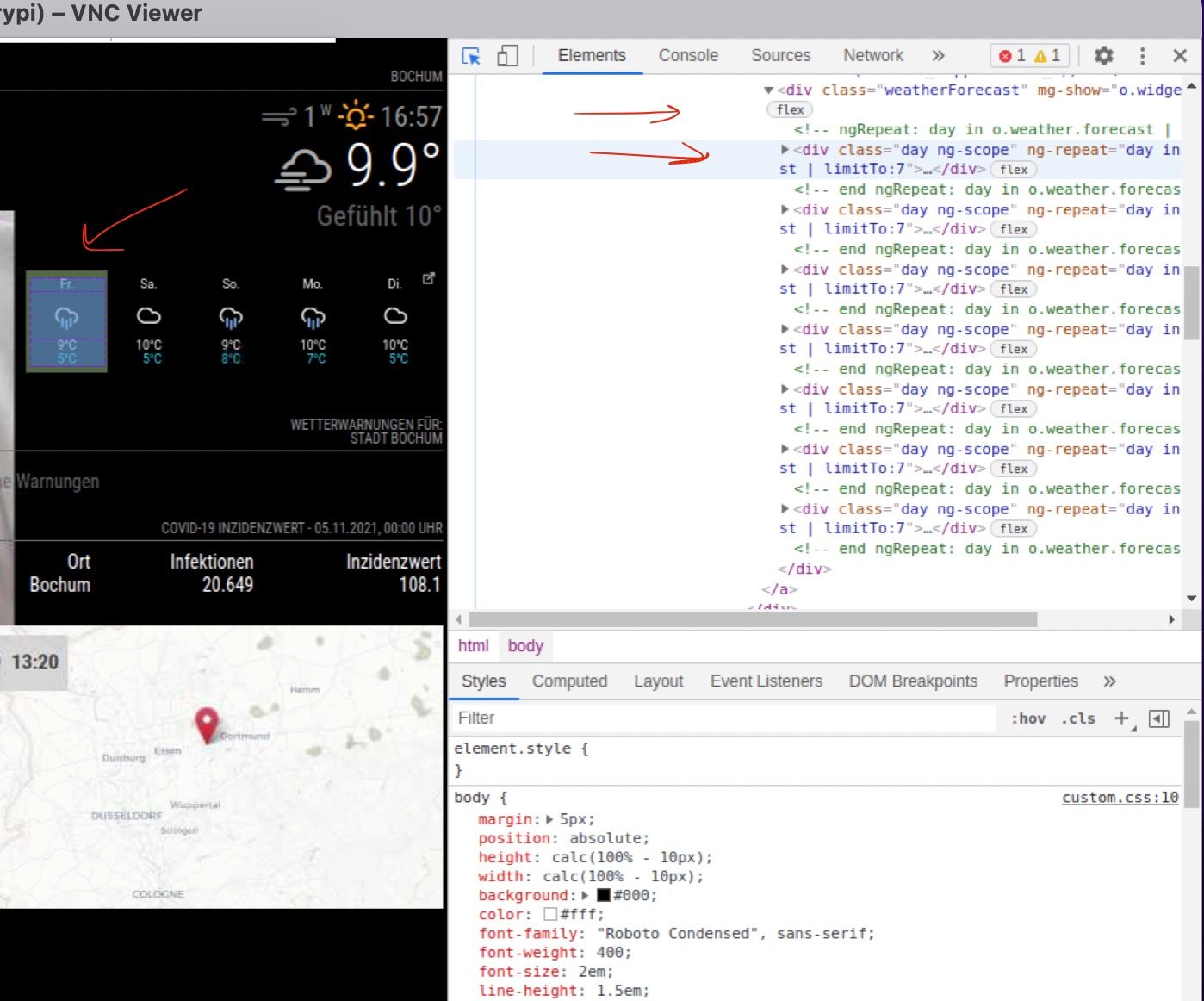
      

      Bildschirmfoto 2021-11-05.jpg

      can someone help me please
      thx

      S 1 Reply Last reply Reply Quote 0
      • S Do not disturb
        sdetweil @bjoern
        last edited by sdetweil

        @bjoern find day in the bottom window and then in the top of that bottom window where it says
        just so u can see what it defines… u can override everything… don’t need a special class
        element.style {
        }

        u can add/edit styles it will help you

        then when u get it the way u want, you can mark the element.style thing
        and copy/paste it to custom.css

        also

        item selection/targeting is
        . means class
        no dot means html element name (body, div, li, …)

        u have

        .MMM-WeatherOrNot .day ng-scope {

        class, class, element but ng-scope is a class

        Sam

        How to add modules

        learning how to use browser developers window for css changes

        1 Reply Last reply Reply Quote 0
        • B Offline
          bjoern
          last edited by bjoern

          Thanks for the hint. I was able to change the font size in dev-mode, but I can’t find the right element name

          .MMM-WeatherOrNot .weatherWidgetInner  {
              font-size: 2.1em;
          }
              
          
          .MMM-WeatherOrNot div.weatherWidgetInner.ltrforecast.forDays-5nolabel  {
              font-size: 2.1em;
          }
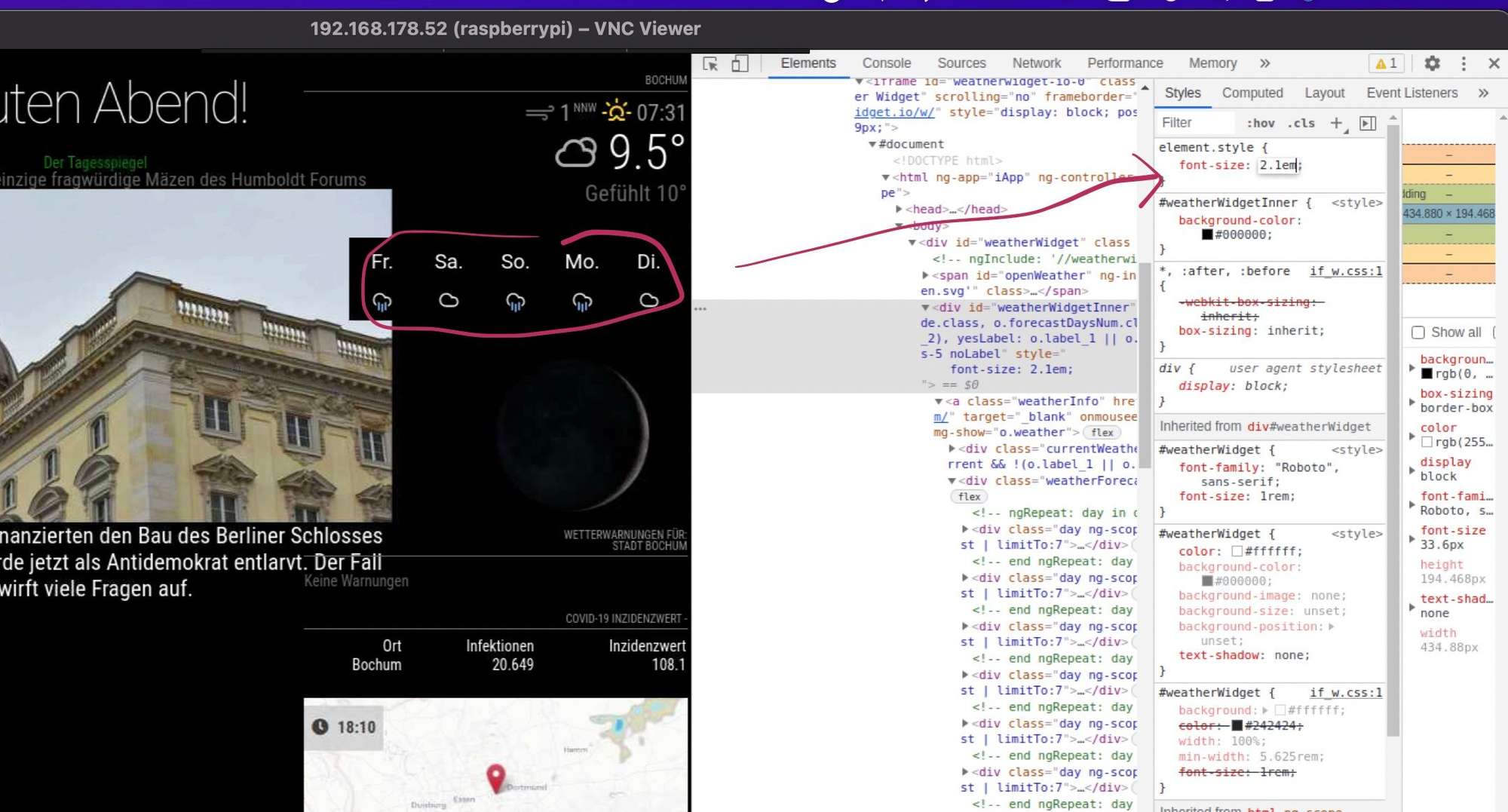
          

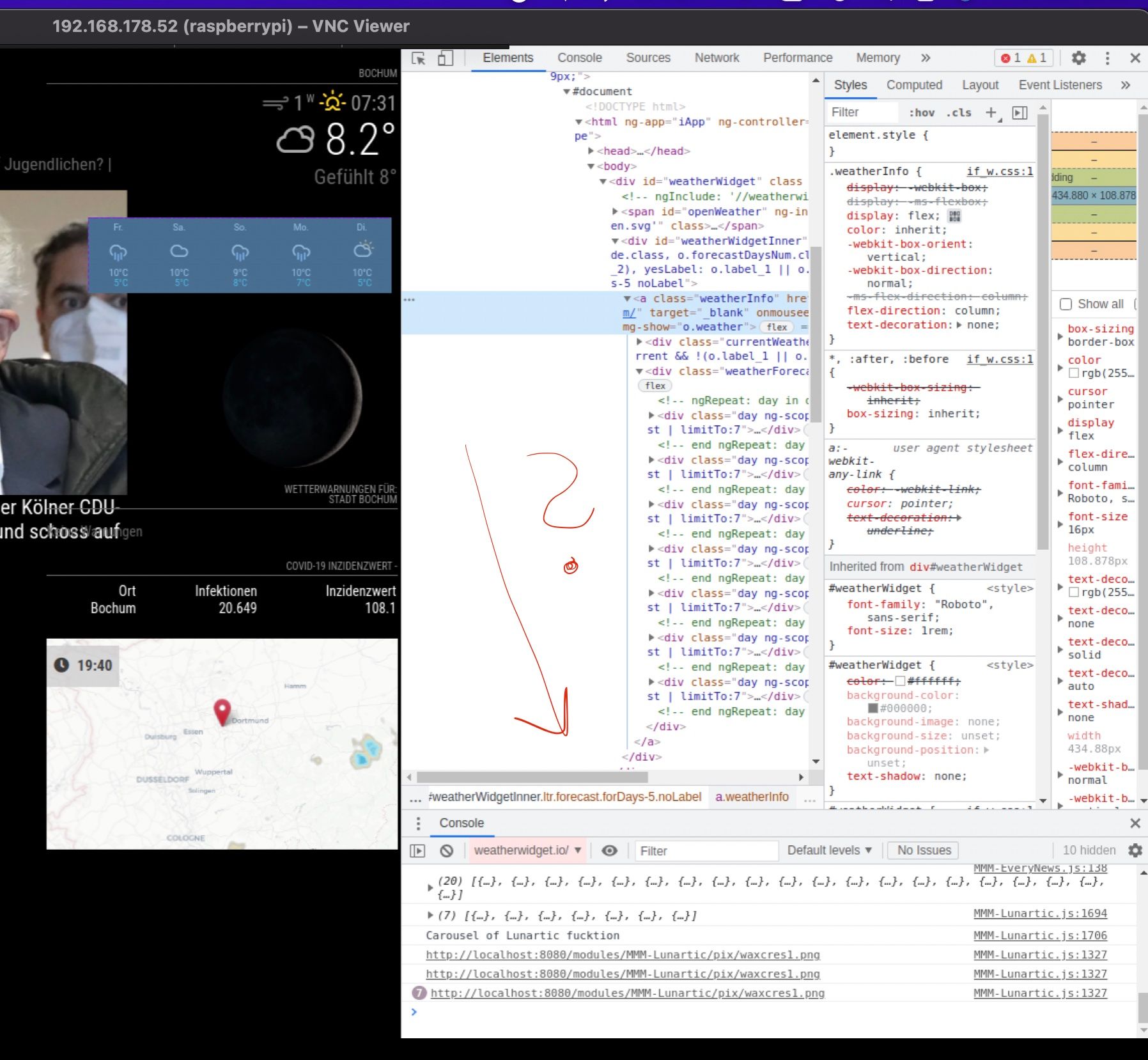
          Bildschirmfoto 2021-11-05 um 18.21.jpg

          S 1 Reply Last reply Reply Quote 0
          • S Do not disturb
            sdetweil @bjoern
            last edited by

            @bjoern what was the cut/paste?

            Sam

            How to add modules

            learning how to use browser developers window for css changes

            1 Reply Last reply Reply Quote 0
            • B Offline
              bjoern
              last edited by

              @bjoern said in MMM-WeatherOrNot custom.css:

              div.weatherWidgetInner.ltrforecast.forDays-5nolabel

              i think …

              div.weatherWidgetInner.ltrforecast.forDays-5nolabel
              

              :disappointed_face: :dizzy_face:

              Ohne Titel.jpg

              S 1 Reply Last reply Reply Quote 0
              • S Do not disturb
                sdetweil @bjoern
                last edited by

                @bjoern
                sorry, looking at the module, that content is inside an iframe… I don’t think u can get inside that

                Sam

                How to add modules

                learning how to use browser developers window for css changes

                1 Reply Last reply Reply Quote 0

                Hello! It looks like you're interested in this conversation, but you don't have an account yet.

                Getting fed up of having to scroll through the same posts each visit? When you register for an account, you'll always come back to exactly where you were before, and choose to be notified of new replies (either via email, or push notification). You'll also be able to save bookmarks and upvote posts to show your appreciation to other community members.

                With your input, this post could be even better 💗

                Register Login

                • 1 / 1
                • First post
                  Last post
                Enjoying MagicMirror? Please consider a donation!
                MagicMirror created by Michael Teeuw.
                Forum managed by Sam, technical setup by Karsten.
                This forum is using NodeBB as its core | Contributors
                Contact | Privacy Policy