Read the statement by Michael Teeuw here.
Calendar and Font Awesome - no icons
-
@sdetweil Thanks again. I went back to basics and removed all ‘my’ entries from config.js and replaced them with the config from the reference page, slightly edited. This is what I now have:
    {
    module: "calendar",
    position: "bottom_left",
    config: {
	   coloredText: false,
	   coloredBorder: false,
	   coloredSymbol: false,
	   coloredBackground: false,
	   calendars: [
		   {
			  url: 'https://calendar.google.com/calendar/ical/Calendar1Redacted/basic.ics',
			  symbol: 'calendar',
 	       },
	],
	}
	},
Which delivers:
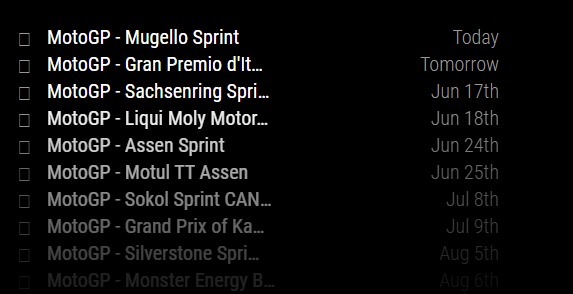
Looking at the developers window, I see:
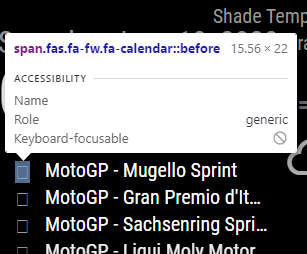
and
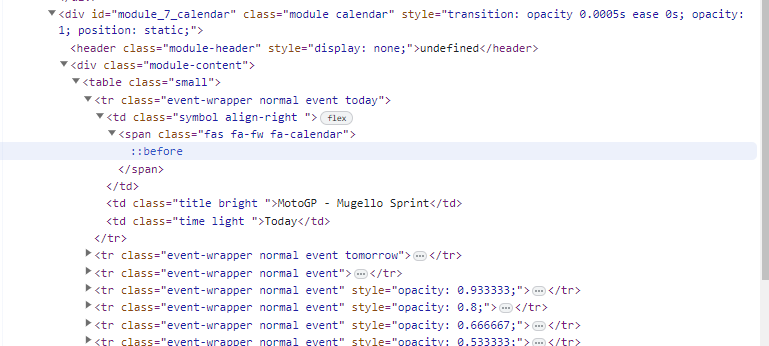
-
@RGN01 I reviewed on my system, used the same symbol
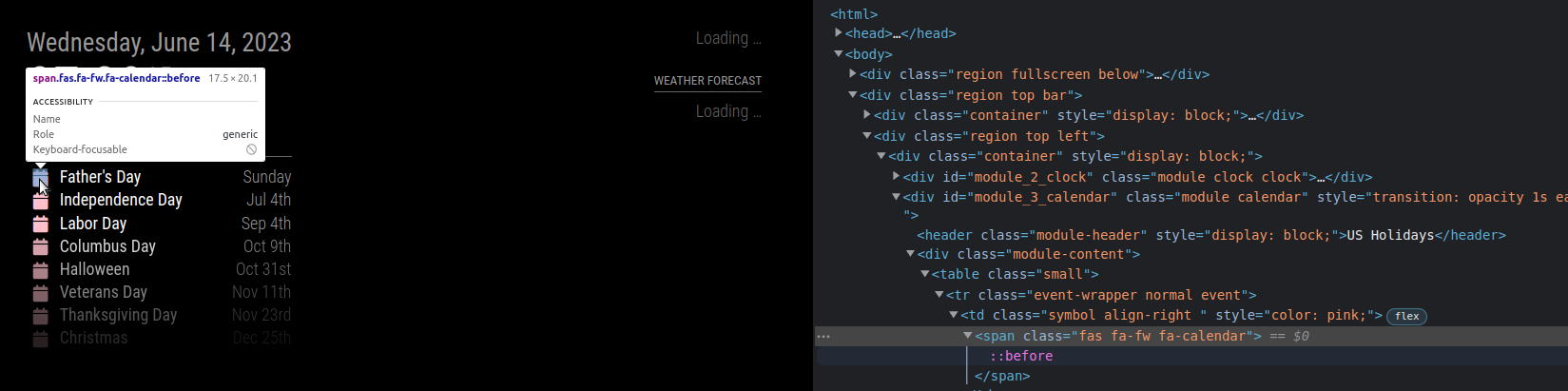
same content… mine shows the icon
edit: one question… do you have any font definitions in your custom.css?
SO, this tells me the fonts didn’t get installed, so do
edit… note I am adding on the vendor folder … as that is where the fontawesome css comes fromcd ~/MagicMirror/fonts rm -rf node_modules rm package-lock.json npm install cd ../vendor rm -rf node_modules rm package-lock.json ls npm installthen check the folder contents this is what mine looks like
(base) sam@sams:~/MagicMirror/fonts$ ls
node_modules  package.json  package-lock.json  roboto.css
(base) sam@sams:~/MagicMirror/fonts$ ls node_modules/
@fontsource
(base) sam@sams:~/MagicMirror/fonts$ ls node_modules/@fontsource/
roboto  roboto-condensed
(base) sam@sams:~/MagicMirror/fonts$
my MagicMirror/vendor folder looks like this
(base) sam@sams:~/MagicMirror/vendor$ ls
css  node_modules  package.json  package-lock.json  vendor.js
(base) sam@sams:~/MagicMirror/vendor$ ls css
font-awesome.css
(base) sam@sams:~/MagicMirror/vendor$
and my calendar config
		{
			module: "calendar",
			header: "US Holidays",
			position: "top_left",
			config: {
				coloredSymbol:true,
				calendars: [
					{

					symbol: 'calendar',
					color: 'pink',
						url: "webcal://www.calendarlabs.com/ical-calendar/ics/76/US_Holidays.ics",
						name:"holidays"
					}
				]
			}
		}
the top of the MM web page shows the includes for font and css
this is what the default looks like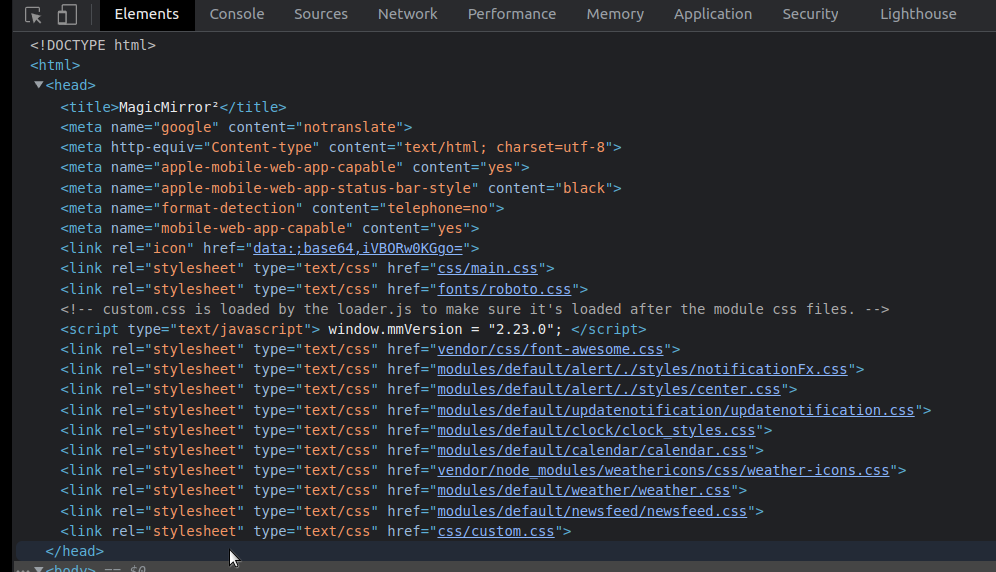
Hello! It looks like you're interested in this conversation, but you don't have an account yet.
Getting fed up of having to scroll through the same posts each visit? When you register for an account, you'll always come back to exactly where you were before, and choose to be notified of new replies (either via email, or push notification). You'll also be able to save bookmarks and upvote posts to show your appreciation to other community members.
With your input, this post could be even better 💗
Register Login