Read the statement by Michael Teeuw here.
MMM-Chores - Manage and keep track of your household Chores
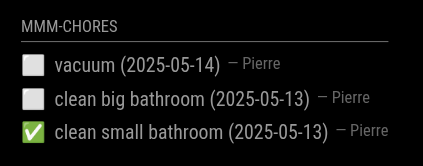
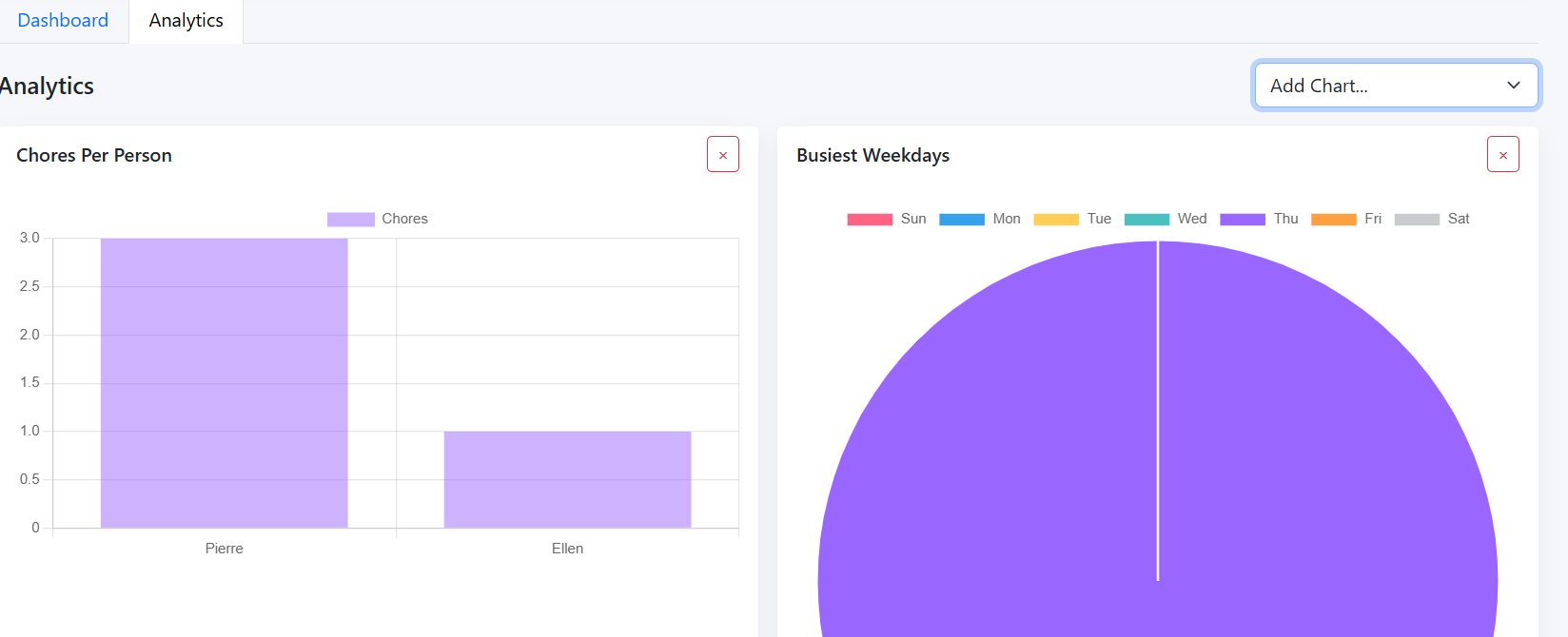
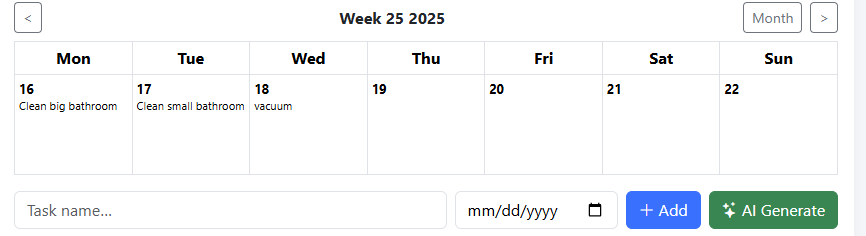
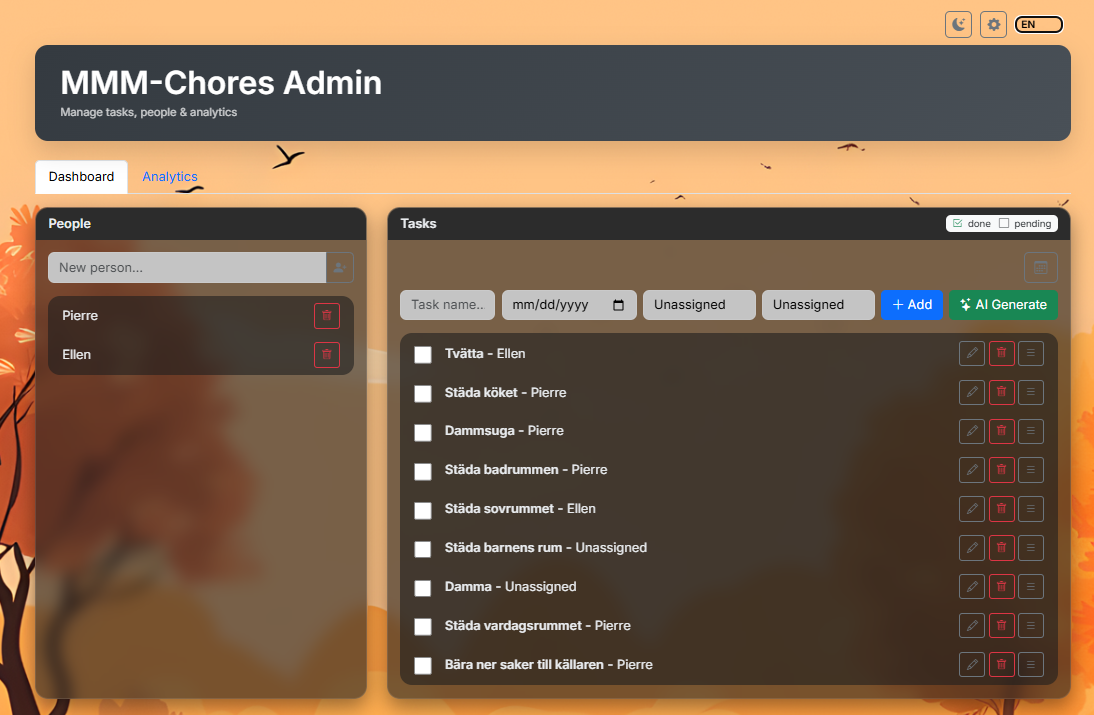
-
I’ve done a lot of testing and submitted PR-220 . It turns out there are some really complicated date functions that worked—unless they didn’t (edge cases with creating a weekday only task, setting start date on a Weekend, etc).
else if (recurring === "daily-weekdays") {
    // We ignore the d.setDate(+1) and just find the next valid weekday from today
    let testDate = new Date();
    testDate.setDate(testDate.getDate() + 1);
    while (testDate.getDay() === 0 || testDate.getDay() === 6) {
        testDate.setDate(testDate.getDate() + 1);
    }
    // Force 'd' to be this specific date, bypassing module interference
    d.setTime(testDate.getTime());

  } else if (recurring === "daily-weekends") {
    let testDate = new Date();
    testDate.setDate(testDate.getDate() + 1);
    while (testDate.getDay() >= 1 && testDate.getDay() <= 5) {
        testDate.setDate(testDate.getDate() + 1);
    }
    d.setTime(testDate.getTime());
The logic is working (finally)- I wish I was better at this stuff, I’m a DevOps guy, so I’m lazy and not particularly talented at coding unless I can break thousands of servers with automation (then I’m a pro lol).
I also went through and added the requisite language support for the 10 supported languages for the two new elements included in admin.html
                      <div class="col-sm-auto">
                        <select id="taskRecurring" class="form-select">
                          <option value="">One time</option>
                          <option value="daily">Daily</option>
                          <option value="weekly">Weekly</option>
                          <option value="daily-weekdays">Daily (Weekdays Only)</option>
                          <option value="daily-weekends">Daily (Weekends Only)</option>
                          <option value="monthly">Monthly</option>
                          <option value="yearly">Yearly</option>
                          <option value="every_X_days_2">Every 2 Days</option>
                          <option value="every_X_days_3">Every 3 Days</option>
                          <option value="every_X_weeks_2">Every 2 Weeks</option>
                          <option value="every_X_weeks_3">Every 3 Weeks</option>
                          <option value="first_monday_month">First Monday of Month</option>
                        </select>
                      </div>
I’m testing a few .css changes to improve touchscreen support - you can see plenty of other .css issues I’ll nave to sort out, sreenshots from chrome of the MM page shows it’s not adjusting well to different browsers…
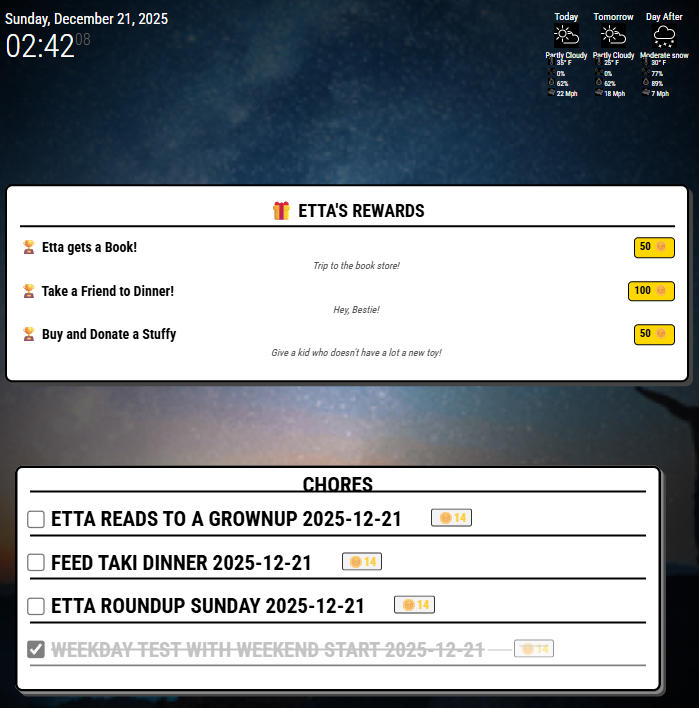
I also put together a mini-module to provide a placard showing the options in the ‘reward store’ - My kid is super goal oriented, so being able to take advantage of @pierregode 's awesome reward system is going to be a big win!
I’m going to look further into making this interactive and set up some kind of email to us to indicate she’s redeemed her coins on a particular reward.
The current MMM-ChoreRewards is super crude and rude - you can see plenty of other .css issues I’ll have to sort out. @sdetweil hopefully I’ve formatted this post better - thank you for the #mod help!
-
@pierregode
I’m using dateFormatting: “” in my config, but I stil got the date on the dashboard. Do I somethine wrong?{ module: "MMM-Chores", position: "top_left", header: "Takenlijst", config: { updateInterval: 60 * 1000, adminPort: 5003, showDays: 365, showPast: true, dateFormatting: "", } },
(still trying to learn JS, but not afraid to ask) ☺
-
@htilburgs try
dateFormatting:null
-
@htilburgs
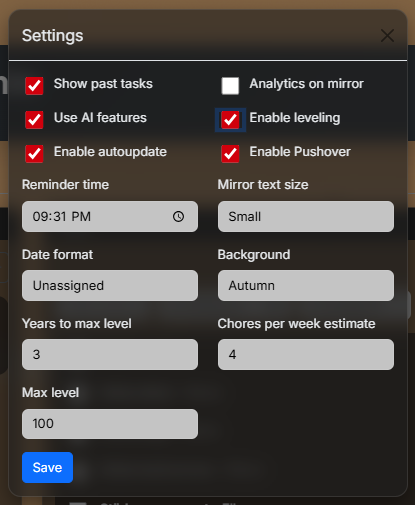
You can set it in the web in config page > Display Settings > Date format > Unassigned > Save -
@PierreGode said in MMM-Chores - Manage and keep track of your household Chores:
@htilburgs
You can set it in the web in config page > Display Settings > Date format > Unassigned > SaveI’m sorry for this late reaction. I’ll try this tomorrow (monday) when I have access to my mirror. Currently not at home. I let you Guys know the results.
-
@PierreGode
Tested and works. Thanks! -
Hey all-- I’m trying to get MMM-Chores working, but no matter what I do, the module shows up in the mirror as “No tasks to show (emoji).” I have populated the list with tasks, and confirmed that they appear in the data.json file. And I can reach the admin panel for Chores, so I know the server is running. Relevant codeblock from config.js:
{
					module: "MMM-Chores",
					position: "bottom_left",
					classes: "overview",
					header: "Chores",
					config: {
						updateInterval: 60 * 1000,
						adminPort: 5003,
    					settings: "unlocked",
						dateFormatting: "",
						login: false,
						users: [{ username: "dad", password: "", permission: "read" }],
					}
				}
I’m sure it’s something simple, so I appreciate your help! TIA.