MagicMirror Forum
    • Recent
    • Tags
    • Unsolved
    • Solved
    • MagicMirror² Repository
    • Documentation
    • 3rd-Party-Modules
    • Donate
    • Discord
    • Register
    • Login
    A New Chapter for MagicMirror: The Community Takes the Lead
    Read the statement by Michael Teeuw here.

    Cal EXT3 - Symbols and colors

    Scheduled Pinned Locked Moved Solved Troubleshooting
    14 Posts 2 Posters 4.5k Views 3 Watching
    Loading More Posts
    • Oldest to Newest
    • Newest to Oldest
    • Most Votes
    Reply
    • Reply as topic
    Log in to reply
    This topic has been deleted. Only users with topic management privileges can see it.
    • S Do not disturb
      sdetweil @_V_
      last edited by sdetweil

      @_V_

      Yes, really that simple

      eventTransformer: (ev) => {
        if (ev.title.search("John") > -1) {
                ev.symbol= "WHAT TO PUT HERE";
                ev.color= ‘blue’
        }
        return ev;
      };
      

      When using the font-awesome set,
      They give you a name or a number, you can use either value
      I dont know the set you picked

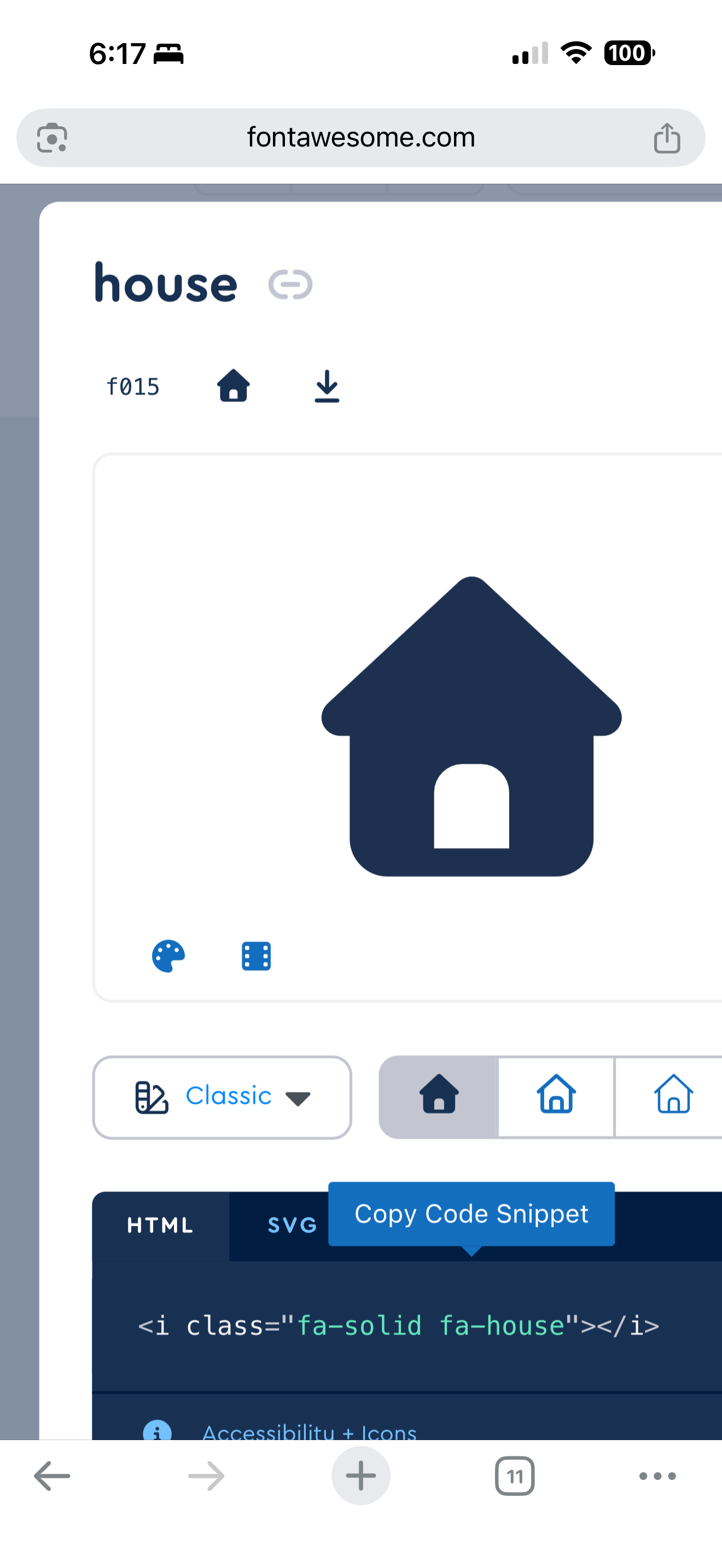
      Fa house is ‘house’ or ‘\f015’

      IMG_3918.png

      Sam

      How to add modules

      learning how to use browser developers window for css changes

      _ 1 Reply Last reply Reply Quote 1
      • _ Offline
        _V_ @sdetweil
        last edited by

        @sdetweil Hey Sam
        As soon as I try to use symbol, the calender wont load up - I see the current month but thats about it.
        I tried different icon, I tried changing only symbol and I tried putting up a transform command for color and symbol seperately

        eventTransformer: (ev) => {
        if (ev.title.search("Geburtstag") > -1)
        ev.symbol= "mdi:birthday-cake-outline";
        ev.color= "ff00ff";
        return ev
         },
        

        I also tried your version with the additional {}, but no change either way
        I put this into the ext3 config file, using iconify icons

        S 1 Reply Last reply Reply Quote 0
        • S Do not disturb
          sdetweil @_V_
          last edited by

          @_V_ if you want to set multiple properties on this event when the if condition is true

          the you need { }
          after the if()

          otherwise only the first is used when the condition is true…

          you would have to open the browser developers window to see what the problem is
          ctrl-shift-i (chrome)
          console tab,
          put ext3 in the filter field.

          Sam

          How to add modules

          learning how to use browser developers window for css changes

          _ 1 Reply Last reply Reply Quote 1
          • _ Offline
            _V_ @sdetweil
            last edited by

            @sdetweil I finally understood what you meant by put in filter…^^

            So I set the additional {} and the cal stopped again, message saing:

            TypeError: event.symbol.join is not a function

            Does this give you any clue or do you need the additional “at …” lines too?

            S 1 Reply Last reply Reply Quote 0
            • S Do not disturb
              sdetweil @_V_
              last edited by

              @_V_ ok, symbol is a list…

              use
              ev.symbol.push( “mdi:birthday-cake-outline”)

              instead of
              ev.symbol=

              Sam

              How to add modules

              learning how to use browser developers window for css changes

              _ 1 Reply Last reply Reply Quote 0
              • _ Offline
                _V_ @sdetweil
                last edited by

                @sdetweil OK no error, color is shown but no symbol.
                Did I miss some basic setting in the modules config?

                S 1 Reply Last reply Reply Quote 0
                • S Do not disturb
                  sdetweil @_V_
                  last edited by

                  @_V_ sorry, don’t know about that icon library…

                  can you try one of the FA values…

                  "\f015"
                  

                  for example

                  Sam

                  How to add modules

                  learning how to use browser developers window for css changes

                  _ 1 Reply Last reply Reply Quote 0
                  • _ Offline
                    _V_ @sdetweil
                    last edited by

                    @sdetweil Tried, no change.

                    Does it matter, where in the ext3 config it is placed, like at the end for example?

                    S 1 Reply Last reply Reply Quote 0
                    • S Do not disturb
                      sdetweil @_V_
                      last edited by sdetweil

                      @_V_ the filter/transformer is INSIDE the Ext3 config:{} block…

                      {
                      module: "MMM_CalendarExt3",
                      position:
                      config:{
                         .
                      .
                      .
                      .
                        eventTransformer: (ev) => {
                              if (ev.title.search("John") > -1){
                                    ev.symbol= "\f015";
                                   ev.color= "blue";
                              }
                              return ev
                         },
                       }
                      },
                      

                      Sam

                      How to add modules

                      learning how to use browser developers window for css changes

                      1 Reply Last reply Reply Quote 0
                      • _ Offline
                        _V_
                        last edited by

                        Mornin Sam
                        So I put it in the ext3 block but that didnt change anything.
                        I set “useIconify: false” to check if the fontawesome would work, but nothing too.

                        Also I wonder why I nowhere read about the ev.symbol error in any of the topics :/

                        S 1 Reply Last reply Reply Quote 0
                        • S Do not disturb
                          sdetweil @_V_
                          last edited by

                          @_V_ I see the same, except, if you click on the event, the popover comes up and the color is there…

                          the symbol doesn’t work…

                          there is text in the readme about the iconify icon set…

                          Sam

                          How to add modules

                          learning how to use browser developers window for css changes

                          1 Reply Last reply Reply Quote 0
                          • _ Offline
                            _V_
                            last edited by

                            Ok so I tried updating and “repairing” the module, turning the default cal class off but leads only to no icon shown.
                            I actually dont care if its Iconify or FA, but neither of them work ffs

                            1 Reply Last reply Reply Quote 0
                            • _ Offline
                              _V_
                              last edited by

                              Sam, nevermind the problem; I found a sentence in a different question on git, in which it is mentioned shortly; also its kind of written in a config, believe it was the ext3 config.

                              Still a bit annoying that you have to make an entry for the color and on another spot/file you have to set the custom event up.
                              Thanks for your continuous help mate.

                              1 Reply Last reply Reply Quote 0
                              • S sdetweil has marked this topic as solved on

                              Hello! It looks like you're interested in this conversation, but you don't have an account yet.

                              Getting fed up of having to scroll through the same posts each visit? When you register for an account, you'll always come back to exactly where you were before, and choose to be notified of new replies (either via email, or push notification). You'll also be able to save bookmarks and upvote posts to show your appreciation to other community members.

                              With your input, this post could be even better 💗

                              Register Login

                              • 1 / 1
                              • First post
                                Last post
                              Enjoying MagicMirror? Please consider a donation!
                              MagicMirror created by Michael Teeuw.
                              Forum managed by Sam, technical setup by Karsten.
                              This forum is using NodeBB as its core | Contributors
                              Contact | Privacy Policy