Read the statement by Michael Teeuw here.
MM with Docker
-
@RonR Generally speaking yes, but I would suggest to redownload / clone your modules to have the most-up-to-date version. Apart from this you also need to run the corresponding
npm installfor each of your modules… -
@RonR you can move the config file.
the modules are a little tougher under docker.
the git clone and npm install for each needs to be done from INSIDE the docker containerssh to your docker host (my synology nas, your pi)
then
docker exec -it mm bashto get to the commandline inside the container
then cd modules
then do the normal git clone/cd/npm install cycle for each module
then exit to leave the container, and
cd ~/magicmirror/run
docker compose restart mmadd MMM-Config on this whole process (clone/cd/npm install)
then you won’t have to do this againalso have to update the run/compose.yaml
to add the extra ports for MMM-Config (see the readme) -
@sdetweil Sam, I installed your config module but it does not display on the screen. I tried moving it to the bottom-right but no difference. I tried to reinstall it w/ npm install, no help.
This is the portion of the config.js for MMM-config. I added the restart entry because I wanted it to restart after an change to the file.
{
module:“MMM-Config”,
position:“bottom_right”,
// the QR code (if requested) will appear here
config:{
restart:“docker”,
}
{,As far as I know I have followed all the directions.
-
from the doc on parms
showQR	OPTIONAL	false	Show a QR code on the MM screen to allow quick access to the configuration form
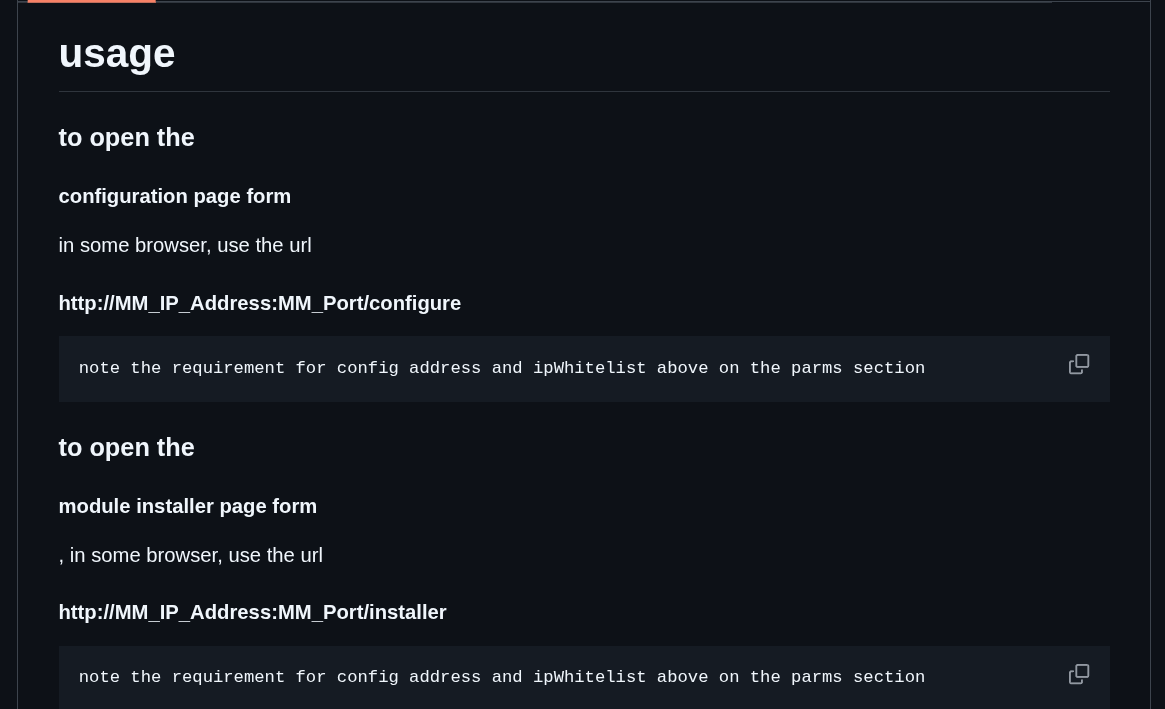
===>	Otherwise, use a browser to open http://MM_IP_Address:MM_Port/configure
only the QR code is displayed on the UI
the module installer is at
http://MM_IP_Address:MM_Port/installer -
@schlomm Thanks, I understand, download new module files.
Ron R
-
@sdetweil Sam, I can’t believe how simple it was and I just over looked it in the docs. Thanks for being so patient with me.
-
@RonR you weren’t looking there, no biggie…
but your experience tells me I need to make it more clear…
will update the doc… -
I added this section to the doc
after the parms and before the 1st screenshot
-
@RonR hello. I did the same a while back and @sdetweil 's help and contribution is great!
I was trying to run two different MMs in two containers. The 2nd one was always seeing the same configs as the first(or something like that) even though though I was able to configure two different ports, one for each, but wasn’t able to run two different screen layouts.
This is what docker spooked be able to enable. Multiple parallel setups, then you just run a series of screens in kiosk mode and you can display the same setup on multiple locations and screens.
Maybe I’ll try again. I pasted about it here, and Sam did try to help. I gave up on it.
-
@OrangeMirror the current docker setup will only work for multiple instances
IF
you use the MM_CONFIG_FILE environment variable to run instances off different config files,
or
the MM_PORT env variable to override the port if using the same config.jsall the files will come from the ONE folder tree ~/magicmirror
so this means you would have to setup multiple entries in the compose.yaml to launch multiple instances (with the different config parms)
You have to change the container name too
this is because all the DATA used by the container is external (on docker host filesystem) and not IN the container
an example NOT using docker, but same idea here
https://docs.magicmirror.builders/configuration/introduction.html#advanced-configuration-and-frequently-asked-how-to-configure-examples
