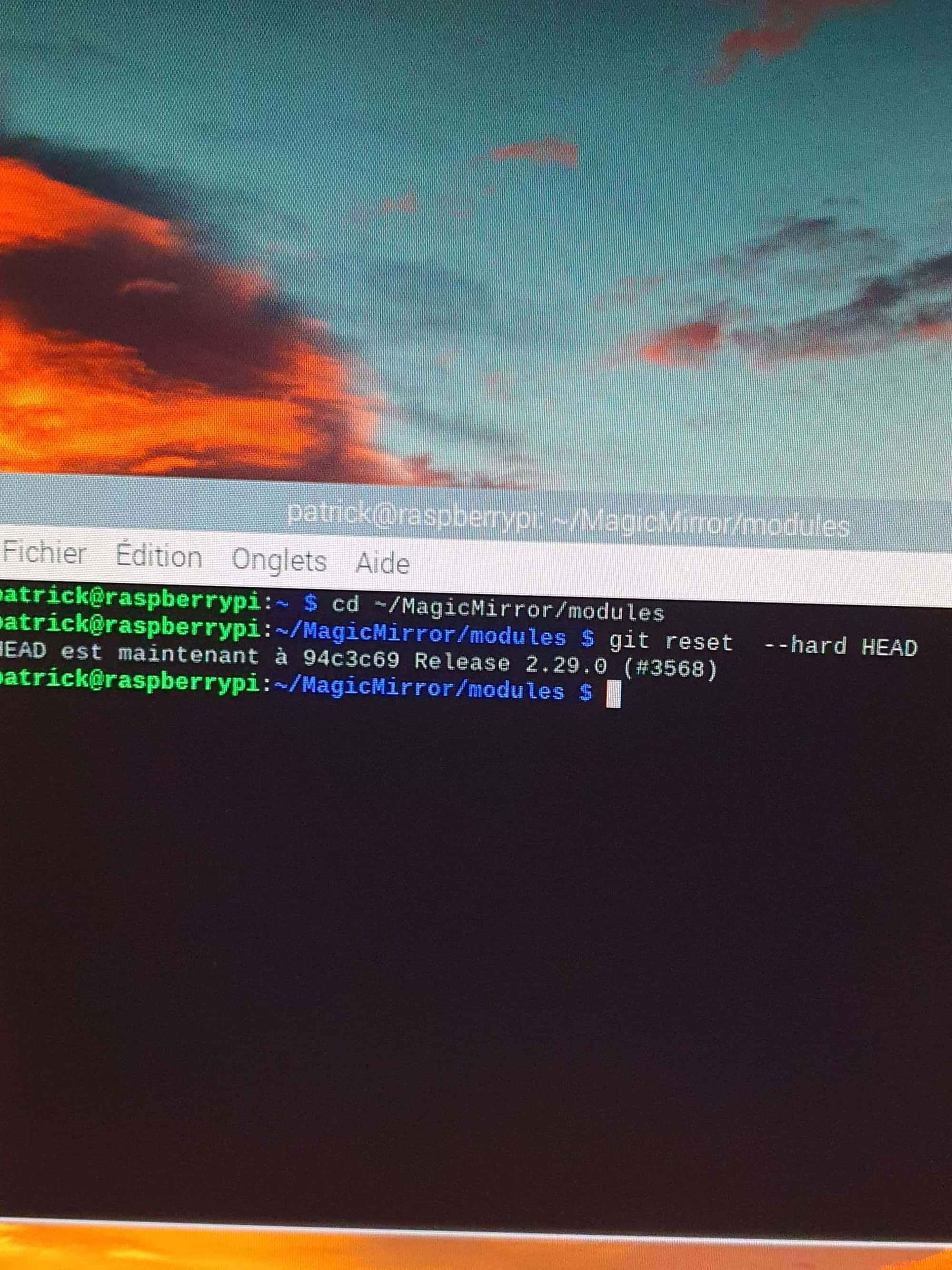
@sdetweil THANKS
I just tried both commands, none of them work, nothing happens, however, the update must have worked because no more messages and the module works correctly, thank you
Sincerely
P
Offline
A New Chapter for MagicMirror: The Community Takes the Lead
Read the statement by Michael Teeuw here.
Read the statement by Michael Teeuw here.
Posts
-
RE: update
-
update
Good morning
I can’t update MMM-MeteoFrance.fr
see error message.
Sincerely.patrick@raspberrypi:~ $ cd ~/MagicMirror/modules/MMM-MeteoFrance
patrick@raspberrypi:~/MagicMirror/modules/MMM-MeteoFrance $ git pull
astuce: Tirer sans spécifier comment réconcilier les branches divergentes
astuce: est découragé. Vous pouvez éliminer ce message en lançant une des
astuce: commandes suivantes avant votre prochain tirage :
astuce:
astuce: git config pull.rebase false # fusion (stratégie par défaut)
astuce: git config pull.rebase true # rebasage
astuce: git config pull.ff only # avance rapide seulement
astuce:
astuce: Vous pouvez remplacer “git config” par “git config --global” pour que
astuce: ce soit l’option par défaut pour tous les dépôts. Vous pouvez aussi
astuce: passer --rebase, --no-rebase ou --ff-only sur la ligne de commande pour
astuce: remplacer à l’invocation la valeur par défaut configurée.
Mise à jour 06e94f9…047a887
Fast-forward
MMM-MeteoFrance.js | 89 +±-
eslint.config.js | 22 ±
installer/postinstall.sh | 3 +
package-lock.json | 1040 +++++++++++++++++++±-------------------------
package.json | 16 ±
5 files changed, 479 insertions(+), 691 deletions(-)
patrick@raspberrypi:~/MagicMirror/modules/MMM-MeteoFrance $ npm install
npm ERR! code EBADENGINE
npm ERR! engine Unsupported engine
npm ERR! engine Not compatible with your version of node/npm: @eslint/config-array@0.18.0
npm ERR! notsup Not compatible with your version of node/npm: @eslint/config-array@0.18.0
npm ERR! notsup Required: {“node”:“^18.18.0 || ^20.9.0 || >=21.1.0”}
npm ERR! notsup Actual: {“npm”:“10.1.0”,“node”:“v20.8.0”}npm ERR! A complete log of this run can be found in: /home/patrick/.npm/_logs/2024-11-13T07_25_12_585Z-debug-0.log
patrick@raspberrypi:~/MagicMirror/modules/MMM-MeteoFrance $ -
RE: trouble updating module
I would say a big thank you to you who managed to resolve the problem and not to me, wishing you good continuation.
I’m too happy -
RE: trouble updating module
I just noticed that I forgot to put Remote control in the module folder. I did the manipulation again, then did a git pull again and npm install, that’s it, it’s back to normal, no more update messages, a big thank you to you for your help. how can I thank you do you have a kitty to make a donation cordially
-
RE: trouble updating module
Sorry I don’t understand your question I’m a newbie
-
RE: trouble updating module
code_text ```}, + { + "longname": "MMM-Remote-Control-Repository", + "id": "MMRIZE/MMM-Remote-Control-Repository", + "url": "https://github.com/MMRIZE/MMM-Remote-Control-Repository", + "author": "MMRIZE", + "desc": "Plugin for `MMM-Remote-Control` to update installable modules automatically." + }, "longname": "MMM-Remote-Control", "id": "Jopyth/MMM-Remote-Control", @@ -147,18 +350,39 @@ "desc": "Cleanly shutdown (or reboot) your mirror, edit which modules are shown on your mirror and turn your monitor off and on from a simple website, i.e. from your smartphone. }, { - "longname": "MMM-Remote-Control-Repository", - "id": "eouia/MMM-Remote-Control-Repository", - "url": "https://github.com/eouia/MMM-Remote-Control-Repository", - "author": "eouia", - "desc": "Plugin for `MMM-Remote-Control` to update installable modules automatically." + "longname": "MM-Remote", + "id": "Klettner/MM-Remote", + "url": "https://github.com/Klettner/MM-Remote", + "author": "Klettner", + "desc": "Android 📱 and Windows-desktop 💻 app to control your MagicMirror² remotely. (Shutdown, reboot, toggle monitor on/off, change brightness of monitor, custom-commands, etc.)." + }, + { -
RE: trouble updating module
I copy paste the file and it shows me too many characters.
I copy and paste the file and remove txt it tells me invalid file type authorized jpg jpeg png gif what to do? -
RE: trouble updating module
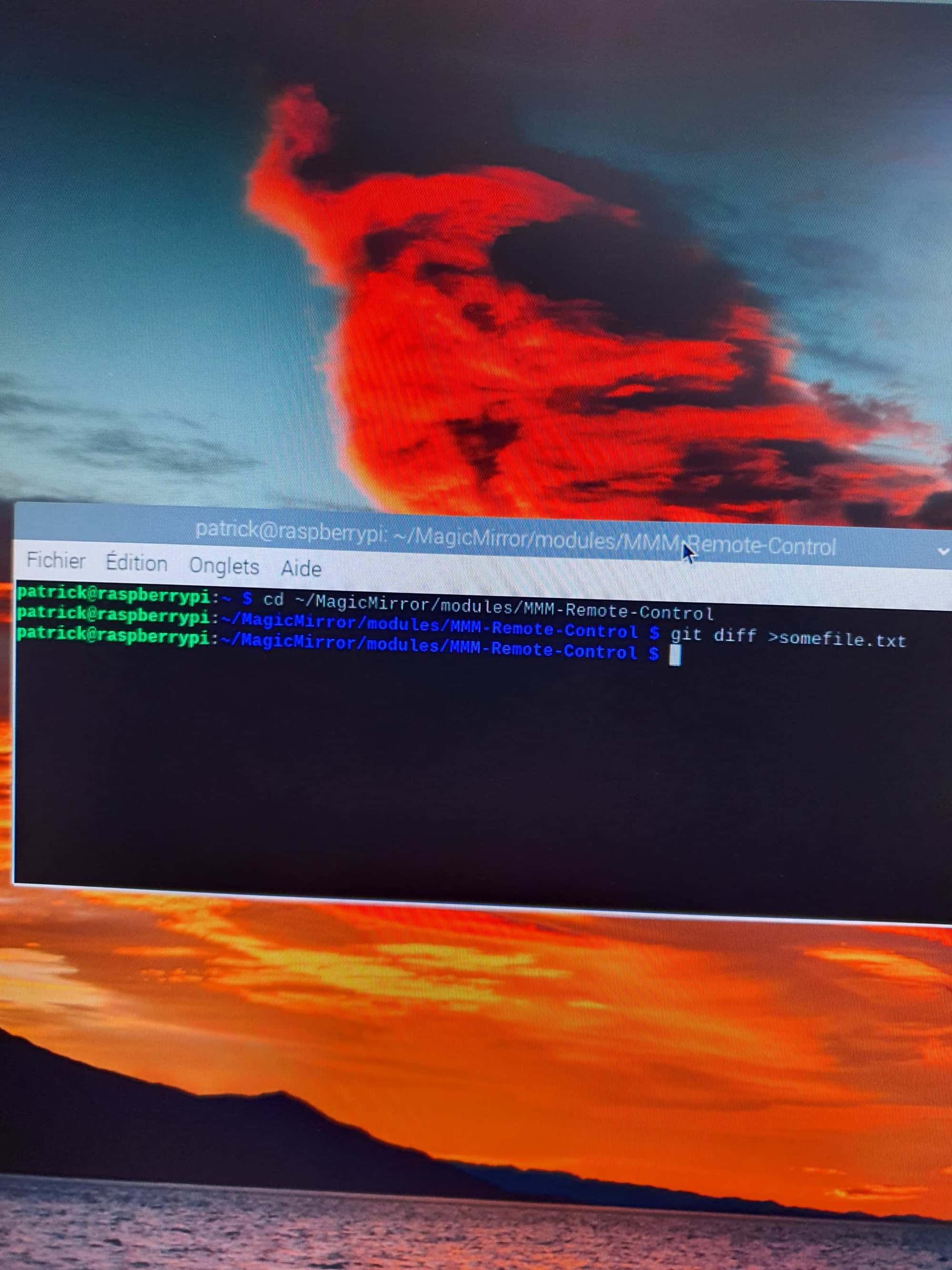
patrick@raspberrypi:~ $ git diff >somefile.txt
warning: Pas un dépôt git. Utilisez --no-index pour comparer deux chemins hors d’un arbre de travail
usage : git diff --no-index []patrick@raspberrypi:~ $
-
trouble updating module
Good evening after several attempts to update the remote control module it is impossible for it to work the message always appears I tried with the scripts https://github.com/sdetwe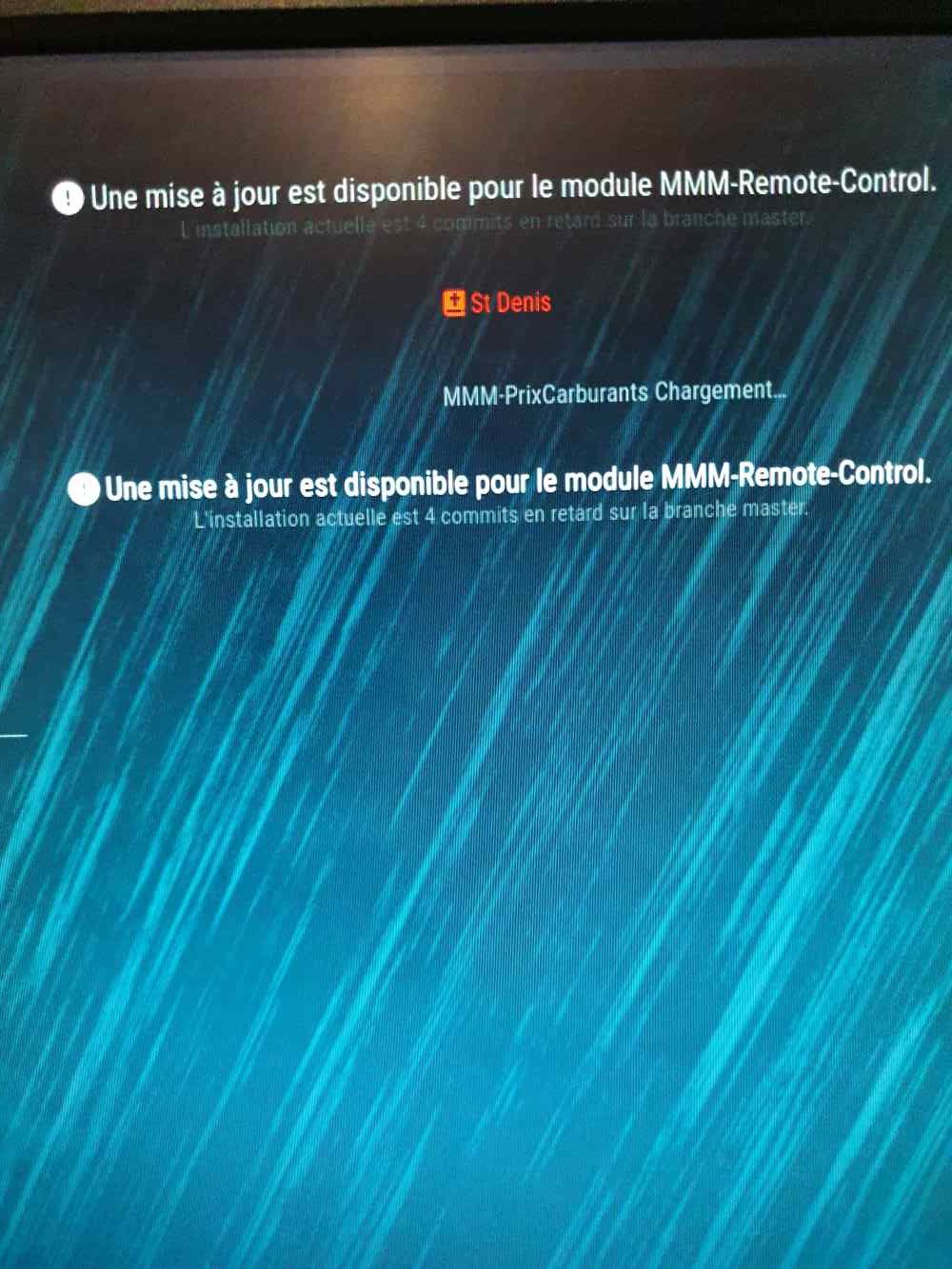
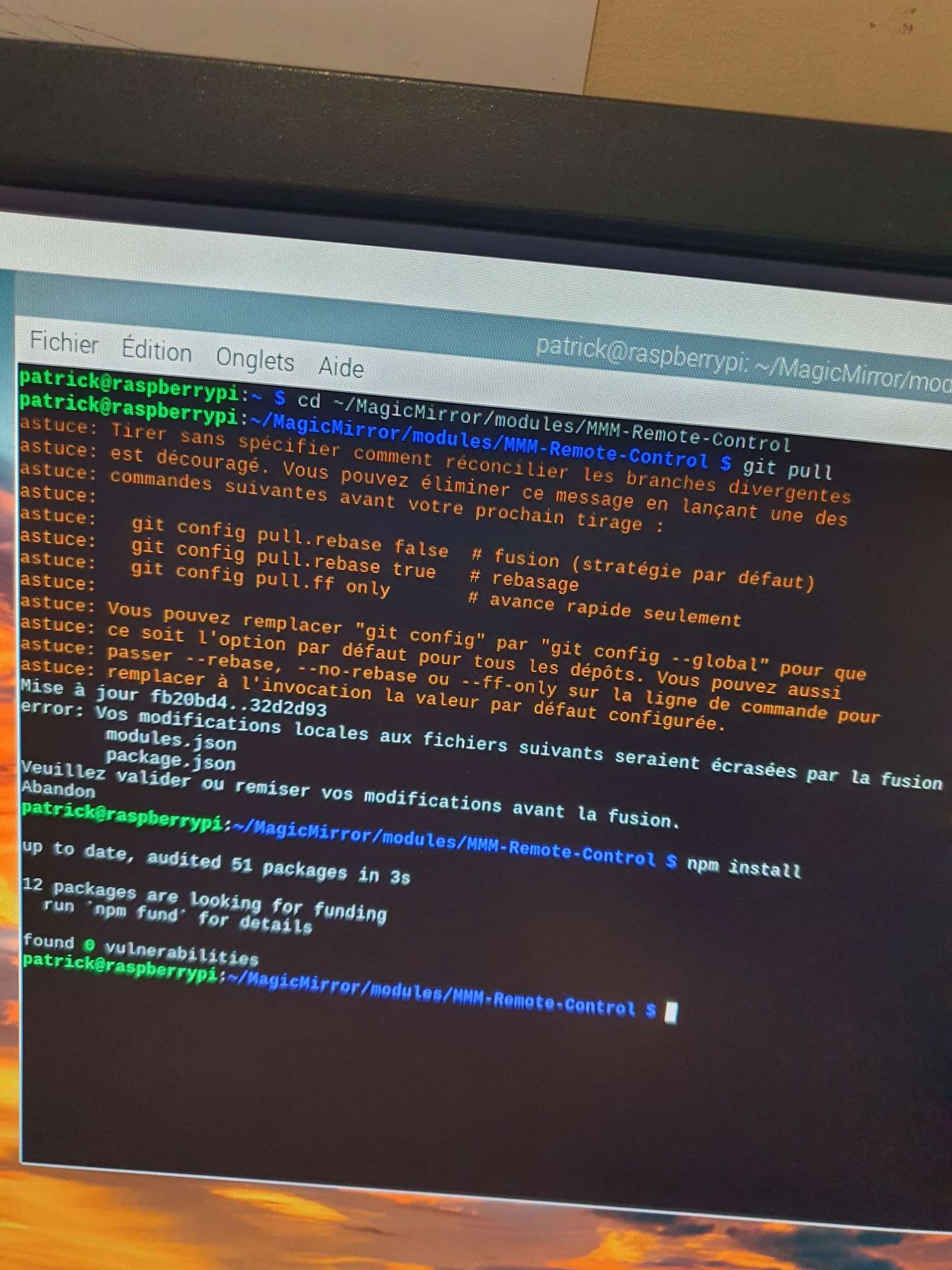 il/MagicMirror_scripts ditto attached the report
 -
RE: Update
Thank you very much it works I don’t know how to thank you so happy cordially
-
Update
hello my MagicMirror asks me for an update I wanted to do it by remote control but my MagicMirror does not restart what to do thank you.
pi@raspberrypi:~ $ uname -a
Linux raspberrypi 5.10.103-v7+ #1529 SMP Tue Mar 8 12:21:37 GMT 2022 armv7l GNU/Linux
pi@raspberrypi:~ $ lsb_release -a
No LSB modules are available.
Distributor ID: Raspbian
Description: Raspbian GNU/Linux 10 (buster)
Release: 10
Codename: buster
pi@raspberrypi:~ $ node -v
v18.18.0
pi@raspberrypi:~ $ grep version ~/MagicMirror/package.json
“version”: “2.28.0”,
pi@raspberrypi:~ $ -
photovoltaique
Hello, would anyone have the possibility to program to display the production of photovoltaic corn, best regards
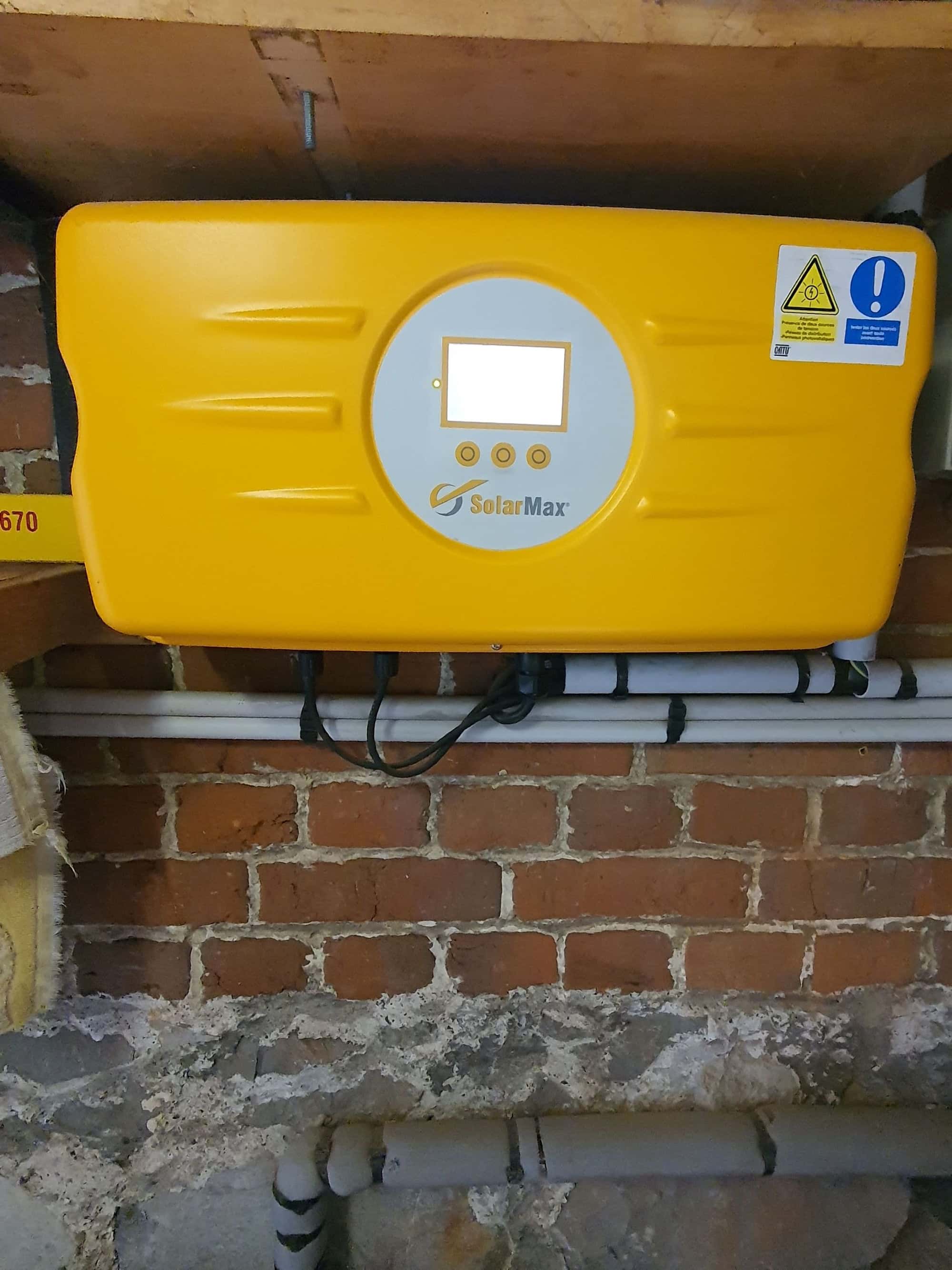
-
RE: update
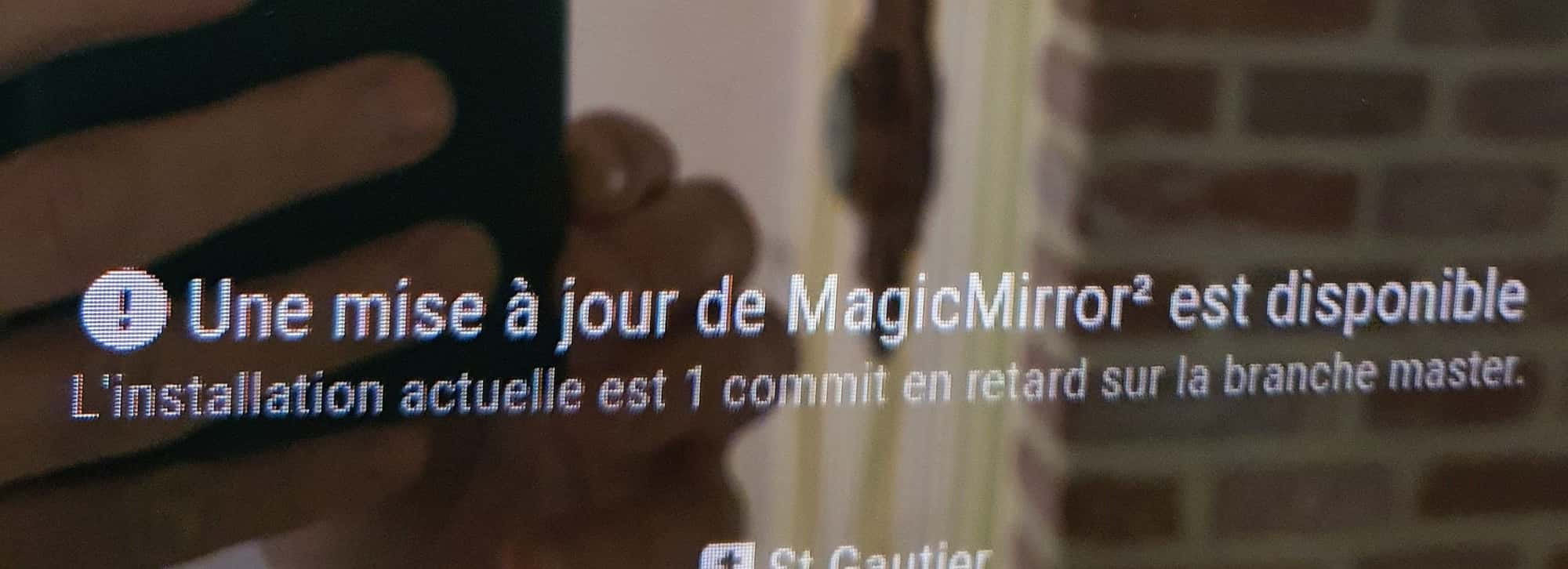
Here’s the photo
Thank you, it worked with your MagicMirror² installation and configuration scripts
thank you again cordially -
update
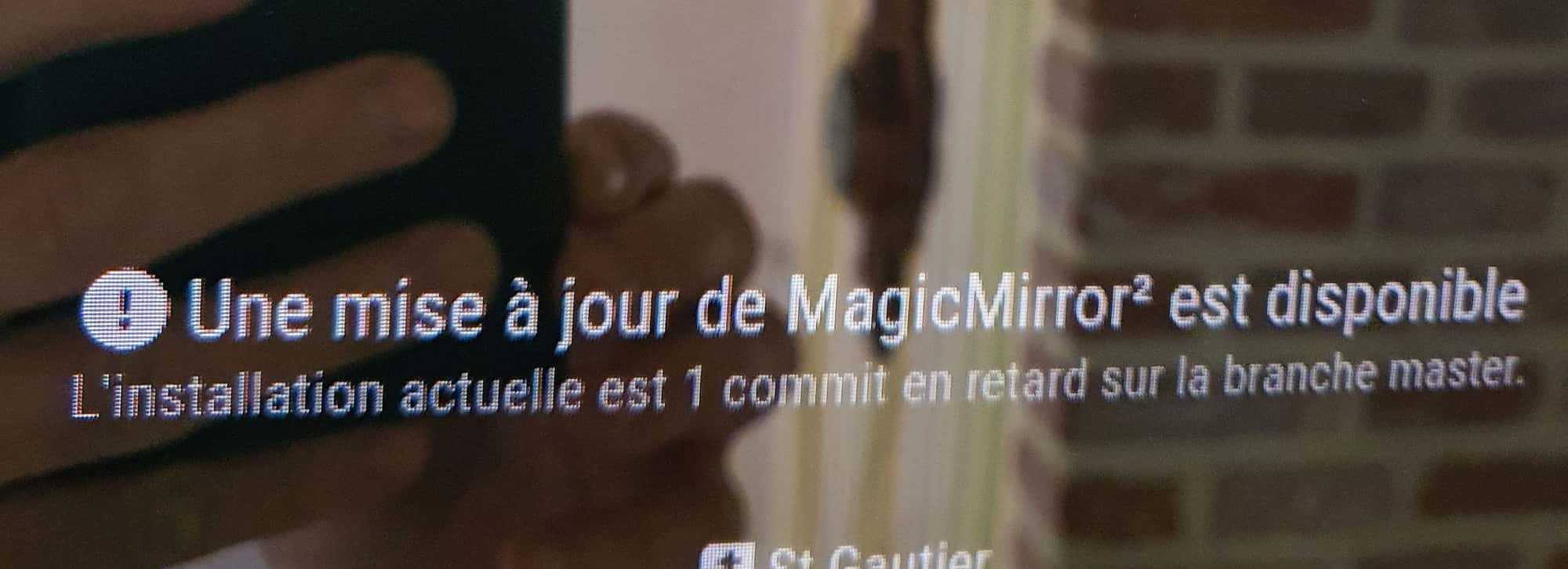
hello how to proceed with the update because this one is not a module I don’t know how to do it thank you -
update
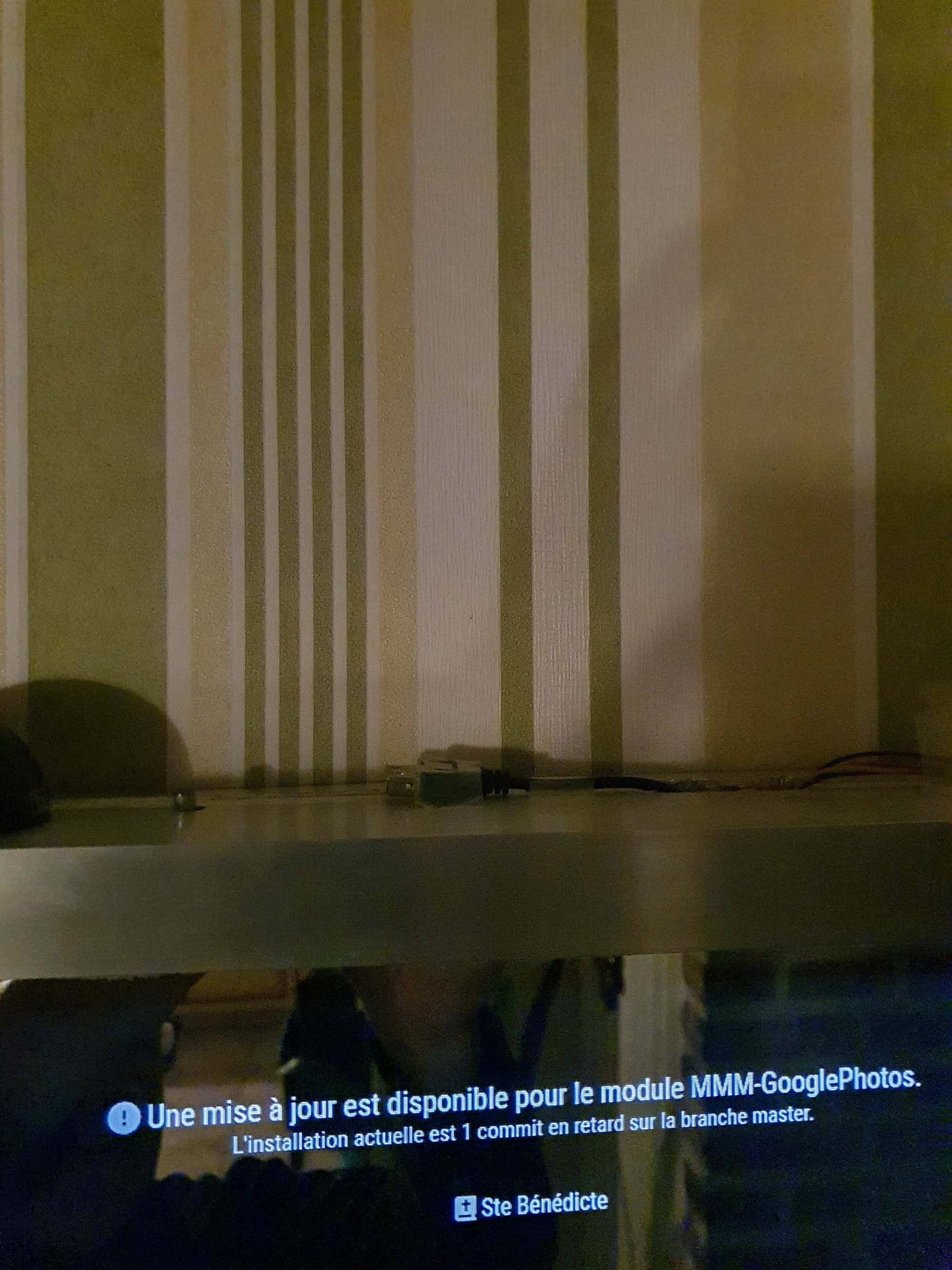
Hello MagicMirror asks me to update Google Photos, last time I did it with remt control and did not restart is there another method of updating thank you