@rihab_ben the documentation says
npm run token
not tokens
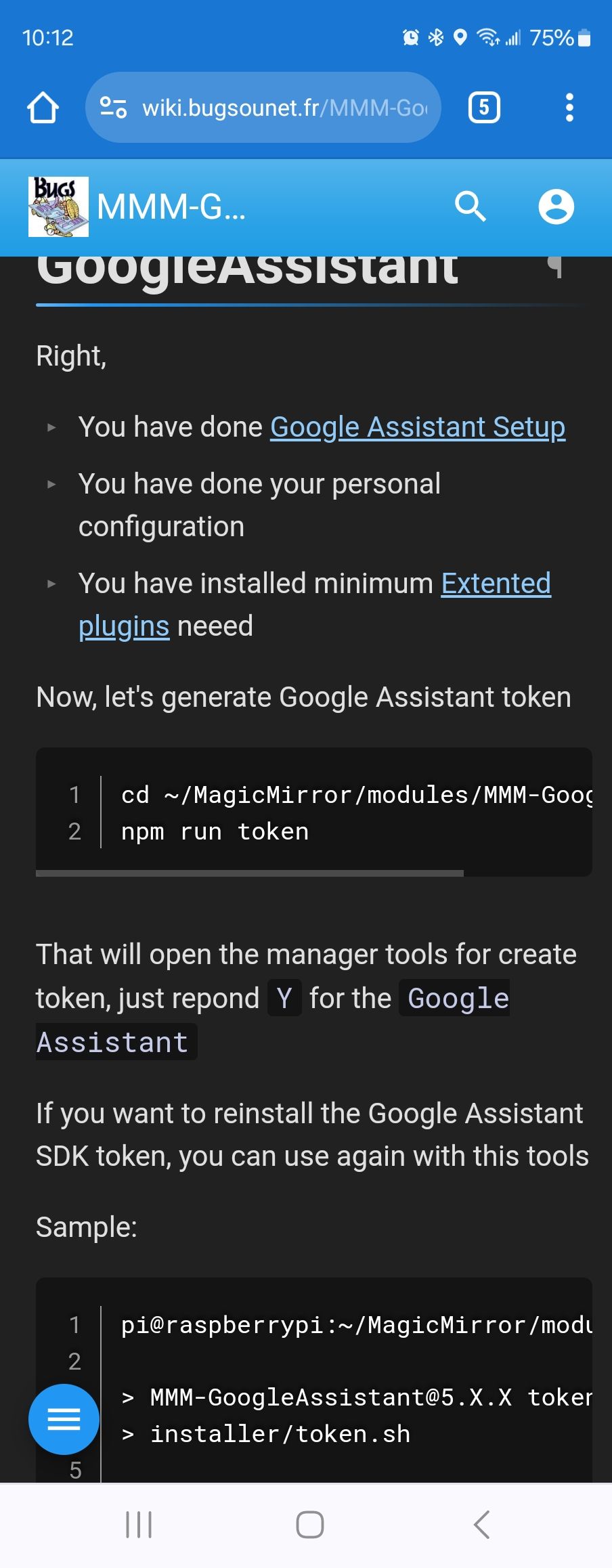
@rihab_ben the documentation says
npm run token
not tokens
@pastormingle the second display is not :2
it’s all still display :0
u can adjust the pixel offset for the web page
by adding
electronOptions:{ x:1920 },
to config.js before the modules: entry
where the 1920 is the pixel width of the 1st display
@mumblebaj my script is listed as first alternative
@Vauxdvihl yes openweather announced that they have terminated support for the 2.5 api and keys
you must now get a v3 key, which
requires supplying a credit card.
the 1st 1000 requests a day are not charged, according to their Web pages
you must also use the /onecall endpoint.
we will update the module for the July 1 release
@Vauxdvihl that command will output which repo the module came from
please show the output
@Richard238 unable to connect is because MM is not running
next time for upgrade use my script… it checks and upgrades node/npm/pm2 if needed as well as other stuff…
https://github.com/sdetweil/MagicMirror_scripts
short fix,
a. run my upgrade script with force instead of apply
or
b. upgrade node js to 16.x (will probably be 16.20)
then do npm install again
@Bungle68 what OS level are you on?
do
lsb_releaee -a
if it’s buster, the latest release won’t run there.
to help migrate , back up your config and modules list
use my backup/restore
https://github.com/sdetweil/MagicMirror-backup-restore
and to install or upgrade, use my scripts
https://github.com/sdetweil/MagicMirror_scripts
all of the scripts can be run directly from github.
@hanspeter2000 said in ReferenceError: Remote-Control & AccuWeatherForecastDeluxe:
[ERROR] ReferenceError: defaults is not defined
yes, this is a bad programming practice
in the MMM-AccuWeatherForecastDeluxe.js
on roughly line 98,
is
mainIconset: defaults.iconset,
this references the structure it is in that is not yet finished at the time.
it used to work once, but doesn’t reliably now…
the fix is to change that to
mainIconset: "1c",
(the value of the iconset 1 line above)
and this is caused by MMM-Remote-Control trying to figure out what modules are installed so it can help add/remove them ,
it is not fatal , so you can also ignore it…
on my dev system I have error messages all over the place due to Remote-Control trying to load module components
@grall_ritnos there are two logs
Console for node_helper, from npm start.
If using pm2, then pm2 logs —lines=nnnn
Nnn is number of lines, 15 is the default
In browser for the web side
Pi5 runs Wayland as the window manager
@brentmatthews awesome, thx for the feedback.
can you mark it resolved?