Read the statement by Michael Teeuw here.
Booting up the Mirrow for the first time
-
I have followed the quick start guide to the get Magic Mirror up a running with the Raspberry Pi 4 however when I type npm run start I get the following messages are the magic mirror does not display:
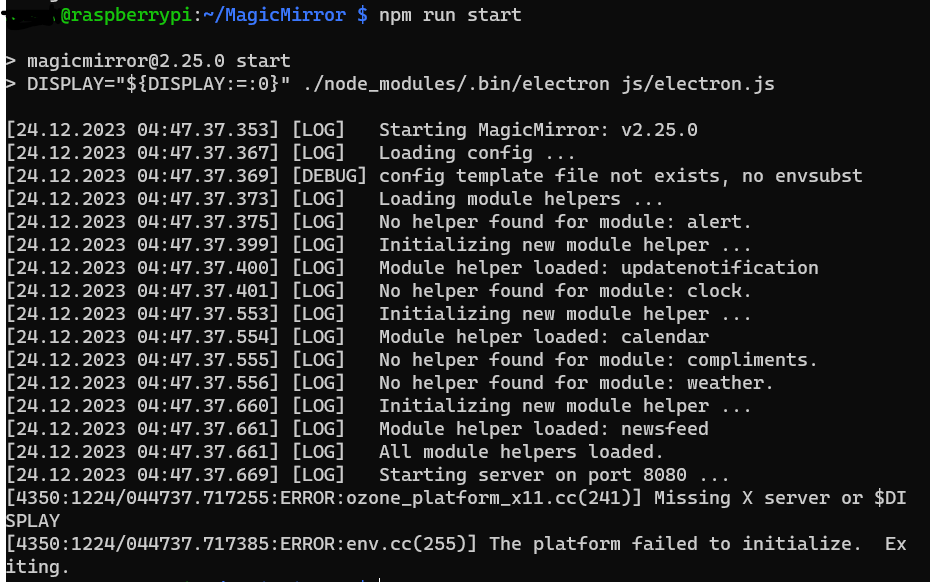
Does anyone know a fix for this? -
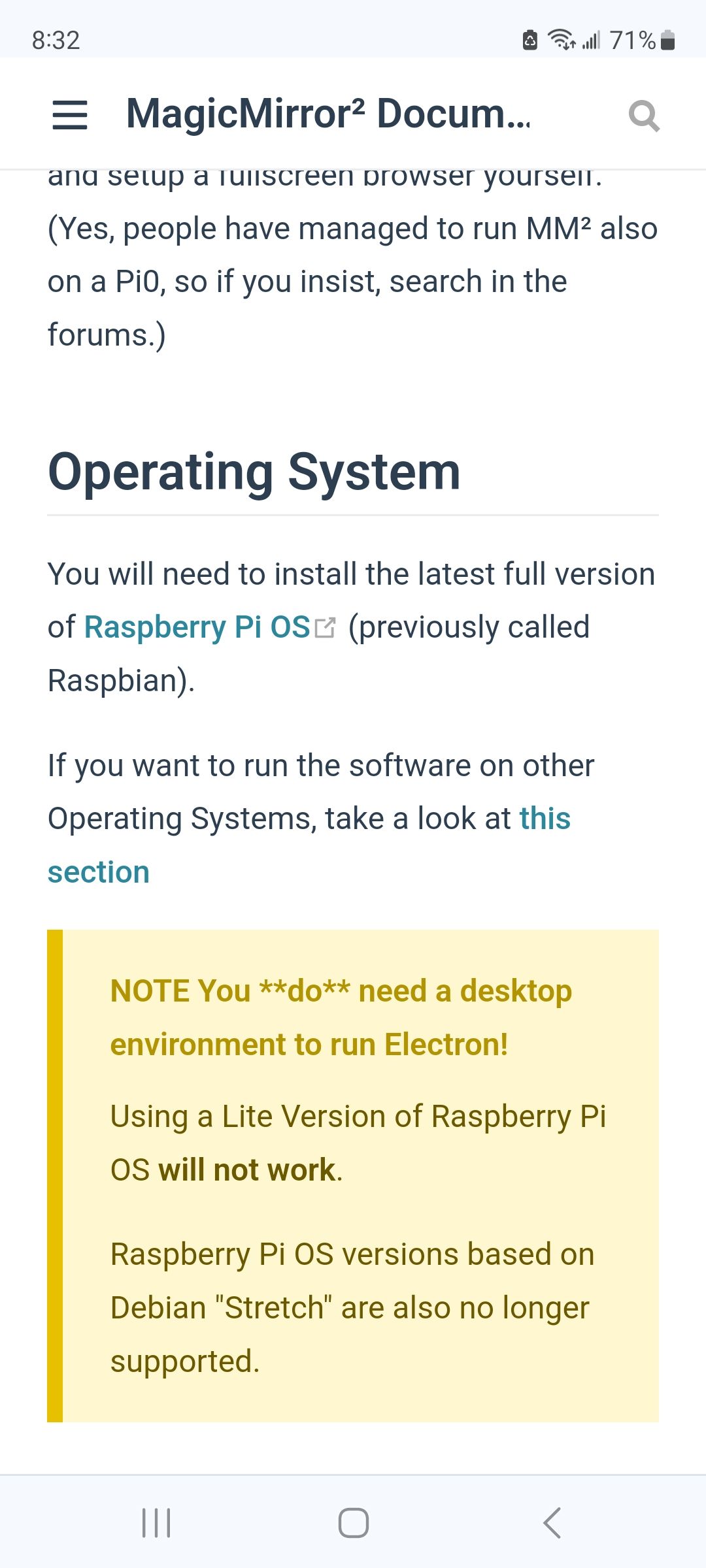
@neastman You must start with a full version of the OS that has the graphical desktop.
MagicMirror uses a browser to display and all browsers display only in graphics modeif you had used my automated script it would have aborted warning you of text mode
-
@neastman you CAN run text mode server
npm run serverand access the server from another system with a browser
(provided you enable outside system access in the MM config.js )
address, and ipWhitelist by default only allow apps INSIDE the same system to access mm
(the MM design is for a self contained mirror on the wall of course)
Hello! It looks like you're interested in this conversation, but you don't have an account yet.
Getting fed up of having to scroll through the same posts each visit? When you register for an account, you'll always come back to exactly where you were before, and choose to be notified of new replies (either via email, or push notification). You'll also be able to save bookmarks and upvote posts to show your appreciation to other community members.
With your input, this post could be even better 💗
Register Login