Read the statement by Michael Teeuw here.
My living-room Mirror
-
Hi,
I’ve just finished building my MagicMirror.
First I’d like to thank MichMich and the community around this great project.
I’m using quite a few third-party modules and I contributed the MMM-MPR121 one that I’m using on this mirror.
I’m using the following third-party modules:- googlemap
- iFrame
- MMM-Globe
- MMM-ModuleScheduler
- MMM-ProfileSwitcher
- MMM-MPR121
- MMM-Remote-Control
- MMM-SystemStats
- motiondetector
- voicecontrol
Here are the features I currently have implemented:
- Display a calendar, weather forecasts and satellite earth view
- Display my wife’s unread email list
- Automatic display of a Google map trafic view from my home to my work location (iFrame with auto-refresh)
- Display a webcam in an iFrame
- Voice command (I gave it up for now since it’s not reliable enough and I don’t want to use any cloud-based voice recognition service)
- Touch command
- Motion detection using the PI Camera
It should soon display a live video feed from my 3D printer too.
I bought a used LCD monitor with built-in speakers and ordered a custom-built wooden picture frame from a local shop.
I bought the two-sided mirror from a local shop. It’s very good looking but also very expensive (95€ for a 500x310x6mm frame).I made the rear box from a 65x18mm plank, glued to the picture frame.
I secured the fixation by epoxy-gluing metal plates between the box and the frame and screwing right angle brackets between the box sides.
The miror is attached to the wall by 2 pairs of Z-shaped clips.
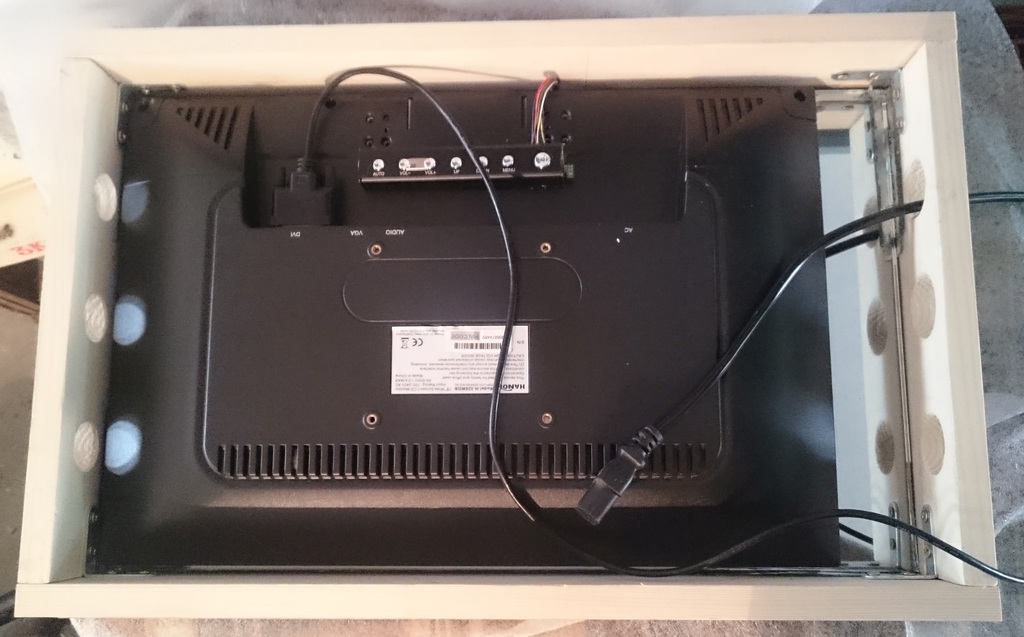
The screen is held by wooden cleats screwed into the box.
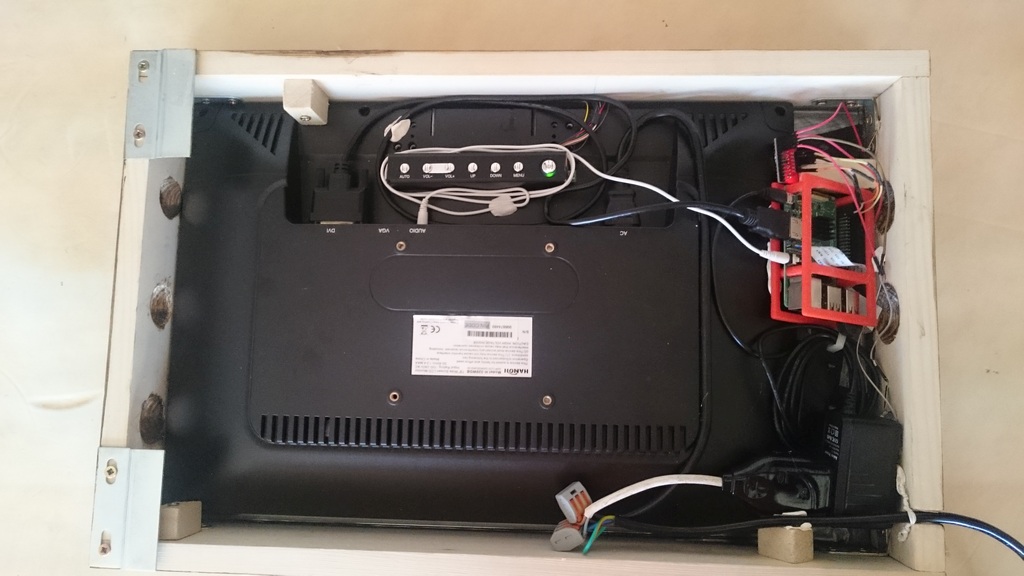
I gave up on through-glass touch commands. It was almost working but was lacking sensitivity and the mirror would get stained very quickly.
So I used what’s called in France ‘Parisian clips’ as touch-buttons located on the bottom side of the box.I’m using an MPR121 breakout board and my MMM-MPR121 module (a modified version of the MMM-Buttons module using the Adafruit MPR121 Nodejs library) to have up to 12 touch-buttons.
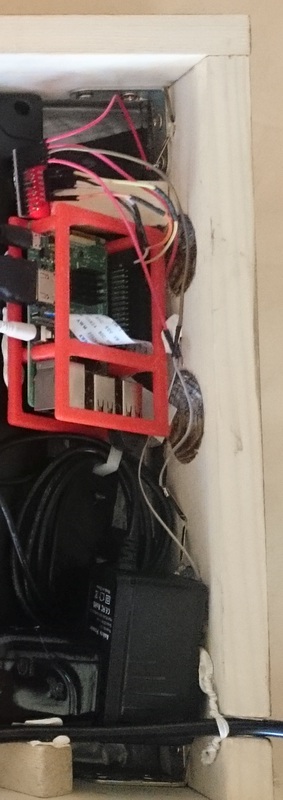
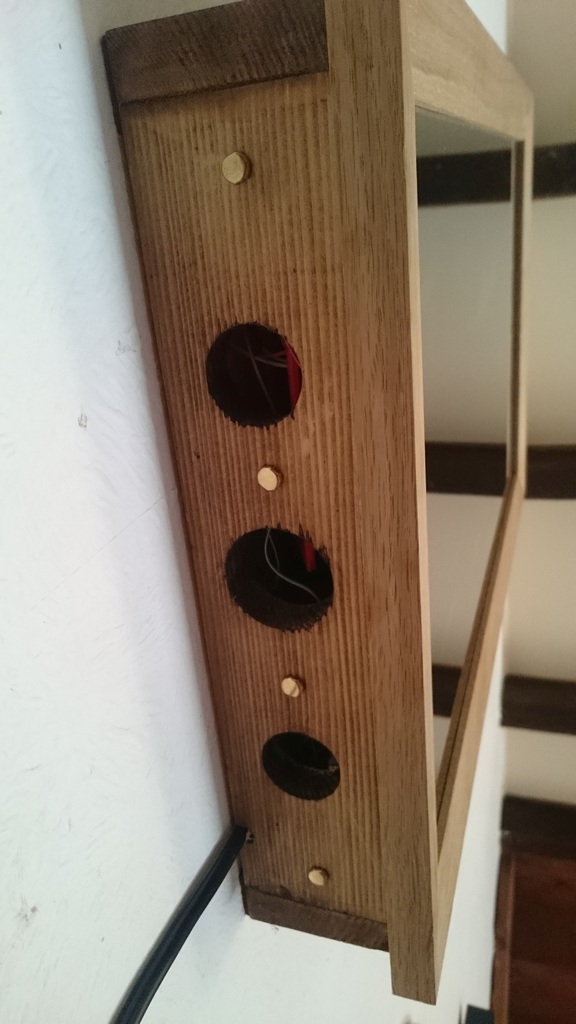
So far I’m only using 3 of them, with 2 functions on each button: a short and long touch function:
- Button 1 - short: “default” profile
- Button 1 - long: Shutdown the Raspberry Pi
- Button 2 - short: “webcam” profile
- Button 2 - long: “trafic” profile
- Button 3: not used (yet)
- Button 4 - short: “my wife’s” profile (display her unread emails)
- Button 4 - long: “default” profile
I had to put the RPi power supply further from the buttons since it was randomly triggering false touches.
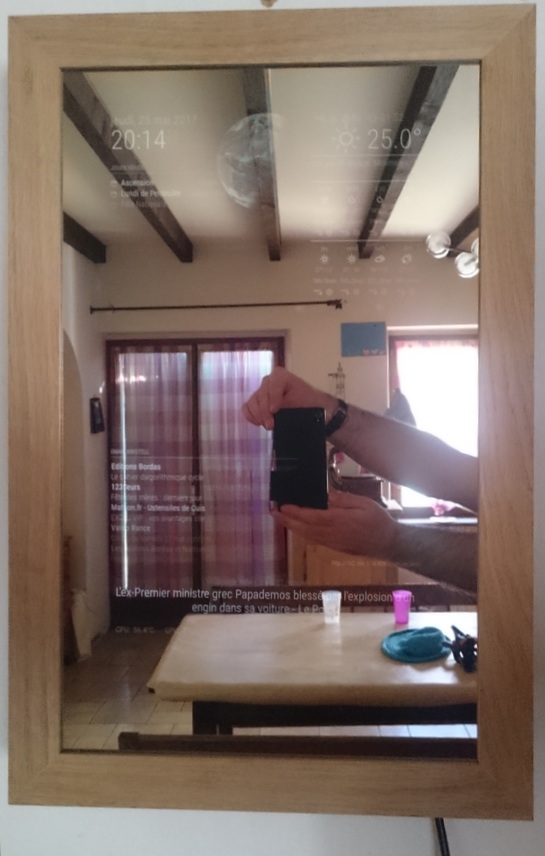
Here is the mirror in my living room:
-
@PatriceG
Very clean but nice look. I like it -
Bonjour,
Je suis en pleine construction du mien, peux tu me donner des détails plus precis sur tes fichiers modules … et tes commandes boutonscordialement.
Hello! It looks like you're interested in this conversation, but you don't have an account yet.
Getting fed up of having to scroll through the same posts each visit? When you register for an account, you'll always come back to exactly where you were before, and choose to be notified of new replies (either via email, or push notification). You'll also be able to save bookmarks and upvote posts to show your appreciation to other community members.
With your input, this post could be even better 💗
Register Login