Read the statement by Michael Teeuw here.
Problem for MMM- Assistant
-
Hi everyone. I have a problem with my magic mirror and more precisely with MMM-Assistant I installed a mirror from this tutorial https://www.youtube.com/watch?v=UBgH5hejYtM&t=514s and when I start the mirror then in the upper right corner I have such an icon and it flashes you can see it’s in the picture. When I say “ok google” into the microphone, nothing happens. How to fix it?
I have Rasberry piB + microphone for usb
greetings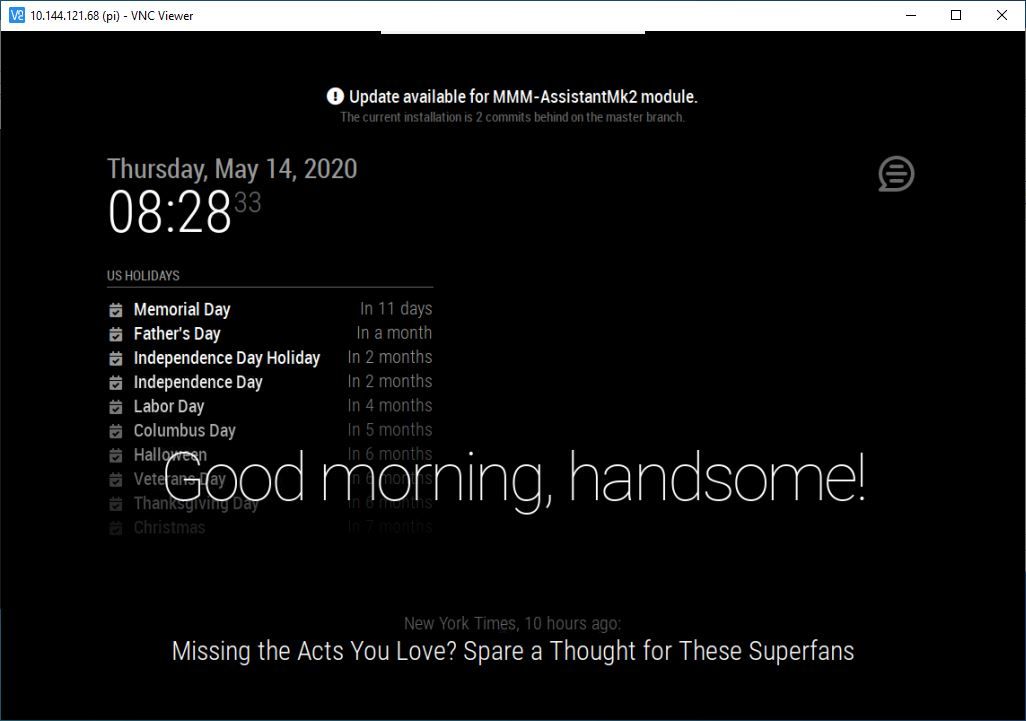
-
-
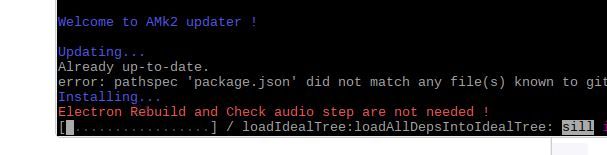
I could not update the assistant goggles because I already had such a catalog. So I removed it, the update was good, but after the update, when I turn on the mirror, it is a black screen and the cursor can only be seen, the thread can not be seen anymore and it still doesn’t talk …
-
try this:
pm2 stop all
cd ~/MagicMirror
npm start
copy and past all log there
note for copy use CTRL MAJ C
-
It didn’t work, it’s still a black screen and one more thing that I can’t turn on this menu with the Alt button, all I have to do is start the windows button and I have to run the rasbery again to get to the files. He has one more problem because when he enters the command
vi ~ / .asoundrc
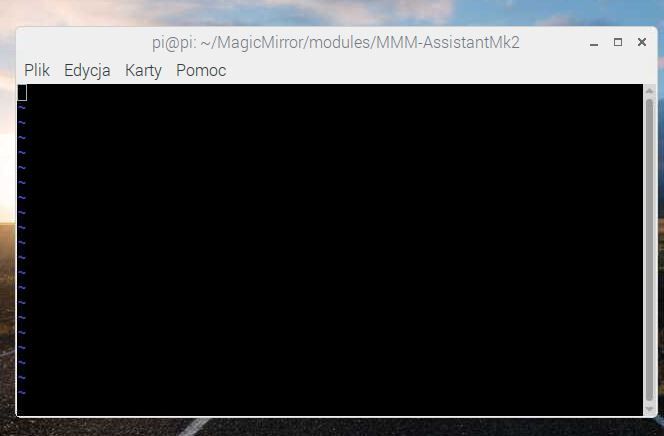
it’s something that appears to me (picture 1) and when I press enter, something like that appears to me (picture 2) I can’t edit this file in any way, I just open it mc (norton comander), but some stupid things come out (probably not file format) how can I open and edit this file correctly ??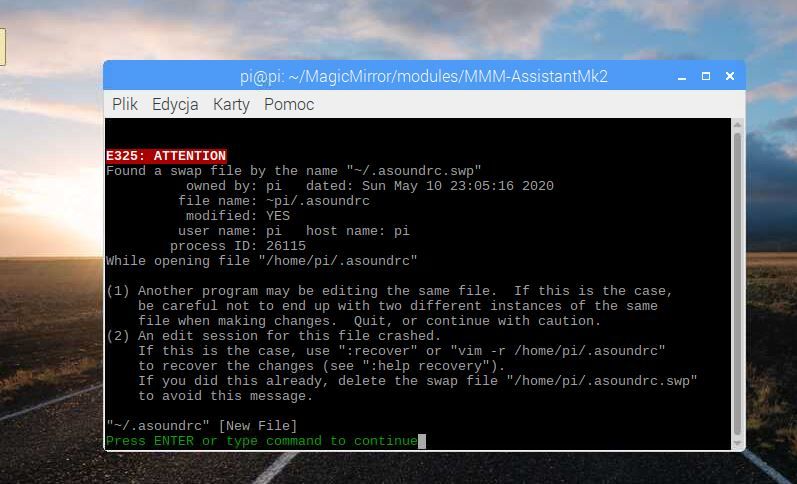
-
Hello! It looks like you're interested in this conversation, but you don't have an account yet.
Getting fed up of having to scroll through the same posts each visit? When you register for an account, you'll always come back to exactly where you were before, and choose to be notified of new replies (either via email, or push notification). You'll also be able to save bookmarks and upvote posts to show your appreciation to other community members.
With your input, this post could be even better 💗
Register Login