Read the statement by Michael Teeuw here.
MMM-Todoist scrolling list (Marquee)
-
Hello there - I’m using the MMM-Todoist to present my Alexa shopping list. By the end of the week, the list is getting extremely long. I’d like to have the list at some point (e.g. 10 entries) to scroll from the top to botton through the list. I know there’s a nice feature you can do with CSS: marquee.
Here’s an example that’s purely (I guess) with CSS : http://jsfiddle.net/vn2Vu/7/
Do you know guys if that is something that can be done with MMM-Todoist?
I’m medium to CSS and JS but willing to learn it more and more 💪
Thank you very much in advance!
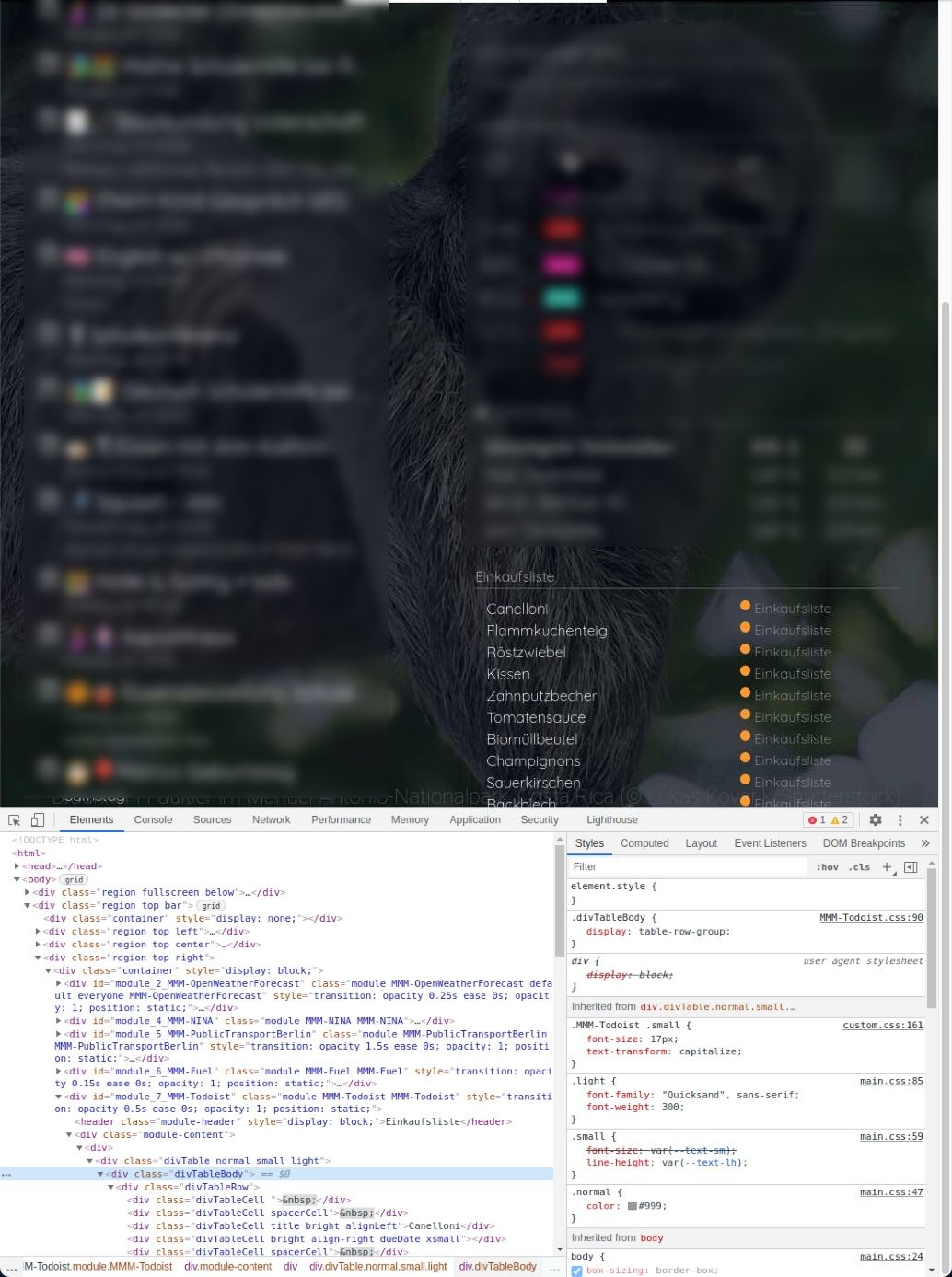
-
Quick update on this. Maybe someone else is looking for a similar way to automatically scroll through the list. You can added following code to the custom.css file:
/* MMM-Todoist Scrolling Animation */
.MMM-Todoist .divTable {
       white-space: nowrap;
       overflow: hidden;
       height:150px;   /* increase or decrease the height of the scrolling area*/
       box-sizing: border-box;
}

.MMM-Todoist .divTable div {
       -webkit-animation: divTable 25s linear infinite alternate;   /* adjust the seconds for the scrolling speed */
}

@-webkit-keyframes divTable {
      0% { -webkit-transform: translateY(5%); }
    100% { -webkit-transform: translateY(-70%); }
}
So the shopping or ToDo list is scrolling from the top to the bottom and back to the top again. Here an example: http://jsfiddle.net/51d4umwo/1/
-
@MZ-BER lucky it’s a div table and not html table

Hello! It looks like you're interested in this conversation, but you don't have an account yet.
Getting fed up of having to scroll through the same posts each visit? When you register for an account, you'll always come back to exactly where you were before, and choose to be notified of new replies (either via email, or push notification). You'll also be able to save bookmarks and upvote posts to show your appreciation to other community members.
With your input, this post could be even better 💗
Register Login