Read the statement by Michael Teeuw here.
Need direction for setup
-
Hello to all, I’m just another newbie to MagicMirror. To this point I have MagicMirror loaded and running on my pi. It is also connected to my network. Can anyone point me to directions to change the default settings to cover my area? I’m not trying to do anything fancy here just getting things like the clock, weather, etc. setup to display correctly. Thanks for any and all help.
-
@hiproof read the topics in my signature below
they will help.
basically u edit the config file and change the config options for each ‘module’
the options for the default supplied modules are documented in the mm doc
-
Thanks for your help. I have set up a open weather API key, but am unsure how to generate a city ID
-
@hi-proof read the instructions
-
Respectfully if your answer is read the instructions can you at least be kind enough to point me to the correct instructions? I see no answer to my question in what I have read to this point and quite frankly am overwhelmed. I also see no reason to answer any question with read the instructions. Believe me I wouldn’t ask if I could do this myself.
I suspect that someone in the know could make a business out of helping guys like me that don’t have a clue what they are doing and make good money.
-
@hi-proof well the doc says you don’t need it
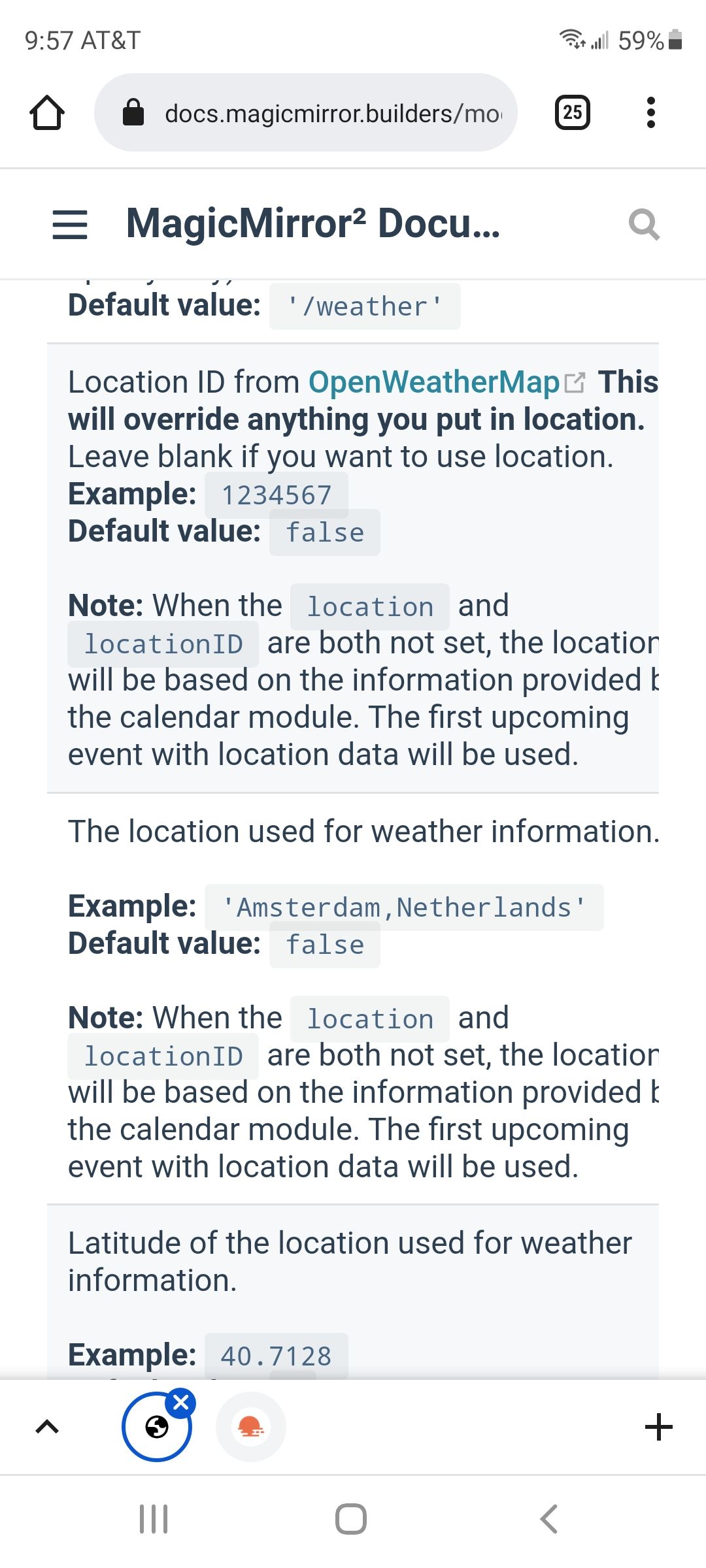
but you could follow the link in the locationID description, and click find and click the resulting link. to get the number.
Hello! It looks like you're interested in this conversation, but you don't have an account yet.
Getting fed up of having to scroll through the same posts each visit? When you register for an account, you'll always come back to exactly where you were before, and choose to be notified of new replies (either via email, or push notification). You'll also be able to save bookmarks and upvote posts to show your appreciation to other community members.
With your input, this post could be even better 💗
Register Login