Read the statement by Michael Teeuw here.
MMM-Chores - Manage and keep track of your household Chores
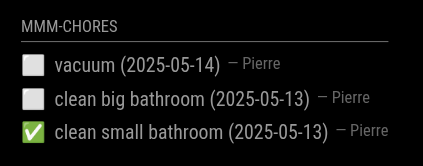
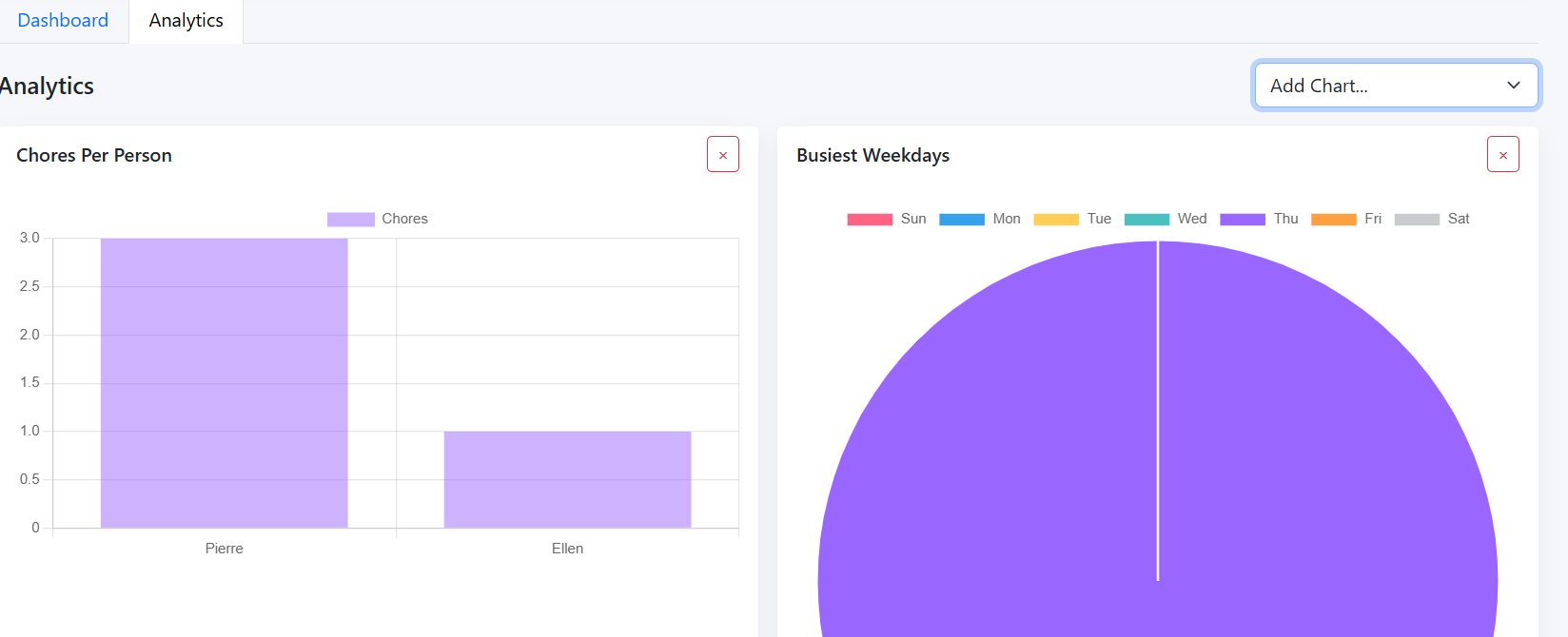
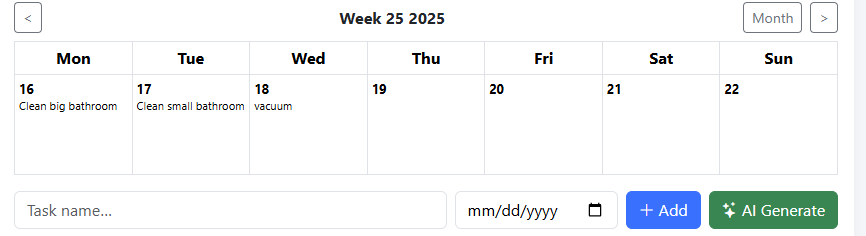
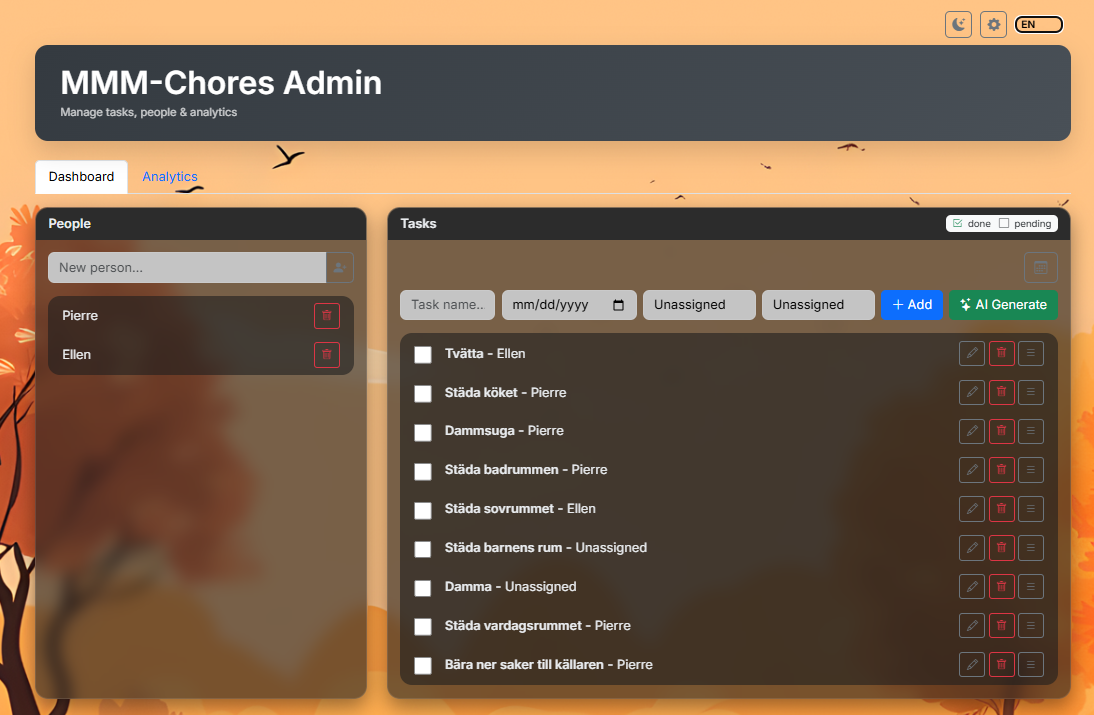
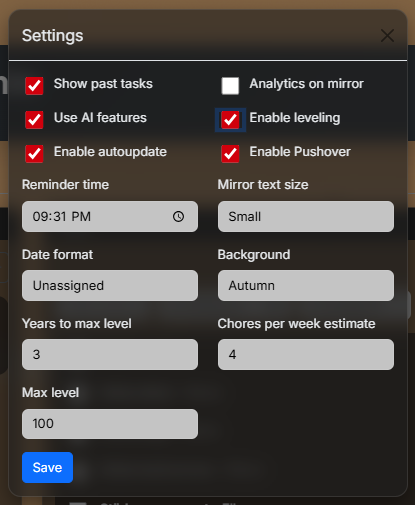
-
@PierreGode
Tested and works. Thanks! -
Hey all-- I’m trying to get MMM-Chores working, but no matter what I do, the module shows up in the mirror as “No tasks to show (emoji).” I have populated the list with tasks, and confirmed that they appear in the data.json file. And I can reach the admin panel for Chores, so I know the server is running. Relevant codeblock from config.js:
{
					module: "MMM-Chores",
					position: "bottom_left",
					classes: "overview",
					header: "Chores",
					config: {
						updateInterval: 60 * 1000,
						adminPort: 5003,
    					settings: "unlocked",
						dateFormatting: "",
						login: false,
						users: [{ username: "dad", password: "", permission: "read" }],
					}
				}
I’m sure it’s something simple, so I appreciate your help! TIA.
-
@jtillinghast
What does the command pm2 logs give you? -
@PierreGode And of course, today it works for seemingly no other reason. I don’t believe I have touched anything in the module or the config since it wasn’t working, but now it looks good! I will continue to monitor. Thanks.
-
Question: Is it possible to set the config in some way to only show chores for one person? I’m using MMM-Pages to give each kid their own dashboard, for example, and I’m wondering if the page could just show the chores for that one person.
-
@jtillinghast and then you need multiple instances in config.js
-
@sdetweil Sure-- I have the multiple instances, but I’m just not sure what to put into the config to filter each instance down.
-
@jtillinghast ok, takes a little extra coding for multiple instances. Just making sure that is handled too
-
@sdetweil Can you say more about the extra coding? I created multiple instances, and assigned them to the unique pages via the class. Is there more unique configuration that needs to get handled?
-
@jtillinghast it’s inside the module, nothing you can do.
Currently the module does not do this extraThe module with a node helper sends a request to the helper
The helper gets done and sends the response backBut, the method we use which is fast and flexible,
goes to ALL the same modules at once
So read chore list, send back, all instances get the One listMagicMirror provides a unique identifier for each module entry in config.js . The trick is to send that identifier with the request
And the helper sends it back with the data AND The modules checks to see if the identifier in the response matches its identifier.
If not just ignore it.