@MrEMan Thanks mate! It turned out pretty well. Here’s the link: https://drive.google.com/file/d/1FfIS4rzHAGP17ZZfBRDqdpRWQwDvYSXk/view?usp=sharing
Just message me if you need any clarification etc.
B
Offline
A New Chapter for MagicMirror: The Community Takes the Lead
Read the statement by Michael Teeuw here.
Read the statement by Michael Teeuw here.
Posts
-
RE: My Smart Mirror
-
RE: My Smart Mirror
@lavolp3 Yeah my father suggested a look like this (I think it’s called rustic white washed). Basically I painted it on and then the next day just used an orbital sander to take off some of the paint, and then used some coarse sandpaper by hand.
-
RE: My Smart Mirror
@lavolp3 haha indeed! Very grateful - I’ve also submitted it to this thing called Top Designs to get featured in a museum in collaboration with the VCAA (it’s the education for Victoria). Me and my father made it together, it’s actually quite difficult making perfect 45 degree cuts as we soon found out, but aesthetically it turned out great!
-
RE: My Smart Mirror
@Fozi yes that was intention! I just painted it and sanded it back :)
-
My Smart Mirror
Hi all, thought I would share with you my finished Smart Mirror. I built this for my Systems Engineering project in school which received the Australian Defence Force Future Innovators award. I have a complete portfolio of the whole design process if anyone would like it. I’d like to thank @MajorC and @lavolp3 for helping with some queries, and a huge thanks to @MichMich for the creation of the MagicMirror2 program. Cheers.
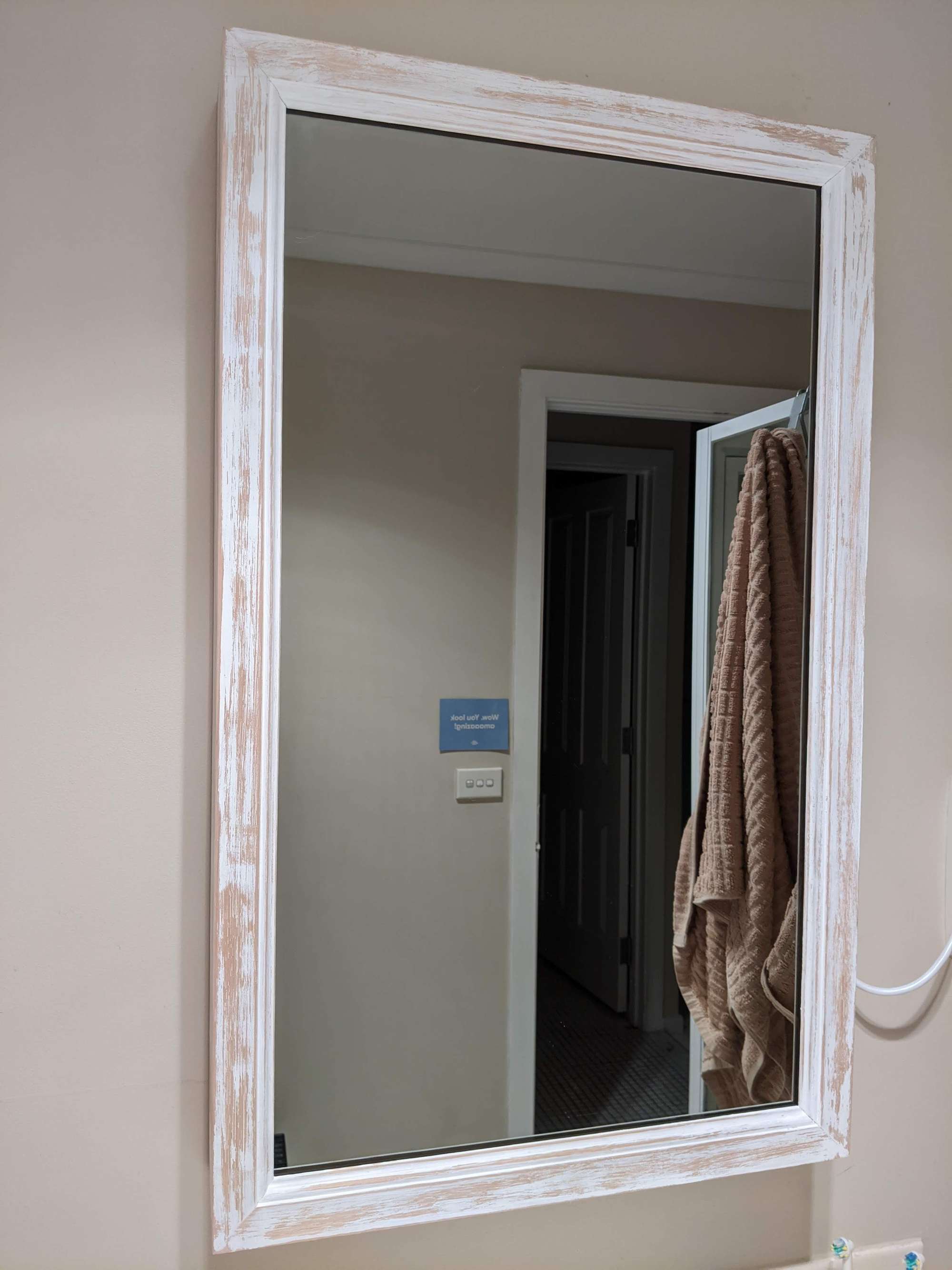
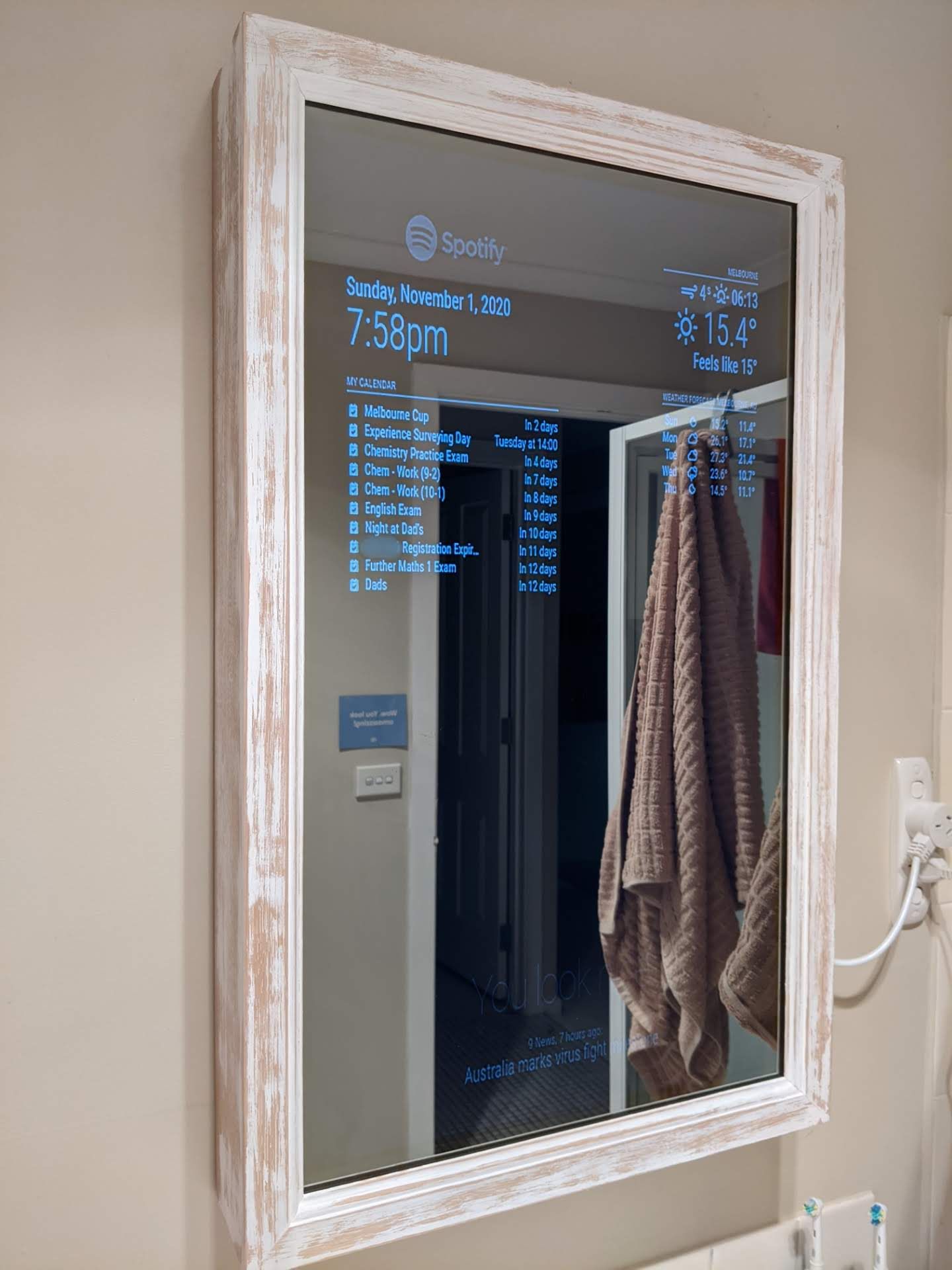
-
RE: Changing the colour of all text on screen
@BKeyport I mean when I say I’ve customised a module, I’ve changed the default fade value to false, or changed the time format on clock to 12 hour. Also I don’t know what forking the project means. But thank you also for the explanation.
-
RE: Changing the colour of all text on screen
@lavolp3 Thanks for the explanation!
-
RE: Changing the colour of all text on screen
@lavolp3 Also thanks, I figured it out, I was editing the wrong module because there is like 3 modules on weather. Okay another question, I want to change the colour on weather forecast. Currently it’s red and blue, but I want it to go blue (min temp) and then red (max temp), so how would I do that? Appreciate all the help
-
RE: Changing the colour of all text on screen
@lavolp3 So just to confirm, even though I have edited code in like modules or custom.css for the font colour, it won’t be replaced when I update with git pull?
-
RE: Changing the colour of all text on screen
@MajorC Thanks so much, I will make sure to add this! Also what is the right way to go about updating the MagicMirror program?
-
Changing the colour of all text on screen
Still very new to this and know nothing about coding, I’ve seen a few posts regarding changing the colour of text but am still perplexed and need someone to explain it to me. Would just like all text to be white (currently struggling to see text when lights are on, attached a photo.) Also I couldn’t remove the fade off the weather forecast for some reason? Also I’m still confused with how to update the magicmirror, I think you need to use git stash? I don’t know :( Thanks in advance.
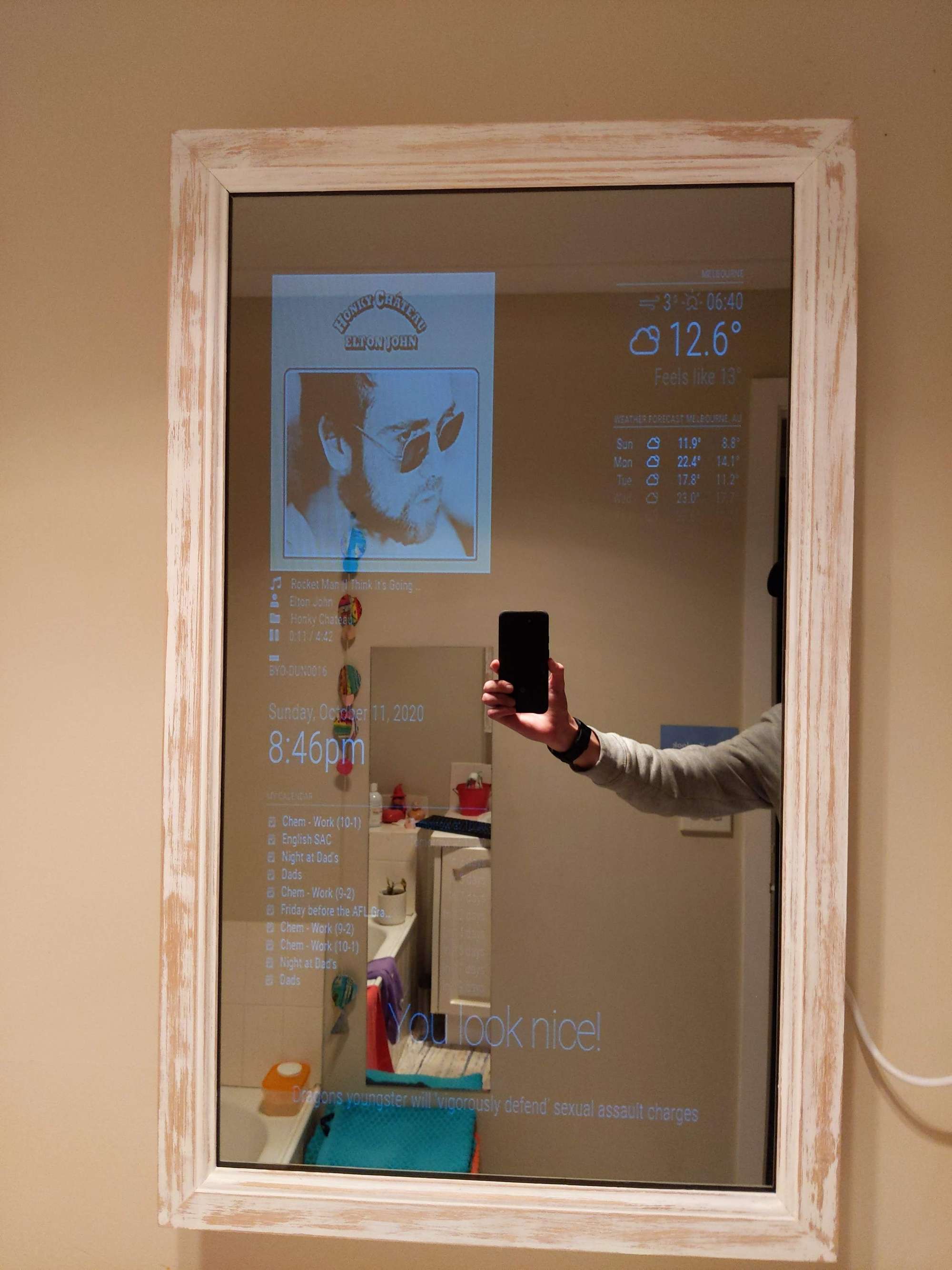
-
RE: Someone Help (Struggling to get 3rd party modules working)
@sdetweil Yep all working, I just moved the 3rd party modules and it works now. I did realise though that the MMM-google-route requires you to use your credit card with google cloud platform (I know you get free credit) so I’ve decided to delete that module. Is there anything else like that that doesn’t require you to sign up etc? Thanks for the help by the way, I appreciate it.
-
RE: Someone Help (Struggling to get 3rd party modules working)
@sdetweil So for MMM-google-route I went to the 3rd party modules page, then i clicked the green code and copied the github link and then let that download into the modules folder. I then copied and pasted the code into config.js and added the API keys etc. I don’t know why the folder name wouldn’t match, I haven’t changed any folder name.
EDIT: Well I’m stupid, I realised the 3rd party modules aren’t meant to be placed in the default folder. Well this all makes sense now.
-
Someone Help (Struggling to get 3rd party modules working)
So right now, I’m trying to get MMM-NowPlayingOnSpotify and MMM-google-route working but when I look in the developer tools I just get the message
failed to load resource: the server responded with a statue of 404 (not found)
*I don’t know much about code so I have been following the beginner tutorial but I’m clearly struggling :(