@mrdenmark if you set the date to 18.11.2019 and the occurance is every 14 days then it’s correct :)
If the enable value is true - the image is not visible as it’s not a trashcan day.
If the enable value is false - the part of the module is disabled and is not evaluated at all. Also I recommend to use start dates from the past, not future :)
A New Chapter for MagicMirror: The Community Takes the Lead
Read the statement by Michael Teeuw here.
Read the statement by Michael Teeuw here.
D
Offline
Posts
-
RE: MMM-DumpsterDay
-
RE: MMM-DumpsterDay
@BD0G Exactly: 24 = DD, 10=MM, 2019=YYYY, so 24.10.2019 is DD.MM.YYYY, an European standard format :)
What I quoted from your post: 11.13.2019 is not applicable as there is no 13th month :)var startDateYear = startDate.substring(6,10);
var startDateMonth = startDate.substring(3,5);
var startDateDay = startDate.substring(0,2);That’s the exact code that cuts the date to year, month and day variables, so day is the first two numbers, month are another two numbers and year are last four numbers :)
-
RE: MMM-DumpsterDay
@BD0G That would be playing with the width of the elements in the css file. I will check the options of making it a config key as well. But later today - just got to work :)
Thanks for all the ideas and work done! :) -
RE: MMM-DumpsterDay
I also needed to change the date on each of the cans within the same MagicMirror/config/config.js file
basicStartDate: “11.13.2019”,
plasticStartDate: “11.13.2019”,
landscapeStartDate: “11.13.2019”,Please note the date format in the config should be DD.MM.YYYY, the only format making sense :P
If you were testing this on 11.11.2019, the month and day commutable :D
-
RE: MMM-DumpsterDay
@BD0G Hey there, I changed the file names of the modules and the paths, so it can be used the way you described - via clone.
Can pull the current version and give it a try? Also change the date accordingly :) I believe we’re getting there! :DHave a good one.
-
RE: MMM-DumpsterDay
@BD0G i will give it a try with your config and check what’s wrong and let you know.
-
RE: MMM-DumpsterDay
@BD0G this seems right :)
Thanks for the tips! I will change the installation process :) I’m still new, this is my first real programming project, so this colaboration process is new to me. -
RE: MMM-DumpsterDay
@BD0G Hi there,
I added the install instructions and example of config with descriptions to the readme file.
I’ll copy it here also:{ module:"trashcan", position:"lower_third", config: { refreshInterval: 18000000, // Default: 18000000 = 5 hours pulse: true, // Default: true - Makes the module pulsating enableBasic: true, // Enable basic trashcan basicStartDate: "24.10.2019", // The first dumpster day (Always use 2 digit dates (01 instead of 1)) basicDateDiff_1: 14, // Trashday reoccurance - Default: 14 (every 14 days) basicNotifyDayBefore: true, //Default: true - If you want the notification to appear also the day before the dumpster day enablePlastic: true, // Same values as basic but for Plastic plasticStartDate: "16.01.2019", plasticDateDiff_1: 28, plasticNotifyDayBefore: true, enableLandscape: false, // Same values as basic but for Landscape landscapeStartDate: "29.10.2019", landscapeDateDiff_1: 28, landscapeNotifyDayBefore: true, }I hope it’s clear now :)
Also note the module should not appear today, as it’s not a dumpster day :) Try changing the Start date in the config to make it appear it’s dumpster day today to test it. I may also implement a AlwaysOn config key for testing purposes. Maybe during the week :)
If anything is unclear or can be improved, please let me know :)
-
RE: MMM-DumpsterDay
@BD0G So I’ve made some changes:
Now there are 3 possible cans, user can disable each one in config or change the image via css.
Pulsing is now switchable and I also changed the startDate input format.
Check it out ;)
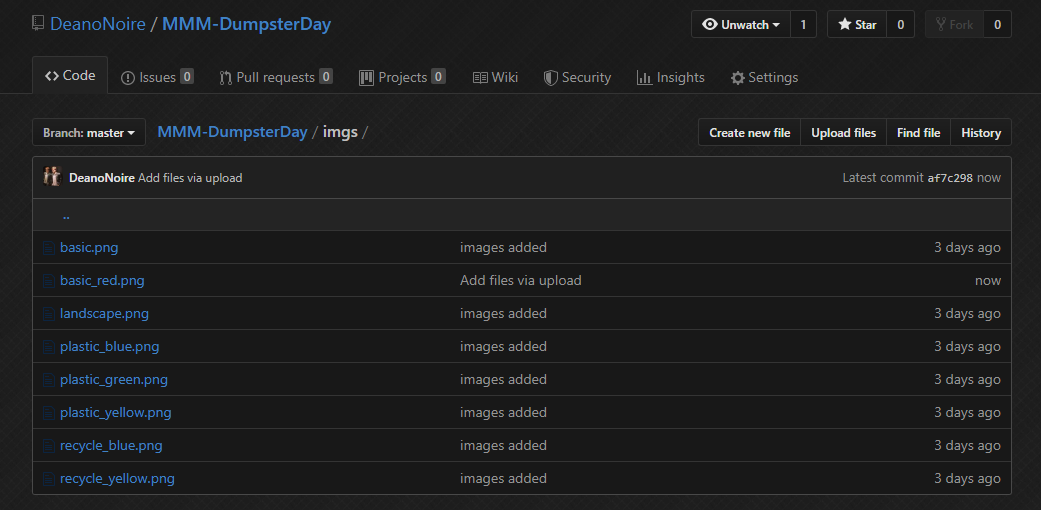
EDIT: I also added a blue version of the recylcing can as you mentioned (In Czech Republic it’s yellow)