MagicMirror Forum
    • Recent
    • Tags
    • Unsolved
    • Solved
    • MagicMirror² Repository
    • Documentation
    • 3rd-Party-Modules
    • Donate
    • Discord
    • Register
    • Login
    1. Home
    2. derOJ
    A New Chapter for MagicMirror: The Community Takes the Lead
    Read the statement by Michael Teeuw here.
    D
    Offline
    • Profile
    • Following 0
    • Followers 0
    • Topics 1
    • Posts 2
    • Groups 0

    derOJ

    @derOJ

    0
    Reputation
    1
    Profile views
    2
    Posts
    0
    Followers
    0
    Following
    Joined
    Last Online

    derOJ Unfollow Follow

    Latest posts made by derOJ

    • RE: Images show only in Browser, not on HDMI

      @sdetweil Thanks for your help.
      But it did not solve it…

      Could it be that I had no monitor plugged in the HDMI port during install of MM?

      I deleted the MM folder. First I saved the modules folder and my config.

      then reinstalled MM without installation script, and with monitor plugged in.

      But still no luck…

      posted in Troubleshooting
      D
      derOJ
    • Images show only in Browser, not on HDMI

      Hi.
      I just set up a new installation on my RPi4 with Buster.
      MM worked fine before clean install.
      I had to do it for other reasons.

      So I installed MM with install script.
      MM starts after boot with PM2, every module is working.
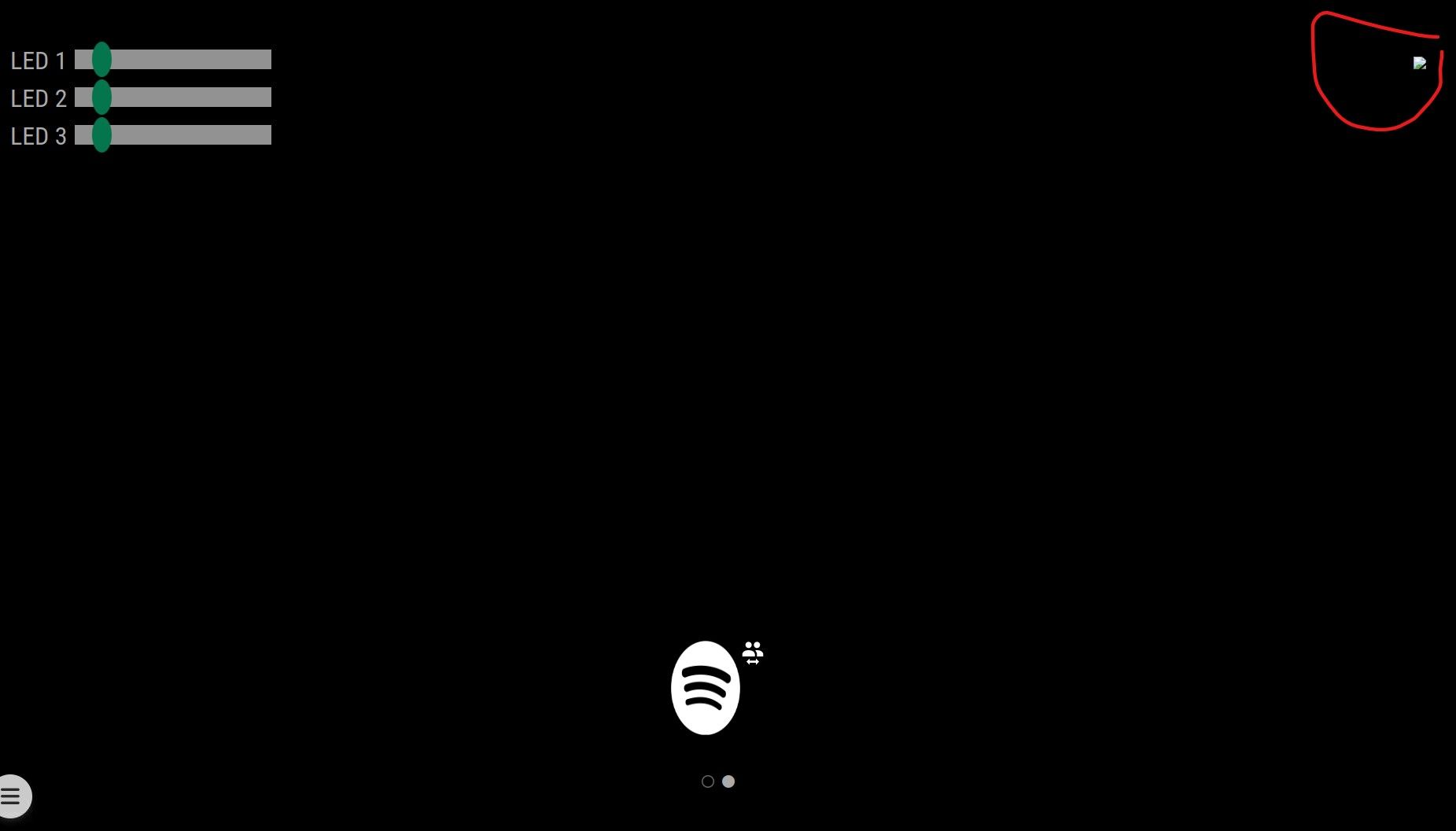
      But I cannot see any images on the “screen”.
      With “image” i mean images created in my module with etc.

      var img = document.createElement("img");
      			img.setAttribute("class", "motionEyeImage");
      			img.id = this.config.id;
      			img.src = this.config.url;
      			img.style.width = this.config.width;
      			return img;
      

      First I thought it’s an issue with the module(s) itself.
      But it all works fine when I open MM in my Browser
      “localhost:8080”

      in the “PM2-Session” its only a little icon that indicates, that there should be something…
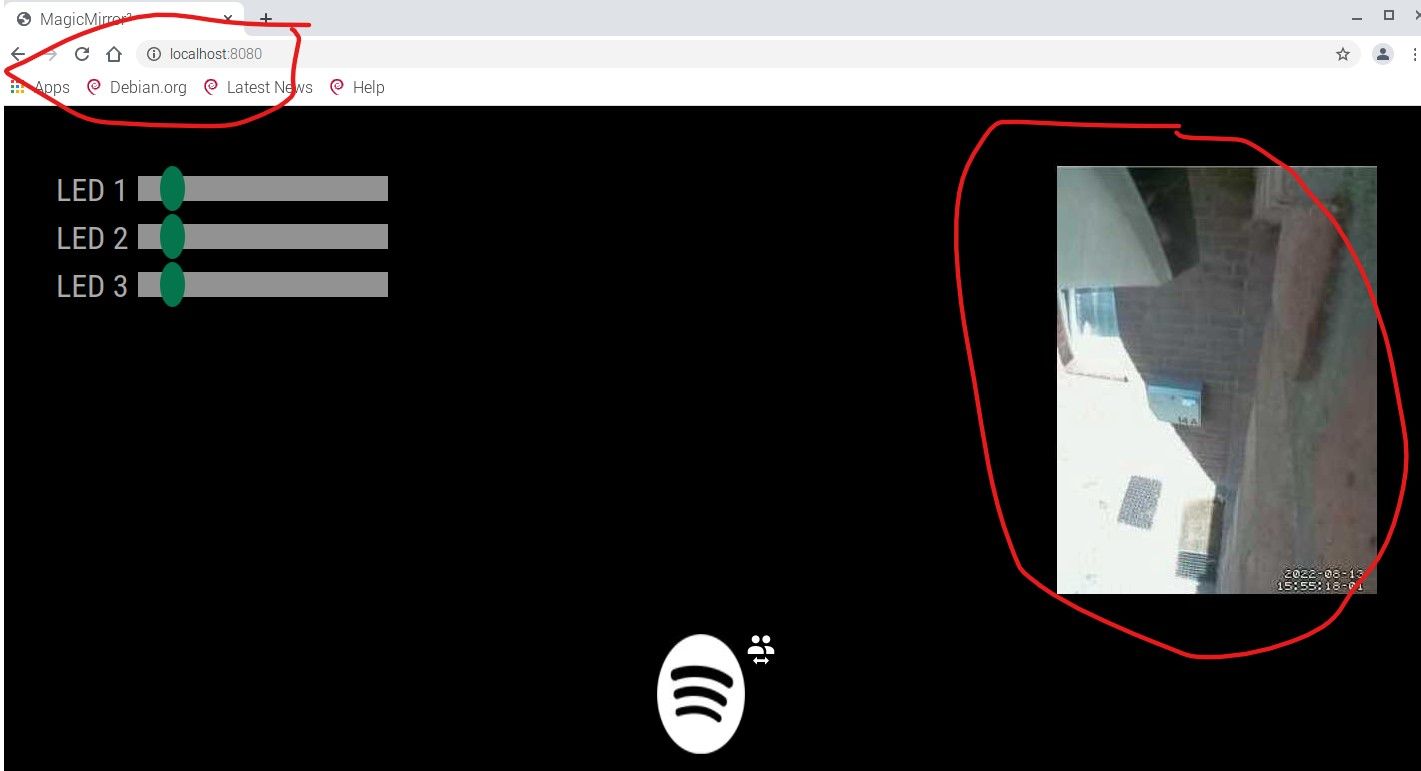
      mm2-error2.jpg mm2-error1.jpg

      I created a simple module, just with an img element and an image located in the folder. But the same.

      posted in Troubleshooting
      D
      derOJ