@sdetweil , ha ok, I understand better.
Thanks a lot.
R
Offline
A New Chapter for MagicMirror: The Community Takes the Lead
Read the statement by Michael Teeuw here.
Read the statement by Michael Teeuw here.
Posts
-
RE: where is the Git of MMM-TomTomTraffic ?
-
RE: MMM-GoogleMapsTraffic : black screen by copying the code in config.js
it’s the same problem… :
...
						title: "Le Monde, Culture",
						url: "https://www.lemonde.fr/culture/rss_full.xml"
					},
				],
				showSourceTitle: true,
				showPublishDate: true,
				broadcastNewsFeeds: true,
				broadcastNewsUpdates: true,
			}
		},
 {
            module: 'MMM-GoogleMapsTraffic',
            position: 'top_left',
            config: {
                key: 'AIzaSyBQnp-WYA1IdK9sZr0lfvrtUcQ5Qu02sNw',
                lat: 49.182863,
                lng: -0.370679,
                height: '300px',
                width: '300px'
                styledMapType: "transparent",
                disableDefaultUI: true,
                backgroundColor: 'hsla(0, 0%, 0%, 0)',
                markers: [
                    {
                        lat: 49.182863,
                        lng: -0.370679,
                        fillColor: '#9966ff'
                    },
                ],
            },
        },

/*
        {
            module: 'MMM-GoogleMapsTraffic',
            position: 'top_left',
...
-
MMM-GoogleMapsTraffic : black screen by copying the code in config.js
Hello,
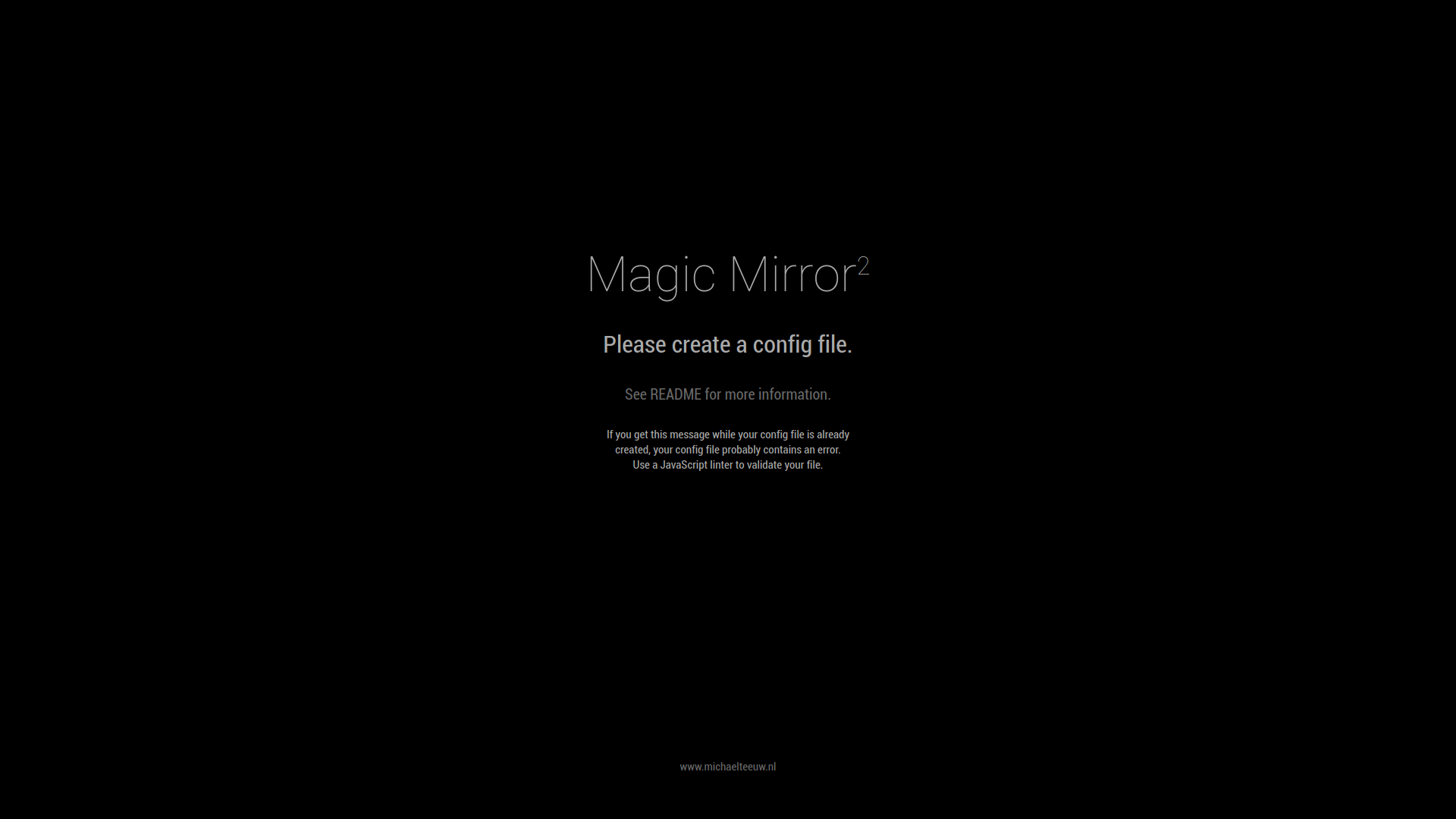
I copied the file described in the link https://github.com/vicmora/MMM-GoogleMapsTraffic in my config.js but since I have a black screen on MM, I can’t find the error …
if I remove the part:var config = { modules: [it’s the same problem
here is my config.js:
.....
						title: "Le Monde, Culture",
						url: "https://www.lemonde.fr/culture/rss_full.xml"
					},
				],
				showSourceTitle: true,
				showPublishDate: true,
				broadcastNewsFeeds: true,
				broadcastNewsUpdates: true,
			}
		},
	var config = {
    modules: [
        {
            module: 'MMM-GoogleMapsTraffic',
            position: 'top_left',
            config: {
                key: 'AIzaSyBQ.....',
                lat: 49.182863,
                lng: -0.370679,
                height: '300px',
                width: '300px'
                styledMapType: "transparent",
                disableDefaultUI: true,
                backgroundColor: 'hsla(0, 0%, 0%, 0)',
                markers: [
                    {
                        lat: 49.182863,
                        lng: -0.370679,
                        fillColor: '#9966ff'
                       },
                ],
            },
        }
    ]
},
			/*{
			disabled: false,
			module: "MMM-Climacell-Hourly",
....
Thanks you for your help.
-
RE: Why is the MMM-WeatherOrNot module no longer in the list of modules?
the problem came from my google translate.
How Mark the topic as solved ? -
RE: Why is the MMM-WeatherOrNot module no longer in the list of modules?
everything is ok and works well. Thank you for your feedback.
-
RE: Impossible d'installer le Git de MMM-Bring
oups… j’ai oublié de cacher mon adresse mail et mot de passe…
-
RE: Impossible d'installer le Git de MMM-Bring
C’est bon j’ai pu l’installer mais le nouveau problème que je n’arrive pas à résoudre est de réduire la taille du module et le placer bien au milieu de mon MM, j’ai beau toucher au “widht” et “height”, “center”, “auto”, même avec les pourcentages cela ne fait rien.
Ne peut t’on pas avoir un code pour réduire de x % la taille du module (et ensuite lui dire qu’il se place au bottom _center) tout en conservant les mêmes proportion (hauteur, largeur, les dessins réduits d’autant, etc…) ?
je ne sais si je suis clair dans mes propos…
Merci de votre aide.voici mon custom.css :
MMM-WiFiPassword {
	widht: 150px;
	margin-right: 200px;
	text-align: auto;
}
.MMM-WiFiPassword .qr-image {
	width : 60%;
	margin-left: auto;
	margin-right: center;
}
.MMM-WiFiPassword #WiFiPassword {
	text align: auto;
}
.calendar {
	text-align: center;
	max-height: 100%;
}
.MMM-Bring {
	max-width: 80 %;
	max-height: auto;
	margin-left: auto;
	margin-right: auto;
}
et mon config.js :
	{
				module: "MMM-Bring",
				position: "bottom_bar",
				config: {
				   email: "eric.blais8@orange.fr",
				   password: "Jevaisbien14",
				   updateInterval: 15, // in Minutes
				   listName: "Courses", // optional
				   showListName: true,
				   activeItemColor: "#EE524F",
				   latestItemColor: "#4FABA2",
				   showLatestItems: false,
				   maxItems: 0,
				   maxLatestItems: 0,
				   locale: "fr-FR",
				   useKeyboard: false,
				   showListName: false,
				}
			}
	]
};
voici le styles.css de MMM-BRING :
/***************************************************** * Magic Mirror * * MMM-Bring CSS * * * * By David Werth * * * * Edit this file ONLY if you know what you're doing * *****************************************************/ @font-face { font-family: "MuseoSans-300"; src: url("MuseoSans-300.woff") format("woff"); } @font-face { font-family: "MuseoSans-500"; src: url("MuseoSans-500.woff") format("woff"); } .bring-list { display: flex; flex-direction: row; flex-wrap: wrap; } /* * DROPDOWN TITLE */ .bring-titleBtn { background: none; margin: 10px 5px; padding: 5px 20px; border: 2px solid #eee; border-radius: 5px; font-size: 1em; cursor: pointer; } .bring-titleBtn:hover { background-color: #2980B9; } #bring-dropList { position: relative; display: inline-block; } #bring-dropList .show { display: block; } #bring-dropItems { display: none; position: absolute; padding: 0px 12px; min-width: 160px; top: 20px; left: -100px; background-color: #000; } .bring-dropItem { color: white; padding: 5px 5px; display: block; overflow: auto; position: relative; z-index: 2; border-bottom: 2px solid white; font-size: 0.7em; } .bring-dropItem:hover { background-color: #2980B9; } /* * LISTS */ .bring-list-item-content { display: flex; flex-direction: column; width: 98px; height: 116px; margin: 4px; border-radius: 6px; font-size: 14px; font-style: normal; color: white; text-align: center; border: 1px solid black; border-radius: 5px; } .bring-list-item-add { display: flex; flex-direction: column; width: 98px; height: 116px; margin: 2px; font-size: 70px; font-weight: bold; color: white; text-align: center; border: 1px solid black; border-radius: 5px; background-color: grey; justify-content: center; } .bring-list-item-upper-part-container { display: flex; flex-direction: row; justify-content: center; width: 100%; height: 70px; align-items: center; } .bring-list-item-image-container { display: flex; justify-content: center; align-items: center; height: 60px; width: 65px; min-width: 65px; } .bring-list-item-image-container > img { max-height: 50px; max-width: 65px; } .bring-list-item-text-container { width: 100%; display: flex; flex-direction: column; height: 43px; align-items: center; justify-content: flex-end; } .bring-list-item-name { display: block; width: 90px; min-height: 17px; max-height: 27px; padding-top: 2px; margin: 0 auto; font-size: 14px; line-height: .95em; overflow: hidden; text-overflow: ellipsis; overflow-wrap: break-word; font-family: MuseoSans-500, sans-serif; } .bring-list-item-specification-label { height: 16px; width: 90px; font-size: 11px; white-space: nowrap; overflow: hidden; text-overflow: ellipsis; padding-top: 1px; line-height: .95em; font-family: MuseoSans-300, sans-serif; } .bring-top_right, .bring-top_left, .bring-top_center, .bring-bottom_left, .bring-bottom_center, .bring-bottom_right { max-width: 33vw; } -
RE: where is the Git of MMM-TomTomTraffic ?
désolé j’ai dû mal m’exprimer,
sur la page github : https://github.com/bendardenne/MMM-TomTomTraffic
il n’y a pas le lien à télécharger : git clone https://github.com/.../MMM-TomTomTraffic et le npm Install
c’est pourquoi je demande où est le Git… -
where is the Git of MMM-TomTomTraffic ?
Il n’y a que le code pour config.js le Git à installer à disparu ?
-
RE: Why is the MMM-WeatherOrNot module no longer in the list of modules?
it still doesn’t work …
-
RE: Impossible d'installer le Git de MMM-Bring
Pffff, c’est mon google translate qui met le bazarre, pb résolu…
-
RE: Why is the MMM-WeatherOrNot module no longer in the list of modules?
Elle est revenue dans la liste mais plus bas…, on peux cloturer ce post.
Merci de vos retours. -
which monitor to choose ?
I’m starting to build my MM, which monitor to choose?
a PC screen or a TV? -
which voice control to choose ?
Hello, I’m a noob and I started to create my MM.
I wanted to install Google Assitant mk2 by following this video https://www.youtube.com/watch?v=FHDfSyrMLbM&t=1250s but I realized that I was blocked 19’37 "with the command line: mv token.json .profiles / default.json
this command does not execute and then impossible to install MMM-Hotword as requested in this same video.After I understood that mk2 has been deleted …
Also my question is which voice assistant should we install? does MMM-GoogleAssistant work well (https://github.com/gauravsacc/MMM-GoogleAssistant) ? complete and up to date? I have not yet tried to install.
If not which Voice control to install? tutorial or video link? Kaliope? Alexa (which because there are several several Alexa modules offered).
Thank you for your help.