Read the statement by Michael Teeuw here.
MMM-Pages - Fade/Animation
-
I’m not finding any way to change the animation/fade on MMM-Pages - I’d like to change it to something else - It appears to be the default that is system wide.
Anyone know how to change it?
Thanks
-
@sdetweil I’ve given up as other methods smoothed out the transitions anyway (The website that took too long to reload).
-
@BKeyport it is hard coded to just time
It doesn’t support any of the alternativesThe only support is coding the animation on each module.
Do you want a page level animation
Currently the idea is by module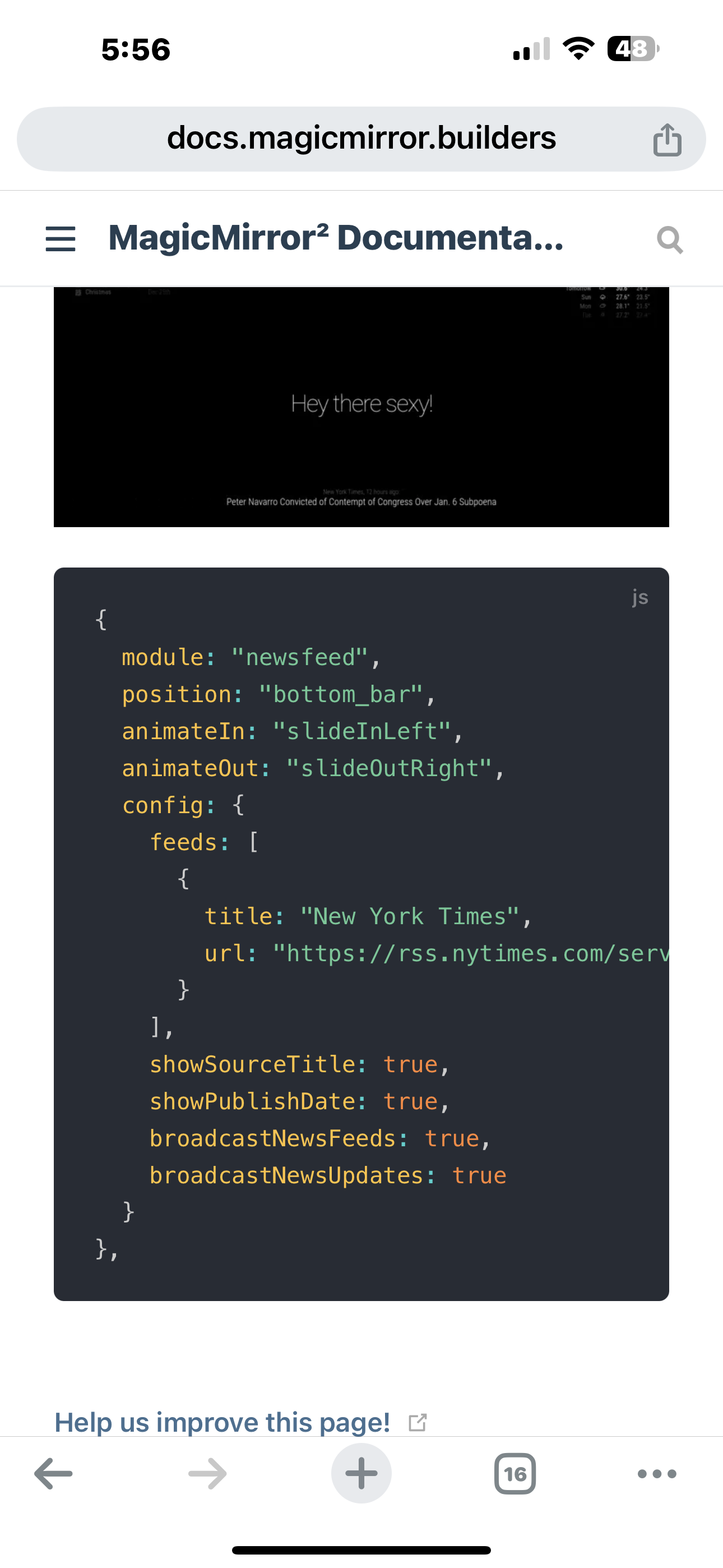
With additional config options in pages you might be able to get all the modules on a page to behave the same. But not the page itself, as the page doesn’t exist
Pages just calls show() or hide() on each
ModulePages doesn’t have a visualization of it’s own
I don’t know which takes precedence
Module config
Show/hide on the module, I think this -
@BKeyport might be pretty disorienting with different modules using different animation on the same page!
-
@sdetweil The only modules I’d have animating is the pages module.
-
@BKeyport pages isn’t visible itself. It has no content of its own, and has no position: property
It hides/shows other modules in groups (logical page)
-
@BKeyport can you say more what you wanted to achieve
-
@sdetweil I’ve given up as other methods smoothed out the transitions anyway (The website that took too long to reload).
-
S sdetweil has marked this topic as solved on

Hello! It looks like you're interested in this conversation, but you don't have an account yet.
Getting fed up of having to scroll through the same posts each visit? When you register for an account, you'll always come back to exactly where you were before, and choose to be notified of new replies (either via email, or push notification). You'll also be able to save bookmarks and upvote posts to show your appreciation to other community members.
With your input, this post could be even better 💗
Register Login