Read the statement by Michael Teeuw here.
MMM-Embed URL centered on fullscreen_above?
-
I can’t figure out how to have MMM-EmbedURL to center the embedded item on fullscreen_above.
Can someone help out?
EmbedURL is apparently going full width.
-
@BKeyport
Instead of setting the spacing with absolute values (like sam does) you can try to set the wrapper which contains the embedded elements to add equal spacing if the elements do not need the whole space.
The wrapper is a flexbox container:.MMM-EmbedURL .embed .embededSubWrapper0 { justify-content: center; } -
@BKeyport css? z-index : xx
xx is a positive number: 0 is default
To position
Width/height
Left/top -
@sdetweil I’m using full screen above for a “zoomed in” view of a camera. Naturally, MMM-EmbedURL is taking the entire screen as it should, except the embedded content is 4:3 and the screen is 16:9
I want the embedded content to be centered horizontally, and can’t figure a way to do that. the content is correctly taking 100% of top to bottom.
-
@BKeyport I’d ask Tom via an issue on the module GitHub
-
-
@wishmaster270 I think the requirements are here
https://forum.magicmirror.builders/post/130079
Don’t know config
-
Config stub:
               {
                        module: "MMM-EmbedURL",
                        position: "fullscreen_above",
                        classes: "camera1",
                        config: {
                                updateInterval: 0,
                                animationSpeed: 0,
                                appendTimestamp: false,
                                attibutes: [],
                                embed: [
                                        "http://192.168.0.7/picture/1/frame/"
                                ],
                        },
                },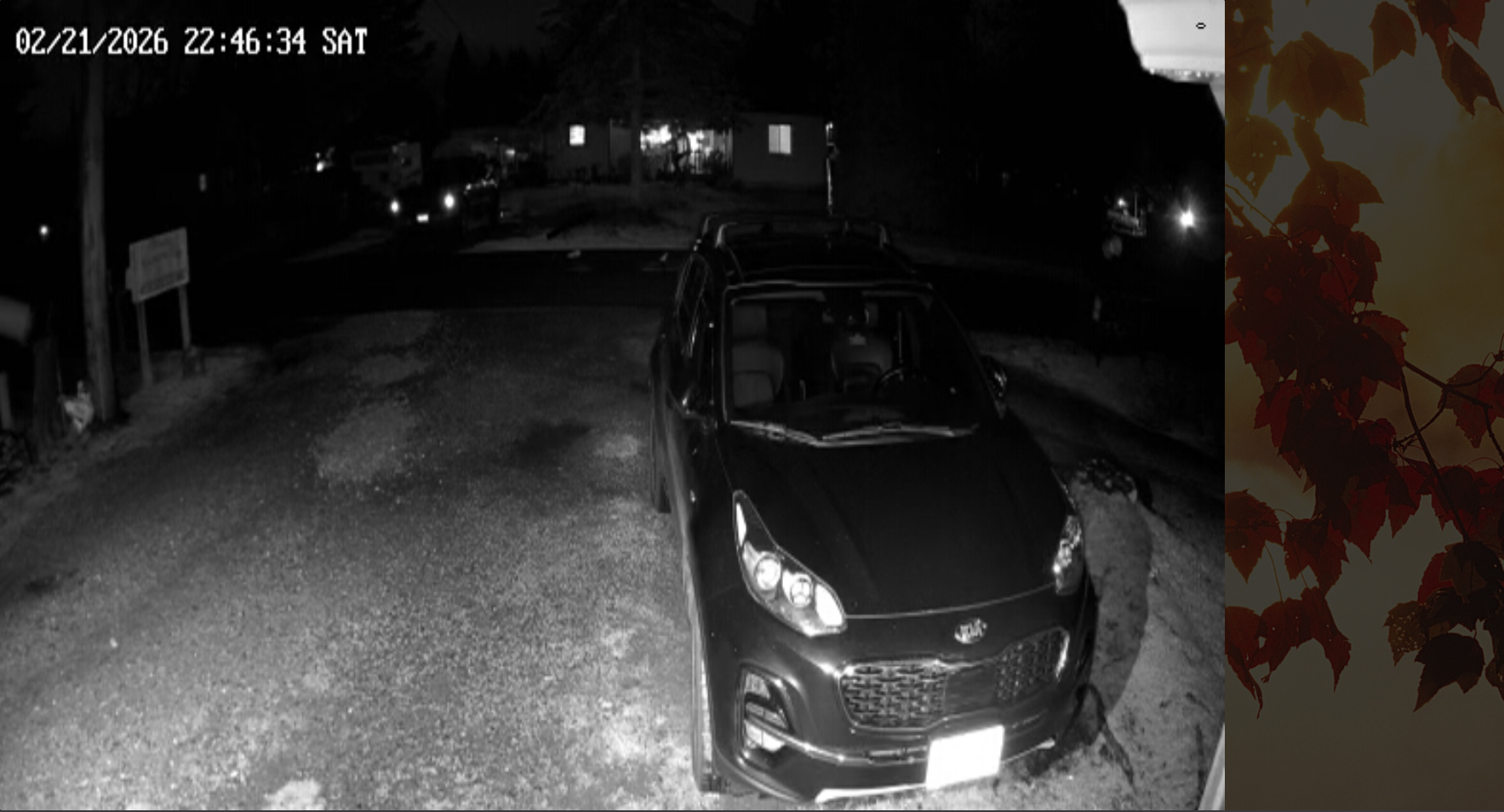
The camera stream should be centered left/right. The camera feed is 4x3. (scaled from 640x480 due to how I have to get the feed at this time) and will always stretch the vertical to 100%
(note: screenshot isn’t actual screen resolution)
-
@BKeyport also, you should be able to see the html element used to display the web view in the developers window elements tab and relocate it w css
-
@sdetweil Indeed, I can see it in develop mode, but everything I’ve tried has failed, which is why I’m here.
The “E” in “Javascript” stands for “Easy”
-
@BKeyport I’m sure you need
.MMM-EmbedURL Element-name { position :absolute; left:10vw; /* move 10% towards the right +/ } -
@BKeyport
Instead of setting the spacing with absolute values (like sam does) you can try to set the wrapper which contains the embedded elements to add equal spacing if the elements do not need the whole space.
The wrapper is a flexbox container:.MMM-EmbedURL .embed .embededSubWrapper0 { justify-content: center; } -
@wishmaster270 Doh! Was using the wrong css item.
<internally screaming at CSS> -
S sdetweil has marked this topic as solved on


Hello! It looks like you're interested in this conversation, but you don't have an account yet.
Getting fed up of having to scroll through the same posts each visit? When you register for an account, you'll always come back to exactly where you were before, and choose to be notified of new replies (either via email, or push notification). You'll also be able to save bookmarks and upvote posts to show your appreciation to other community members.
With your input, this post could be even better 💗
Register Login