Read the statement by Michael Teeuw here.
WeatherBackground using AI generated images
-
Hey
The “old” weatherBackground did not always work for me, and given the new possibilities with AI I created a new module that can generate new background images on the fly using AI.
You can add additional parameters to modify it. Parameters are based on time, month and general parameters…
See code here: https://github.com/AJOCHAM/MMM-AIWallpaperAny feedback?
-
@ajocham This is interesting, but I think the repo would profit a lot from having some screenshots of the module running
-
@ajocham Great idea! I have tried the module on my MagicMirror and it works, somewhat… A few thoughts:
Public keys seem to be deprecated in pollinations.ai and you can no longer create them on their website. The module seems to work fine with a secret key though, which I created and used. Perhaps you could change that in the README to prevent confusion for future users.
The module does generate and download images. Unfortunately, in my case the image does not appear properly as a background image but modules will appear on top of the background with a black background. In my main.css I have defined a 60px gap between the edges of the screen and my modules. Only there the image appears…
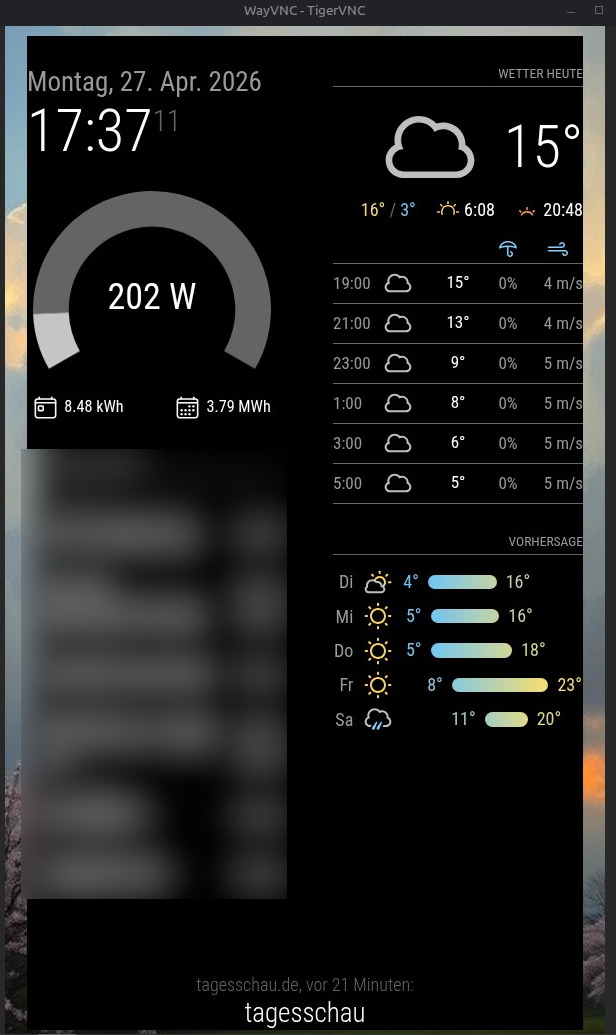
This is what my module configuration looks like:
{
  module: "MMM-AIWallpaper",
  position: "fullscreen_below",
  config: {
    weatherApiKey:    "*****************************",
    pollinationsKey:  "*****************************",   // pk_...
    city:             "*****************************",
    mediaType:        "image",                   // "image" or "video"
    width:            600,
    height:           1024,
    imagemodel:       "flux",
    videomodel:       "nova-reel",
    videoDuration:    5,
    videoAspectRatio: "9:16",
    videoAudio:       false,
    muteVideo:        true,
    loopVideo:        true,
    enhance:          true,
    styles: [
      "impressionist painting, oil on canvas, artistic, moody, expressive brushstrokes",
      "Comic style, atmospheric, science fiction elements, modern european",
      "anime background art, studio ghibli style, detailed, beautiful",
      "photorealistic landscape, ultra detailed, 8k"
    ],
    updateInterval:   60 * 60 * 1000,            // 1 hour in ms
    debug:            false,
  }
},
Any ideas?
-
I am still kind of new to this, but I am seeing a similar problem. I was trying to create a page with just weather related modules. Currrent, forecast, rain map and thought that adding this as a background would work, but I get the black box as well. So, I removed one module at a time until the only one I had left was the background module and still get the black box. I turned on Debug and it said it was ok.
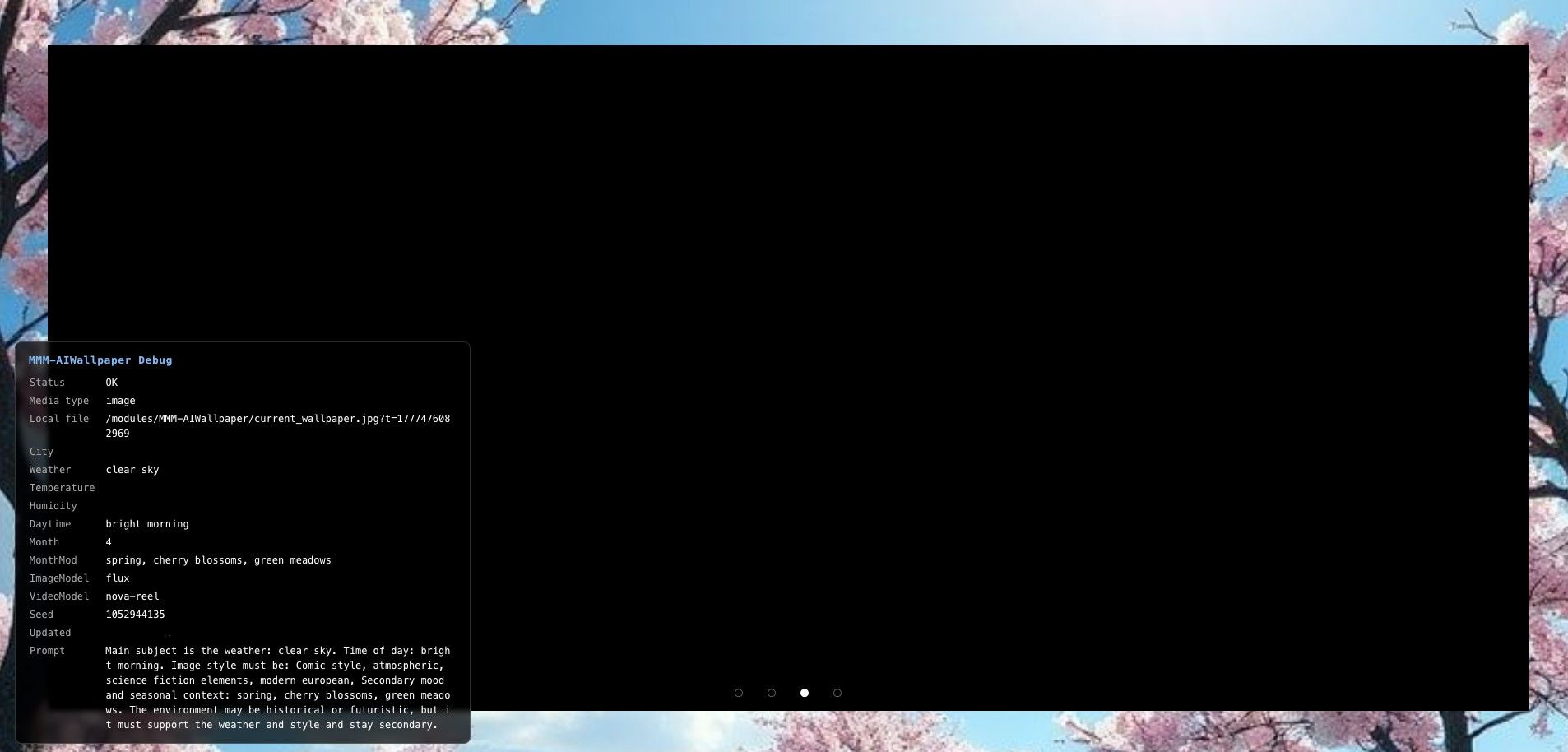
The config is essentially the example on, with sk_ instead of pk_ as mentioned and changed the city.
Hello! It looks like you're interested in this conversation, but you don't have an account yet.
Getting fed up of having to scroll through the same posts each visit? When you register for an account, you'll always come back to exactly where you were before, and choose to be notified of new replies (either via email, or push notification). You'll also be able to save bookmarks and upvote posts to show your appreciation to other community members.
With your input, this post could be even better 💗
Register Login