Read the statement by Michael Teeuw here.
MMM-CalendarExt3 Resize module
-
@Xsoldier2000 the symbols, if defined in the config.js and not in a customEvents list should have been broadcast to Ext3
Size, maybe you want to start from bottom bar
See the second link in my signature below for using the developers windows to discover and test css
Width and height are the two primary size items
And he has lots of styles to adjust cell size, text size…
Read his doc -
@Xsoldier2000
This module usually (and for your convenience), uses the whole width of the region that this module lays on. So, if you want to use 3/4 width of the entire screen, it will be easier to limit the width and location of the region itself. So, if you want to lay this module intotop_center, guess how to expand and locatetop_centerregion to 3/4 width from the right edge. (There could be many solution and condition, so I cannot point a silver bullet.) -
hey guys, i cant seem to figure out how to resize this module, i have tried the css, custom cssa and even modifying the module bottom.left css max size. how can i double the width?!
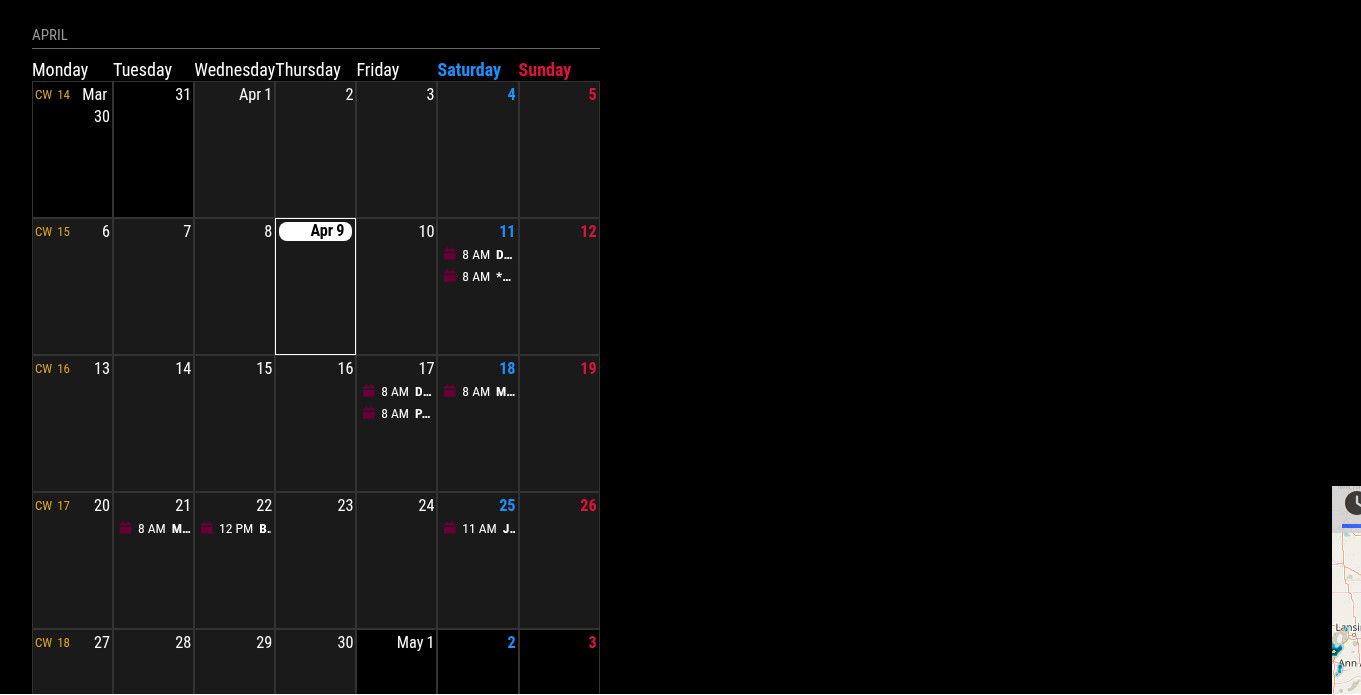 thank you
 -
@megagprime if you put the module in bottom bar it will resize.
It fits in the area you place it
-
@sdetweil how can i make it twice as wide as it is?
-
@sdetweil i have something in the bottom right
-
@sdetweil i have something on the bottom right, i just want to double the width of bottom left module
-
@megagprime you will have to use position absolute and width
You can use the developers window elements tab to try it out.See the second link in my sig below for an example on how to use the elements tab
-
@sdetweil i have done that, and even tried the module position module with custom css and it still will not work
-
@megagprime if you just put it in another position , it will be in that positions size, without custom.css
I am away from my system til late us central time tonight -
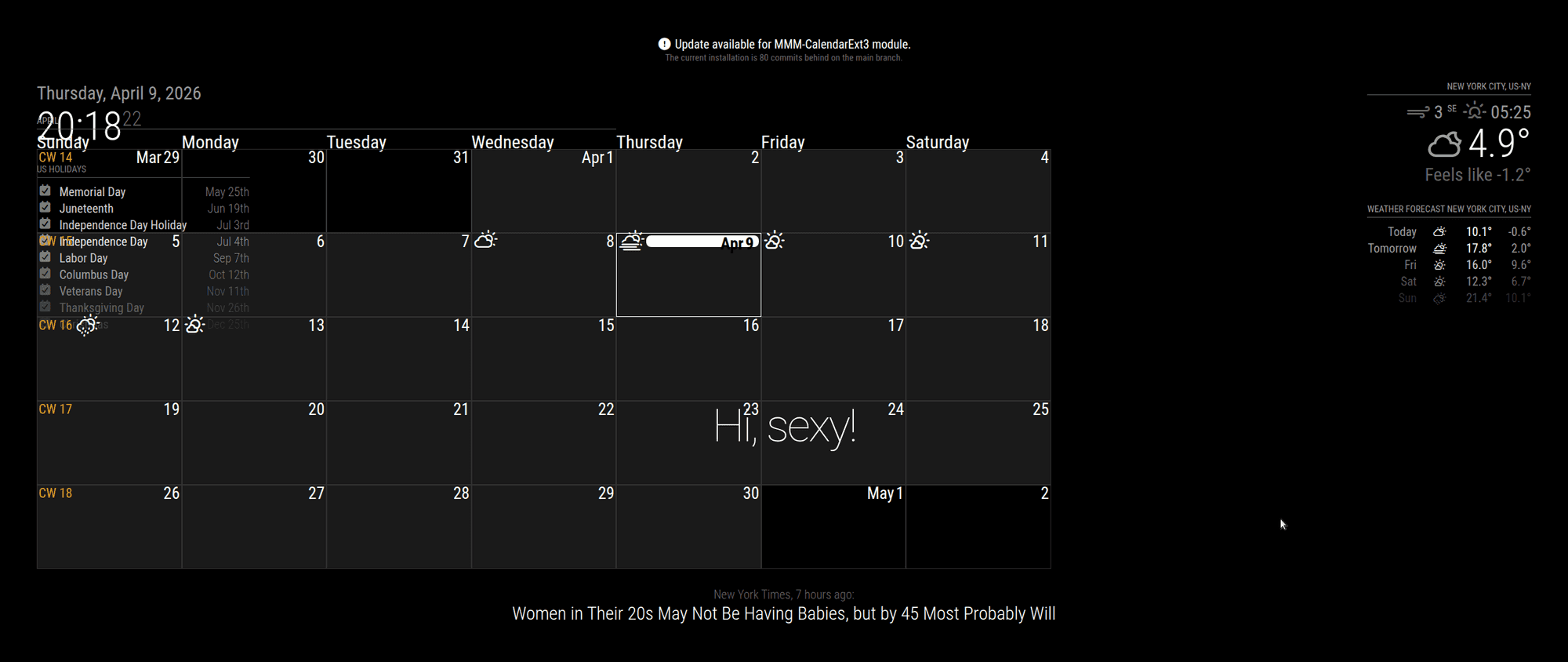
@megagprime try this
moduleposition:"bottom_left",no custom.css setting
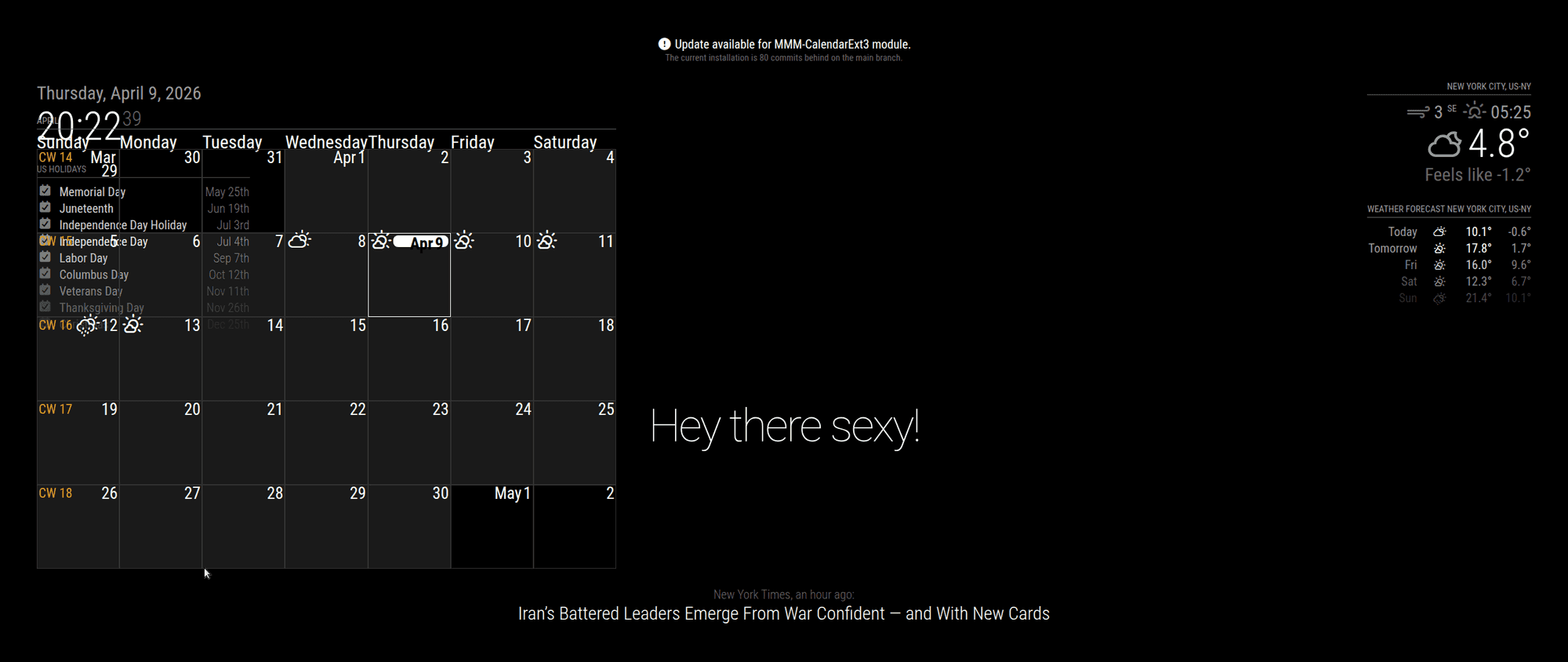
custom.css
.MMM-CalendarExt3 .module-content {
    width:175%;
}
adjust % as you need
Hello! It looks like you're interested in this conversation, but you don't have an account yet.
Getting fed up of having to scroll through the same posts each visit? When you register for an account, you'll always come back to exactly where you were before, and choose to be notified of new replies (either via email, or push notification). You'll also be able to save bookmarks and upvote posts to show your appreciation to other community members.
With your input, this post could be even better 💗
Register Login