Read the statement by Michael Teeuw here.
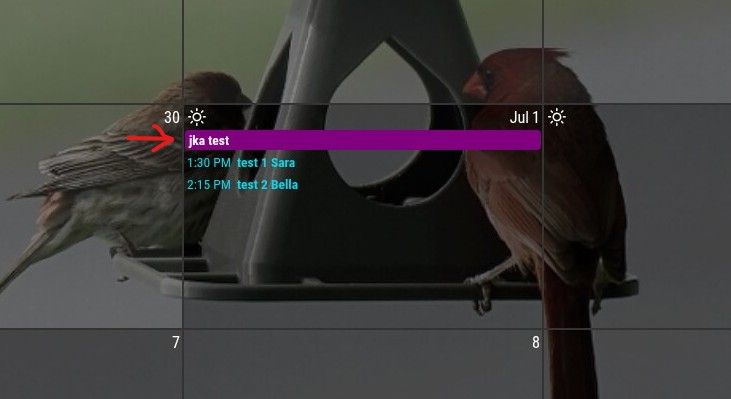
MMM-CalendarExt3 full color for timed events
-
-
@sdetweil Yeah, I saw that before but it only colors the text. I want to have it color the whole line like the full-day event.
-
@Jk1 try
.CX3 .headline {
  color: var(--calendarColor);
}
from here
https://github.com/MMRIZE/MMM-CalendarExt3#styling-with-css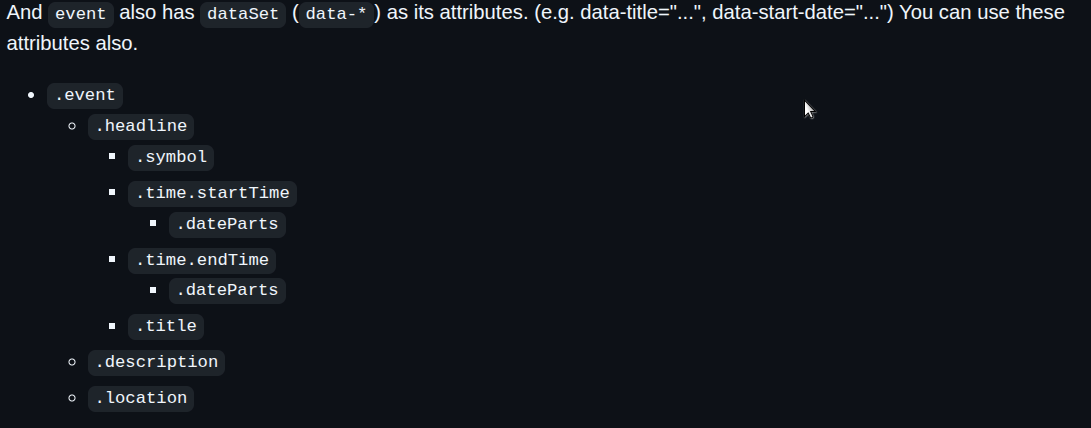
-
@sdetweil That didn’t work either. Here’s my custom.css file… maybe something sticks out to you?
I appreciate the help.
custom.css
.normal, .dimmed, header, body { color: #fff; } .CX3 .headline { color: var(--calendarColor); } /* set text color to match color for the calendar list */ .CX3 .event:not(.fullday) .headline .title { color: var(--calendarColor); } /* Remove the colored dot marker completely in CalendarExt3 */ .CX3 .event.singleday .headline:not(.useSymbol)::before, .CX3 .event.singleday .headline.useSymbol .symbol.noSymbol::before { display: none !important; } /* Optional: Clean up spacing if the headline text looks cut off */ .CX3 .event .headline { padding-left: 0px !important; margin-left: 0px !important; } -
-
@sdetweil i’m probably missing something…
I removed all of the other .CX3 entries and left this.
.normal,
.dimmed,
header,
body {
  color: #fff;
}

.CX3 .headline {
  color: var(--calendarColor);
}
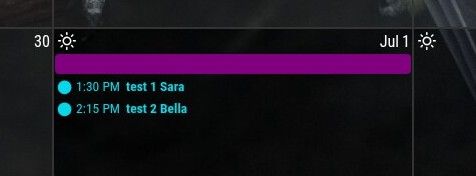
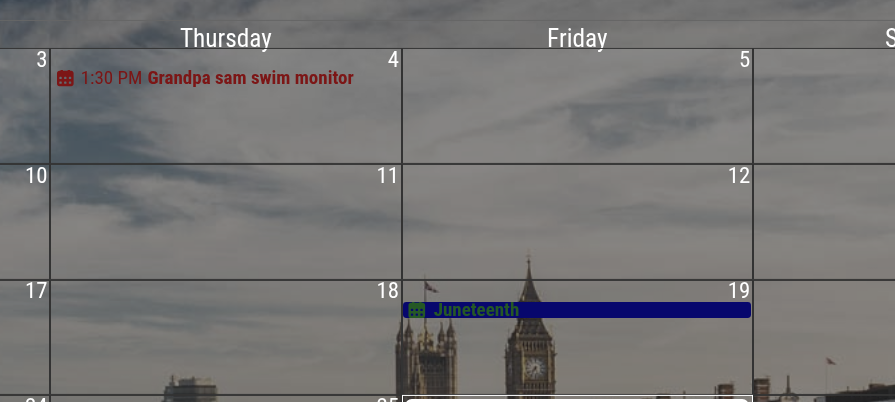
and this is what it shows.
-
-
@sdetweil right the Juneteenth is a full day event (holiday) so it has a colored background. But your timed event on the 4th is just colored text. I am able to make it do that too.
BUT what I want is the timed event, “Grandpa sam…” to also have a colored background like “Juneteenth” ( but of course a different color since it’s not a holiday).
-
@Jk1 yeh, css has this other core idea,
The selector that is MOST specific wins, regardless which was defined lastSo, if you target a big blob, and another targets THAT big blob, the second one wins.
If you look at the css file provided by the module (same folder) you will see how it targets different elements
-
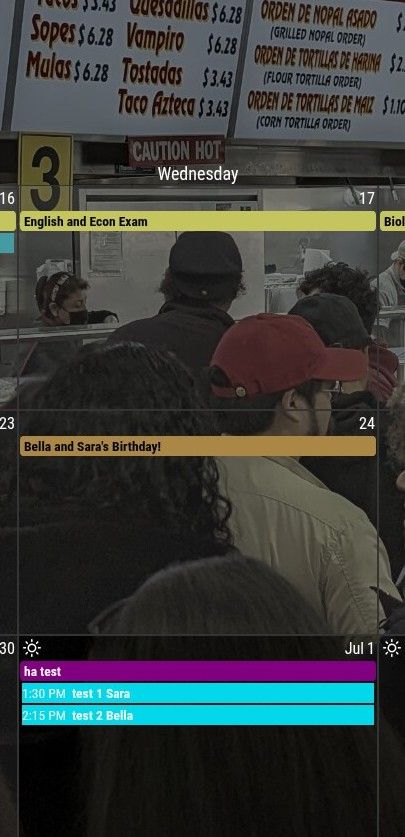
@sdetweil YES! That helped me find the missing piece.
I needed this to set the header color
background-color: var(--calendarColor);Now I just need to figure out how to set all the text to black.
Thanks for your help! Very much appreciated.
-
-
Hello! It looks like you're interested in this conversation, but you don't have an account yet.
Getting fed up of having to scroll through the same posts each visit? When you register for an account, you'll always come back to exactly where you were before, and choose to be notified of new replies (either via email, or push notification). You'll also be able to save bookmarks and upvote posts to show your appreciation to other community members.
With your input, this post could be even better 💗
Register Login