MagicMirror Forum
    • Recent
    • Tags
    • Unsolved
    • Solved
    • MagicMirror² Repository
    • Documentation
    • 3rd-Party-Modules
    • Donate
    • Discord
    • Register
    • Login
    A New Chapter for MagicMirror: The Community Takes the Lead
    Read the statement by Michael Teeuw here.

    MMM-Spotify

    Scheduled Pinned Locked Moved Entertainment
    249 Posts 51 Posters 276.0k Views 54 Watching
    Loading More Posts
    • Oldest to Newest
    • Newest to Oldest
    • Most Votes
    Reply
    • Reply as topic
    Log in to reply
    This topic has been deleted. Only users with topic management privileges can see it.
    • S Offline
      sbonn13 @sdetweil
      last edited by

      @sdetweil
      Thanks unfortunately probably I do it completely wrong, I do not get it. Is there any instruction? OAuth was working fine for google services, but not with this Spotify solution :-(
      My procedure:
      1.) node first_auth.js as described in MMM-Spotify instruction.
      -> [SPOTIFY] Initialized appeared in terminal window
      2.) Browser opens with Spotify login, after having entered, spotify requesting access
      -> No code yet, no additional terminal window, also no change in existing terminal window
      3.) Click on accept access in browser (spotify)
      -> callback localhost:8888 appeared in domain and shows ?code=**** in parameter.
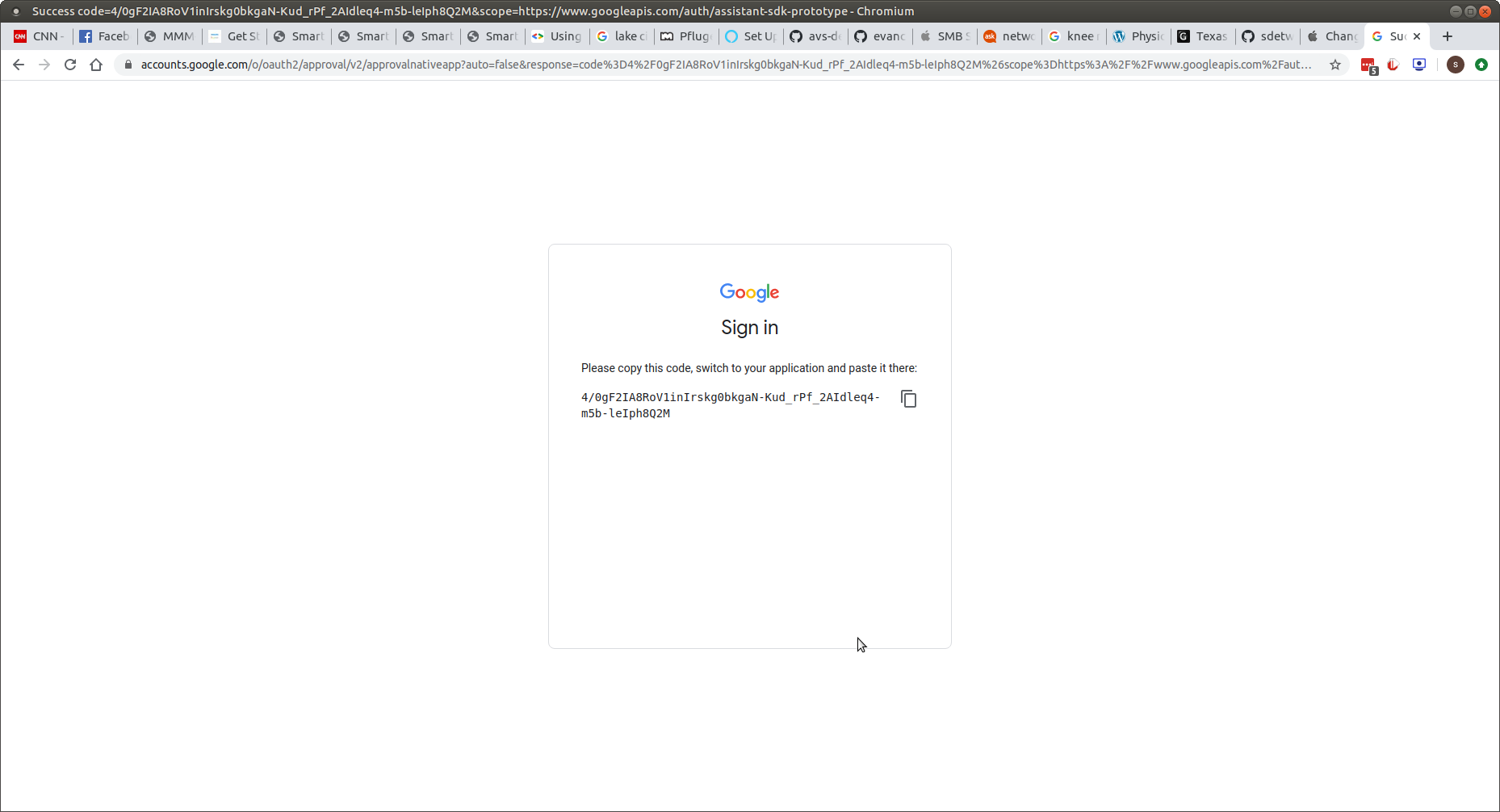
      But in the meantime the mentioned error has appeared immediately in the terminal window. No time or place to paste the code somewhere else. Where shall I put this code and at what point in the procedure?

      S 1 Reply Last reply Reply Quote 0
      • S Offline
        sdetweil @sbonn13
        last edited by

        @sbonn13 said in MMM-Spotify:

        callback localhost:8888 appeared in domain

        what does ‘appeared in domain’ mean?? sorry

        Sam

        How to add modules

        learning how to use browser developers window for css changes

        S 1 Reply Last reply Reply Quote 0
        • S Offline
          sbonn13 @sdetweil
          last edited by sbonn13

          @sdetweil
          Following address is opened in browser: https://accounts.spotify.com/de/authorize?response_type=code&client_id=XXXXX&scope=user…

          -> Press Agree button in Browser in order to agree access to spotify

          Afterwards address in browser is changed to:
          http://localhost:8888/callback?code=XXXXX&state=XXXXX…

          I assume the code (anonymized XXXXX) in this address is the relevant one. But how to proceed with that? Because at the time I have received this code I already have the errors in my terminal window.

          S 1 Reply Last reply Reply Quote 0
          • S Offline
            sdetweil @sbonn13
            last edited by

            @sbonn13 i do not know … @Bugsounet will have to help here

            Sam

            How to add modules

            learning how to use browser developers window for css changes

            1 Reply Last reply Reply Quote 0
            • ? Offline
              A Former User
              last edited by

              I’m going to inspect the first_auth script. there is too much problem, I think.
              a little patience within a few days this should be fixed

              1 Reply Last reply Reply Quote 0
              • C Offline
                ChanceTime
                last edited by

                hi @Bugsounet ! I’m working on my first smart mirror and was very happy to just get mmm-GoogleAssistant up and running! It’s able to do normal searches and that kind of thing, so I just tried to install MMM-Spotify.

                Unfortunately, MMM-GoogleAssistant doesn’t seem to be recognizing the commands, and I don’t see any changes on the screen when I try to use the commands for it (for example, “Michael Jackson on Spotify”).

                The code I used in the .config is below. Did I miss something?

                Thanks!!

                		{
                		  module: "MMM-GoogleAssistant",
                		  position: "fullscreen_above",
                		  config: {
                		    debug: false,
                		    assistantConfig: {
                		      lang: "en-US",
                		      projectId: "magic-mirror-79d8d", // Required to use gaction.
                		      modelId: "", // (OPTIONAL for gaction)
                		      instanceId: "", // (OPTIONAL for gaction)
                		      latitude: 45.255299,
                		      longitude: -75.729048,
                		    },
                		    responseConfig: {
                		      useScreenOutput: true,
                		      screenOutputCSS: "screen_output.css",
                		      screenOutputTimer: 5000,
                		      activateDelay: 250,
                		      useAudioOutput: true,
                		      useChime: true,
                		      newChime: false
                		    },	
                		    micConfig: { // put there configuration generated by auto-installer
                		      recorder: "arecord",
                		      device: "plughw:2",
                		    },
                		    customActionConfig: {
                		      autoMakeAction: false,
                		      autoUpdateAction: false, // in RPI, gaction CLI might have some trouble.(current version should be 2.2.4, but for linux-arm, Google haven't updated) so leave this as false in RPI. I don't know it is solved or not.
                		      actionLocale: "en-US", // At this moment, multi-languages are not supported, sorry. Someday I'll work.
                		    },
                		    snowboy: {
                		      audioGain: 2.0,
                		      Frontend: true,
                		      Model: "jarvis",
                		      Sensitivity: null
                		    },
                		    A2DServer: {
                		      useA2D: false,
                		      stopCommand: "stop"
                		    },
                		    recipes: [ "with-MMM-TelegramBot.js", "with-MMM-Spotify" ]
                		  }
                		},
                		{
                			module: "MMM-Spotify",
                			position: "bottom_left",
                			config: {
                				 style: "mini", // "default" or "mini" available
                				 control: "hidden", //"default", "hidden" available
                				 updateInterval: 1000,
                				 onStart: null, // disable onStart feature with `null`
                				 allowDevices: [], //If you want to limit devices to display info, use this.
                				 // allowDevices: ["RASPOTIFY", "My iPhoneX", "My Home speaker"],
                				},
                		},
                
                1 Reply Last reply Reply Quote 0
                • ? Offline
                  A Former User
                  last edited by A Former User

                  natively, MMM-Spotify and MMM-GoogleAssistant can’t read directly music on Spotify.
                  MMM-Spotify can display only what you are listening on a device
                  and you can change music ONLY with a premium account with vocal request
                  if you want listening music on your mirror you have to install Raspotify or librespot on your mirror (but needed again a premium spotify account)
                  After, A2D is coded to read +/- native google response without Spotify recipe

                  J 1 Reply Last reply Reply Quote 0
                  • C Offline
                    ChanceTime
                    last edited by

                    aaaah, okay, thanks so much!

                    1 Reply Last reply Reply Quote 0
                    • S Offline
                      socosurf
                      last edited by

                      Does anyone know how I can adjust this module so that the album art is to the left and all the info is to the right of the album art? I basically am running this solo in magic mirror with a dedicated display to show what song is playing in my apartment but right now the album art and text doesn’t utilize all the real-estate of the screen since it’s centered and stacked.

                      Can this be altered to have the album art to the left and all the text stacked to the right?

                      1 Reply Last reply Reply Quote 0
                      • D Offline
                        dcimag
                        last edited by

                        Hi. I was wondering if someone could tell me what I need to edit in the MMM-Spotify module to make Spotify fully function and what I have to do to have it appear on my screen. I have all the details of the MMM-Spotify folder listed under my Music folder on my raspberry pi 4. I dont need to type out the coding. Again just asking what I need to edit of the coding. Already have all the code. Other than all the coding that is in the MMM-Spotify.js document. What do I need to puth for AUTH_DOMAIN: AUTH_PATH: AUTH PORT: SCOPE: and TOKEN.

                        1 Reply Last reply Reply Quote 0
                        • ? Offline
                          A Former User
                          last edited by

                          I really don’t understand, what do you want to do with this modules…
                          MMM-Spotify works

                          1 Reply Last reply Reply Quote 0
                          • D Offline
                            dcimag
                            last edited by

                            I have the module MMM-Spotify. I just want to know what parts of the module do I have to edit to make the module work properly and what I need to edit to have it appear on the screen.

                            ? 1 Reply Last reply Reply Quote 0
                            • ? Offline
                              A Former User @dcimag
                              last edited by

                              @dcimag : haaa ok… And do you ask to the developer why he take some time for doing a module and coding an none working module?

                              1 Reply Last reply Reply Quote 0
                              • S Offline
                                socosurf
                                last edited by

                                Here is what I did with this. I made it in full screen so that I have a dedicated display that shows what I’m playing on Spotify. Changed up the styling and also added a cleaner ‘not playing anything screen’. Pics attached. Was a blast to edit and looks and works great! Picture here.

                                1 Reply Last reply Reply Quote 1
                                • R Offline
                                  requiemmg
                                  last edited by

                                  Just installed this module, really great.
                                  About multiple accounts: I have Spotify family account (=6 Accounts) and multiple devices. I have run through the auth process, went fine, works.
                                  What I’d like: To show anything that is playing on any account or device.
                                  What I get: Just a single account which is set in “accountDefault: 0”.
                                  When I change it to 1, 2,3 - it works with the respective accounts.
                                  When I delete it, it’s back to default account 0.

                                  Do I have to call the module multiple times or is there a way to do this, @Bugsounet?

                                  Z A 3 Replies Last reply Reply Quote 0
                                  • Z Offline
                                    zauberclown @requiemmg
                                    last edited by

                                    @requiemmg I actually have the exact same problem/challenge. I tried to include the module multiple time, but that did not work. Were you able to solve the problem to display multiple accounts in a family account?

                                    Thx

                                    S 1 Reply Last reply Reply Quote 0
                                    • S Offline
                                      sdetweil @zauberclown
                                      last edited by

                                      @zauberclown said in MMM-Spotify:

                                      @requiemmg I actually have the exact same problem/challenge. I tried to include the module multiple time, but that did not work. Were you able to solve the problem to display multiple accounts in a family account?

                                      Thx

                                      the module will only show what is playing on one device. this is a Spotify limitation

                                      Sam

                                      How to add modules

                                      learning how to use browser developers window for css changes

                                      1 Reply Last reply Reply Quote 0
                                      • Z Offline
                                        zauberclown @Guest
                                        last edited by

                                        @Bugsounet Good I checked the older messages in this thread to better understand the complexity with multiple accounts. I had no idea it would impact the CPU that much. Thanks for pointing out.
                                        Being able to change it verbally is currently not an option as I don’t plan to implement vocal for my mirror. But can’t think of an alternative as of now.

                                        BTW: Thanks a lot for your hard work on this module!

                                        1 Reply Last reply Reply Quote 0
                                        • S Offline
                                          spoonek @Guest
                                          last edited by

                                          @Bugsounet said in MMM-Spotify:

                                          if Soptify logo not hidden after start, it’s means :
                                          token missing or token error

                                          you should have in console something like that :

                                          [SPOTIFY:ERROR] USERNAME: [your username]
                                          [SPOTIFY:ERROR] Token Error ! ./[token name].json
                                          

                                          @Bugsounet I have this same error. I got the webpage after running node first_auth.js but it said invalid and then I had to CRTL-Z to stop it. Now when I run node first_auth.js I get errors. Do I need to uninstall MMM-Spotify and start from scratch?

                                          Also, I already am using MMM-NowPlayingOnSpotify and that is working fine. Can I just reuse my existing Client ID and Client Secret? I’m worried that using both modules is causing the issue. I could be wrong though.

                                          Thanks!

                                          1 Reply Last reply Reply Quote 0
                                          • ? Offline
                                            A Former User
                                            last edited by

                                            It’s means that the token is not set
                                            maybe callback url is not set
                                            after if you have used the sudo command for install MM or for install this module, it will not work (not write access)

                                            S 1 Reply Last reply Reply Quote 0

                                            Hello! It looks like you're interested in this conversation, but you don't have an account yet.

                                            Getting fed up of having to scroll through the same posts each visit? When you register for an account, you'll always come back to exactly where you were before, and choose to be notified of new replies (either via email, or push notification). You'll also be able to save bookmarks and upvote posts to show your appreciation to other community members.

                                            With your input, this post could be even better 💗

                                            Register Login

                                            • 1
                                            • 2
                                            • 7
                                            • 8
                                            • 9
                                            • 10
                                            • 11
                                            • 12
                                            • 13
                                            • 9 / 13
                                            • First post
                                              Last post
                                            Enjoying MagicMirror? Please consider a donation!
                                            MagicMirror created by Michael Teeuw.
                                            Forum managed by Sam, technical setup by Karsten.
                                            This forum is using NodeBB as its core | Contributors
                                            Contact | Privacy Policy