Read the statement by Michael Teeuw here.
New to MM - Duplicate screens/overlapping help!!
-
@bushby32 Just checking but your Pi is set to the proper resolution and size on the desktop outside of MM, correct?
-
@wenike Hi Wenike, thanks for the reply! Yes, checked on screen preferences and set to correct resolution, 1920x1080, and as you can see on screenshot 2 and 3, it fills the display as it should on the raspberry pi system. Is there somewhere in the code I need you change to match this? Every guide I have looked at and followed seems to have no problem with the first start up!
I have tried resetting the pi and reinstalling MM with no luck.
-
@bushby32 u can try to use the electronOptions
address:"?????",
electronOptions:{x:0, y:0, width:1920, height:1080, fullScreen:false, kiosk:false},
see https://www.electronjs.org/docs/api/browser-window
also mm code js/electron.js line 23
-
@sdetweil Hi, thanks for the reply. I have changed the electron options, see screenshot below.
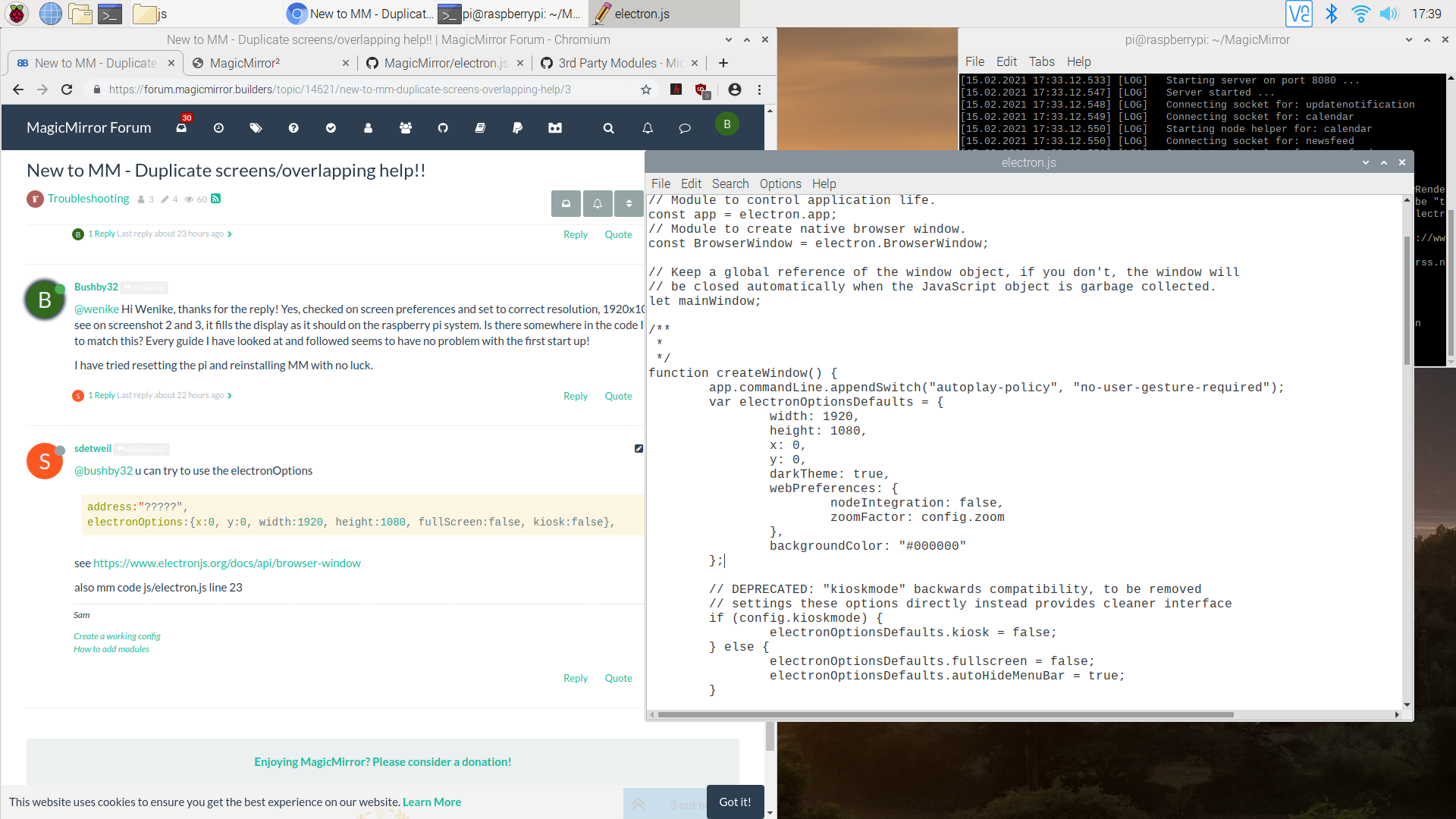
Still no luck! have I done something wrong?
-
@sdetweil And I have tried placing that code here:
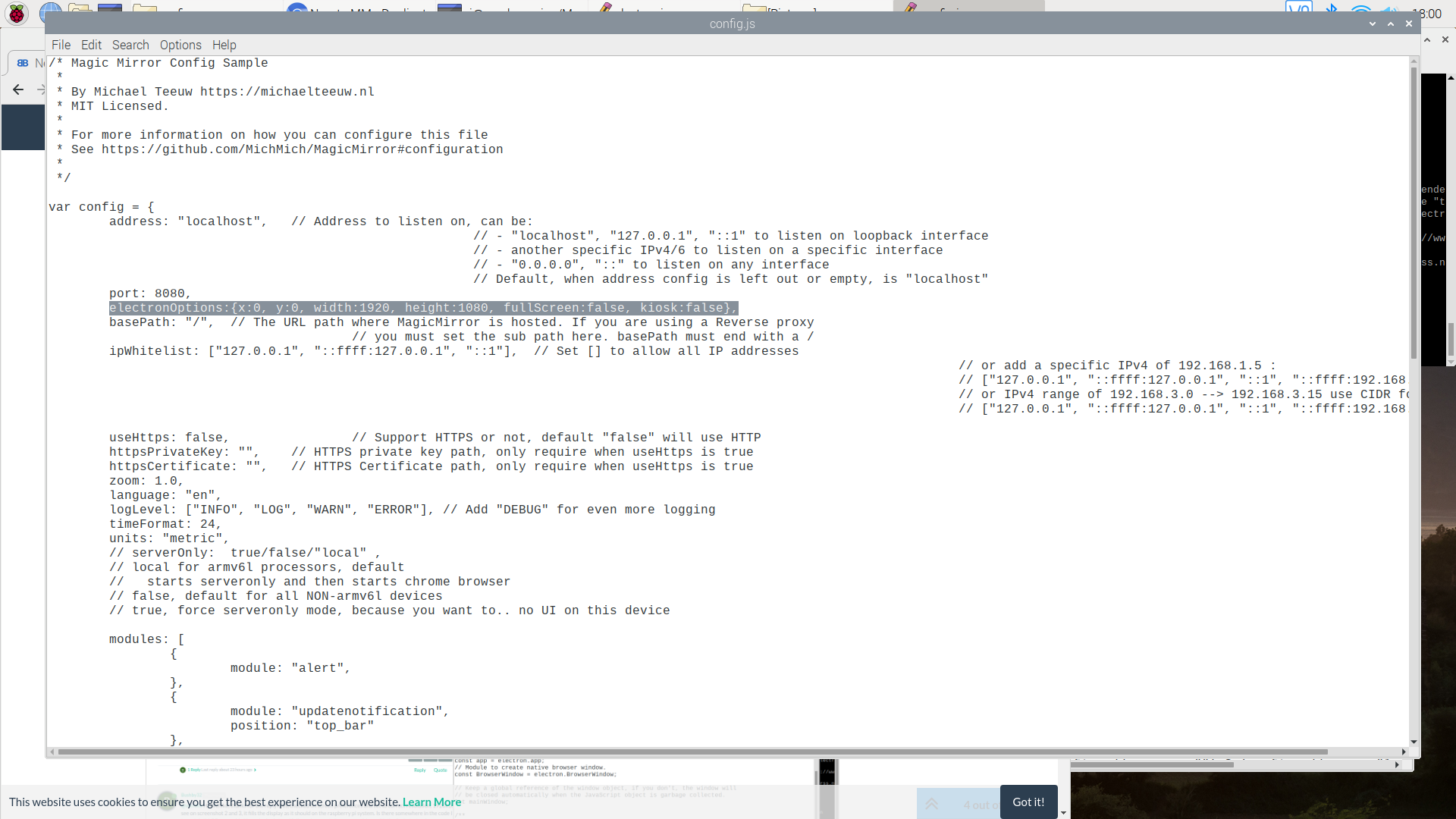
-
@bushby32 in the right place, can add after
zoom:0 -
@sdetweil Hi Sam,
I placed it after zoom and changed zoom:0
Still no luck! now just a black screen, if i reduce the window it comes up like this:
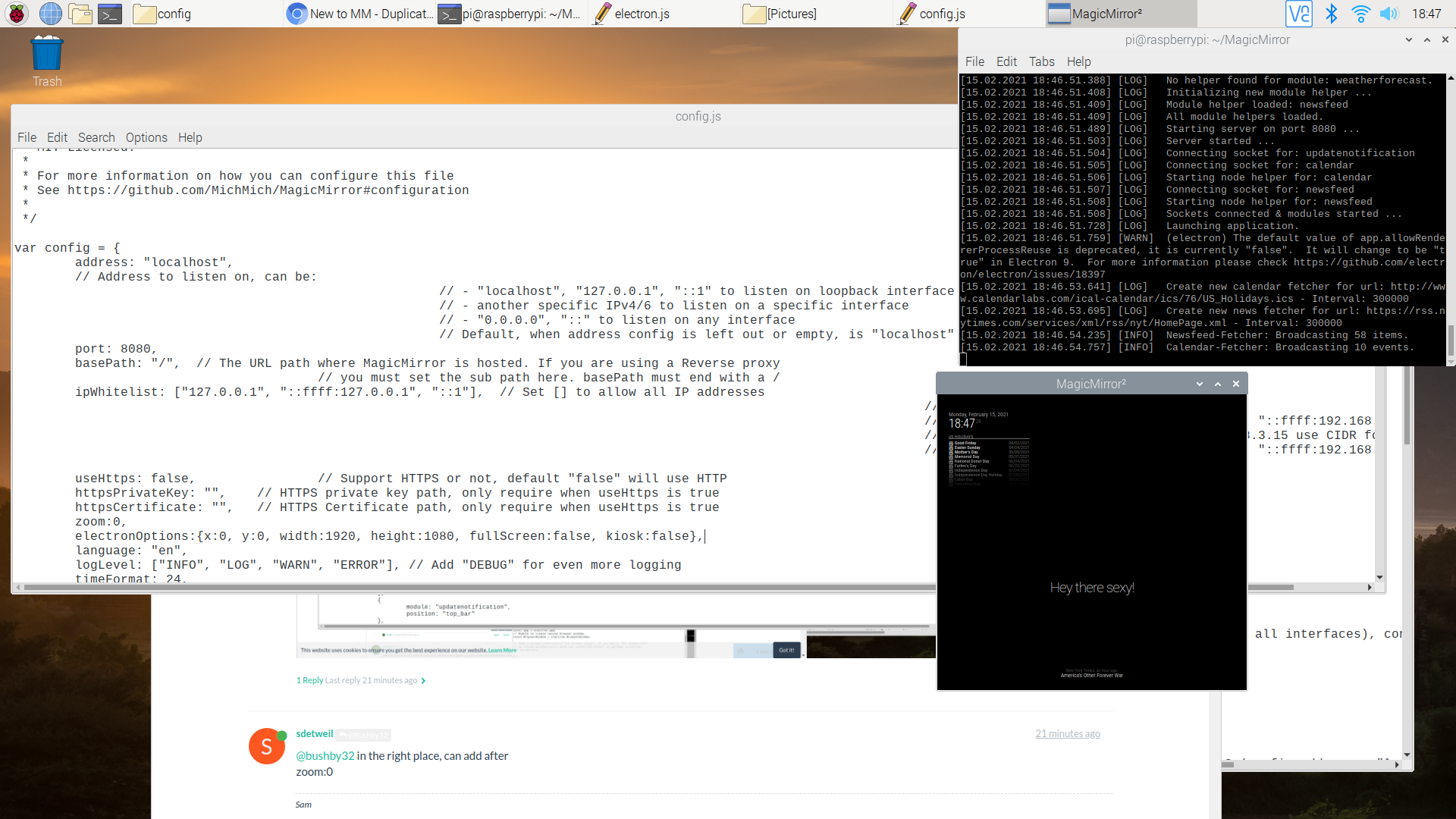
So strange!! :(
-
-
-
-
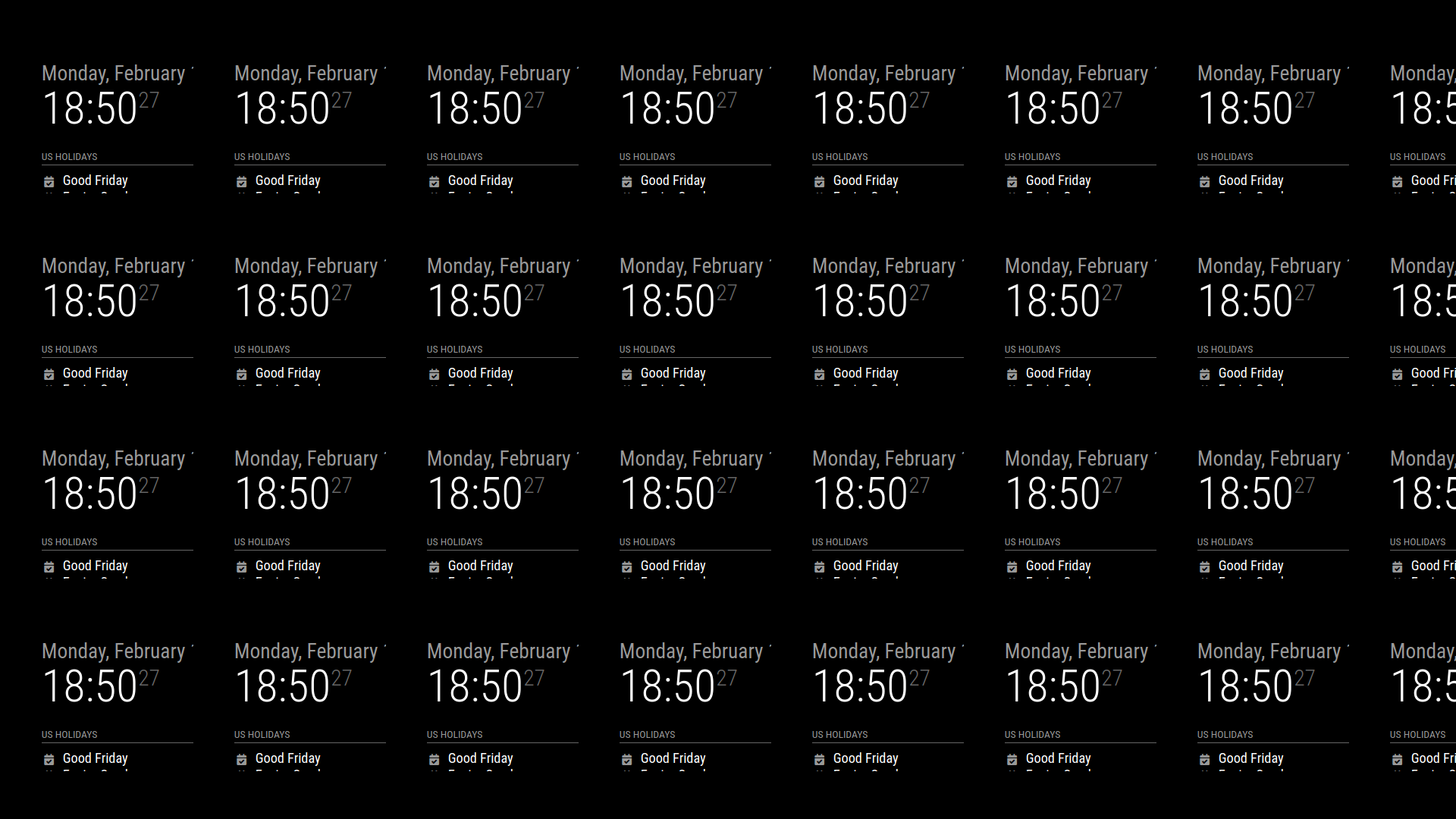
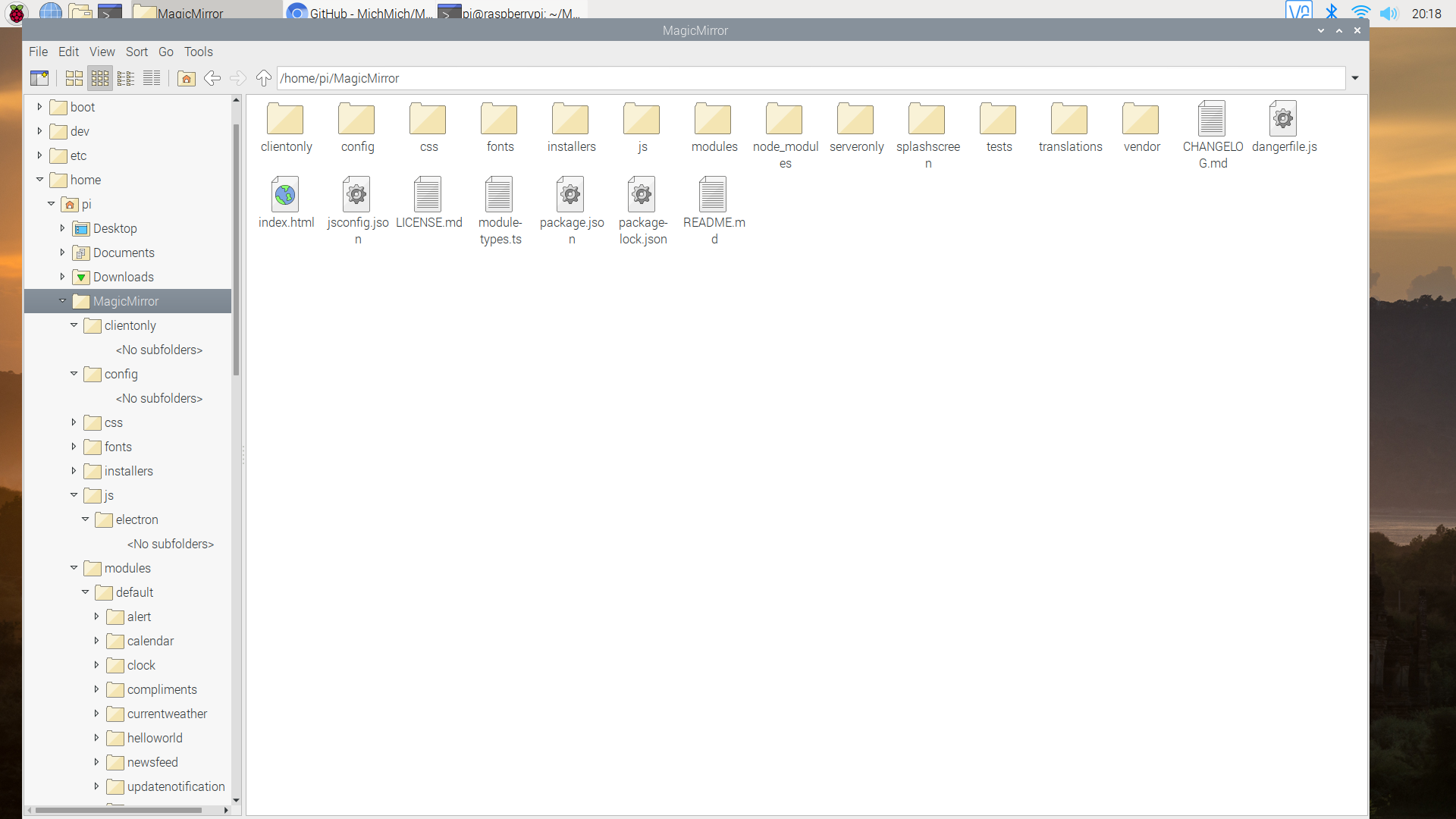
@bushby32 users home not magicmirror
~/.config
u wont see folders that start w dot from the file manager
Hello! It looks like you're interested in this conversation, but you don't have an account yet.
Getting fed up of having to scroll through the same posts each visit? When you register for an account, you'll always come back to exactly where you were before, and choose to be notified of new replies (either via email, or push notification). You'll also be able to save bookmarks and upvote posts to show your appreciation to other community members.
With your input, this post could be even better 💗
Register Login