Read the statement by Michael Teeuw here.
Problem with MYCalendar Module
-
Hello everyone, since I set up my MM again, my MyCalendar module no longer works, no matter what I do, the screen stays black (you only see a mouse pointer). I copied the data for it from the config.js (which I used earlier). If the MyCalendar module is deactivated, everything goes as normal
Command npm run config: check says: Your configuration file doesn’t contain syntax errors 🙂 so no error is shown to me here.
Does anyone else have the problem with the MyCalendar module? -
-
I don’t understand exactly how to proceed.
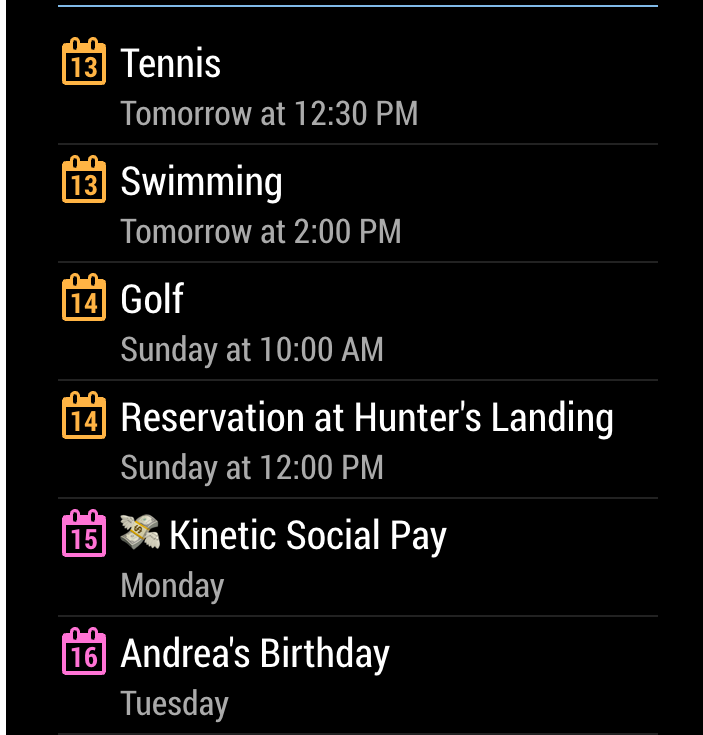
Or are there other modules that show my calendar like this
-
@sil3ntstorm the linked topic shows u how to discover the cause of the black screen and how to fix it
-
It looks like this module is not compatible with MM 2.18. Older versions will work with it, but the latest will no longer work. I have now switched to the standard module
-
@sil3ntstorm no. it needs a library which we removed a couple releases ago. the library uses a library that is discontinued (deprecated) due to a security issue
just follow the instructions in the linked topic and u can fix it.
-
solution: But for it to work properly, I still had to run npm install request and npm install valid-url These were removed in the last MagicMirror updates. Now works :thumbs_up:
-
@sil3ntstorm yes
https://forum.magicmirror.builders/topic/15778/fix-for-black-screen-in-2-16-and-lateru can install multiple things at once if u know
npm install x y

Hello! It looks like you're interested in this conversation, but you don't have an account yet.
Getting fed up of having to scroll through the same posts each visit? When you register for an account, you'll always come back to exactly where you were before, and choose to be notified of new replies (either via email, or push notification). You'll also be able to save bookmarks and upvote posts to show your appreciation to other community members.
With your input, this post could be even better 💗
Register Login