Read the statement by Michael Teeuw here.
Trouble with changing default holiday/calendar (dutch)
-
Iam making my first SmartMirror so iam a noobie to this.
I am having some trouble to change the default holiday/calendar to Dutch.
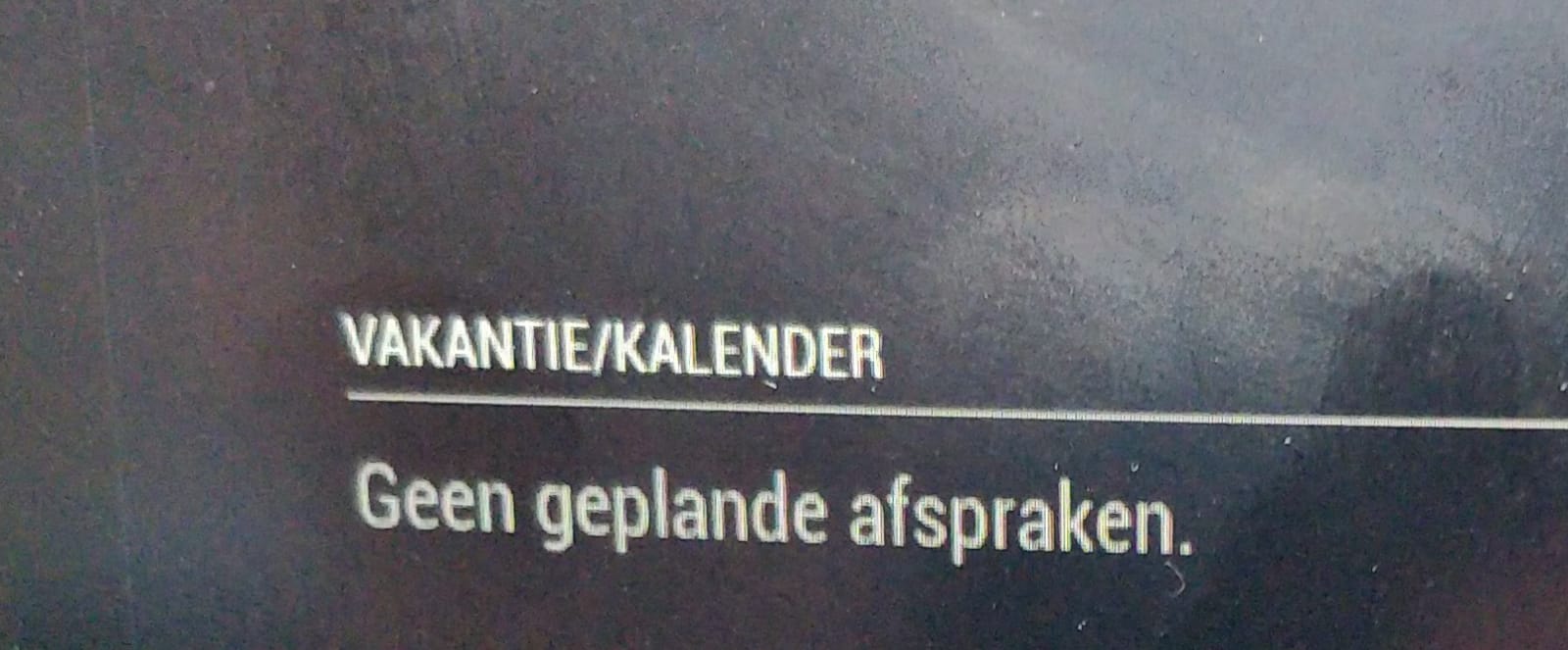
I have tried looking up on the website Calendarlaps but can find anything there about the dutch holidays.So I went a started googling and found a video on YouTube. He was using a website called officeholidays.com. On this website I found a calender but when i put that url in, its shows nothing other then “Geen geplande afspraken” (No scheduled appointments).
	module: "calendar",
			header: "Vakantie/Kalender",
			position: "top_left",
			config: {
				calendars: [
					{
						symbol: "calendar-check",
						//url: "webcal://www.calendarlabs.com/ical-calendar/ics/76/us_Holidays.ics"
						url: "webcal:https://www.officeholidays.com/ics/netherlands"
						}
Also i have some trouble with MMM-NStreinen, MMM-NetwerkScanner, MMM-NowPlayingOnSpotify. If someone know about it let me know!
-
@Christiaan99 said in Trouble with changing default holiday/calendar (dutch):
url: “webcal:https://www.officeholidays.com/ics/netherlands”
remove the
webcal: -
@sdetweil Yes, it works only its says that Christmas day over 2 months and thats not correct. How can i change it to a date? and how can i change it to Dutch? its in English now.
-
@Christiaan99 the calendar rounds up for elapsed days/weeks/months.
i do not think the default calendar will display exact dates
the calendar data is in english, (download and edit the file) the calendar module does not translate. -
@sdetweil Is there a other calendar you suggest then? i want the full date.
What do i do after i download the file and change it? Its then local and not a URL anymore
-
@Christiaan99 i do not know of a calendar that presents actual dates. there are some calendars like CalendarEex2 that can present a page, like a normal calendar layout
it was just a test to make sure the URl worked… you can erase the downloaded file
-
@sdetweil Okay, but I changed the text now but how can i import it to magicmirror then?
-
@Christiaan99 put the cursor in the address field (where the url is) and do ctrl-a, ctrl-c
(select all, copy) and then go to the editor for the config, and pastedid u get working url?
-
@sdetweil When I put the url in Google it downloads by itself. I open it and changed the text to dutch and safed it. Now i have a ICS document with the correct language. How can i get the url of that then?
Yes, the URL is working.
-
@Christiaan99 said in Trouble with changing default holiday/calendar (dutch):
How can i get the url of that then?
ah, move the file to the modules/default/calendar folder
then the url will be
“file:///default/calendar/???.ics” -
@sdetweil i have done tried this now:
module: "calendar",
			header: "Vakantie/Kalender",
			position: "top_left",
			config: {
				calendars: [
					{
						symbol: "calendar-check",
						//url: "webcal://www.calendarlabs.com/ical-calendar/ics/76/_Holidays.ics",
						//url: "https://www.officeholidays.com/ics/netherlands",
						file: "///default/calendar/nederland.ics",
						}
				]
It gives me a black screen now
-
@Christiaan99 no. The
url: "file:///......"
Hello! It looks like you're interested in this conversation, but you don't have an account yet.
Getting fed up of having to scroll through the same posts each visit? When you register for an account, you'll always come back to exactly where you were before, and choose to be notified of new replies (either via email, or push notification). You'll also be able to save bookmarks and upvote posts to show your appreciation to other community members.
With your input, this post could be even better 💗
Register Login