MagicMirror Forum
    • Recent
    • Tags
    • Unsolved
    • Solved
    • MagicMirror² Repository
    • Documentation
    • 3rd-Party-Modules
    • Donate
    • Discord
    • Register
    • Login
    A New Chapter for MagicMirror: The Community Takes the Lead
    Read the statement by Michael Teeuw here.

    magic mirror 2 config.js file

    Scheduled Pinned Locked Moved Solved Troubleshooting
    38 Posts 5 Posters 17.5k Views 5 Watching
    Loading More Posts
    • Oldest to Newest
    • Newest to Oldest
    • Most Votes
    Reply
    • Reply as topic
    Log in to reply
    This topic has been deleted. Only users with topic management privileges can see it.
    • E Offline
      elaineezhu @cskenney
      last edited by

      @cskenney do you think it has anything to do with the fact that i’m using a macbook terminal and not a monitor and keyboard?

      1 Reply Last reply Reply Quote 0
      • FoziF Offline
        Fozi Project Sponsor @elaineezhu
        last edited by Fozi

        @elaineezhu maybe a superficious question from my side, but have you checked the module description for compliments?
        This gives you all options how to configure the module. You don’t need to customize the module itself. All configurations are done in config.js.

        And no, using the Mac terminal and connect to MM via ssh is just good! This is how I configure my MM all the time.:smiling_face_with_smiling_eyes:

        Maybe you can post us, what you want to achieve (or how you want to adjust the compliments) and provide your current config or compliments looks. That would lever the chance to provide you concise help.

        Edit: I forgot to mention…when you make changes to config.js the MM has to be restarted. Either this is done automatically when you installed MM via @sdetweil script (what I highly recommend!) or you enter in terminal

        pm2 restart all
        

        (given that MM is controlled by pm2)

        HowTo: Replace PIR Sensor with a RCWL-0516 Microwave Sensor

        E 1 Reply Last reply Reply Quote 0
        • E Offline
          elaineezhu @Fozi
          last edited by

          @Fozi i’ve tried editing the compliments in the config.js file, but MM won’t run those compliments, even after restarting it. attached is what is displayed and the config.js code i edited. 1_1577452392569_Screen Shot 2019-12-27 at 8.11.26 PM.png 0_1577452392568_Screen Shot 2019-12-27 at 8.10.41 PM.png

          S C 2 Replies Last reply Reply Quote 0
          • S Offline
            sdetweil @elaineezhu
            last edited by

            @elaineezhu that all looks good… where is that config.js file located? it MUST be in the
            ~/MagicMirror/config folder

            Sam

            How to add modules

            learning how to use browser developers window for css changes

            E 1 Reply Last reply Reply Quote 0
            • C Offline
              cskenney @elaineezhu
              last edited by

              @elaineezhu it looks to me like you may need to use quotes (“) around module name and position instead of apostrophe (‘). I can’t verify this makes a difference because I am not able to test it.

              S 1 Reply Last reply Reply Quote 0
              • S Offline
                sdetweil @cskenney
                last edited by

                @cskenney single or double quote is ok, long as they are the same

                Sam

                How to add modules

                learning how to use browser developers window for css changes

                C 1 Reply Last reply Reply Quote 0
                • C Offline
                  cskenney @sdetweil
                  last edited by

                  @sdetweil good to know. Thanks!

                  1 Reply Last reply Reply Quote 0
                  • E Offline
                    elaineezhu @sdetweil
                    last edited by

                    @sdetweil yeah it’s in the config folder, but it still won’t run, as shown in the pictures attached 0_1577454252486_Screen Shot 2019-12-27 at 8.36.00 PM.png 0_1577454295032_Screen Shot 2019-12-27 at 8.44.41 PM.png 0_1577454310352_Screen Shot 2019-12-27 at 8.43.34 PM.png

                    perhaps i’m rerunning magic mirror wrongly? if so, what’s the correct command line to run it?

                    S 1 Reply Last reply Reply Quote 0
                    • S Offline
                      sdetweil @elaineezhu
                      last edited by

                      @elaineezhu i built a matching config and it works fine…

                      if using pm2, then pm2 restart 0
                      if not using pm2 then

                      cd ~/MagicMirror
                      npm start 
                      

                      Sam

                      How to add modules

                      learning how to use browser developers window for css changes

                      E 1 Reply Last reply Reply Quote 0
                      • E Offline
                        elaineezhu @sdetweil
                        last edited by

                        @sdetweil hm, i’ve done that but the compliments displayed are still the default one, even after editing the code.

                        S 1 Reply Last reply Reply Quote 0
                        • S Offline
                          sdetweil @elaineezhu
                          last edited by

                          @elaineezhu can u do a pm2 status ?

                          even after editing the code.

                          what does that mean? config/config.js or modules/default/compliments/compliments.js?

                          Sam

                          How to add modules

                          learning how to use browser developers window for css changes

                          E 1 Reply Last reply Reply Quote 0
                          • S Offline
                            sdetweil
                            last edited by

                            is MM running ON the mac?

                            Sam

                            How to add modules

                            learning how to use browser developers window for css changes

                            E 1 Reply Last reply Reply Quote 0
                            • E Offline
                              elaineezhu @sdetweil
                              last edited by elaineezhu

                              @sdetweil editing the code as in editing the config.js file. 0_1577455393378_Screen Shot 2019-12-27 at 9.02.57 PM.png
                              that’s what happens when i do pm2 restart 0 and pm2 status

                              S 1 Reply Last reply Reply Quote 0
                              • S Offline
                                sdetweil @elaineezhu
                                last edited by

                                @elaineezhu ok, no pm2 setup for this machine

                                so you would do the other approach

                                cd ~/MagicMIrror
                                npm start
                                

                                Sam

                                How to add modules

                                learning how to use browser developers window for css changes

                                1 Reply Last reply Reply Quote 0
                                • E Offline
                                  elaineezhu @sdetweil
                                  last edited by

                                  @sdetweil i think so? it’ll open in electron

                                  S 2 Replies Last reply Reply Quote 0
                                  • S Offline
                                    sdetweil @elaineezhu
                                    last edited by

                                    @elaineezhu how did you do the install? manually or one of the scripts?

                                    Sam

                                    How to add modules

                                    learning how to use browser developers window for css changes

                                    1 Reply Last reply Reply Quote 0
                                    • S Offline
                                      sdetweil @elaineezhu
                                      last edited by

                                      @elaineezhu pm2 starts the same scripts as manually (~/MagicMirror/installers/mm.sh)

                                      Sam

                                      How to add modules

                                      learning how to use browser developers window for css changes

                                      1 Reply Last reply Reply Quote 0
                                      • E Offline
                                        elaineezhu
                                        last edited by

                                        @sdetweil i believe manually, using the instructions here: https://forum.magicmirror.builders/topic/810/total-beginner-mm2-with-macmini/3

                                        S 1 Reply Last reply Reply Quote 0
                                        • S Offline
                                          sdetweil @elaineezhu
                                          last edited by

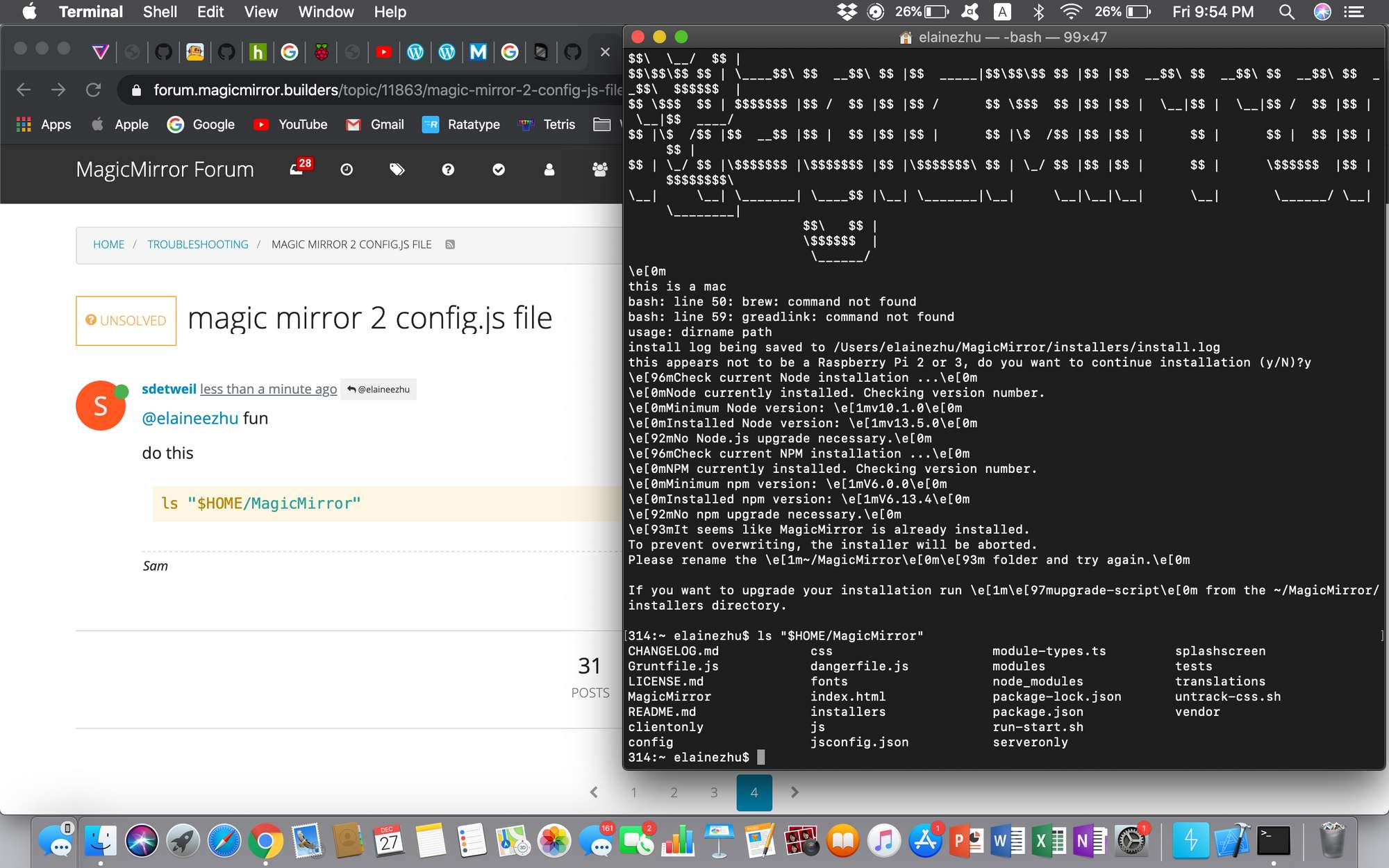
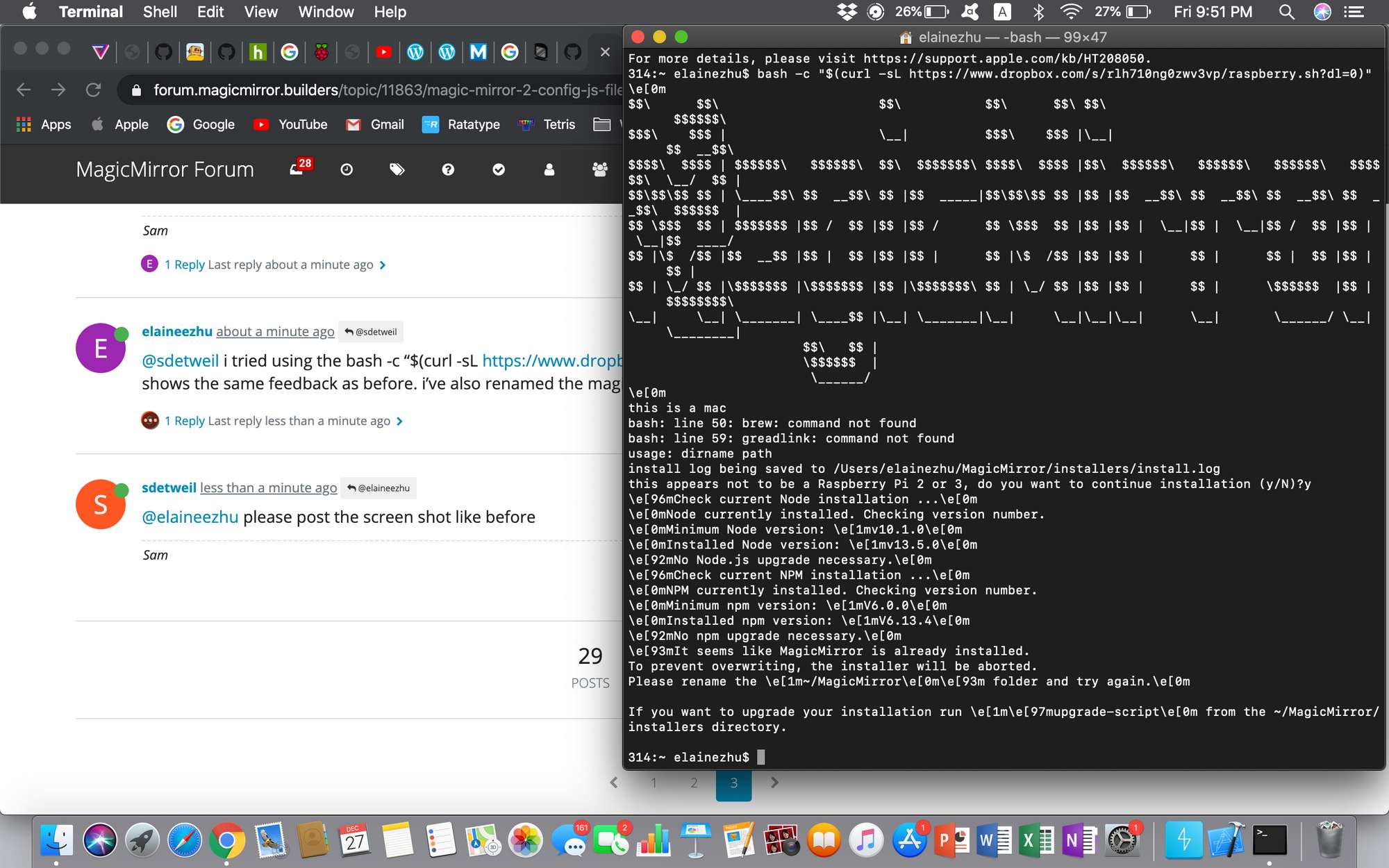
                                          @elaineezhu hm… shouldn’t matter… but won’t take long… try my new updated installer (part of next
                                          release)

                                          see the instruction here

                                          https://forum.magicmirror.builders/topic/10171/anyone-want-to-try-updated-installer

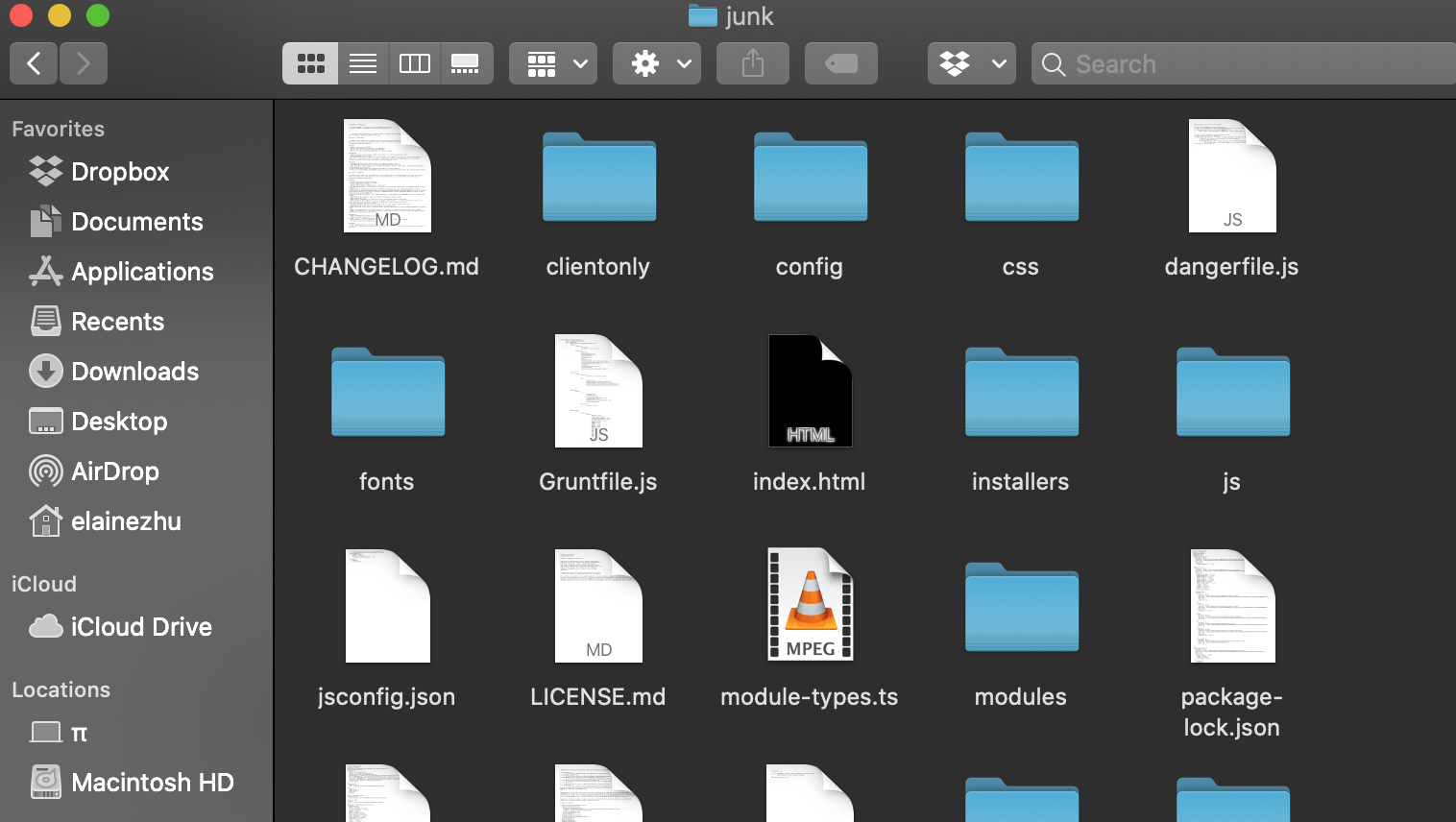
                                          rename the current MagicMirror folder out of the way

                                          Sam

                                          How to add modules

                                          learning how to use browser developers window for css changes

                                          E 1 Reply Last reply Reply Quote 0
                                          • E Offline
                                            elaineezhu @sdetweil
                                            last edited by

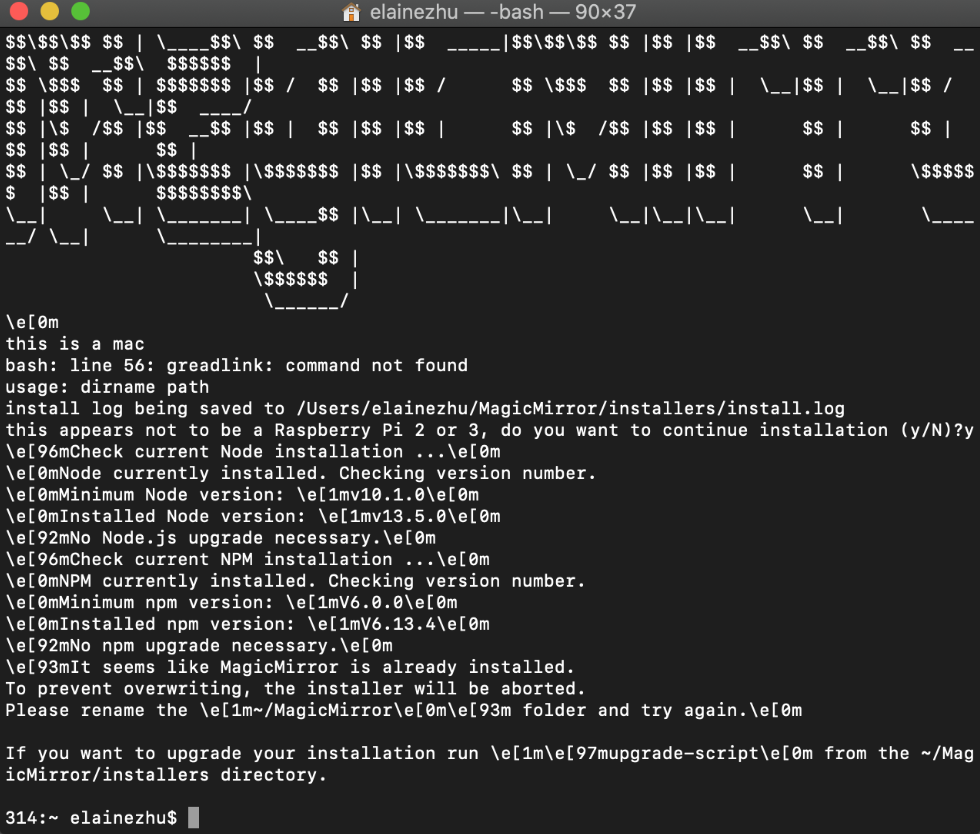
                                            @sdetweil this is what happens when i try to use your code 0_1577456565197_Screen Shot 2019-12-27 at 9.22.35 PM.png
                                            S 1 Reply Last reply Reply Quote 0

                                            Hello! It looks like you're interested in this conversation, but you don't have an account yet.

                                            Getting fed up of having to scroll through the same posts each visit? When you register for an account, you'll always come back to exactly where you were before, and choose to be notified of new replies (either via email, or push notification). You'll also be able to save bookmarks and upvote posts to show your appreciation to other community members.

                                            With your input, this post could be even better 💗

                                            Register Login

                                            • 1
                                            • 2
                                            • 2 / 2
                                            • First post
                                              Last post
                                            Enjoying MagicMirror? Please consider a donation!
                                            MagicMirror created by Michael Teeuw.
                                            Forum managed by Sam, technical setup by Karsten.
                                            This forum is using NodeBB as its core | Contributors
                                            Contact | Privacy Policy