Read the statement by Michael Teeuw here.
Biger Digital Clock (Default Module)
-
How/where can I change the default digital clock size? I look at the settings, the .js and .css no dice (unless I missed it).
Thanks.
-
@darknetone the css classes are
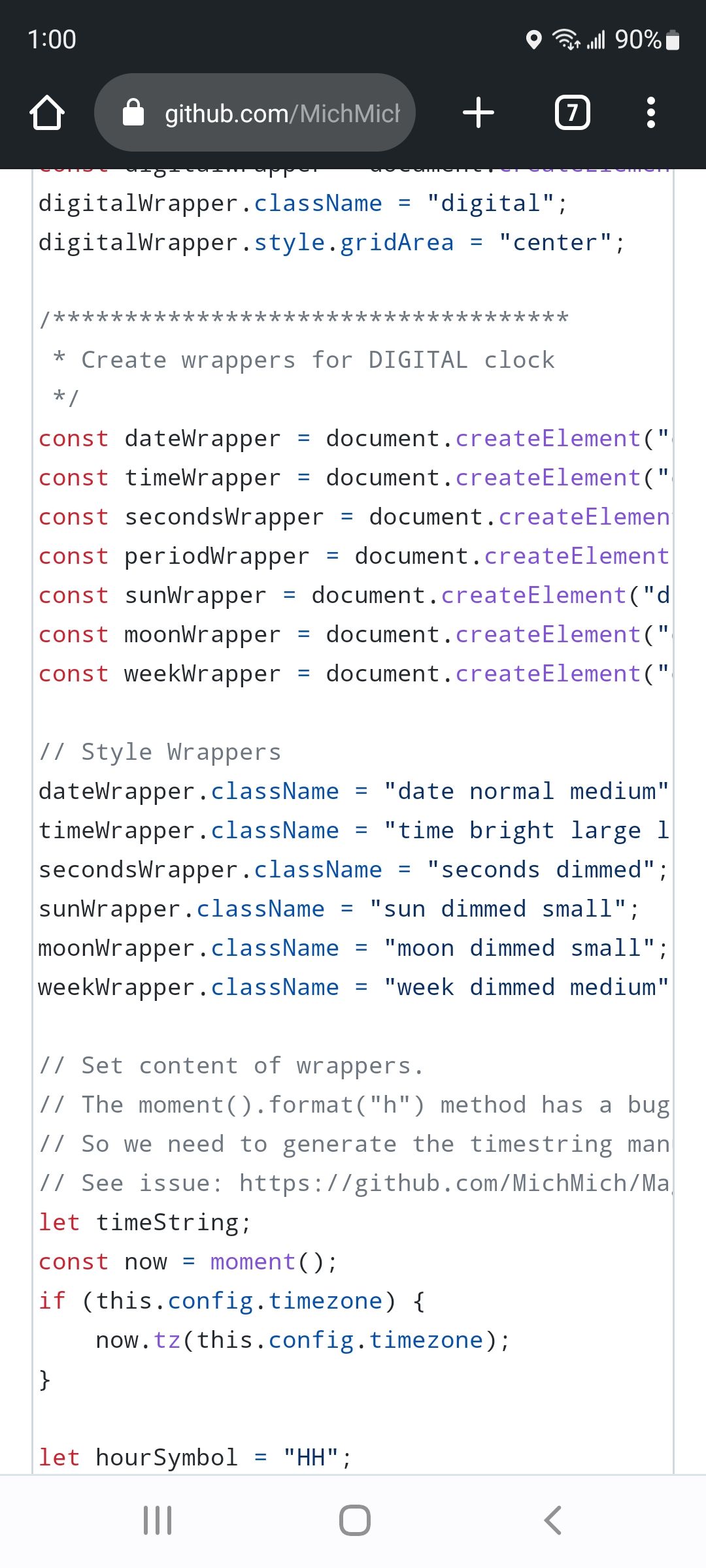
so in custom.css
you would put ( notice the spaces between elements)
edited, to add commas
.clock  .time , .seconds{
    font-size: ???
}
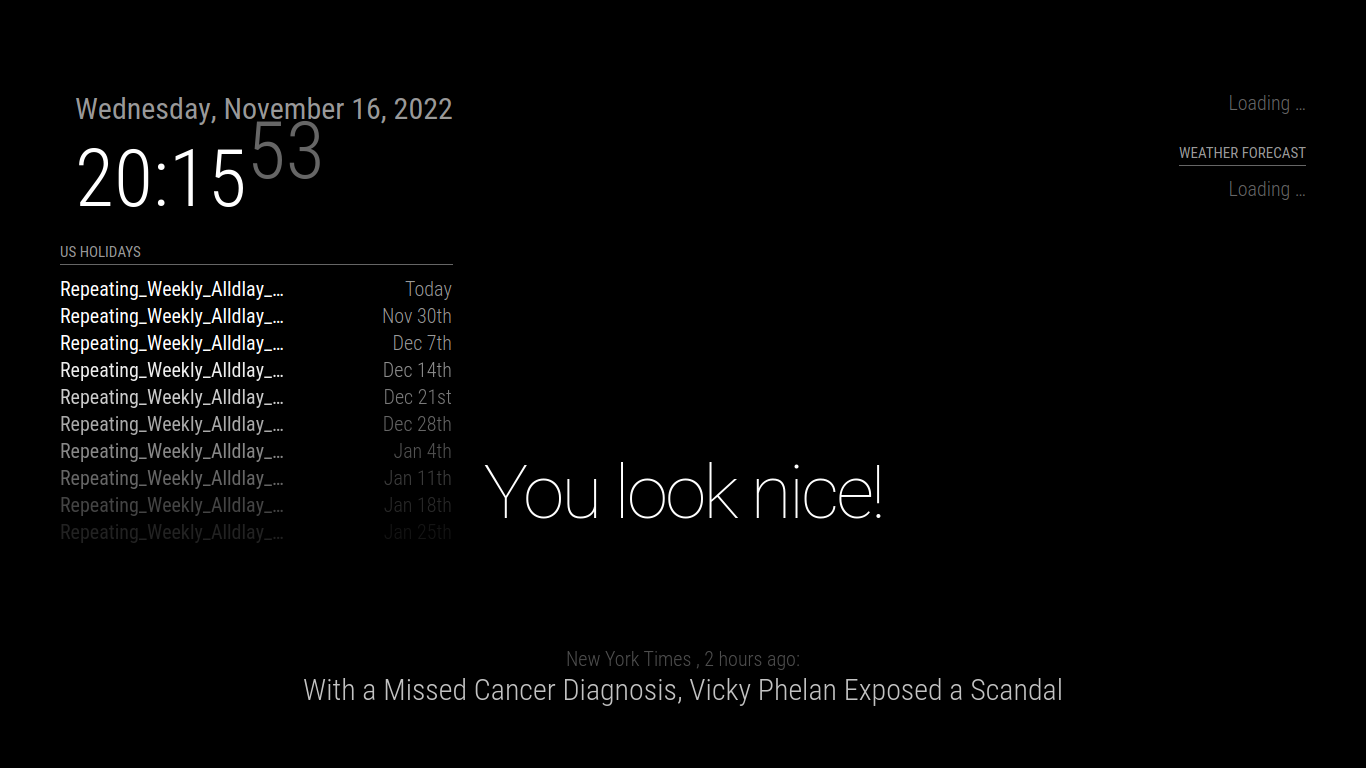
this is font-size: 80px;
-
I copied over the custom.sample.css to custom.css and added to the bottom of the file;
.clock .time , .seconds{
font-size: 200
}but saw no change, rebooted the server, no change.
-
@darknetone 200 what?
css is stupid u have to say px
and there is a semi-colon after -
@sdetweil Well nowI feel stupid, LOL, I should have looked further up in the sample and I would have figured that out. I’ll need to do the same with the weather and forecast and I am done with my bedside display.
-
Hello! It looks like you're interested in this conversation, but you don't have an account yet.
Getting fed up of having to scroll through the same posts each visit? When you register for an account, you'll always come back to exactly where you were before, and choose to be notified of new replies (either via email, or push notification). You'll also be able to save bookmarks and upvote posts to show your appreciation to other community members.
With your input, this post could be even better 💗
Register Login