Read the statement by Michael Teeuw here.
MagicMirror not in fullscreen after PIR detection
-
Hi all,
I’m running MagicMirror on a Raspberry Pi 4. Display Samsung Smart Signage Display DB22D-T LED.
I don’t start MagicMirror via PM2. It is started via webhook on my cell phone. This script executes the 2 commands:
cd ~/MagicMirror && export ELECTRON_DISABLE_GPU=1
cd ~/MagicMirror && DISPLAY=:0 npm startA PIR service is also running.
If movement is detected, then sending the “on” command over HDMI-CEC:
echo ‘on 0’ | cec-client -s -d 1After a certain time without movement, then sending the “standby” command over HDMI-CEC:
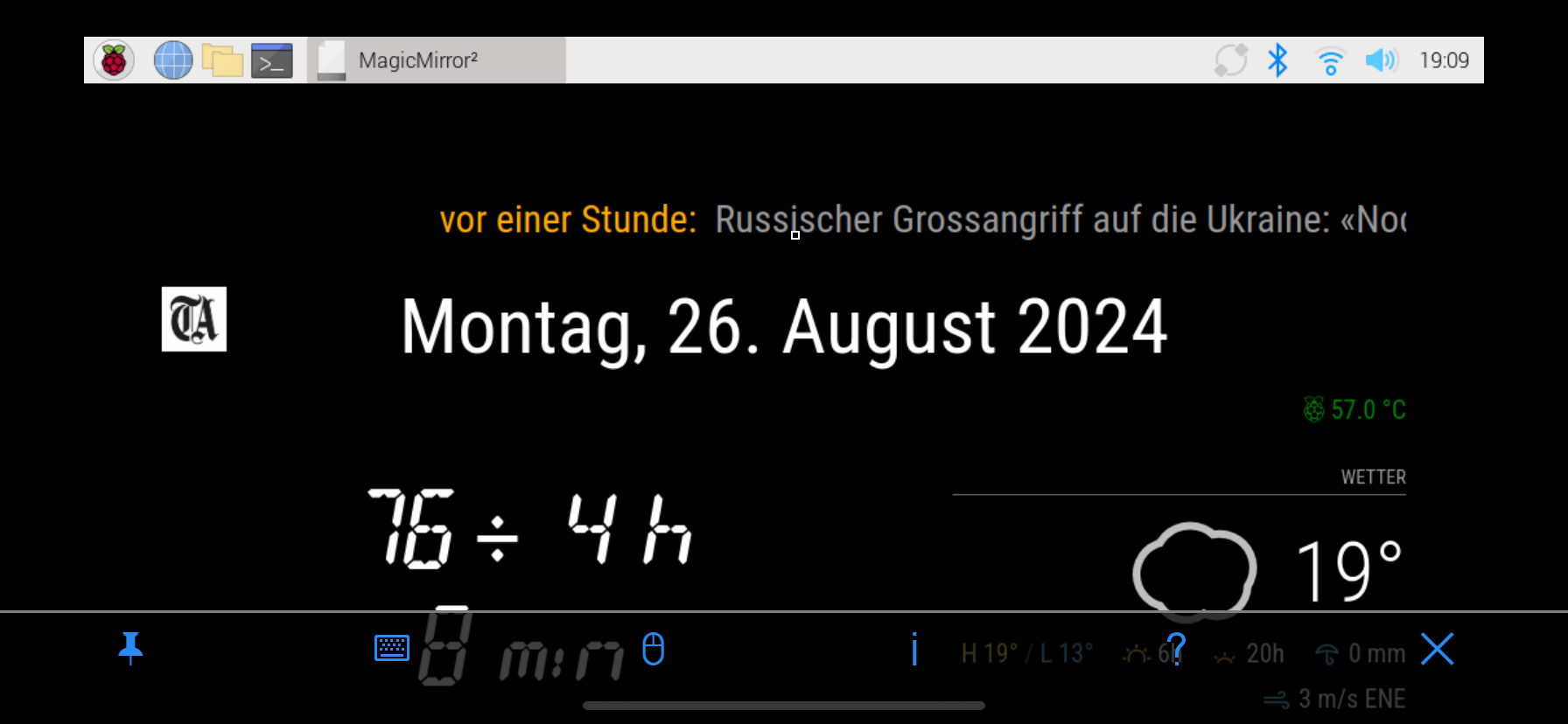
echo ‘standby 0’ | cec-client -s -d 1If movement is detected again after that, the screen turns on, but MagicMirror runs in a window, i.e. not full screen, see image below.
What am I doing wrong?
-
Hi, try to enable auto hide task bar option
-
Hi @bugsounet
Thank you for the tip.
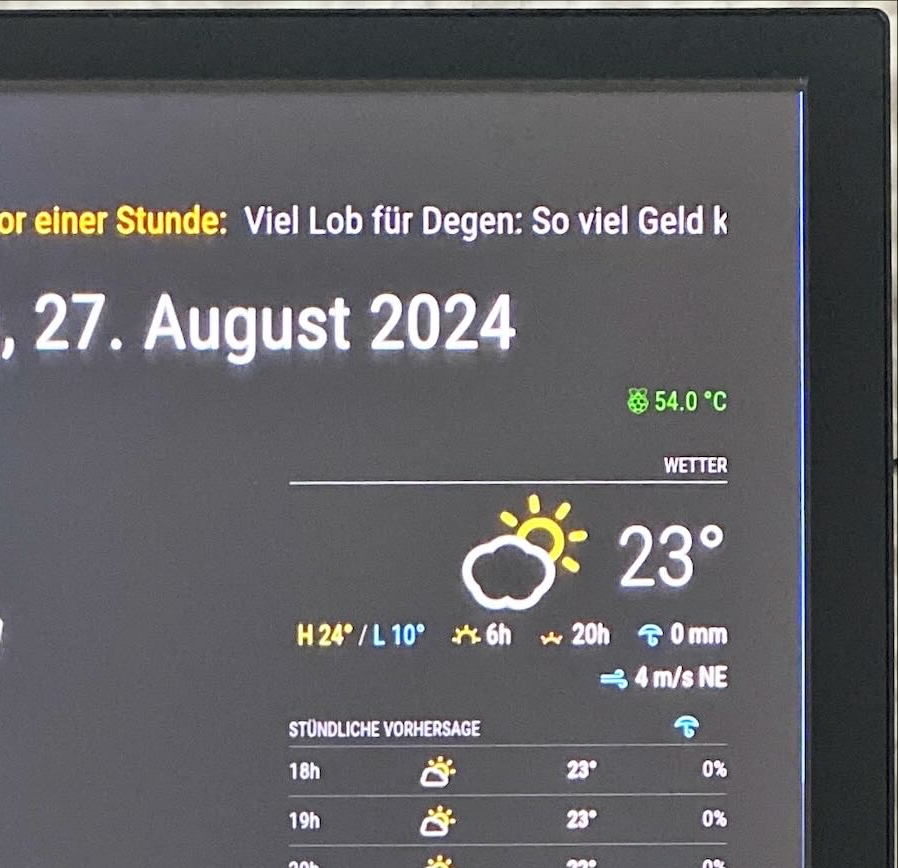
I had to do a bit of research first because the taskbar can no longer be hidden so easily in Bookworm.After that I only had a blue line on the side because of the background image, but I replaced this with a black one and now everything works perfectly.
you are A magician ;-)
-
S soldatino has marked this topic as solved on

Hello! It looks like you're interested in this conversation, but you don't have an account yet.
Getting fed up of having to scroll through the same posts each visit? When you register for an account, you'll always come back to exactly where you were before, and choose to be notified of new replies (either via email, or push notification). You'll also be able to save bookmarks and upvote posts to show your appreciation to other community members.
With your input, this post could be even better 💗
Register Login