MagicMirror Forum
    • Recent
    • Tags
    • Unsolved
    • Solved
    • MagicMirror² Repository
    • Documentation
    • 3rd-Party-Modules
    • Donate
    • Discord
    • Register
    • Login
    A New Chapter for MagicMirror: The Community Takes the Lead
    Read the statement by Michael Teeuw here.

    trouble updating module

    Scheduled Pinned Locked Moved Solved Troubleshooting
    17 Posts 2 Posters 5.2k Views 2 Watching
    Loading More Posts
    • Oldest to Newest
    • Newest to Oldest
    • Most Votes
    Reply
    • Reply as topic
    Log in to reply
    This topic has been deleted. Only users with topic management privileges can see it.
    • S Offline
      sdetweil @pat59
      last edited by sdetweil

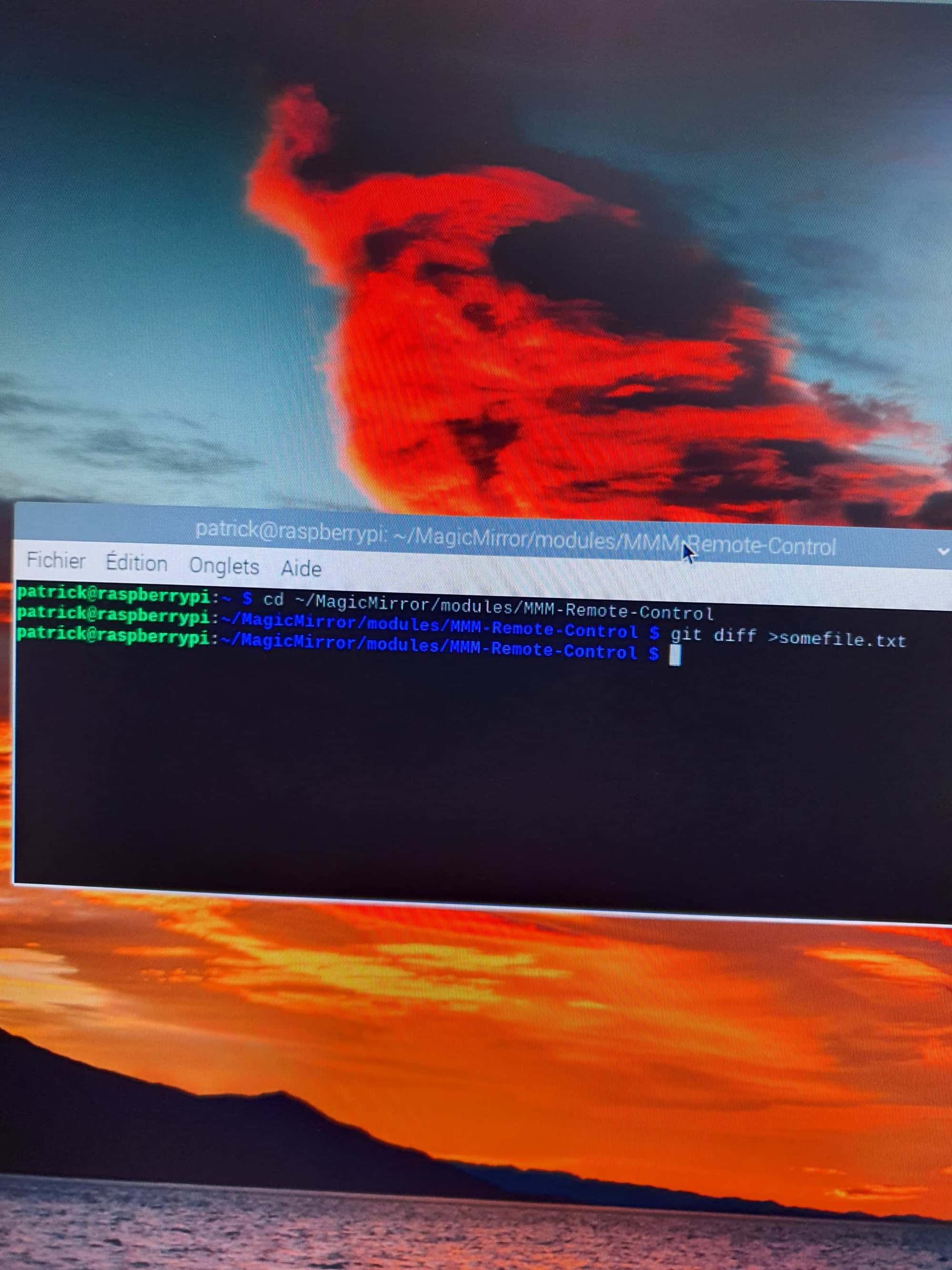
      @pat59 you must be in the module folder, same as when trying to update

      please

      cd ~/MagicMirror/modules/MMM-RemoteControl
      git diff >somefile.txt
      

      Sam

      How to add modules

      learning how to use browser developers window for css changes

      1 Reply Last reply Reply Quote 0
      • P Offline
        pat59
        last edited by

        20241010_132427.jpg

        nothing happens attached
        the photo
        THANKS

        S 1 Reply Last reply Reply Quote 0
        • S Offline
          sdetweil @pat59
          last edited by

          @pat59 yes, the output has been sent to the file somefile.txt

          please paste its content here

          in linux the ‘rule’ is, if all is ok, produce no output… this was set when systems were connected over slow phone lines with modems… so no output was better than waiting to read all was good.

          Sam

          How to add modules

          learning how to use browser developers window for css changes

          1 Reply Last reply Reply Quote 0
          • P Offline
            pat59
            last edited by

            I copy paste the file and it shows me too many characters.
            I copy and paste the file and remove txt it tells me invalid file type authorized jpg jpeg png gif what to do?

            S 1 Reply Last reply Reply Quote 0
            • S Offline
              sdetweil @pat59
              last edited by sdetweil

              @pat59 put in code block like always

              paste text with empty line above and below
              select text just pasted
              hit the button </> above the messge editor

              you cannot ‘attach’ files… only pictures…

              there shouldn’t be that much in the paste output anyhow

              neither of those files is very big

              Sam

              How to add modules

              learning how to use browser developers window for css changes

              1 Reply Last reply Reply Quote 0
              • P Offline
                pat59
                last edited by

                code_text
                ```},
                +  {
                +    "longname": "MMM-Remote-Control-Repository",
                +    "id": "MMRIZE/MMM-Remote-Control-Repository",
                +    "url": "https://github.com/MMRIZE/MMM-Remote-Control-Repository",
                +    "author": "MMRIZE",
                +    "desc": "Plugin for `MMM-Remote-Control` to update installable modules automatically."
                +  },
                   
                     "longname": "MMM-Remote-Control",
                     "id": "Jopyth/MMM-Remote-Control",
                @@ -147,18 +350,39 @@
                     "desc": "Cleanly shutdown (or reboot) your mirror, edit which modules are shown on your mirror and turn your monitor off and on from a simple website, i.e. from your smartphone.
                   },
                   {
                -    "longname": "MMM-Remote-Control-Repository",
                -    "id": "eouia/MMM-Remote-Control-Repository",
                -    "url": "https://github.com/eouia/MMM-Remote-Control-Repository",
                -    "author": "eouia",
                -    "desc": "Plugin for `MMM-Remote-Control` to update installable modules automatically."
                +    "longname": "MM-Remote",
                +    "id": "Klettner/MM-Remote",
                +    "url": "https://github.com/Klettner/MM-Remote",
                +    "author": "Klettner",
                +    "desc": "Android 📱 and Windows-desktop 💻 app to control your MagicMirror² remotely. (Shutdown, reboot, toggle monitor on/off, change brightness of monitor, custom-commands, etc.)."
                +  },
                +  {
                S 1 Reply Last reply Reply Quote 0
                • S Offline
                  sdetweil @pat59
                  last edited by

                  @pat59 weird
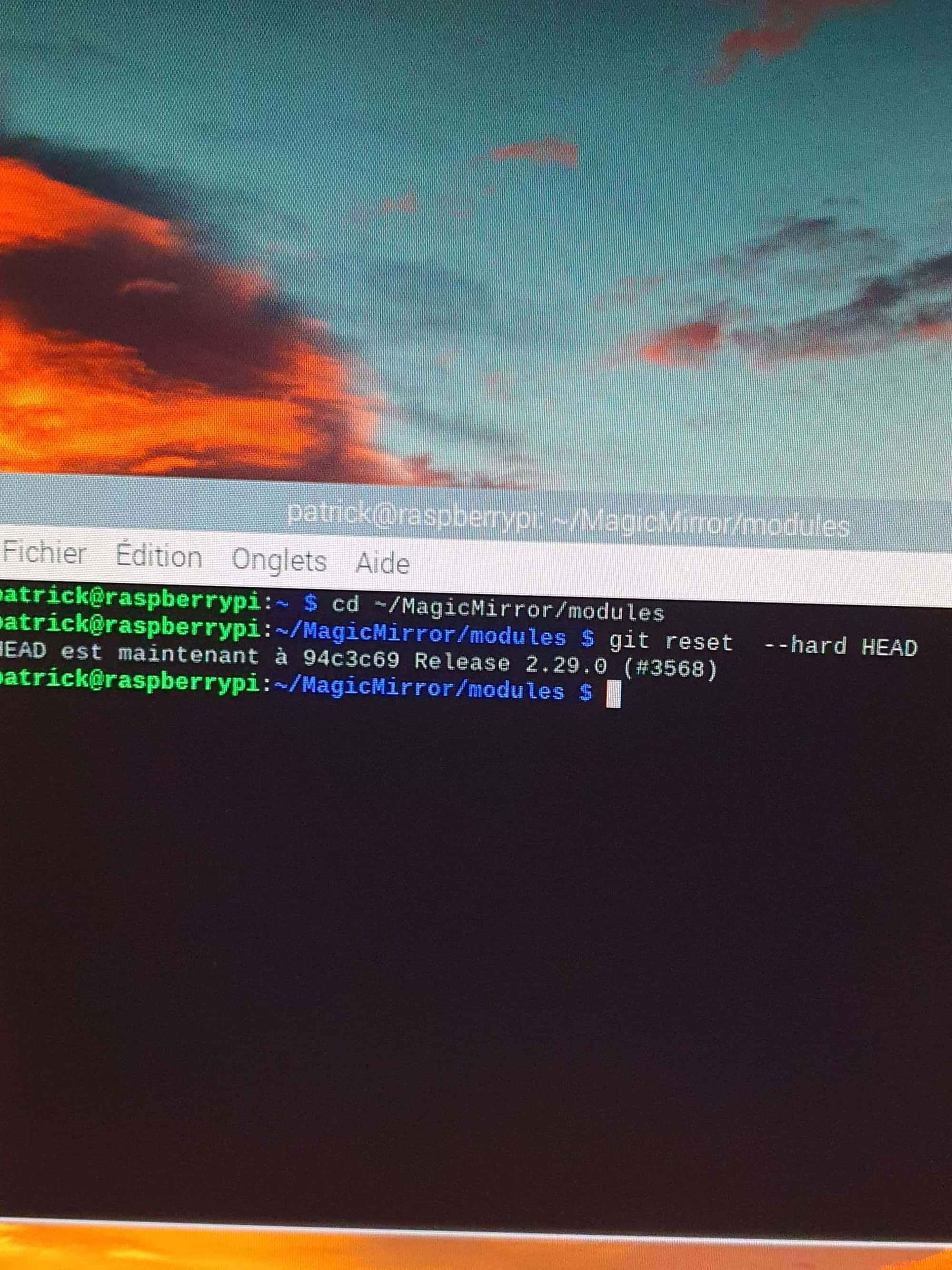
                  in the module folder do

                  git reset  --hard HEAD
                  

                  this will restore all changed files back to the repo level

                  then your module update process should work

                  Sam

                  How to add modules

                  learning how to use browser developers window for css changes

                  1 Reply Last reply Reply Quote 0
                  • P Offline
                    pat59
                    last edited by

                    always the update message that appears

                    1 Reply Last reply Reply Quote 0
                    • P Offline
                      pat59
                      last edited by

                      20241010_200414.jpg

                      S 1 Reply Last reply Reply Quote 0
                      • S Offline
                        sdetweil @pat59
                        last edited by sdetweil

                        @pat59 no, in the folder of the module you are having trouble updating

                        MMM-RemoteControl

                        as you are having trouble with one module, all the commands would be relative to that module’s folder… right??

                        Sam

                        How to add modules

                        learning how to use browser developers window for css changes

                        1 Reply Last reply Reply Quote 0
                        • P Offline
                          pat59
                          last edited by

                          Sorry I don’t understand your question I’m a newbie

                          1 Reply Last reply Reply Quote 0
                          • P Offline
                            pat59
                            last edited by

                            I just noticed that I forgot to put Remote control in the module folder. I did the manipulation again, then did a git pull again and npm install, that’s it, it’s back to normal, no more update messages, a big thank you to you for your help. how can I thank you do you have a kitty to make a donation cordially

                            S 1 Reply Last reply Reply Quote 0
                            • S Offline
                              sdetweil @pat59
                              last edited by

                              @pat59 glad you got it fixed. donations not accepted , i do this for fun, and i learn a lot.

                              Sam

                              How to add modules

                              learning how to use browser developers window for css changes

                              1 Reply Last reply Reply Quote 0
                              • S sdetweil has marked this topic as solved on
                              • P Offline
                                pat59
                                last edited by

                                I would say a big thank you to you who managed to resolve the problem and not to me, wishing you good continuation.
                                I’m too happy

                                1 Reply Last reply Reply Quote 0

                                Hello! It looks like you're interested in this conversation, but you don't have an account yet.

                                Getting fed up of having to scroll through the same posts each visit? When you register for an account, you'll always come back to exactly where you were before, and choose to be notified of new replies (either via email, or push notification). You'll also be able to save bookmarks and upvote posts to show your appreciation to other community members.

                                With your input, this post could be even better 💗

                                Register Login

                                • 1 / 1
                                • First post
                                  Last post
                                Enjoying MagicMirror? Please consider a donation!
                                MagicMirror created by Michael Teeuw.
                                Forum managed by Sam, technical setup by Karsten.
                                This forum is using NodeBB as its core | Contributors
                                Contact | Privacy Policy