Read the statement by Michael Teeuw here.
New module: Weather effects
-
@uros76 its only in browser, so thats all that matters…
notifications list can’t last forever as its crazy busy sometimes…
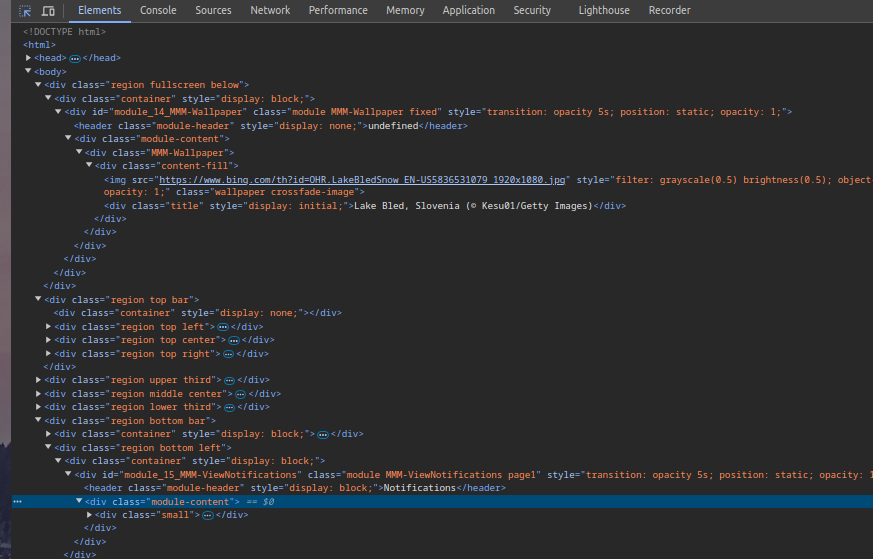
open the developers window, ctrl-shift-i, select the elements tab, and expand the top bar, top left section
(mine is in bottom left)
-
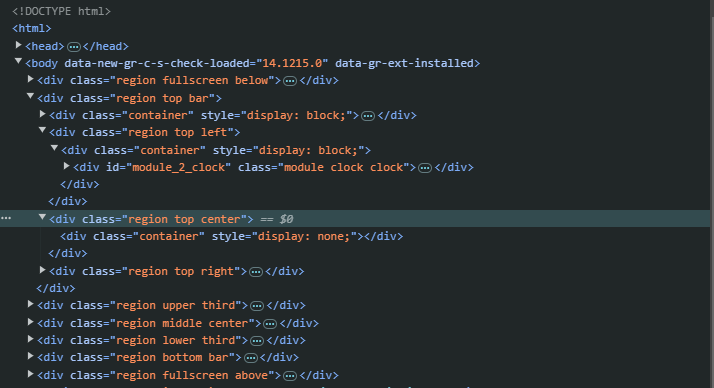
@sdetweil I changed it to top_center location to see if that could help. No difference.
Inspecting the developers window I can’t see anything in top_center region.
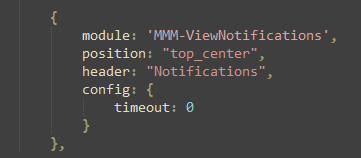
This is the config I am using
-
@uros76 I changed mine to timeout:0… and they show and stay
what is that stuff on body? I don’t have that
nano ~/MagicMirror/index.htmlthat is the page definition
unless some other modules is hacking the dom… -
@sdetweil that must be the Grammarly extension on my chrome browser. I’ll retry with different browser later and report back.
-
@sdetweil I tried on Edge and Firefox browser and it’s the same, I can’t see the notifications module loading in the selected region position. No clue what could prevent this module from loading.
-
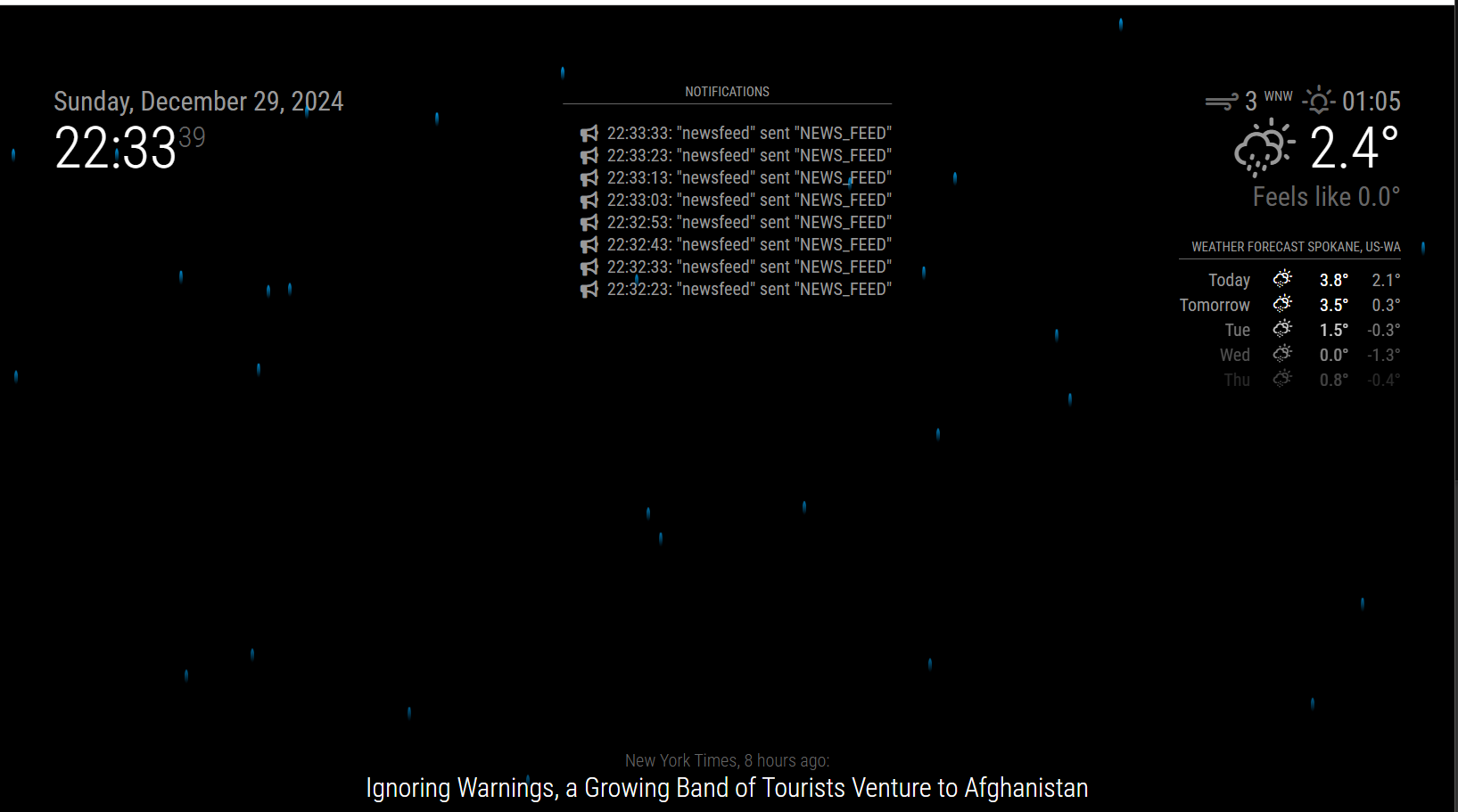
Okay, I just reinstalled the whole test environment from scratch and now it works. Why the hell it didn’t work earlier I don’t know. Important is that it works.
Thanks again @sdetweil for all the assistance and guidance.
-
@uros76 awesome… also no idea why it wouldn’t work before

Hello! It looks like you're interested in this conversation, but you don't have an account yet.
Getting fed up of having to scroll through the same posts each visit? When you register for an account, you'll always come back to exactly where you were before, and choose to be notified of new replies (either via email, or push notification). You'll also be able to save bookmarks and upvote posts to show your appreciation to other community members.
With your input, this post could be even better 💗
Register Login