Read the statement by Michael Teeuw here.
Scaling issues with MM 2.35 using NPM Run Start:x11
-
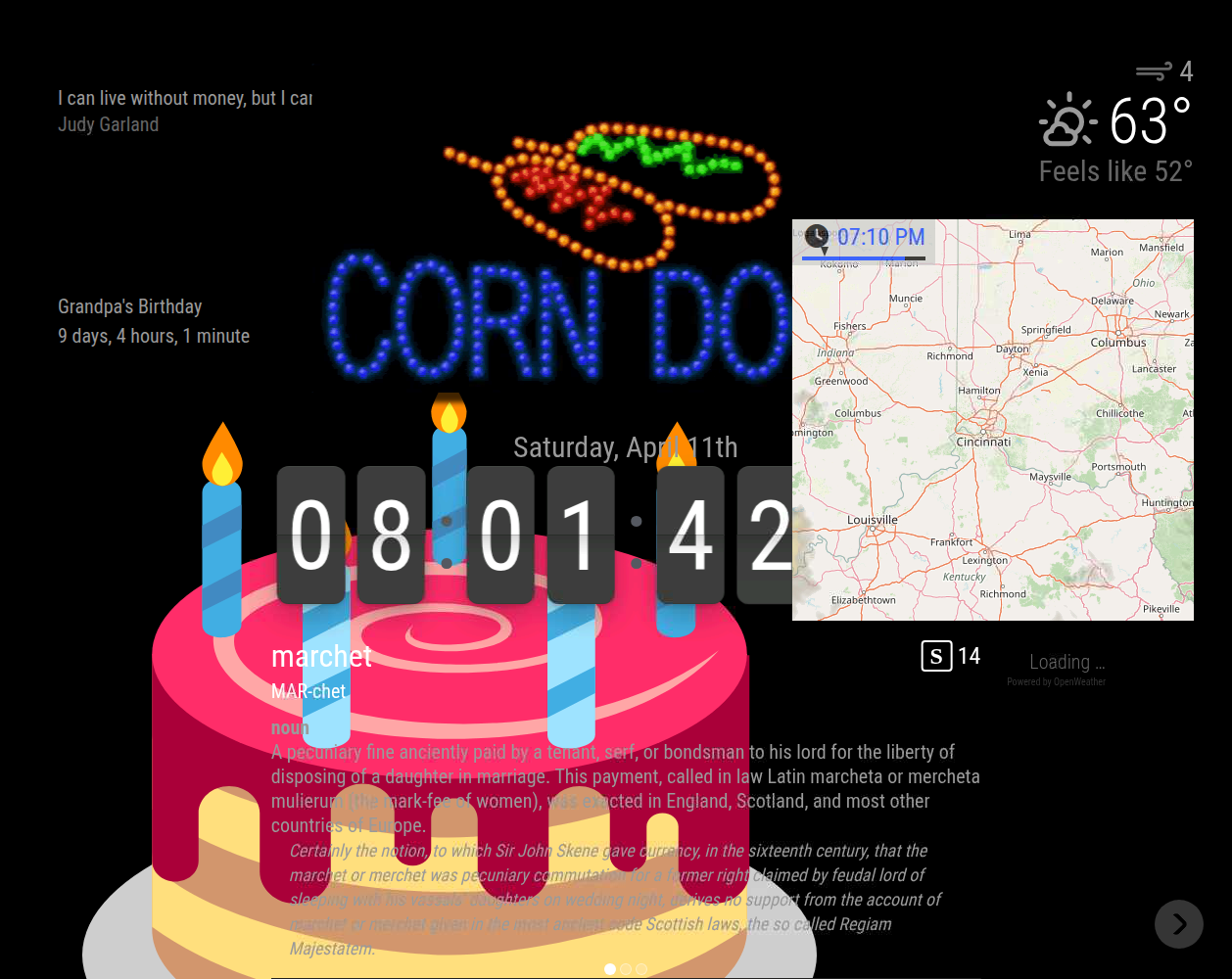
I am having to use NPM Run Start:x11 to get MM 2.35 to run. NPM start was working in 2.34. Now I am having scaling and text issues and would greatly appreciate some help with troubleshooting this. Here is some info about my machine:
[2026-04-11 21:12:18.020] [INFO] [systeminformation]System Information
- SYSTEM: manufacturer: libre-computer; model: aml-s905x-cc-v2; virtual: false; MM: v2.35.0
- OS: platform: linux; distro: Debian GNU/Linux; release: 12; arch: arm64; kernel: 6.1.92-15907-gf36fd2695db3
- VERSIONS: electron: 41.1.0; used node: 22.21.1; installed node: 22.21.1; npm: 10.9.4; pm2: 6.0.14
- ENV: XDG_SESSION_TYPE: x11; MM_CONFIG_FILE: undefined
WAYLAND_DISPLAY: undefined; DISPLAY: :0; ELECTRON_ENABLE_GPU: undefined - RAM: total: 1944.19 MB; free: 969.87 MB; used: 974.32 MB
I posted pictures comparing 2.34 and 2.35. Please let me know if I can provide additional info that would be helpful. Thanks!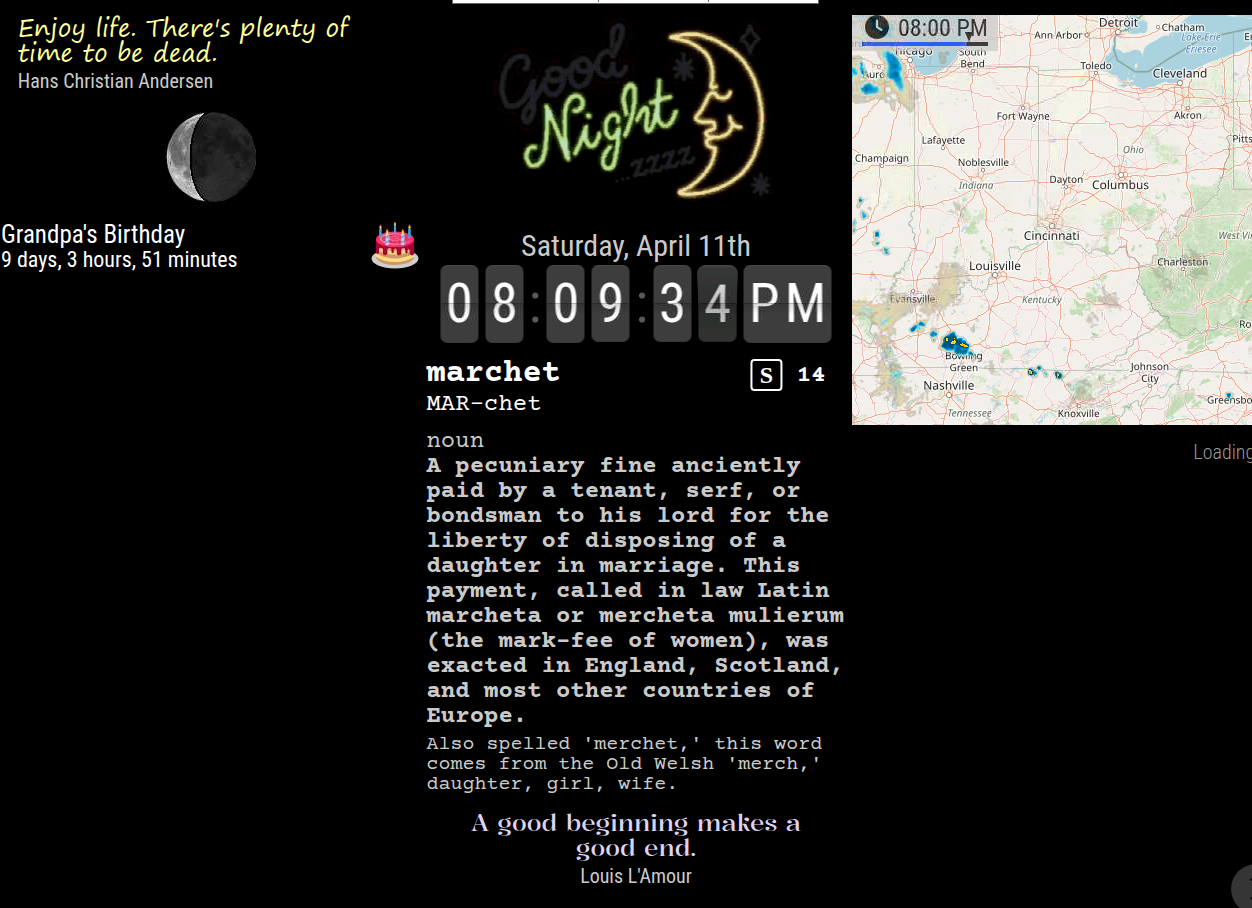
-
@DDE12 did your css/custom.css file get moved to the config folder?
-
@DDE12 we changed the default for npm start to be Wayland as we documented in the release notes
That is why you have to use npm run start:x11
We also moved user files to the config folder
And moved the default modules to their own folder away from the modules folderAs I posted about a month ago.
How did you upgrade? git pull or my scripted upgrade?
-
@sdetweil
I used your script to upgrade. It was the custom css. custom.css was moved but I had other custom files and folders in /css. I moved all the contents of /css to /config and everything seems to be back to what I had before. Great catch! Thank you so much! -
@DDE12 when did you run the script?
I thought I fixed it to move everything but the 4 default files -
if you don’t push the change, it doesn’t change!!.. doah… thanks for the report upgrade fixed now
-
D DDE12 has marked this topic as solved on
-
@sdetweil
Great! I’m glad I helped you while you were helping me. :)
Hello! It looks like you're interested in this conversation, but you don't have an account yet.
Getting fed up of having to scroll through the same posts each visit? When you register for an account, you'll always come back to exactly where you were before, and choose to be notified of new replies (either via email, or push notification). You'll also be able to save bookmarks and upvote posts to show your appreciation to other community members.
With your input, this post could be even better 💗
Register Login