Read the statement by Michael Teeuw here.
not realy Fullscreen
-
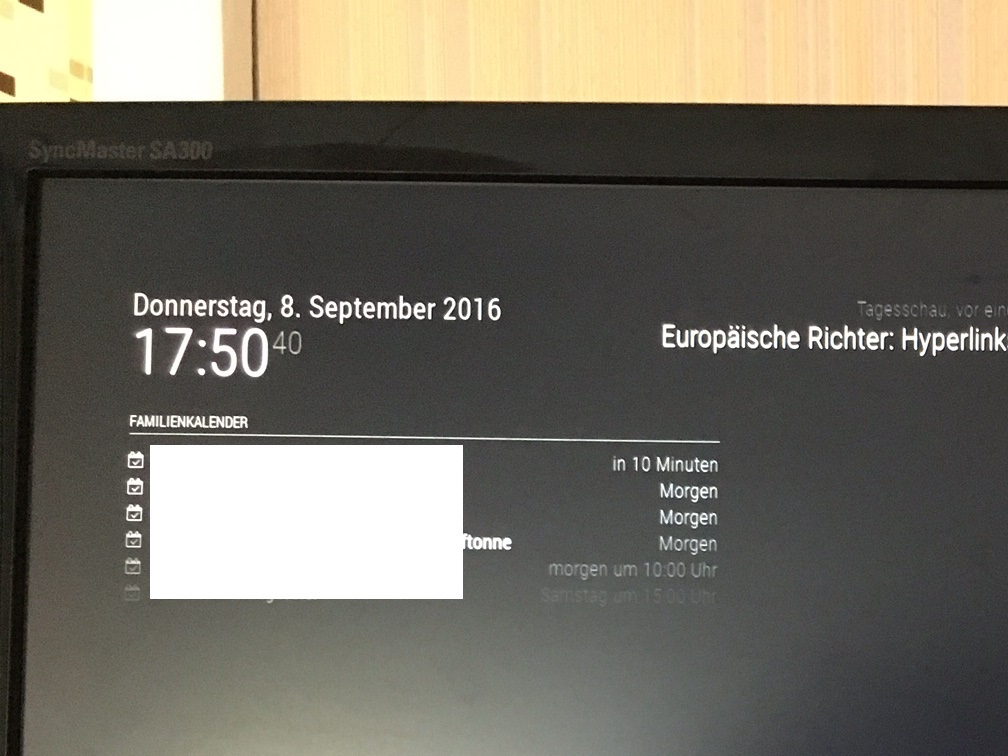
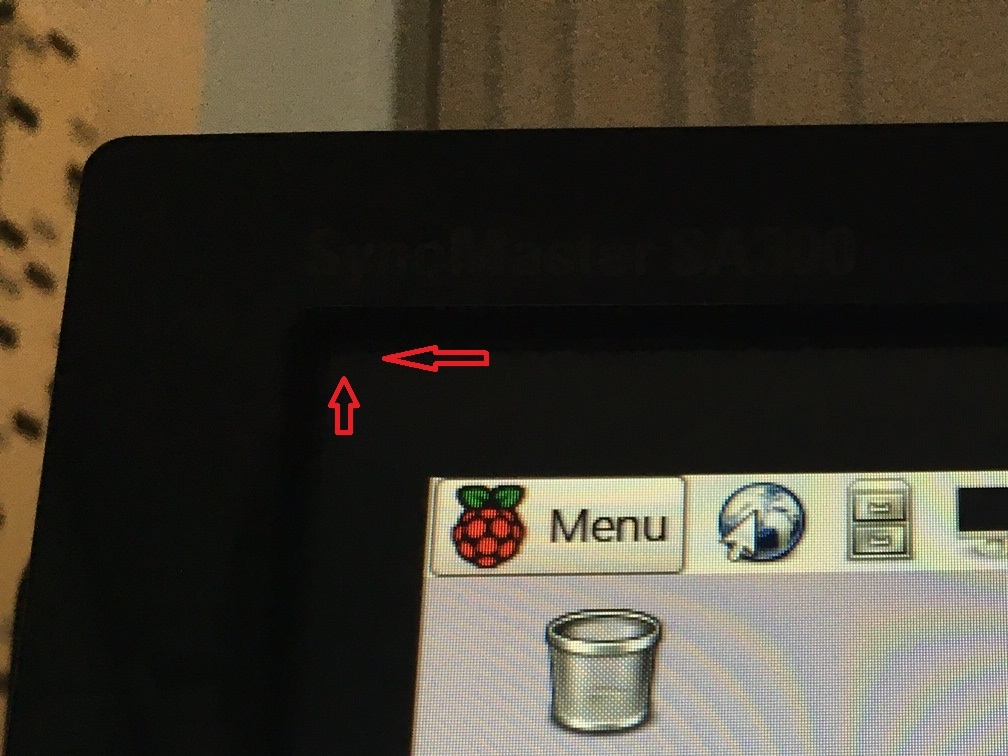
when i start the raspberry and later MagicMirror i don’t have a fullscreen view. look at the pircture please. What can i do?
-
Du kannst im Desktop auf Einstellungen -> Raspberry-PI-Konfiguration gehen. Dort dann die Übertastung auf deaktiviert setzen. Eventuell muss der RPi neugestartet werden.
Moderator’s note: While some folks here read German, not everyone does. Posting in English is preferred. That said, pardon the translation, but it’s what Google Translate comes up with:
“You can browse the Desktop Preferences - Go> Raspberry PI configuration. There then set the overscan on disabled. Possibly the Rpi must be restarted.”
-
Open the configuration file (in bash type
sudo nano /boot/config.txt) and look fordisable_overscan
This is either commented with a # or set to 0
It should bedisable-overscan=1
Be sure to look through the whole file, sometimes this setting appears more than once.Reboot your pi and you should be good

Hello! It looks like you're interested in this conversation, but you don't have an account yet.
Getting fed up of having to scroll through the same posts each visit? When you register for an account, you'll always come back to exactly where you were before, and choose to be notified of new replies (either via email, or push notification). You'll also be able to save bookmarks and upvote posts to show your appreciation to other community members.
With your input, this post could be even better 💗
Register Login