Read the statement by Michael Teeuw here.
Problems with certificate with MMM- Google Photos
-
Hi,
I am trying to implement Google Photo module. Thinking it could be kind of fun new year’s eve to invite all my guests to a shared photo folder.
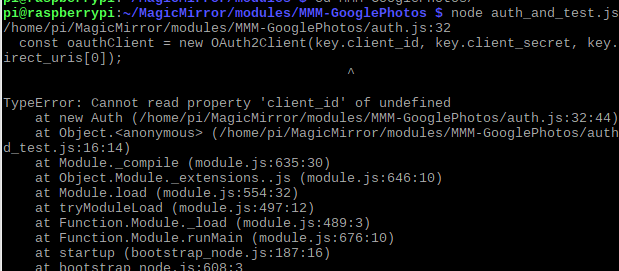
I have followed the instructions and have also received a credentials file that I have renamed to credentials.json and placed it in /home/pi/MagicMirror/modules/MMM-GooglePhotosBut when I use the command node auth_and_test.js I receive an error.
Any suggestions?
-
@janne
Your credentials.json seems being maden wrongly. You might have missed something or chosen different option with my instruction when you made credentials.
Open .json and see the first word. It should have{“installed” : ...or something similar.https://github.com/eouia/MMM-GooglePhotos#get-auth-and-albumid
I think you made something wrong on step 7. -
Hi Sean,
You were right.
I created a new project and now I get an ID when I send the command node auth_and_test.js

I have more or less just copied your config example.
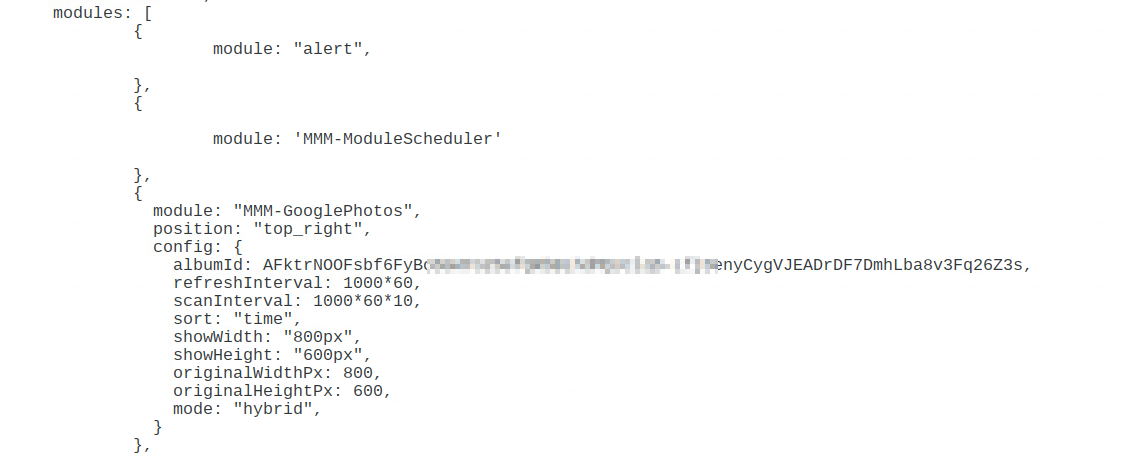
But this is not valid in the config file.
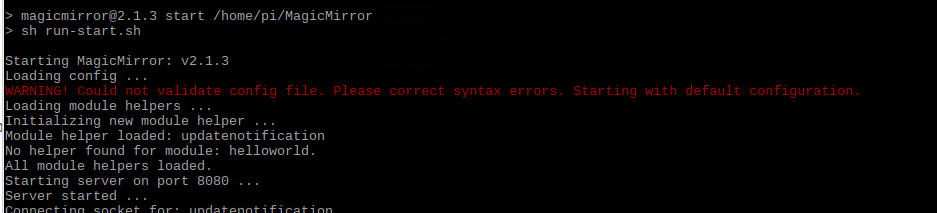
-
The value for albumId should be written with quotation marks
"AFktr.....26Z3s",
Other than that I cannot spot any error in your snippet. -
Thanks… That solved it…
You guys are awesome (y)
So now my MMM is totally ready for New Years Eve.
The menu is on a MMM-Memo and all guests is getting access to the google album so they can post pictures to the MMM. -
Hi All,
When I run the auth_and_test.js action on my PI. Will there be the popup for the approval on my google account but he will not go back.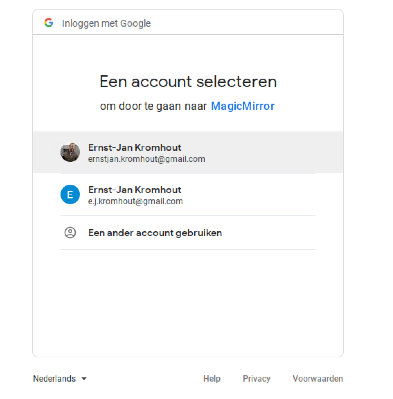
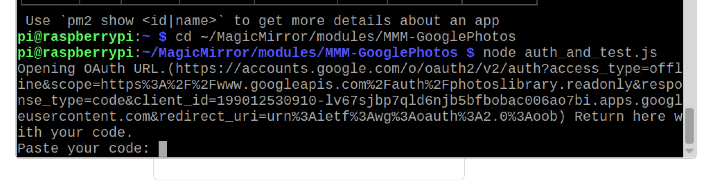
I some one a idee what wrong
-
@ernst-jan
If you confirmed auth on your browser (Selecting your account and approval), Some code (4/ABCD1234BLAHBLAHBLAH....) will be shown after confirmation. Copy that code and paste it into your terminal shell (You can change the window withCtrl+Tab) -
@seanif I click on my google account he will not log on
-
@ernst-jan
When you click your account, this page should be shown. doesn’t ?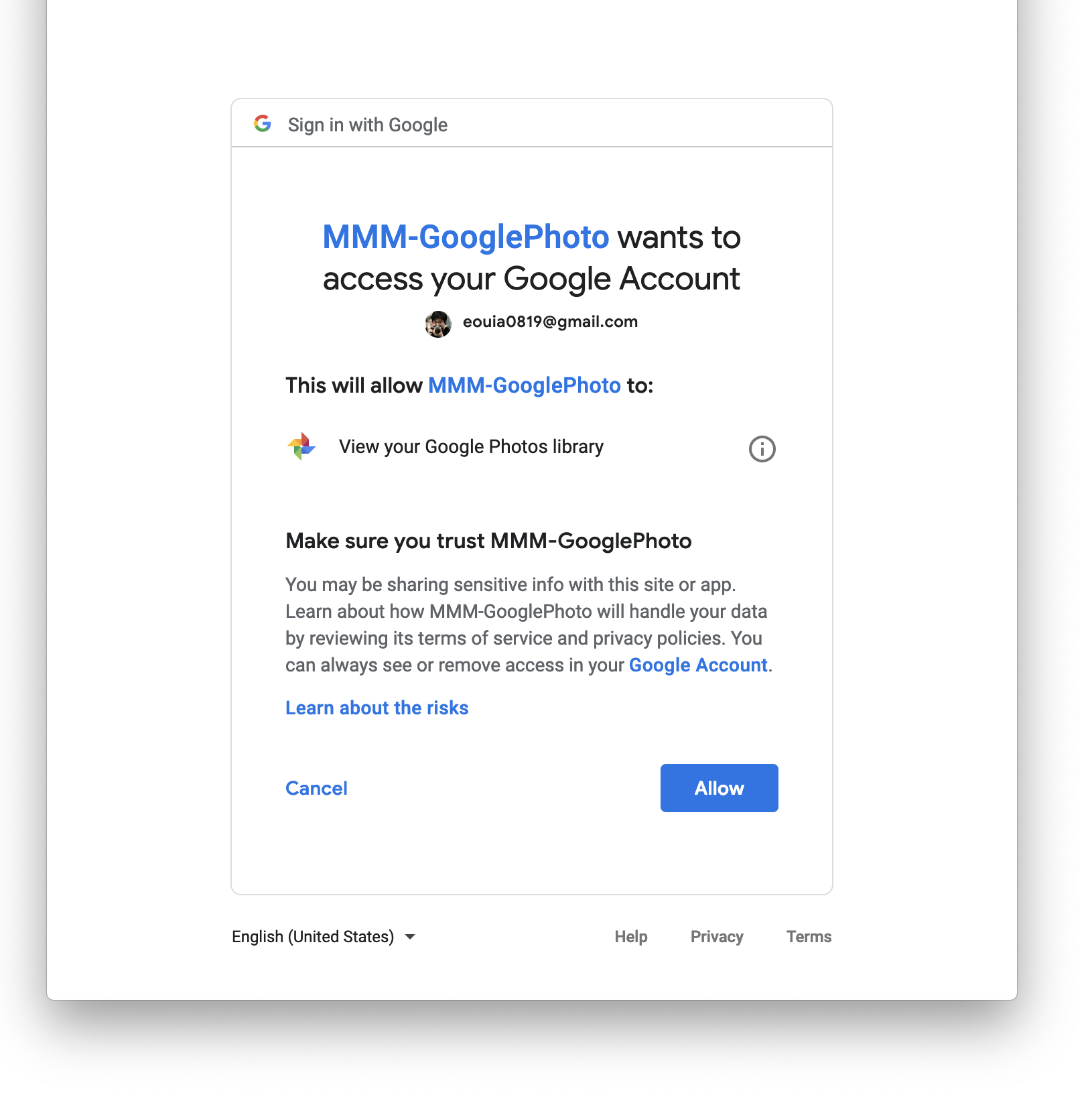
-
@sean Sorry i only see this.
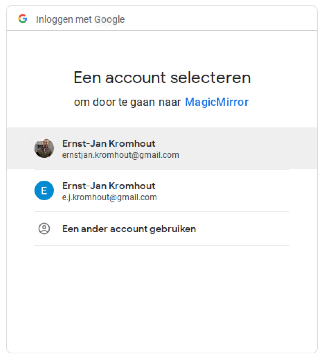
-
@ernst-jan
Weird. Anyway, that is not problem of module itself. That page is hosted by google I cannot control. I don’t know what’s happening on your Google Account. Check your Google project again especially whether API is enabled. -
@sean It works.
-
@ernst-jan
What did you do to resolve this? I am having the exact same issue.
Thanks! -
@wkeull I have used another browser.
-
Thanks,
That did the trick, I used laukit on the RPI3.


Hello! It looks like you're interested in this conversation, but you don't have an account yet.
Getting fed up of having to scroll through the same posts each visit? When you register for an account, you'll always come back to exactly where you were before, and choose to be notified of new replies (either via email, or push notification). You'll also be able to save bookmarks and upvote posts to show your appreciation to other community members.
With your input, this post could be even better 💗
Register Login