Read the statement by Michael Teeuw here.
2 Mirrors and one Sensor ( MMM-PIR-Sensor )
-
is it posible to add only one sensor to 2 Raspberry Pi?
Regards -
noone?
I have in 1 Mirror 2 Display and Pi and want to add a sensor. -
sorry, do not understand question… typically one uses ONLY 1 PIR sensor…
-
Sorry for my bad English.
I have 2 Magic.Mirrors in a mirror and just wanted to use 1 PIR module for both.
Therefore the question if this is technically possible or if I have to use a module for each raspberry.
-
@binia oh!.. you have two monitors inside your single mirror!.. wow…
all u need is the signal pin of the PIR… and connect the grounds together on the two PI devices…
otherwise you could have one PI send a MMM message to the other to wakeup…
-
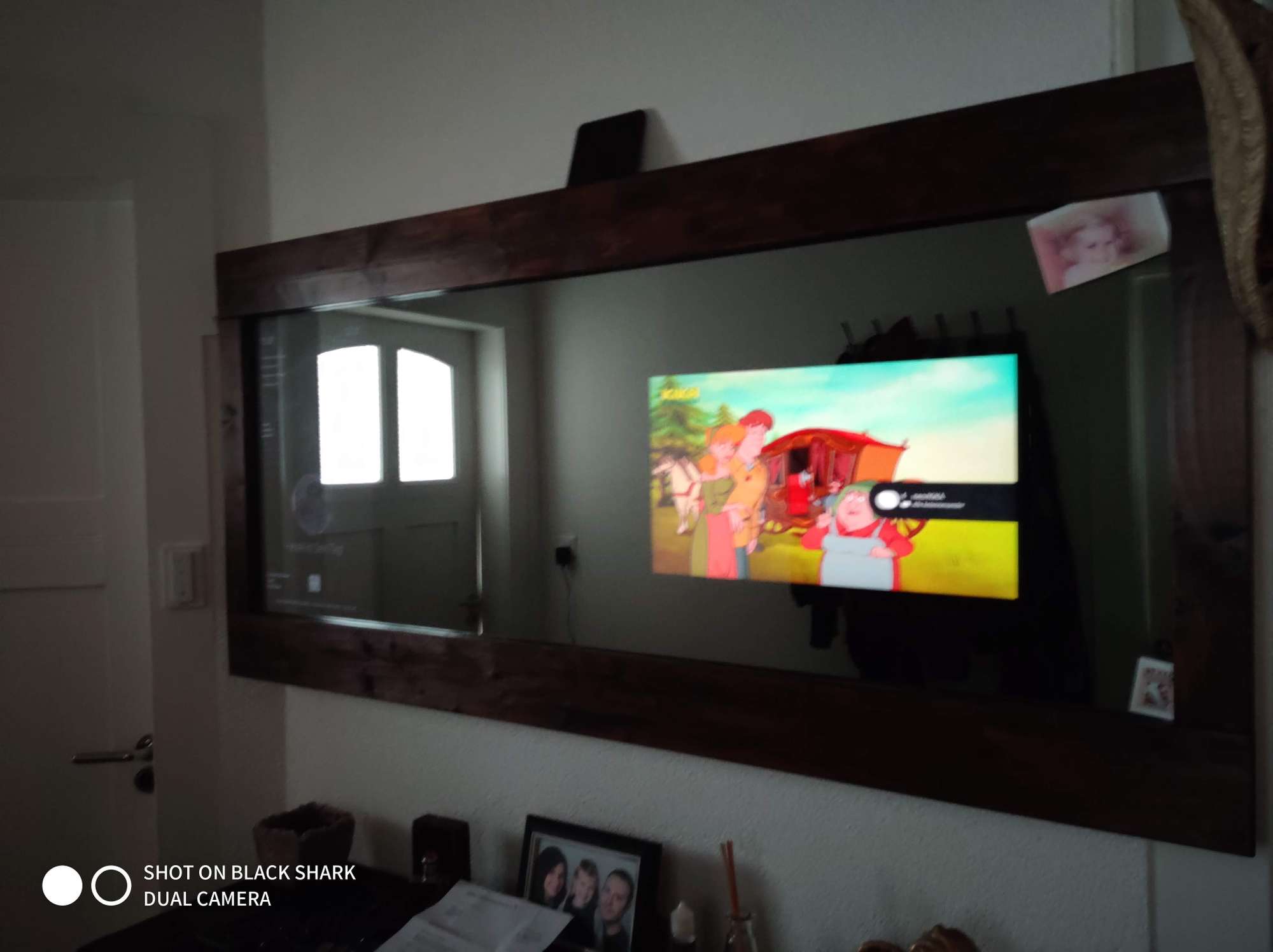
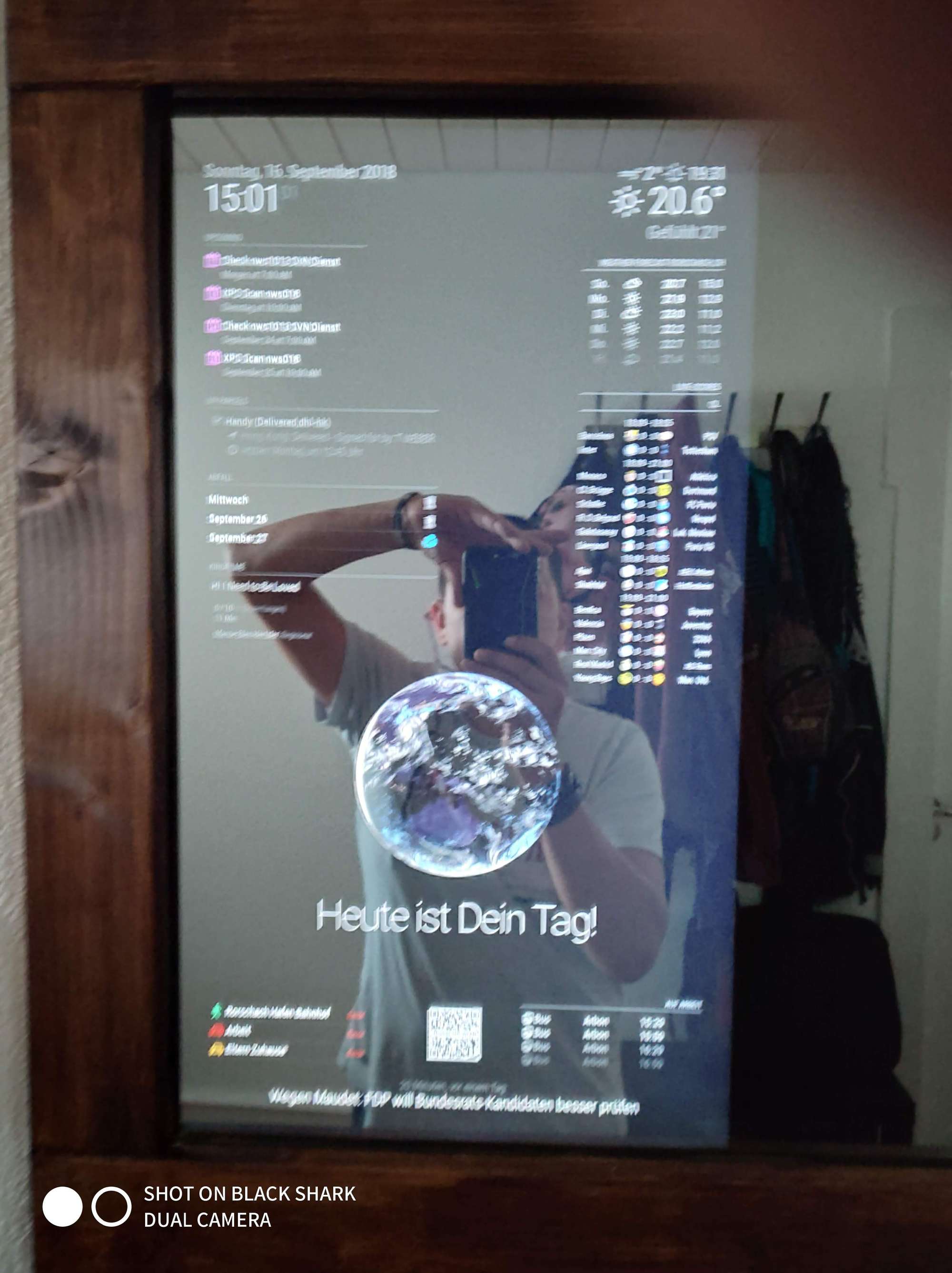
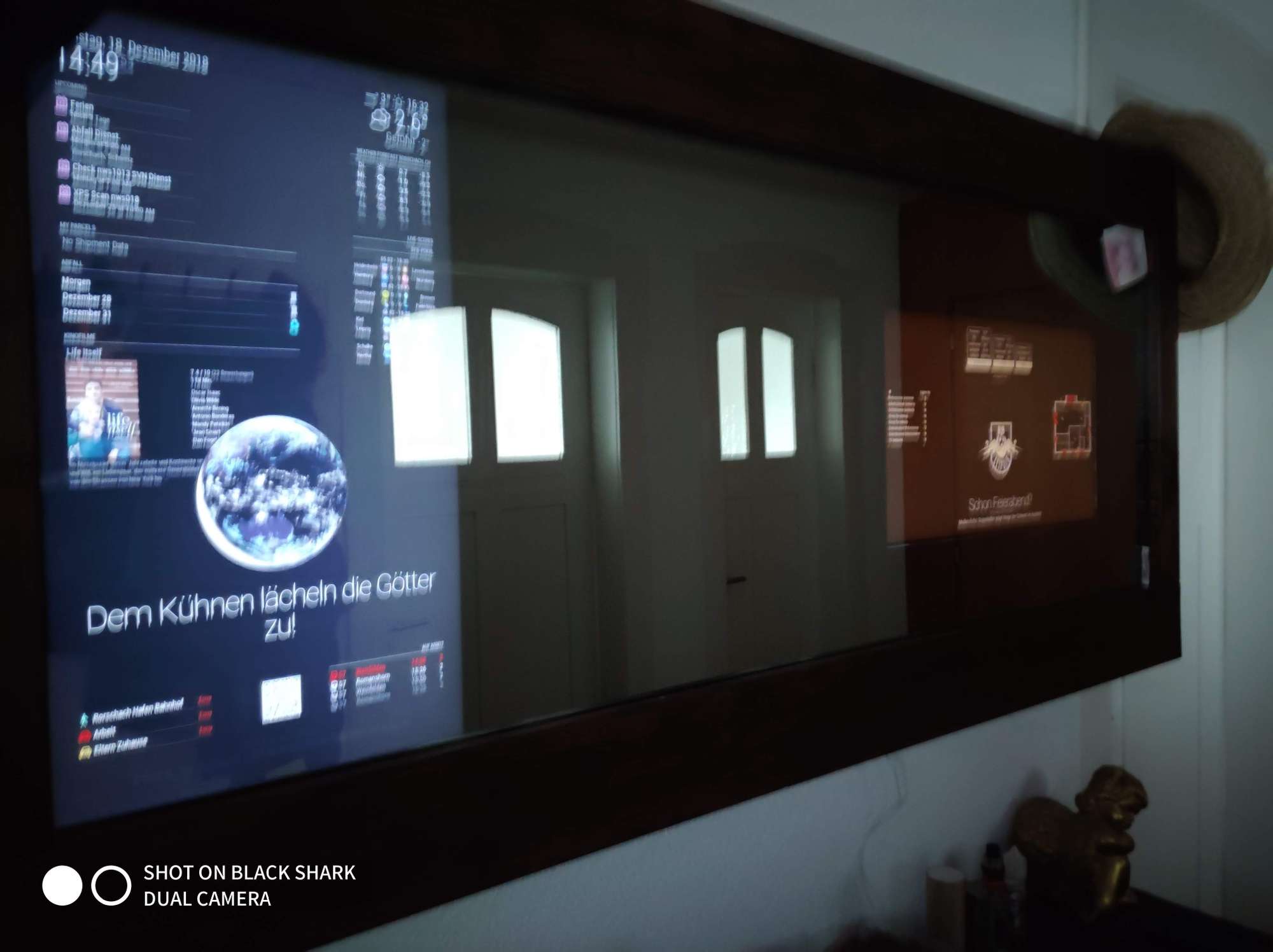
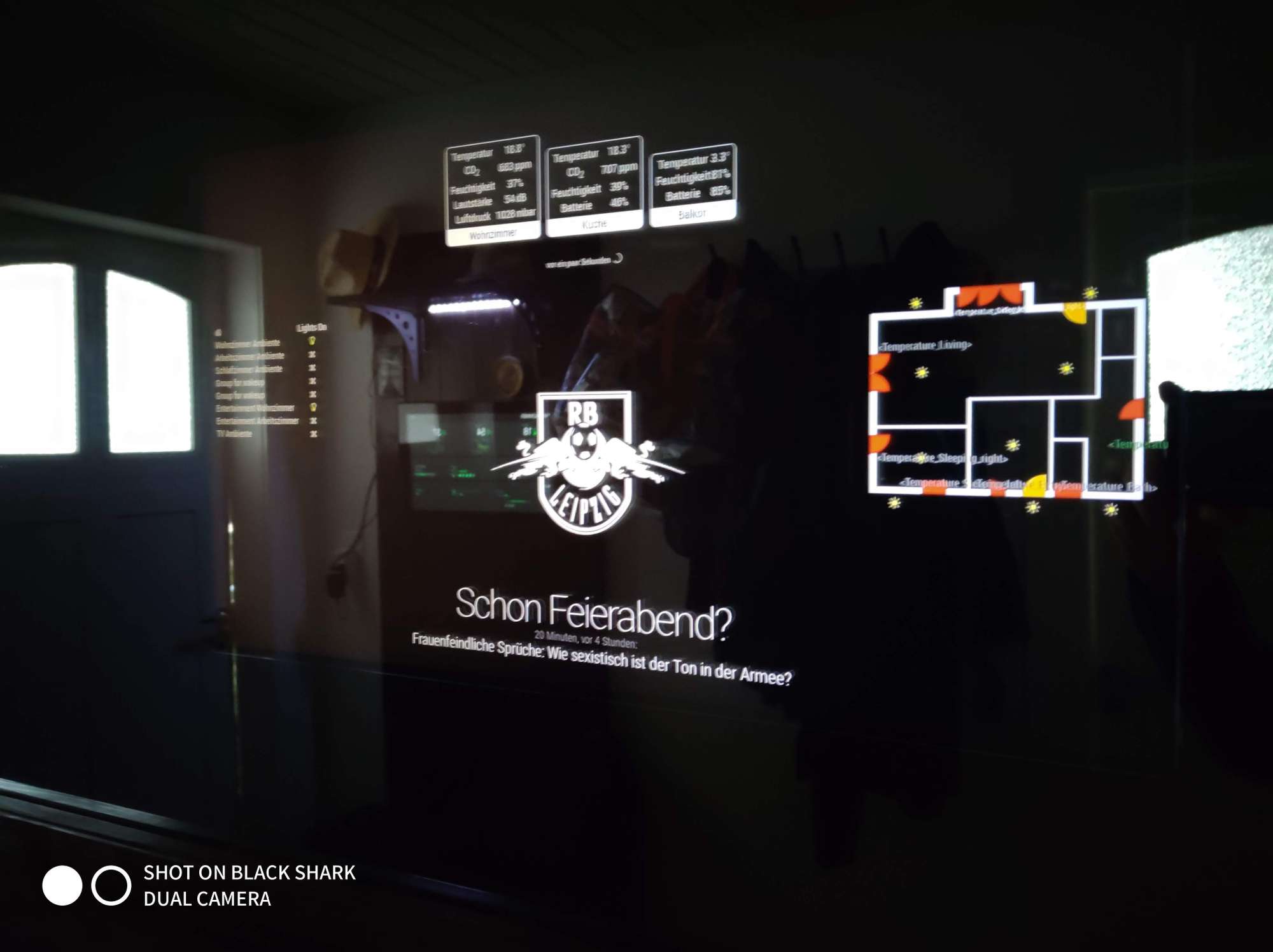
-
its 160cm x 65cm
One is a TV and one a Display -
You can install one PIR on one RPI(A).
Then, you can modify or build a module to send HTTPRequest to other RPI(B) on RPI(A) which has PIR sensor
Then, you can also modify or build a module to catch HTTPRequest on RPI(B) to use it as a signal for your job.- MMM-PIR-Sensor (RPI(A)) : You can modify
socektNotificationReceived()to emit your custom notification,
Or send HTTPRequest directly to RPI(B) - MMM-NotificationTrigger (RPI(A)) : Or you can translate notification from MMM-PIR-Sensor to your custom notification for further relayed module,
Or you can execute directly external shell command/internal javascript for sending HTTPRequest when notification is coming from MMM-PIR-Sensor - Or … you can build your own module for this job.
- MMM-Remote-Controller (RPI(B)) : You can get HTTPRequest from RPI(A) to do something
- MMM-NotificationTrigger(RPI(B)) : This module also can catch HTTPRequest and do something
- Or … you can build your module for this job.
- Or you can make scripts with javascript or python or any other language to communicate between two RPIs. It will be not so difficult to expert, but…
- MMM-PIR-Sensor (RPI(A)) : You can modify
-
Thanks for your answer.
I will try it. -
Here is a simple example for using
MMM-NotificationTrigger. Not tested, but you can catch the concept.Assumption
- RPI_A
- MM IP : 192.168.178.101:8080
- PIR_SENSOR is installed
- This will emit notification
"USER_PRESENCE"with payloadtrue/false
- RPI_B
- MM IP : 192.168.178.102:8080
- PIR_SENSOR IS not installed.
- It needs payload value of
USER_PRESENCEfrom RPI_A
RPI_A MMM-NotificationTrigger config
{
  module: "MMM-NotificationTrigger",
  config: {
    triggers: [
      {
        trigger: "USER_PRESENCE",
        triggerPayloadFilter: (payload) => {
          return payload
        },
        fires: [
          {
            fire: "DUMMY_NOTIFICATION",
            exec: `curl -d "notification=RELAYED_USER_PRESENCE&payload=true" http://192.168.178.102:8080/webhook`
          }
        ]
      },
      {
        trigger: "USER_PRESENCE",
        triggerPayloadFilter: (payload) => {
          return !payload
        },
        fires: [
          {
            fire: "DUMMY_NOTIFICATION",
            exec: `curl -d "notification=RELAYED_USER_PRESENCE&payload=false" http://192.168.178.102:8080/webhook`
          }
        ]
      },
    ]
  }
},
If
USER_PRESENCEnotification is emitted from MMM-PIR-Sensor, it will be translated toDUMMY_NOTIFICATIONandcurlshell command will be executed to transfer message(RELAYED_USER_PRESENCE) to RPI_BRPI_B MMM-NotificationTrigger config
{
  module: "MMM-NotificationTrigger",
  config: {
    useWebhook: true,
    triggers: [
      {
        trigger: "RELAYED_USER_PRESENCE",
        fires: [
          {
            fire: "DOING_MY_JOB",
            payload: (payload) => {
              return (payload == "true") ?  true : false
            }
          }
        ]
      }
    ]
  }
},
By
useWebhook:trueit can listen message from RPI_A. WhenRELAYED_USER_PRESENCEis coming,DOING_MY_JOB(or whatever you want) notification will be emitted on RPI_B - RPI_A
-
@binia very cool implementation!
Hello! It looks like you're interested in this conversation, but you don't have an account yet.
Getting fed up of having to scroll through the same posts each visit? When you register for an account, you'll always come back to exactly where you were before, and choose to be notified of new replies (either via email, or push notification). You'll also be able to save bookmarks and upvote posts to show your appreciation to other community members.
With your input, this post could be even better 💗
Register Login