@rikan did you add the recipes to the config
D
Offline
A New Chapter for MagicMirror: The Community Takes the Lead
Read the statement by Michael Teeuw here.
Read the statement by Michael Teeuw here.
Posts
-
RE: I'd like to add a voice command command using the Google Assistant module.
-
RE: Install another Magicmirror
Just rename the Magicmirror folder a diff name should work eg
Magicmirror_backup -
RE: Mirror goes to black after adding MMM-CalendarWeek
recheck your config you may mistakes" ],"
{ module: "MMM-CalendarWeek", position: "lower_third", config: { calendars:[ { url: "https://calendar.google.com/calendar/ical/secretGooglecode" } } ], }, -
RE: voice activated module
MMM-Detector may be able to do what you’re after other wise Google MMM-AssistantV3?
-
RE: MMM-NewsFeed
It all in Wiki
http://wiki.bugsounet.fr/en/MMM-NewsFeed/configurationStructure{ module: "MMM-NewsFeed1", position: "top_bar", configDeepMerge: true, config: { debug:false, update: "15m", speed: "15s", maxItems: 100, flux: [ { from: "ABC AUSTRALIA", url: "https://www.abc.net.au/news/feed/2942460/rss.xml" } ], personalize: { Name: "NewsFeed", NameField: true, NameColor: "#FFF", NameBackground: "#414141", ArticleColor: "#AAA", ArticleBackground: "#000", DescriptionColor: "#FFF", DescriptionBackground: "#000", QRCode: true, fontSize: "100%" }, vertical: { useVertical: false, width: "450px", imageMaxWidth: "20vw", imageMaxHeight: "20vh" } } } ```, -
RE: face recognizes display ON/OFF
I want a more securer way so My work Calander is not visible for other users this is why I’m going down the Face recognition .
GAv3 can turn the screen ON OFF but anyone how to know the command can do so. -
face recognizes display ON/OFF
hi I have been looking now for a few hours for a guide on how to get my face recognizes to turn my magic mirror display on when it recognizes my face can it be done and how thanks.
-
RE: MMM-CalendarExt the mirror knocks me down?
You will need to enable VNC on Pi as well it already installed on Pi
Preferences
Raspberry Pi Configuration
Interfaces tab
Enabled VNC
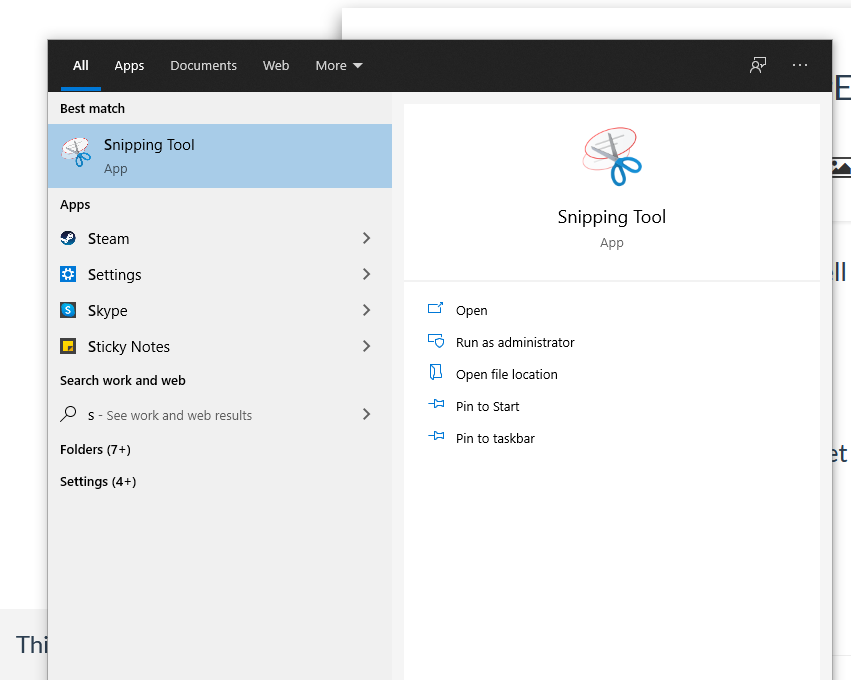
once up and running can you do a snippet of your config for us.type snipping in windows search box
-
RE: MMM-CalendarExt the mirror knocks me down?
Pi use VNC [https://www.realvnc.com/en/connect/download/viewer/](link url)
and your address is all wrong 343244141 it should look like 192.168.1.199 your pi ip. -
api.spotify.com spam
Ok, I notice I’m getting a lot of spam from api.spotify.com whenever the mirror is on showing up in Pihole is there anything that I can do to stop this?
i have GAv3 and Nowplayingonspotify modules
more than 7-10 hits a sec.Time Type Domain Client Status Reply Action
2021-07-16 19:17:27 AAAA api.spotify.com 192.168.1.103 OK (cached) IP (0.1ms)
2021-07-16 19:17:27 A api.spotify.com 192.168.1.103 OK (cached) IP (0.1ms)
2021-07-16 19:17:27 AAAA api.spotify.com 192.168.1.103 OK (cached) IP (0.1ms)
2021-07-16 19:17:27 A api.spotify.com 192.168.1.103 OK (cached) IP (0.1ms)
2021-07-16 19:17:26 AAAA api.spotify.com 192.168.1.103 OK (cached) IP (0.0ms)
2021-07-16 19:17:26 A api.spotify.com 192.168.1.103 OK (cached) IP (0.1ms)
2021-07-16 19:17:26 AAAA api.spotify.com 192.168.1.103 OK (cached) IP (0.1ms)
2021-07-16 19:17:26 A api.spotify.com 192.168.1.103 OK (cached) IP (0.1ms)
2021-07-16 19:17:26 AAAA api.spotify.com 192.168.1.103 OK (cached) IP (0.1ms)
2021-07-16 19:17:26 A api.spotify.com 192.168.1.103 OK (cached) IP (0.1ms) -
RE: Problem install (and config)l new modules
what modules do you wish to have on the mirror? I suggest starting with easy ones till you get the hang of things.
most modules have a how-to install and the config that has to be placed in Config.js.
[https://github.com/ckoutavas/MMM-PiTemp](link URL) is a easyone.
happy to help if needed. -
RE: MMM-GoogleAssistant not running after update.
If not already in config add or change to true “configDeepMerge: true,”
{ module: "MMM-GoogleAssistant", position: "top_left", configDeepMerge: true, config: { -
RE: Large content on MMM-pages
If you’re saying cal on full screen and you’re using CalendarExt all I think I did was make a copy of MMM-CalendarExt2.css rename it as backup (just in case things don’t work) go into MMM-CalendarExt2.css file find
.CX2 .view { /* normal view */
  width:250%;
  display:flex;
  min-width:300px;
and change width my 250%
You may need to just adjust also.CX2 { /* default values which are used frequently or dependently */ --row-min-width: 100px; --row-max-width: 1000px; --column-min-width: 50px; --column-max-width: 600px; --font-size: 16px;and have it in
position: "top_left", -
RE: Black Screen
You did do
cd git clone https://github.com/amcolash/MMM-GoogleFit.git
cd MMM-GoogleFit
npm install
??? -
RE: Black Screen
Maybe position: ‘position’, is your problem add a location on mirror like “top_left”
-
RE: Copy existing SD Card
Raspian OS has an SD Card Copier app just use that it in the Accessories section I use a SSD and copy to a backup SSD all the time.
-
RE: MMM-GoogleAssistant help?
@infinity2437 You should read the Wiki mate
you have}, module: "MMM-Detector", position: "top_left", configDeepMerge: trueshould be
},
{
			module: "MMM-Detector",
			position: "top_left",
			configDeepMerge: true