Any idea how I can change the text color of one specific word in this module?

I want “peak” to be red, “shoulder” yellow, and “off-peak” green.
I messed around with the custom.css file, but it doesnt look like it accepts conditional formatting.
Any idea how I can change the text color of one specific word in this module?
I want “peak” to be red, “shoulder” yellow, and “off-peak” green.
I messed around with the custom.css file, but it doesnt look like it accepts conditional formatting.
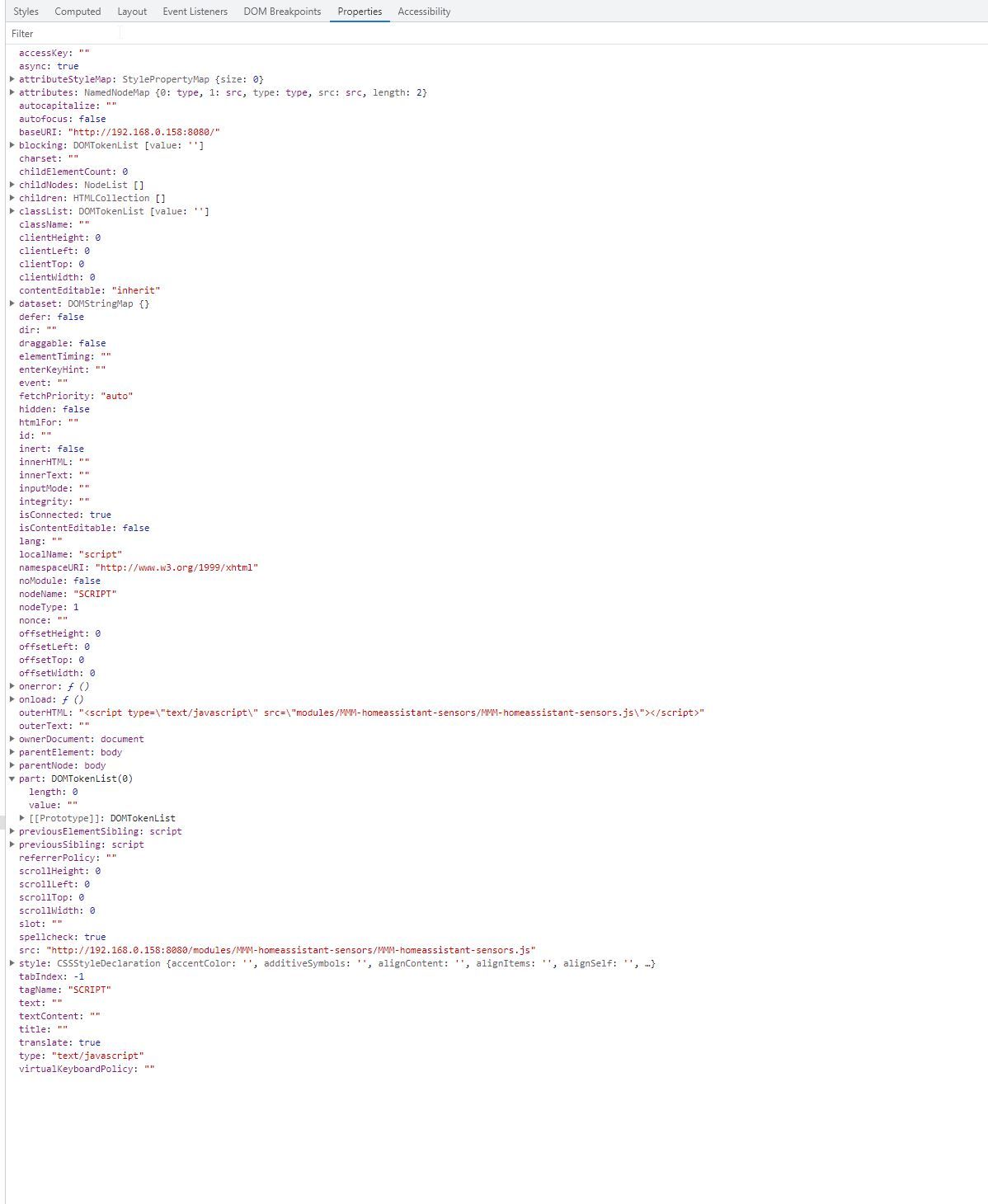
Could you describe a little more detail on how to find the individual class names within the Developer console? When I click on the js module, there are so many attributes, that I can’t find icon class definitions.
@emailuser It looks like the very last line of your code has { instead of }
See if that resolves it?
Thanks for looking into it. Over the weekend I did determine that its was the ical.js node module that you referenced being the source of the error. I tried to understand the code and edit it myself, but gave up and just applied a bandaid to the problematic calendars (see my post above with the sh script).
I actually have multiple calendars that are problematic, so I needed the fix to be universal. I think my script works pretty well for a novice who hasn’t done much programming since college 20+ years ago!
I tried to use your CX3 module, but for some reason it won’t display on my Chromecast. It pops up fine on a web browser on my computer. My setup is a linux VM running the magic mirror software and then using Cast All The Things (CATT) to push the MM through a Chromecast to my display in the kitchen. I don’t think there is anything to dig into here, because I imagine the Chromecast is not a common method for this software. I may eventually migrate to a local RPI anyways, because the Chromecast seems to be limited to a 720p resolution.
I went with an sh script. I run this every morning at 3am. Does the trick by fixing the calendar file (appends a made up time to the end where its missing) and saving locally. I had to point CX2 to a local file instead of the webcal link, but that is no problem.
The worst part was that the two calendars had slightly different formatting. The US Holidays had some sort of hidden return character at the end of the string, and it took me forever to figure out how awk should deal with that.
#!/bin/sh
#download files
curl “https://www.calendarlabs.com/ical-calendar/ics/76/US_Holidays.ics” --output us_holidays_raw.ics
curl “https://api.team-manager.gc.com/ics-calendar-documents/user/6e0678b2-2e99-44ce-9e3a-e32ac9ff6e78.ics?teamId=secret_id_string&token=secret_id_string” --output baseball_raw.ics
#clean files
awk ‘{if(($1 ~ /DTSTART/) && length($1)==16) {print $0"T050000Z"} else {print $0}}’ dirtdawgs_raw.ics > baseball_awk1.ics
awk ‘{if(($1 ~ /DTEND/) && length($1)==14) {print $0"T195959Z"} else {print $0}}’ dirtdawgs_awk1.ics > baseball_awk2.ics
awk ‘{if(($1 ~ /DTSTART/) && length($1)==17) {print substr($0,1,16)“T050000Z”} else {print $0}}’ us_holidays_raw.ics > us_holidays_awk1.ics
awk ‘{if(($1 ~ /DTEND/) && length($1)==15) {print substr($0,1,14)“T195959Z”} else {print $0}}’ us_holidays_awk1.ics > us_holidays_awk2.ics
#copy and delete temp files
/bin/cp us_holidays_awk2.ics us_holidays.ics
/bin/cp baseball_awk2.ics baseball.ics
/bin/cp us_holidays.ics /home/edd/MagicMirror/config/us_holidays.ics
/bin/cp dirtdawgs.ics /home/edd/MagicMirror/config/baseball.ics
rm us_holidays_awk1.ics
rm us_holidays_awk2.ics
rm baseball_awk1.ics
rm baseball_awk2.ics
exit
Ok, plan B – read the ICS files, save them locally, append the time to the DTSTART and DTEND fields.
Create a script to do this automatically every 24 hours.
Wish me luck! I’m in over my head, but its kinda fun.
Any advice? I am running this on linux, so figured I can just run a cronjob every 24 hours. What’s the best service to language to use to write such a simple script?
Look at file design.js here: https://github.com/kewisch/ical.js/tree/main/lib/ical
What does line 401 do? The call on line 403 is where I get the error. I’m not familiar enough with java to know what decorate means.
Thanks for your help. Not sure I’m finding the right place where the call is made to fromDateTimeString. I found a few more instances in a file under the build directory. I was previously only looking under the lib directory.
Not sure how I missed it, but I need to take a break for the evening. Pick it back up later.
@sdetweil Is this right?
ICAL.Time.fromString = function fromString(aValue) {
if (aValue.length > 10) {
return ICAL.Time.fromDateTimeString(aValue);
Log.log([CALEXT2] calendar: >> greater 10);
Console.log($avalue.length );
} else {
return ICAL.Time.fromDateString(aValue);
Log.log([CALEXT2] calendar: >> less 10);
Console.log($avalue.length );
}
};
@sdetweil Doh, the error reporter already shows me the aValue.
aValue = 2022-01-01T::
By my count, that is 13 characters. Let me see if simply changing 10 to 13 in the above code fixes it.
I tried to put
console.log(‘[CALEXT2] calendar: >> error on line 1111’);
within the time.js file, found embedded within the CX2 directory. It didn’t output anything. Will a sub-rountine embedded a few layers down still output to the console? Do I need to reinstall or re-link anything?
from line 1142:
ICAL.Time.fromString = function fromString(aValue) {
if (aValue.length > 10) {
return ICAL.Time.fromDateTimeString(aValue);
} else {
return ICAL.Time.fromDateString(aValue);
}
};
Looks like time.js within (https://github.com/kewisch/ical.js) is already trying to do something different with the entry if the length is less than 10. But that count seems off to me – it should never make the call to line 1107 (fromDateTimeString) at all. It should be using line 1083 (fromDateString).
@sdetweil Looks like the ics.js branch being used by CX2 had a report on this issue around a year ago with no fix. :(
@sdetweil Well, this is quickly becoming a bugabear!
The error is passed all the way from ical.js (found here: https://github.com/kewisch/ical.js) via a call through iCalExpander (found here: https://github.com/mifi/ical-expander) on node_helper.js line 137.
Line 1107 in time.js (sub-module of ical.js):
static fromDateTimeString(aValue, prop) {
if (aValue.length < 19) {
throw new Error(
‘invalid date-time value: "’ + aValue + ‘"’
);
}
This seems odd to me. I’m working with two different ics files and both of them present a problem for these four lines of code. But my computer, iPhone, and other MMM modules handle the ics file fine. Is this ics.js not used by other calendar modules? Did the accepted format for an ical file change at some point since CX2 was developed?
Acceptable format of an ics entry lists the time as an optional component: https://datatracker.ietf.org/doc/html/rfc5545#section-3.8.2
Time to dig more into their methods I suppose…
@sdetweil said in MMM-CalendarEXT2 - Calendar Read Failing When Time Value Is Missing from ics file:
and will have to fix it yourself
I know, that’s what I’m asking for help with here. :)
I don’t understand in the code where the call to the ics file occurs. If I can find it and just append 0’s where no time exists, I believe that will solve it.
I found this in CALEXT2_Event.js. Any idea if this is where the call is made?
const now = moment().locale(locale);
if (this.useEventTimeRelative) {
  let status = "current";
  if (this.mEnd.isBefore(now)) status = "passed";
  if (this.mStart.isAfter(now)) status = "future";
  const timeDom = document.createElement("div");
  timeDom.classList.add("relative");
  timeDom.classList.add(status);
  timeDom.innerHTML = this.relativeFormat[status]
    .replace("%ENDFROMNOW%", this.mEnd.fromNow())
    .replace("%STARTFROMNOW%", this.mStart.fromNow())
    .replace("%DURATION%", dur.humanize());
  if (typeof this.dateFormat === "string") {
    timeDom.innerHTML
      .replace("%STARTDATE%", this.mStart.format(this.dateFormat))
      .replace("%ENDDATE%", this.mEnd.format(this.dateFormat));
  }
  time.appendChild(timeDom);
} else {
  let sd;
  let ed;
  let st;
  let et;
  let sdt;
  let edt = null;
  if (typeof this.dateFormat === "object") {
    sd = this.mStart.calendar(null, this.dateFormat);
    ed = this.mEnd.calendar(null, this.dateFormat);
  } else {
    sd = this.mStart.format(this.dateFormat);
    ed = this.mEnd.format(this.dateFormat);
  }
  if (typeof this.timeFormat === "object") {
    st = this.mStart.calendar(null, this.timeFormat);
    et = this.mEnd.calendar(null, this.timeFormat);
  } else {
    st = this.mStart.format(this.timeFormat);
    et = this.mEnd.format(this.timeFormat);
  }
  if (typeof this.dateTimeFormat === "object") {
    sdt = this.mStart.calendar(null, this.dateTimeFormat);
    edt = this.mEnd.calendar(null, this.dateTimeFormat);
  } else {
    sdt = this.mStart.format(this.dateTimeFormat);
    edt = this.mEnd.format(this.dateTimeFormat);
  }
  time.appendChild(makeEventTime(sd, "startDate start date"));
  time.appendChild(makeEventTime(st, "startTime start time"));
  time.appendChild(makeEventTime(sdt, "startDateTime start dateTime"));
  time.appendChild(makeEventTime(ed, "endDate end date"));
  time.appendChild(makeEventTime(et, "endTime end time"));
  time.appendChild(makeEventTime(edt, "endDateTime end dateTime"));
}
return time;
@sdetweil As stated in the original post, “Unfortunately I cannot migrate to EXT3 due to it having an issue casting to a Chromecast device.”
I get the following error displayed to the terminal: [CALEXT2] calendar:US Holidays >> invalid date -time value: “2022-01-01T::”
I am using the following url for holidays: webcal://www.calendarlabs.com/ical-calendar/ics/76/US_Holidays.ics
Built-in module calendar can parse this calendar fine. MMM-CalendarEXT3 can as well. Unfortunately I cannot migrate to EXT3 due to it having an issue casting to a Chromecast device.
MMM-CalendarEXT2 is able to parse my public iCloud calendar just fine. Here are data pulls from a few of the ical entries.
Working fine (public iCloud):
BEGIN:VEVENT
CREATED:20230608T001752Z
DTEND;TZID=America/New_York:20230621T164500
DTSTAMP:20230608T001759Z
DTSTART;TZID=America/New_York:20230621T154500
LAST-MODIFIED:20230608T001757Z
SEQUENCE:0
SUMMARY:Kids dentist
UID:19BDE42A-D1C5-469A-9F4C-DF0A9C4B7C7C
END:VEVENT
Failing (US Holidays):
BEGIN:VEVENT
SUMMARY:New Year’s Day
DTSTART:20220101
DTEND:20220101
LOCATION:United States
DESCRIPTION:Visit https://calendarlabs.com/holidays/us/new-years-day.php to know more about New Year’s Day. \n\n Like us on Facebook: http://fb.com/calendarlabs to get updates
UID:636a37c4d8b361667905476@calendarlabs.com
DTSTAMP:20221108T110436Z
STATUS:CONFIRMED
TRANSP:TRANSPARENT
SEQUENCE:0
END:VEVENT
It seems to be that EXT2 is confused when there is no time component to the DTSTART and DTEND fields. I tried to look through the code, but don’t understand how to tell it to ignore if no time entry is made (ie, an all day event). Easy fix?