Ever since Apple bought Dark Sky and announced that that would stop allowing free access to their API (Thanks Apple!), I’ve been meaning to write a replacement for MMM-DarkSky Forecast.
Well I finally got off my lazy ass and wrote it. Link to code here:
https://github.com/jclarke0000/MMM-OpenWeatherForecast
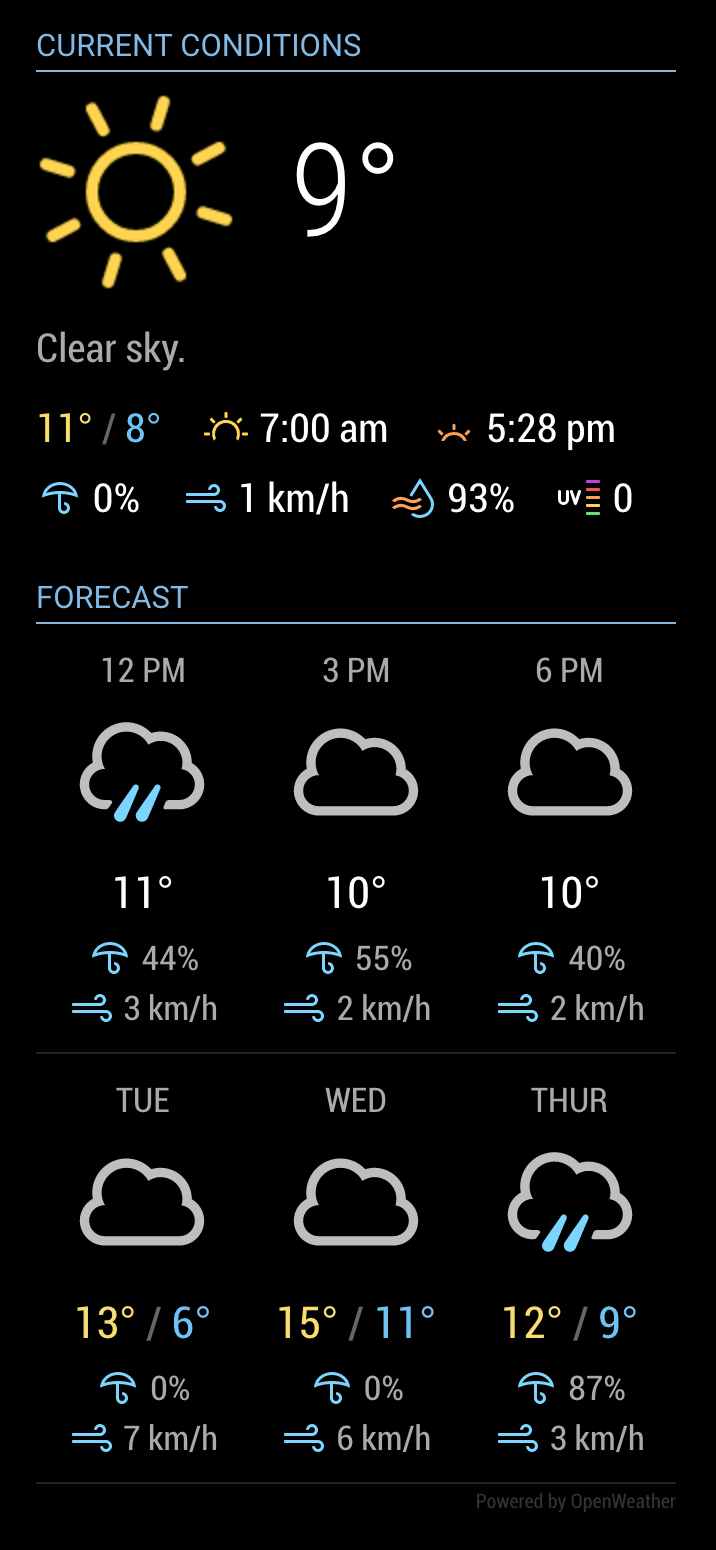
If you’re already using MMM-DarkSkyForecast, this will look familiar to you. In fact I based MMM-OpenWeatherForecast on MMM-DarkSkyForecast’s code.
But! Many improvements have been included. With this rewrite I have made it possible to display every bit of weather data provided in OpenWeather’s One Call API. Be sure to fully read the README.md file to see how you can configure this module exactly to your liking.
Installation:
-
Navigate into your MagicMirror modules folder and execute
git clone https://github.com/jclarke0000/MMM-OpenWeatherForecast.git.
-
Enter the new MMM-OpenWeatherForecast directory and execute npm install.
NOTE
If you’re using a pre-release version, doing git pull won’t be enough to install the latest code. I replaced the deprecated request library with axios. So make sure you run npm install to get the latest dependencies. Optionally you may run npm prune to remove installation for request.
Configuration:
At a minimum you need to supply the following required configuration parameters:
apikeylatitudelongitude
apikey needs to be specified as a String, while latitude and longitude can be specified as either a String or a Number. Both work fine.
e.g.,
  {
    module: "MMM-OpenWeatherForecast",
    position: "top_right",
    header: "Forecast",
    config: {
      apikey: "a1b2c3d4e5f6g7h8j9k0", //only string here
      latitude: 51.490230,            //number works here
      longitude: "-0.258810"          //so does a string
    }
  },
You need to create a free account with OpenWeather in order to get an API key:
https://home.openweathermap.org/users/sign_up.
Free tier is fine – this module will not make anywhere near 60 calls per minute / 1,000,000 requests per month.
Find out your latitude and longitude here:
https://www.latlong.net/.
Refer to the README for all of the other configuration options.
NOTE
This module uses the Nunjucks templating system and therefore requires MagicMirror version 2.2.0 or later.