@alfi153 I did’t test it, but have you tried <br> ?
 K
Offline
K
Offline
A New Chapter for MagicMirror: The Community Takes the Lead
Read the statement by Michael Teeuw here.
Read the statement by Michael Teeuw here.
Posts
-
RE: Line breaks in Compliments using MMM-Remote-Control
-
RE: MMM-JAST stopped updating a couple of days ago.
@1a2a3a Any unusual log entries in the node or browser console? Do you use the current MM version?
-
RE: MMM-myStrom - a module for monitoring myStrom smart home devices
@bernie Nice! Don’t forget to add it to the module list 🙂
-
RE: MMM-JAST stopped updating a couple of days ago.
@wyovino Okay, I’m glad we were able to improve the situation 🙂 Can this thread marked as solved?
-
RE: MMM-JAST stopped updating a couple of days ago.
the horizontal scroll works but it stutters badly on a Zero2W.
There are some performance hints in the README: https://github.com/jalibu/MMM-Jast#performance-on-raspberry-pi. Feedback would be nice if these are helpfull.
The ticker scrolls up until it gets to the last instrument, then scrolls in the opposite direction. This is fairly ugly. Can it be made to continually scroll in one direction?
Oh I didn’t noticed that before. I doubt that this was intentional, so I just changed it. Please update to the new release v2.10.1 🙂
-
RE: Website Launched
I didn’t want to start a separate thread for this, but I didn’t want to leave it unmentioned here in the forum either 🙂 The website has undergone a major modernization. Mainly technical changes under the hood and the design has been retained except for a few details.
But there are also a few things that regular users of the site might notice: For example there is now a dark mode, responsiveness and accessibility have been improved, there is a favicon, an animated GIF showing the MagicMirror interface and faster loading times.
-
RE: MMM-Remote-Control
@Snille That was tricky, but I think I’ve solved that too. Please take a look at the new release v4.1.5 🙂
-
RE: MMM-JAST stopped updating a couple of days ago.
@wyovino Please update to the new release v2.10.0. That should fix it 🙂
-
RE: MMM-Remote-Control
@Snille Thanks for the detailed report. I think I’ve fixed it. Please update to the new release v4.1.4 and give me some feedback 🙂
-
RE: MMM-JAST stopped updating a couple of days ago.
@wyovino I’m working on a new release for MMM-Jast. I think today or tomorrow it will be out 🙂
-
RE: MMM-Remote-Control
@meikelrix Did you set
showModuleApiMenulike this?{ module: "MMM-Remote-Control", position: "bottom_right", config: { showModuleApiMenu: true, ....Do you also have modules with recognizable notifications? Newsfeed is quite good for testing, for example.
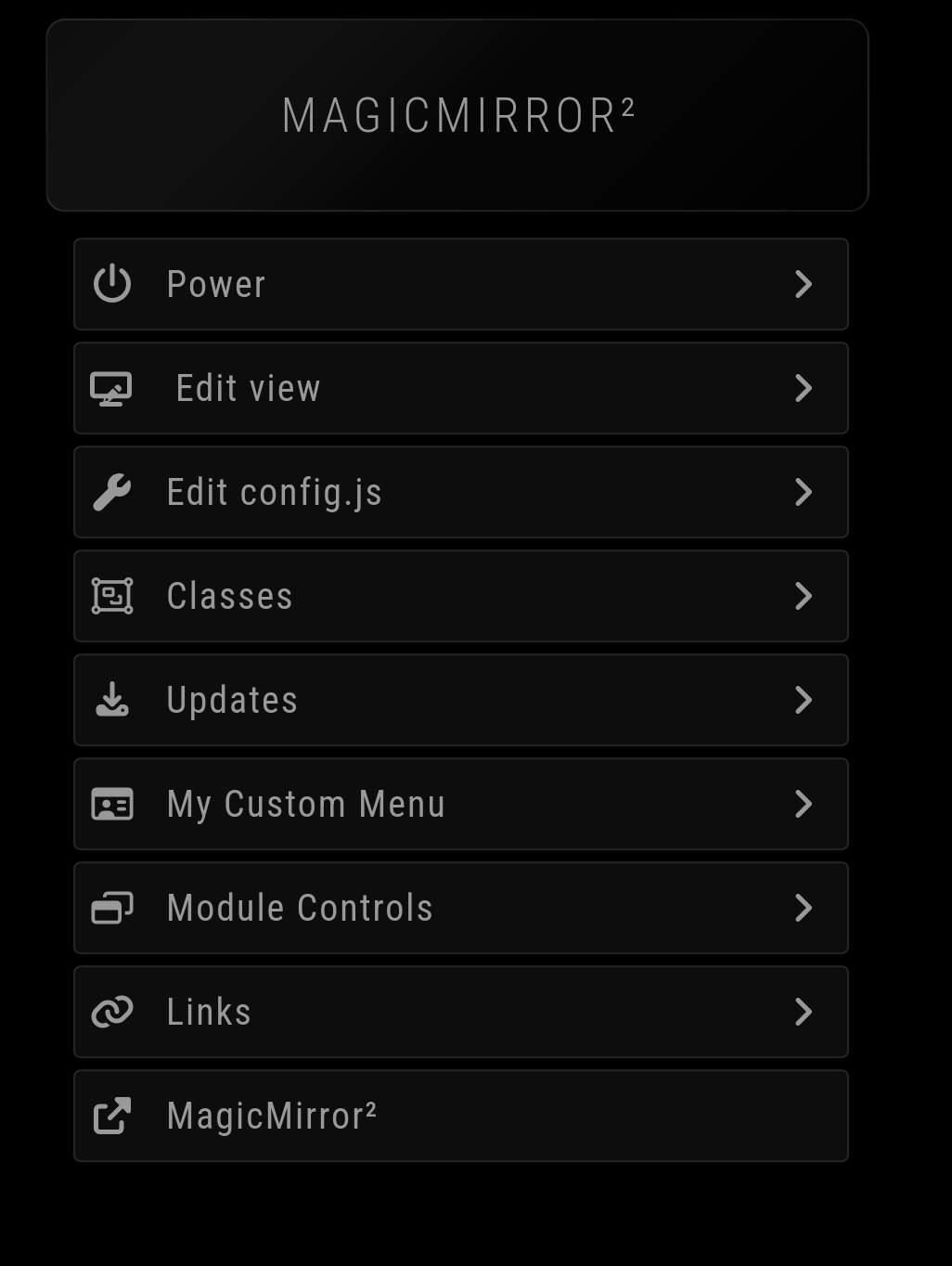
If it doesn’t work, show me your config (without secrets of course).
-
RE: MMM- Carousel
@Mati_93 This sort of thing happens to others from time to time as well. It would be really interesting to know how you came across the old version 🕵️. We have the module list, which refers to the fork from shabatm since a while. Did you come across the old version in the forum?
-
RE: MMM-Remote-Control
@sdetweil said in MMM-Remote-Control:
So it requires sudo to make the change, …
This can also be seen as a disadvantage 🙂
-
RE: MMM-Remote-Control
@S374n said in MMM-Remote-Control:
First update changes my main.css - took me a while to figure it out and redo all my customizations.
You should not change main.css. All customizations should be made in custom.css: https://docs.magicmirror.builders/modules/customcss.html#custom-css
-
RE: MMM-Remote-Control
Thanks for the feedback!
Since Sam has already addressed some of the issues, I won’t go into them again.
A few problems were mentioned, some of which I have just addressed with v4.1.0. E.g.:
- Restart/Shutdown: Should now also work on systems without PM2.
- Minimize: Now says “restart to restore” so you know how to undo it.
About the monitor control issue:
This would be tricky to get running by default everywhere because every system uses different commands (X11/Wayland/etc). You have to check the Monitor Control docs and configure the right commands for your specific setup - the defaults won’t work everywhere.
About the “npm install/npm ci” topic:
Yes,
npm cican be problematic for modules with native dependencies that need platform-specific builds. However, MMM-Remote-Control only uses pure JavaScript dependencies (marked, qrcode, simple-git, swagger-ui-dist, uuid) - no native modules that require compilation.For this module,
npm ciis actually the better choice because:- Guarantees exact tested versions which the developers released
- Faster installation (no dependency resolution)
- Same behavior in CI and production
- No change on the package-lock.json
So the warning about
npm ciis valid in general, but doesn’t apply here.
About the microupdates. Since the test suite does not a lot parts yet, some details simply go unnoticed after major changes. If you are not experiencing any problems with the module, you do not need to install every update.
About node update: I recommend using nvm for node updates. This is also what is offered as default for Linux on the official download page. This makes many things easier - like if something does not work after an update, you can easily switch back to the previous node version. So you don’t need to be so afraid of updates.
-
RE: MMM-Remote-Control
@rkorell said in MMM-Remote-Control:
Node.js v20.18.1
@rkorell Thanks for the feedback and the good error description! I’ll optimize the error logging, but unfortunately you have to update to at least node 22. I recommend version 24.
For the current MagicMirror version, you also need at least version 22.