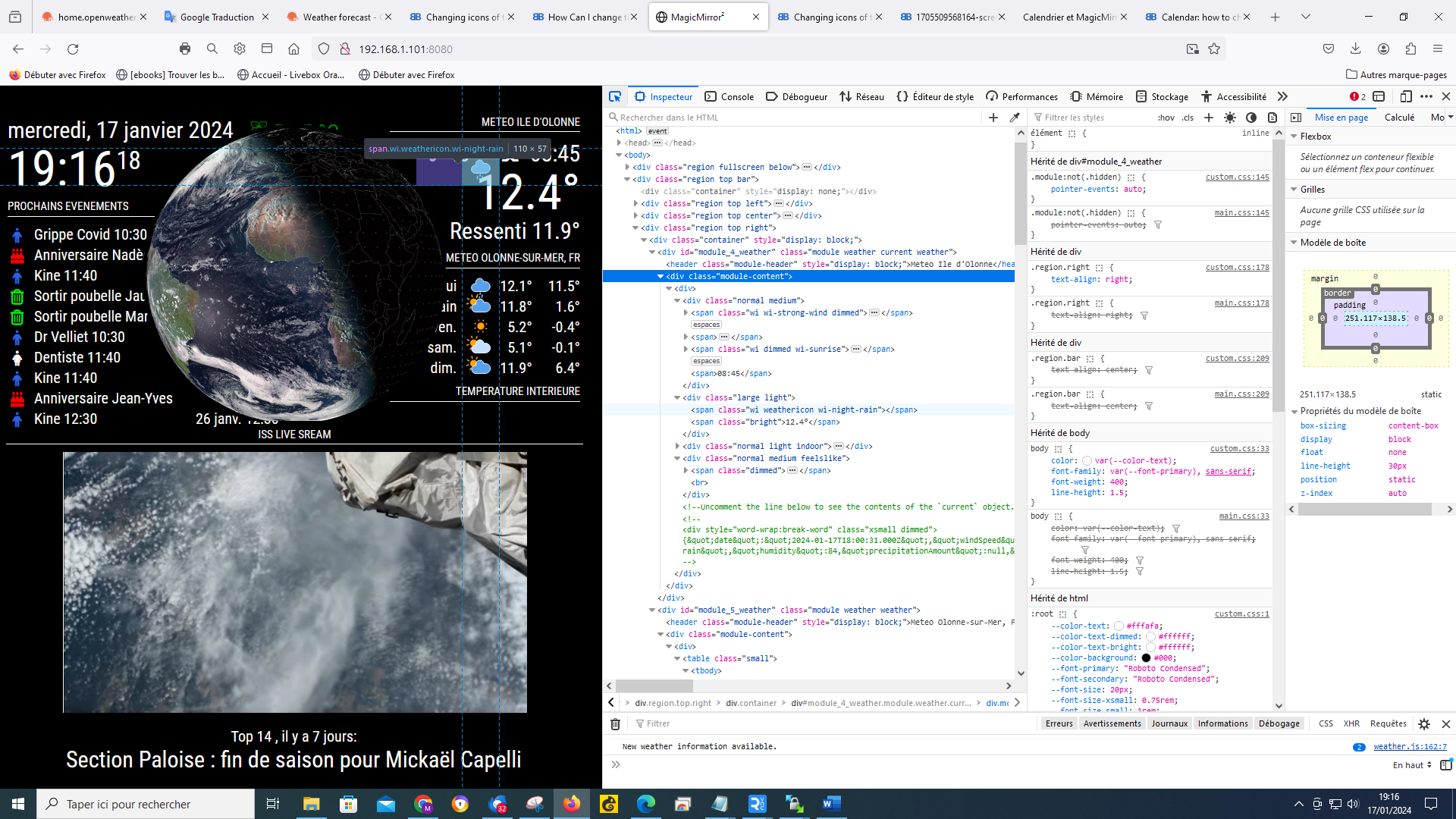
@sdetweil It’s really nice of you to share all these elements, I’m going to look at it while taking my time, I feel like the possibilities are endless
A New Chapter for MagicMirror: The Community Takes the Lead
Read the statement by Michael Teeuw here.
Read the statement by Michael Teeuw here.
M
Offline
Posts
-
RE: Changing icons of the modules Current Weather and Weather Forecast
-
RE: Changing icons of the modules Current Weather and Weather Forecast
@sdetweil Thanks to you, I finally managed to configure the weather module with animated icons, I finally understood the advantages and the settings possible with the console (ctrl+shift+i) it also allowed me to make other settings on other modules, it’s been 5 years since I did this MM and I learned more with you in 3 days than in 5 years, a big thank you for your help
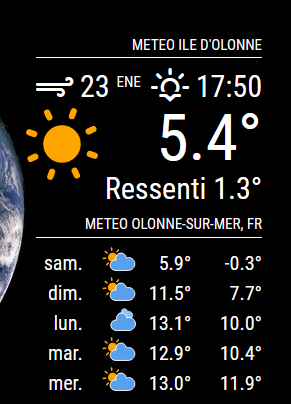
-
RE: Changing icons of the modules Current Weather and Weather Forecast
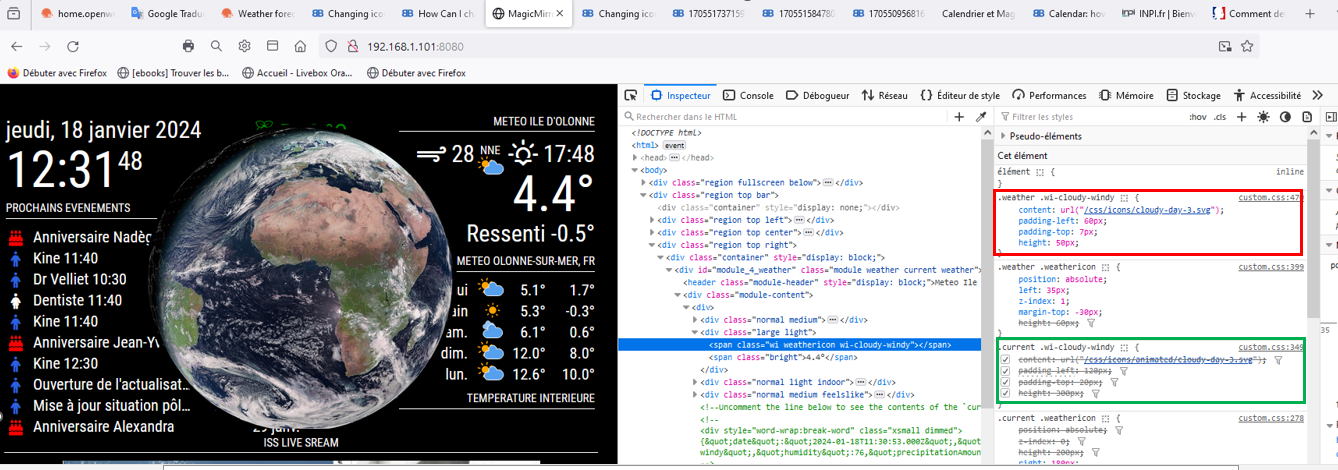
@sdetweil I try to move forward on the folder, I changed the destination folder for the “current” part by directing to a folder in css/icons/animated, but nothing changes, the supported icon is that of css/icons, red square (which keeps the properties, size, positioning of weather) I have the impression that “css/icons/animated” is not supported, green square, I think I am not far from the solution, but without your help I don’t think I’ll get there
-
RE: Changing icons of the modules Current Weather and Weather Forecast
@sdetweil
there, am I on it? I’m going to get there, I’m going to get there !!!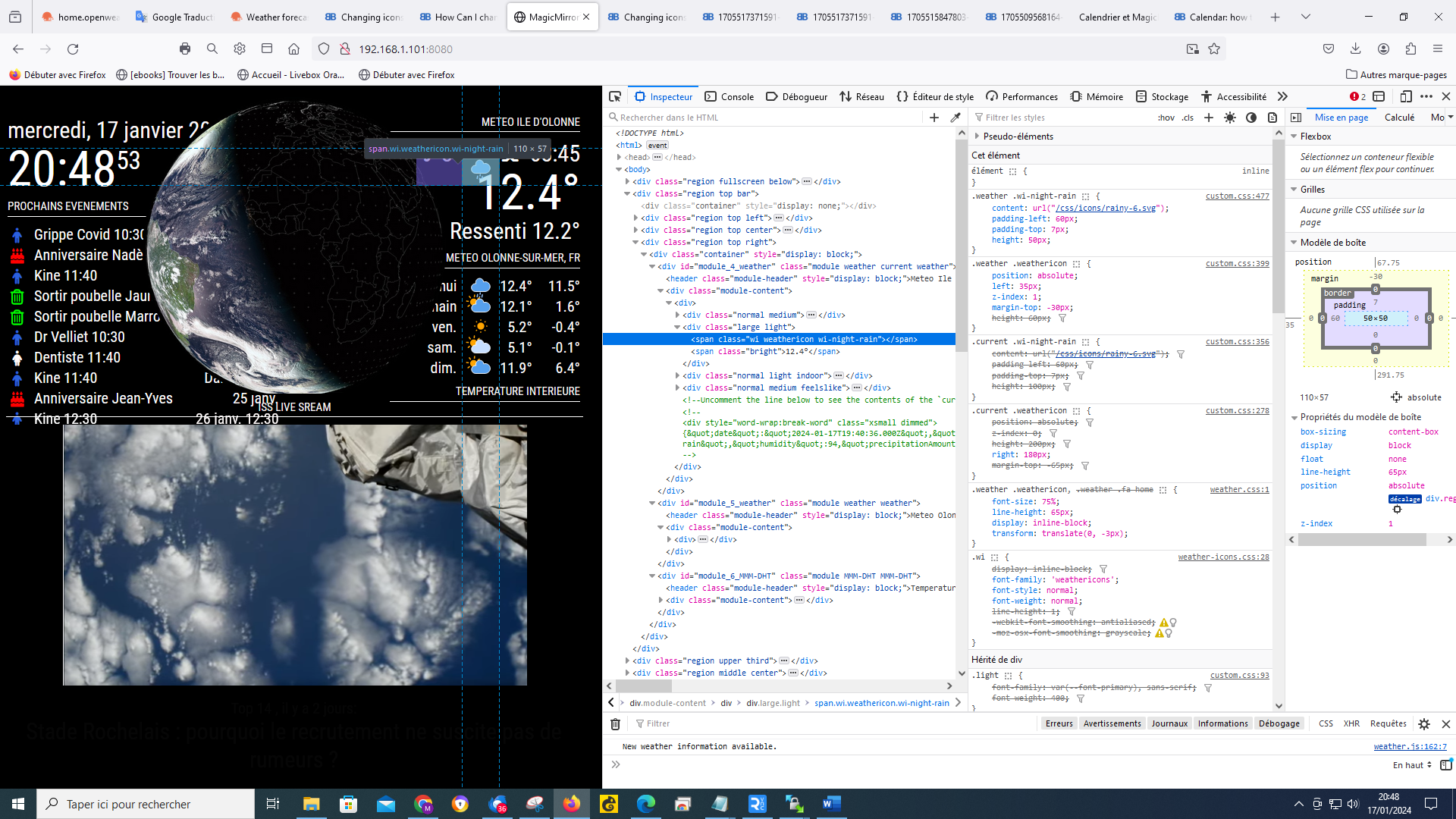
-
RE: Changing icons of the modules Current Weather and Weather Forecast
@sdetweil
I do what you tell me, but I must admit that I’m lost :-) I actually saw the “current” in the lines so that means that the icon is in the custom css, it’s that right? if so why can’t I manage it? you are too strong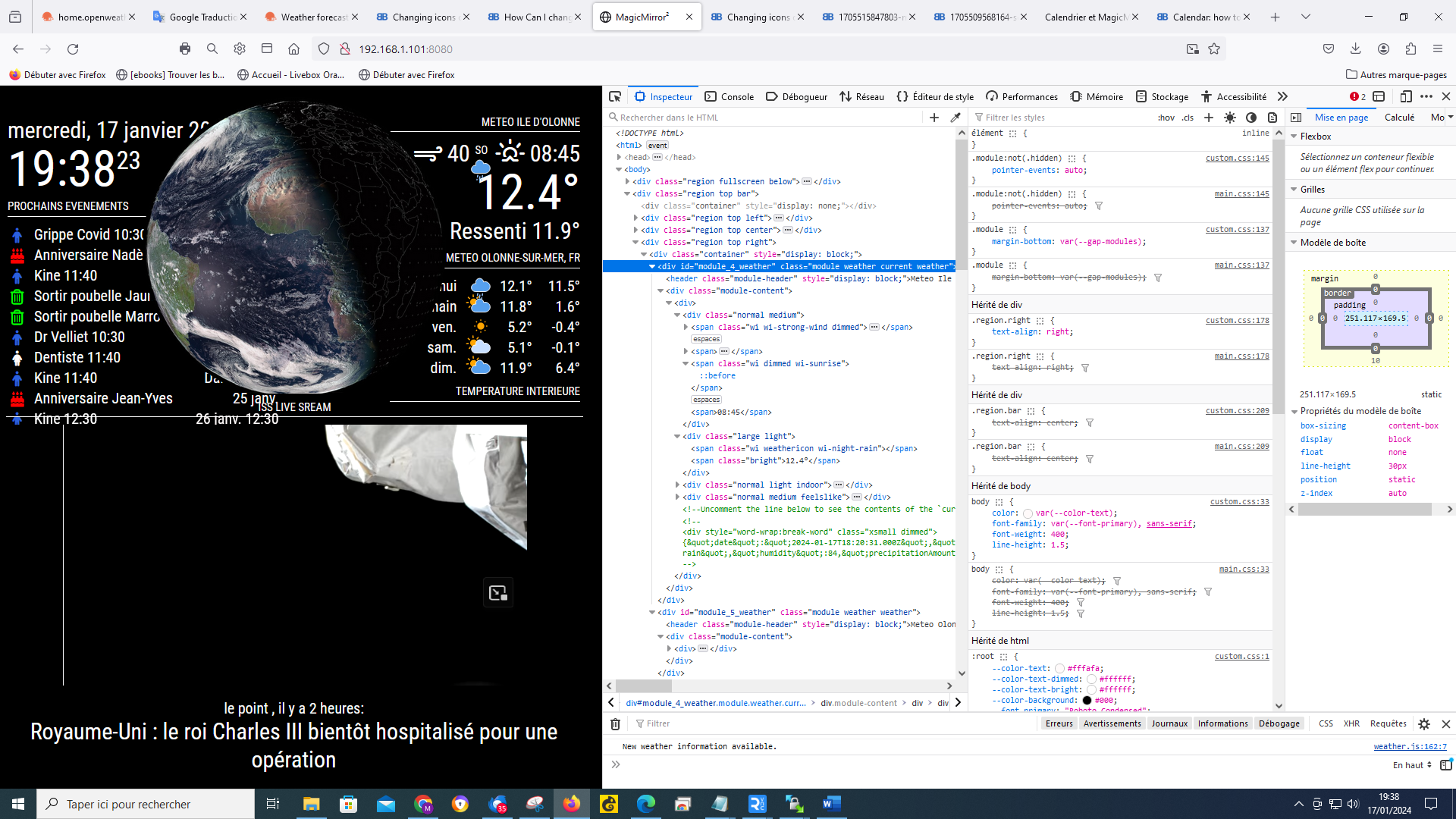
-
RE: Changing icons of the modules Current Weather and Weather Forecast
@sdetweil
when I position myself on a weather icon, it gives this, I cannot choose several I have a “grid” which follows the mouse and which changes when I move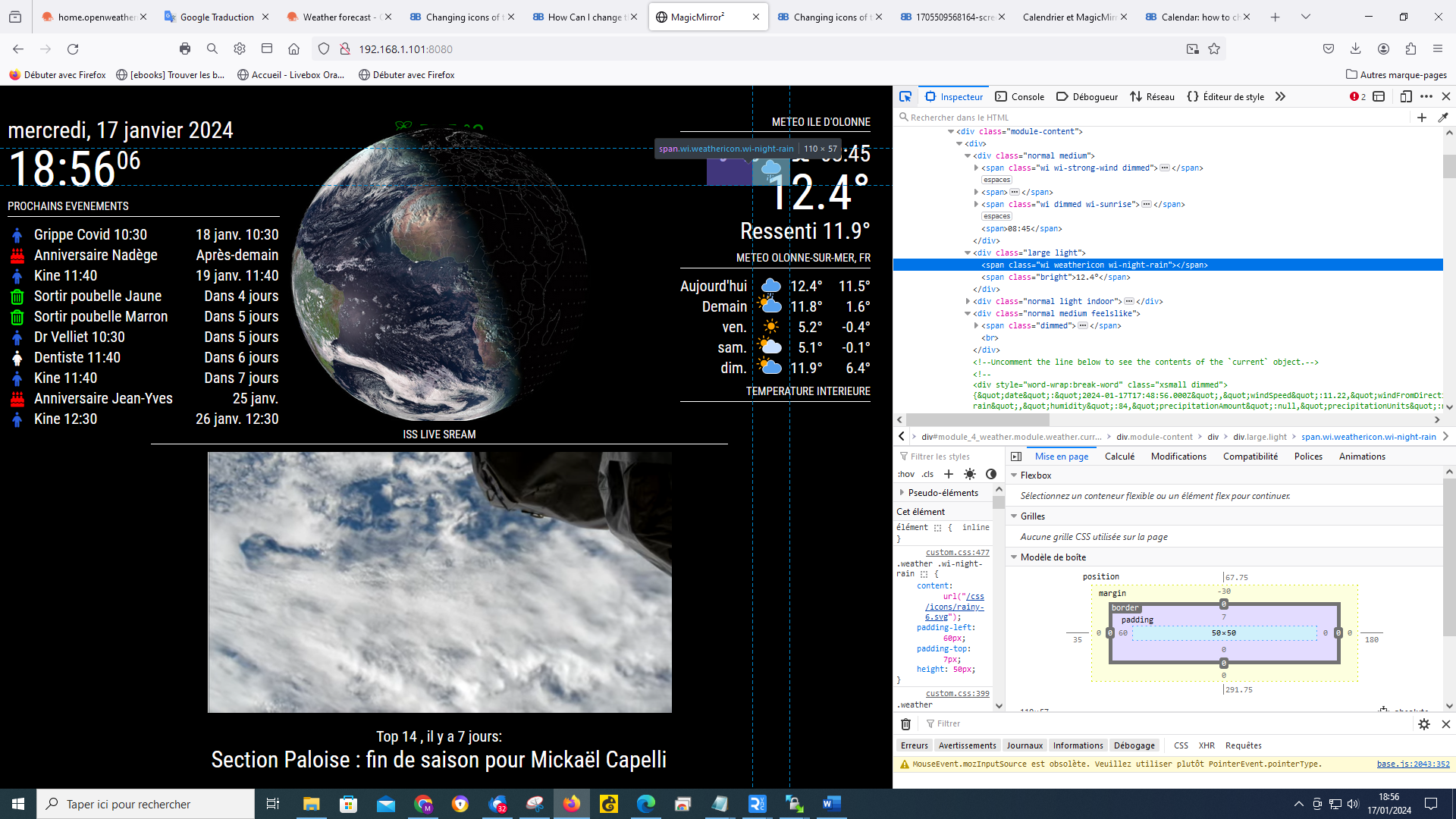
-
RE: Changing icons of the modules Current Weather and Weather Forecast
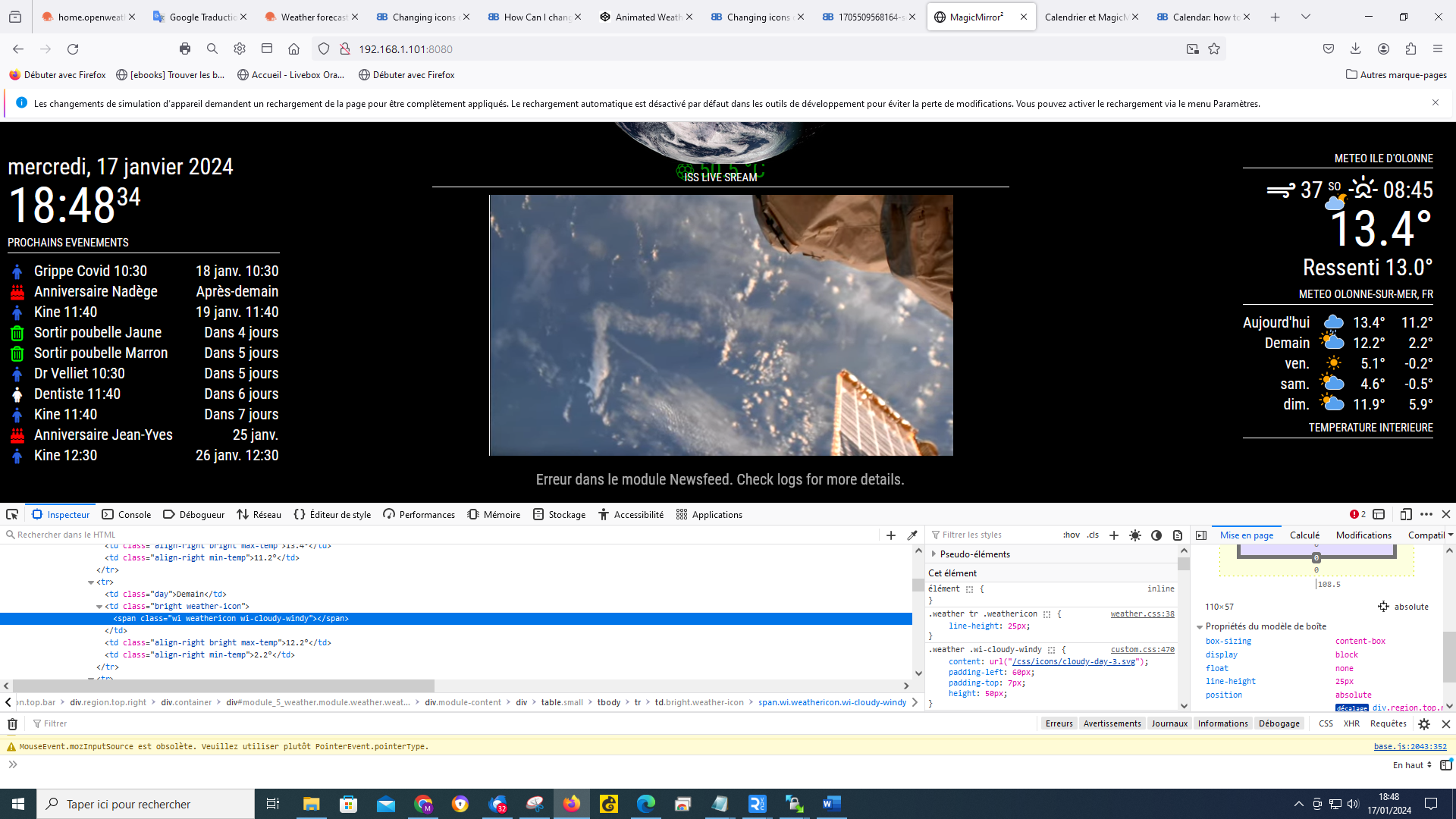
@sdetweil by doing ctrl shift i my window opened like this
-
RE: Changing icons of the modules Current Weather and Weather Forecast
@sdetweil ok it’s done and it’s actually much better
-
RE: Changing icons of the modules Current Weather and Weather Forecast
@sdetweil my js config says that!
fig = {
	address: "localhost", // Address to listen on, can be:
	                      // - "localhost", "127.0.0.1", "::1" to listen on loopback interface
	                      // - another specific IPv4/6 to listen on a specific interface
	                      // - "", "0.0.0.0", "::" to listen on any interface
	                      // Default, when address config is left out, is "localhost"
	port: 8080,
	ipWhitelist: ["127.0.0.1", "::ffff:127.0.0.1", "::1"], // Set [] to allow all IP addresses
	                                                       // or add a specific IPv4 of 192.168.1.5 :
	                                                       // ["127.0.0.1", "::ffff:127.0.0.1", "::1", "::ffff:192.168.1.5"],
	                                                       // or IPv4 range of 192.168.3.0 --> 192.168.3.15 use CIDR format :
	                                                       // ["127.0.0.1", "::ffff:127.0.0.1", "::1", "::ffff:192.168.3.0/28"],