@sdetweil
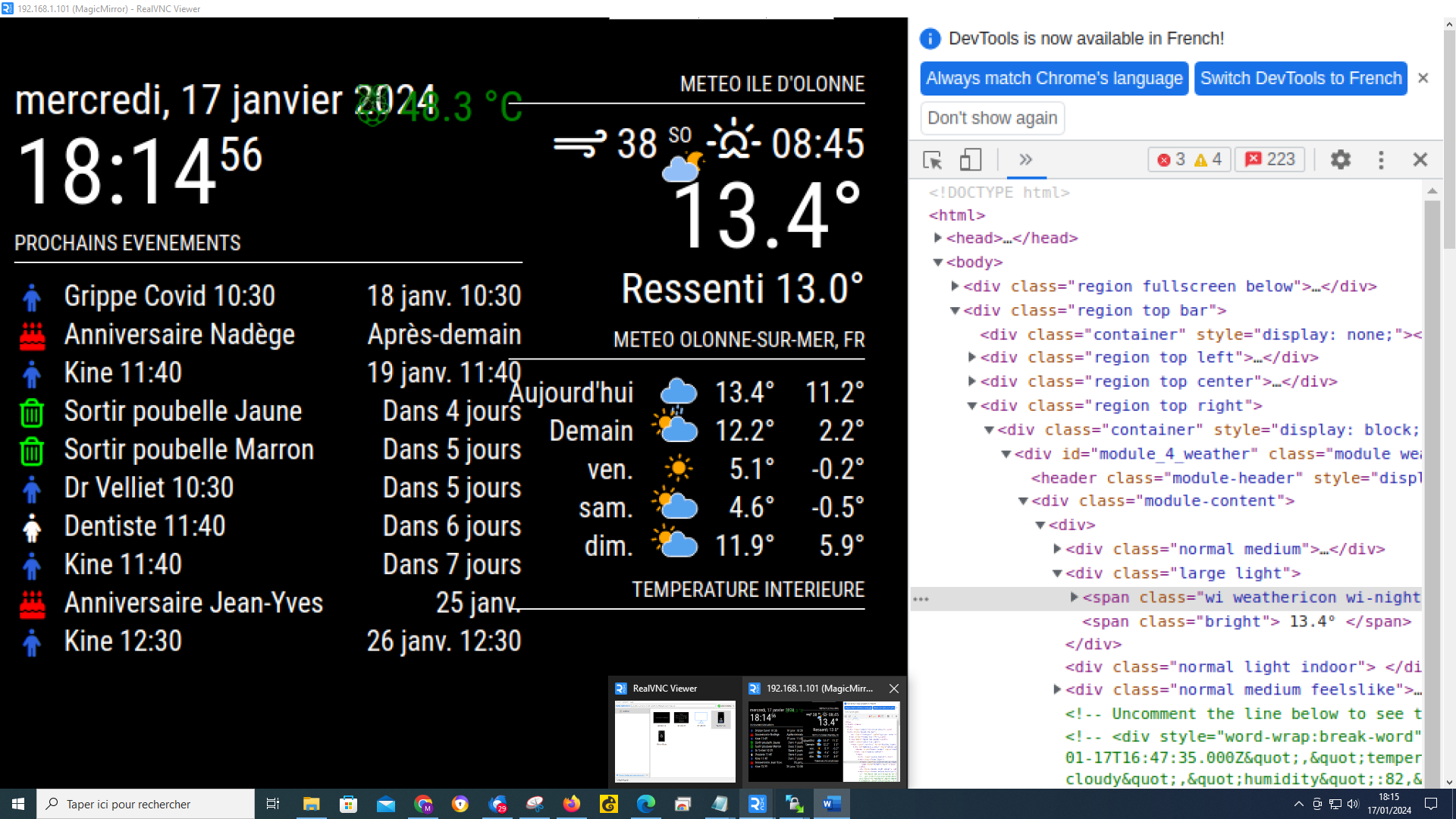
it’s complicated, I can’t have a selection like you, I selected the icon at the top with the cloud and the moon I have lines that have changed on the table on the right but I don’t have another window that opens
@sdetweil
it’s complicated, I can’t have a selection like you, I selected the icon at the top with the cloud and the moon I have lines that have changed on the table on the right but I don’t have another window that opens
@sdetweil
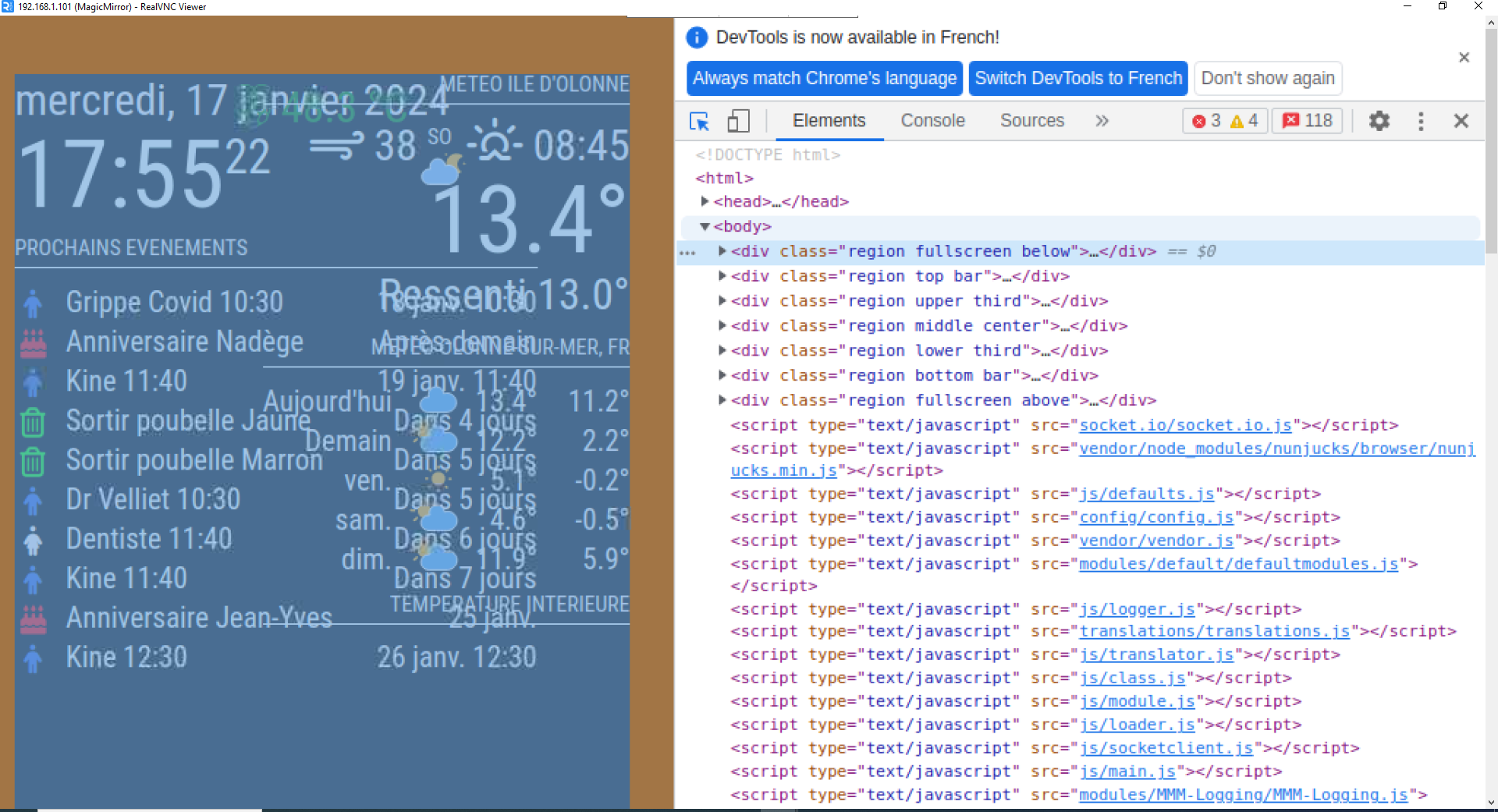
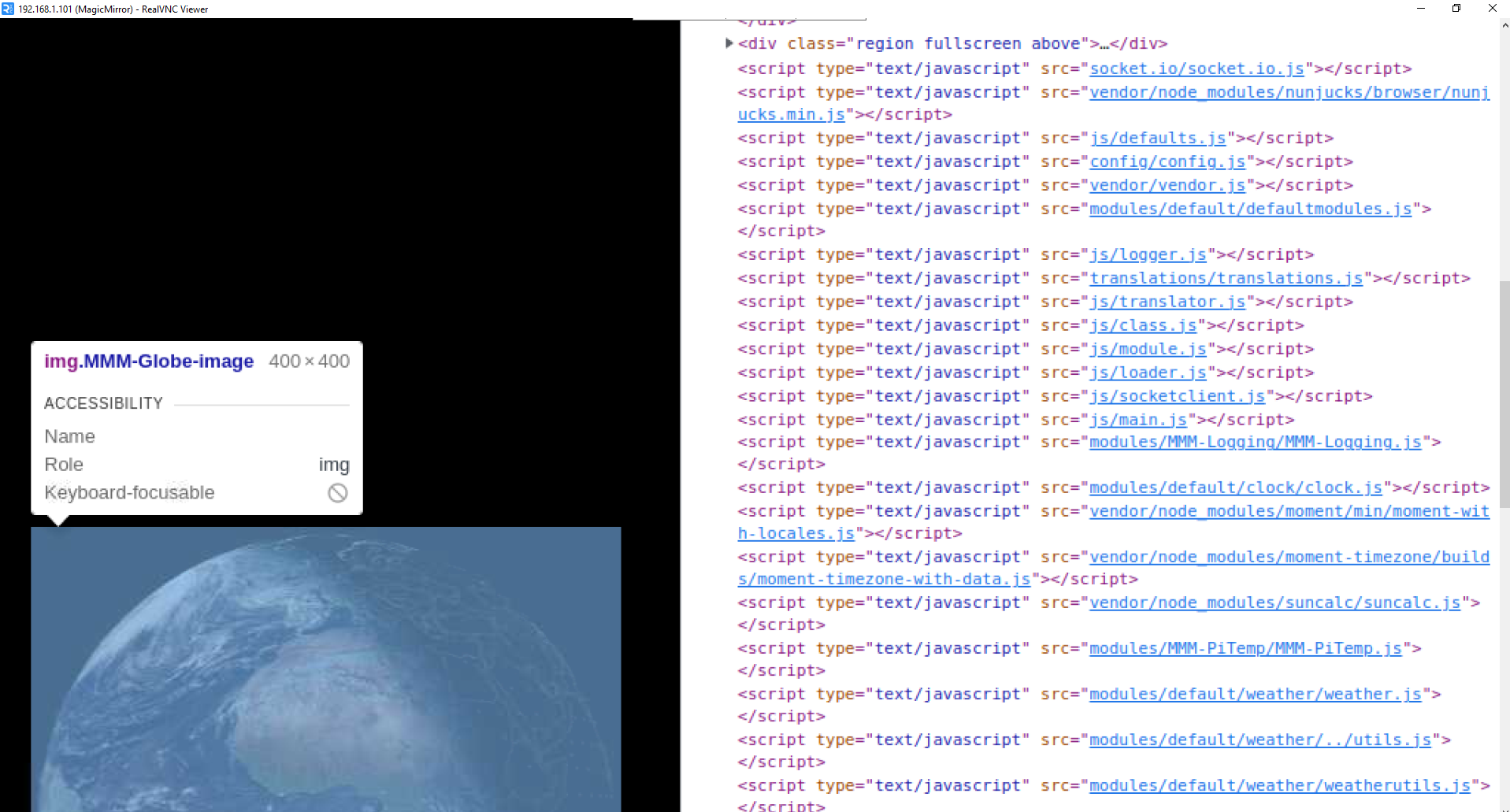
I use RealVNC Viewer and when I do ctrl-shift-i I have this window which opens I click at the top left and with my mouse I browse the lines, I have several lines with weather but when I click on them none opens another window
@sdetweil I tried but it doesn’t work, I don’t know if I did things wrong, in config.js I added the line < classes: “current”,’ > I changed forecast to current:
{
			disabled: false,
			module: "weather",
			classes: "current",
			position: "top_right",
			header: "Meteo Ile d'Olonne",
			config: {
				weatherProvider: "openweathermap",
				type: "current",
				location: "Olonne-sur-Mer,France",
				locationID: "2989572", //ID from http://bulk.openweathermap.org/sample/city.list.json.gz; unzip the gz file and find your city
				apiKey: "xxxxxxxxxxxxxxxxxxxxxxxxxxxxxxx"
			}
		},

		{
			disabled: false,
			module: "weather",
			position: "top_right",
			header: "Meteo",
			config: {
				weatherProvider: "openweathermap",
				type: "forecast",
				location: "Olonne-sur-Mer,France",
				locationID: "2989572", //ID from http://bulk.openweathermap.org/sample/city.list.json.gz; unzip the gz file and find your city
				apiKey: "xxxxxxxxxxxxxxxxxxxxxxxxxxxxxxxxxx"

			}
then I changed the first part of the lines in my custom ccs by adding current, I send you the first lines, but it doesn’t change anything, the icons are still identical:
/* Aenderungen Wetter Icon */
/* Aenderungen aktuelles Wetter */

.current .weathericon {
  position: absolute;
  z-index: 0;
  height: 200px;
  right: 180px;
  margin-top: -65px;
}

.current .wi-day-sunny {
content: url("/css/icons/day.svg");
padding-left: 60px;
padding-top: 7px;
height: 100px;
}

.current .wi-day-cloudy {
content: url("/css/icons/cloudy-day-1.svg");
padding-left: 60px;
padding-top: 7px;
height: 100px;
}
@sdetweil Ok, I will try, thanks for your help, you are the best:clapping_hands:
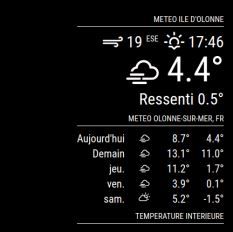
Your precious help allowed me to succeed in having the icons on the mirror :-), I added a few lines in the custom to position each icon, for example:
.weather .wi-day-sunny {
content: url(“/css/icons/day.svg”);
padding-left: 60px;
padding-top: 7px;
height: 50px;
}
the last thing to do is how to manage the current day icon (position and size) because on the original file there was a part:.currentweather .weathericon { and another part:.weatherforecast .weathericon {
Following your help I named everything: .weather .weathericon { so that it works and I think that now it no longer makes a difference between current and forecast and I cannot manage the icon of the current day. Do you have any ideas on how to handle this?
Thank you for your valuable help
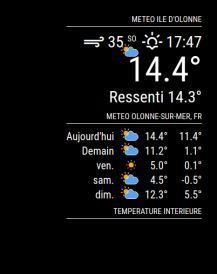
@sdetweil by putting them straight up and down my weather has the original icons
@sdetweil excuse me, I’ll do it right away
@sdetweil like that ?
.currentweather .wi-night-clear {
content: url("/css/icons/night.svg");
}
@sdetweil do they have to be like that? because that’s how they were before I modified them with </>
}
.currentweather .wi-day-sunny {
content: url(“/css/icons/day.svg”);
}
.currentweather .wi-day-cloudy {
content: url(“/css/icons/cloudy-day-1.svg”);
}
.currentweather .wi-rain {
content: url(“/css/icons/rainy-6.svg”);