@Mykle1 In general the only reason I still use Windows is because Autodesk still does not have linux versions for the CAD software lol
M
Offline
A New Chapter for MagicMirror: The Community Takes the Lead
Read the statement by Michael Teeuw here.
Read the statement by Michael Teeuw here.
Posts
-
RE: Hello-Lucy
-
RE: Hello-Lucy
@Mykle1 without cooler I am at stable 77-78 degree I would say that sucks lol
@justjim1220 Lol just use windows for the stuff it"s made for (I guess like the name already implies it"s for throwing it out of the window) :smiling_face_with_horns:
-
RE: Hello-Lucy
@Mykle1 since I need some more raspi anyways I might just give it a 3b+ so I have a bit more power (I am at stable 83% cpu usage so the 17% should help a bit) and a already included cooler
-
RE: Hello-Lucy
- Found the problem the raspberry used limited RGBinstead of full RGB now it’s real black ;)
- the video runs without lagg however it’s really at the limit lol
need a cooler otherwise the raspberry keeps overheating
-
RE: Hello-Lucy
I hope someone has a clue about this problem. Magic Mirror ect has a black background. However when I show it on my monitor it appears a bit gray. I would usually say thats because of the monitor. However when I plug in my windows laptop and show black it’s a lot darker. Whats the reason that my debian has no real black?
-
RE: Hello-Lucy
@justjim1220 was just the first mainly black picture I had laying around lol
-
RE: Hello-Lucy
@Mykle1 Probably going to keep the pi: The only problem I have right now is the gif.
So I checked why this actually is a problem: GIF’s and the Pi just really hate each other, because unlike a video it gets processed in the cpu. However showing the gif as a video in a loop should work a lot better ;)
Will try this and let you know how it worked out -
RE: Kalliope assistant + MM
@sispheor kalliope uses the Google Speech recognition?
-
RE: Hello-Lucy
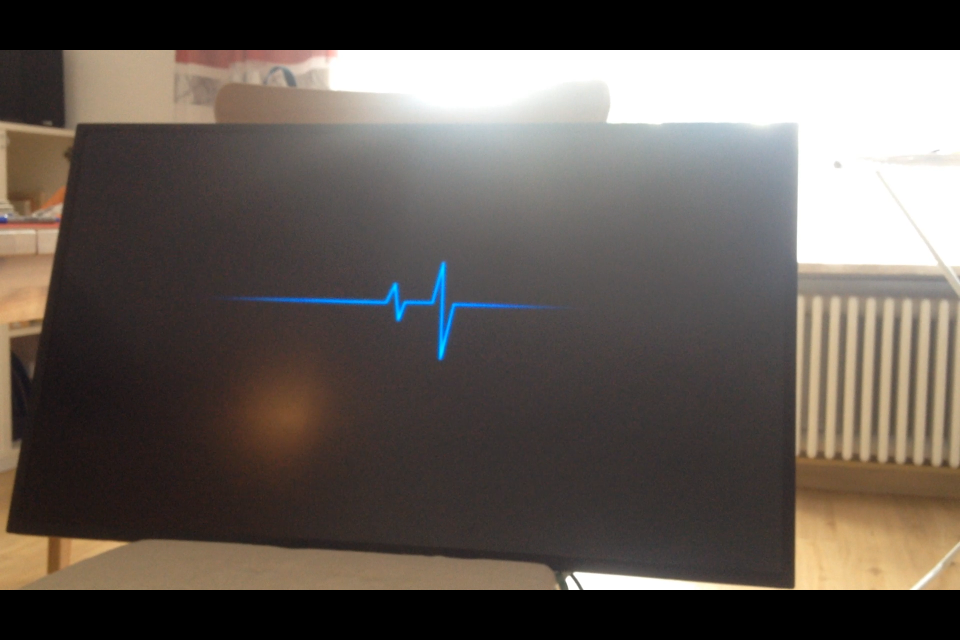
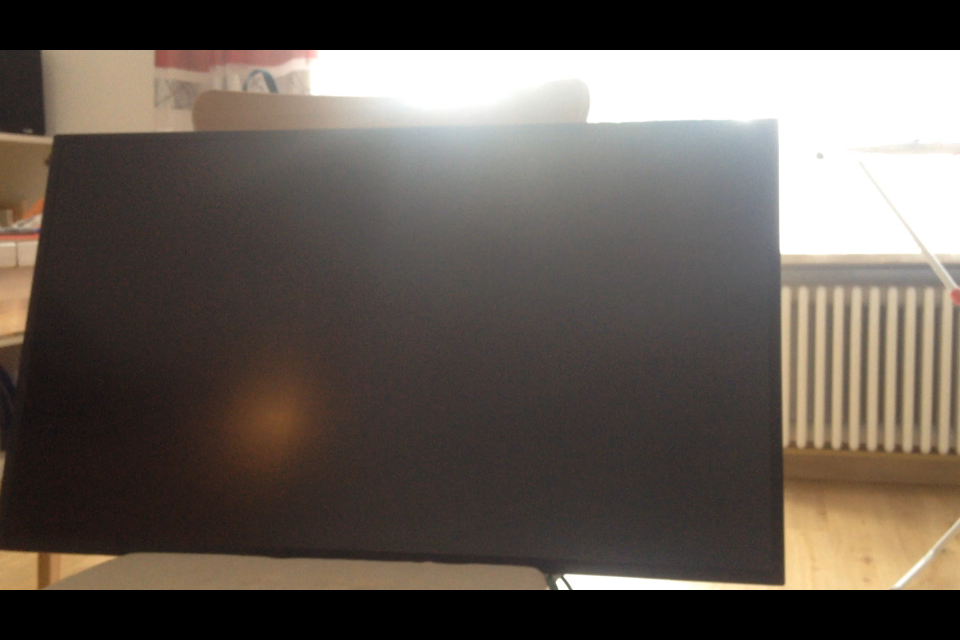
@Mykle1
Just tried my Monitor out. Thats a sick black. I can’t see any difference between black and Monitor off.
And there is no message when unplugging or plugging in the HDMI cable :grinning_face:Hope I get the walnutwood for my frame next week
-
RE: Hello-Lucy
@Mykle1 hm I will see drivers on there work better with windows. However if it sucks with windows I can still put Ubuntu on it ;)
Don’t need mmm-voice since I use a voice recognition on a different raspberry pie -
RE: Hello-Lucy
@Mykle1 still have a windows 10 development board with 4gb ram and a Intel Atom x5-Z8350. Hope I have the time to try MM with that this we :)
-
RE: Hello-Lucy
@Mykle1 what are the specs of the laptop mainboard your using?
-
RE: Module Position
@strawberry-3-141 yes but I will probably use the voice control in a different way than I hought I would. Thats why I am not sure how I will change the code. Makes not much sence to waste your time on correcting the faults when I change pretty much every part of the program again right afterwards (and have to get used to git since I did not use it yet)
-
RE: Module Position
@strawberry-3-141 I will when I finished, but have to do some other stuff for the speech recognition first. Will let you know when I posted it on github
-
RE: Module Position
@shbatm looks nice ;) I might use this slide indicator for my module, thats a really nice idea
-
RE: Module Position
-
yes already saw that yesterday forgot to replace it ;)
-
yes decided to do some majopr changes to improve it (hope to finish them today)
-
I am new to javascript why I asked because I don’t need to learn the stuff in a wrong way from start off. So any tips on improving the code that are a general thing so that I should think off when doing other stuff with javascript I am really interested in
-
-
RE: current weather feels 185F!!!
@Mykle1 but the feel Temperature gets calculated out of two of the numbers he showed on the screen (windspeed and real temperatur) when I pulled out my calculator to check it it was definetly below 100, so not quite sure what caused the error, but would surprise me if it was the API.
-
RE: Module Position
@maxbachmann said in Module Position:
self.sendNotification(HideShow + “_” + modulename);
tells the other module to hide. I saw there is the function
modulename.hide() , but I could not get it to work. Whats the name I have to use there to make it work? -
RE: Module Position
'use strict';
/* global Module */

/* Magic Mirror
 * Module: MMM-Snips
 *
 * By Max Bachmann
 * MIT Licensed.
 */

Module.register('MMM-Snips', {

  //defaultvalues that get taken when not defined differently in the config file
  defaults: {
    mqttServer: 'mqtt://192.168.178.35',
    topic: 'hermes/intent/captn2:module_hide_show',
  },

  start: function() {
    let self = this;
    Log.info('Starting module: ' + self.name);
    self.loaded = false;
    self.updateMqtt(self);
  },

  //call the Node_helper
  updateMqtt: function(self) {
    self.sendSocketNotification('MQTT_SERVER',
      {mqttServer: self.config.mqttServer, topic: self.config.topic });
  },

  socketNotificationReceived: function(notification, payload) {
    let self = this;

    if (notification === 'HIDE_SHOW_MOVE') {

      //create a JSON object and retrieve the modulename, wether to show or hide it,
      //the position to move it to and wether it should get prepended or appended
      const obj = JSON.parse(payload.data.toString());
      let HideShow;
        for (let i = 0; i < obj.slots.length; ++i){
          if (obj.slots[i].slotName === "HIDE" ||
            obj.slots[i].slotName === "SHOW") {
            HideShow = obj.slots[i].slotName;
          }
      }

      let modulename;
      for (let i = 0; i < obj.slots.length; ++i){
        if (obj.slots[i].slotName === "MODULE") {
          modulename = obj.slots[i].value.value;
	  break;
        }
      }

      let newposition;
      let TopBottom;
      for (let i = 0; i < obj.slots.length; ++i){
        if (obj.slots[i].slotName === "POSITION") {
          newposition = obj.slots[i].value.value;
          for (let i = 0; i < obj.slots.length; ++i){
            if (obj.slots[i].slotName === "TOPBOTTOM") {
              TopBottom = obj.slots[i].value.value;
	      break;
            }
          }
	  break;
        }
      }

      // When the Module is know and where to move it it get's moved to the new position
      if (newposition != null && modulename != null){
        MM.getModules().enumerate((module) => {
          if (module.name === modulename) {
	    const instance = document.getElementById(module.identifier);
	    const region = document.querySelector(`div.region.${targetRegion} div.container`);
	    if (TopBottom === "BOTTOM"){
              region.appendChild(instance);
            }else{
	      region.insertBefore(instance, region.childNodes[0])
            }
            region.style.display = 'block';
	  }
        });
      }

      self.loaded = true;

      // When the Module is know and wether to show or hide it then it gets shown/hidden
      if (HideShow != null && modulename != null){
        switch(modulename) {
	  case "PAGEONE":

	    break;
	  case "PAGETWO":

	    break;
	  case "PAGETHREE":

	    break;
	  case "PAGEFOUR":

	    break;
	  default:
	    self.sendNotification(HideShow + "_" + modulename);
	}
      }
    }
  }
});
'use strict'; /* Magic Mirror * Module: MMM-Snips * * By Max Bachmann * MIT Licensed. */ const NodeHelper = require('node_helper'); let mqtt = require('mqtt'); module.exports = NodeHelper.create({ start: function() { console.log('MMM-mqtt_display started ...'); }, getMqtt: function(payload) { let self = this; //connects to a mqtt client let client = mqtt.connect(payload.mqttServer); //after connecting to the mqtt client subscribes to //'hermes/intent/captn2:module_hide_show' client.on('connect', function() { client.subscribe(payload.topic); }); //When a message arrives that is in the right topic, the voicesession gets continued //by sending a message with session id and ah answer text to //'hermes/dialogueManager/continueSession', so the hotword is not needed again //Afterwards the original message gets send back to MMM-Snips client.on('message', function(topic, message) { if (topic === 'hermes/intent/captn2:module_hide_show') { const messagestring = message.toString(); const obj = JSON.parse(messagestring); let continueobj = { "sessionId":"", "text":"Kann ich sonst noch etwas für dich tun?" } continueobj.sessionId = obj.sessionId; client.publish('hermes/dialogueManager/continueSession', JSON.stringify(continueobj)) self.sendSocketNotification('HIDE_SHOW', {'data':messagestring}) } }); }, //after getting called the getMqtt function gets called socketNotificationReceived: function(notification, payload) { let self = this; if (notification === 'MQTT_SERVER') { self.getMqtt(payload); } } });Thats my full code I use: Are there still things that should be different for performance, or just because thats not a usual way to do it ;)
-
RE: Module Position
@strawberry-3-141
- The Message I already thought yesterday that it’s better To just Do
This.sendNotification(buildthemessagetring) - I have hide/Show And Move in The Same If because it’s connected To a Speech recognition that gives me hide/Show And Move To The Same mqtt so they Are absolutely connected in My case, but yes HIDE_SHOW should get changed To HIDE_SHOW_MOVE
- I just did Not replace your Test strings By the right Part of The objects yet ;)
- have To try that later because yesterday I did change those variables To const but then it worked for The First command, but the Moment I Wanted To perform a Second Action like Showing again it did Not work anymore
Thats Why I was Not Sure wether I am allowed To use const but will Look in that later
Thx for The explanation so let is basically a local Variable, var a global definetly At a pretty Random position and const Is local And can’t Be changed right?
- The Message I already thought yesterday that it’s better To just Do